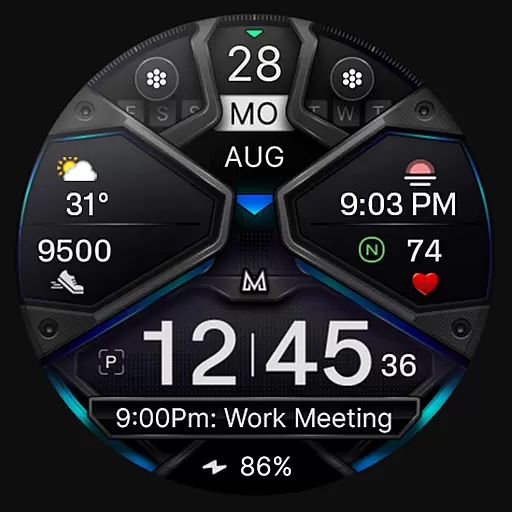
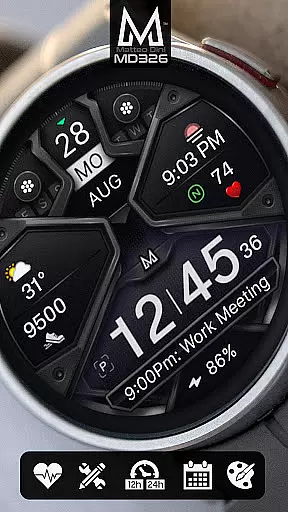
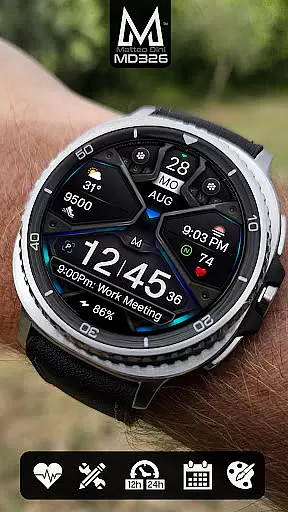
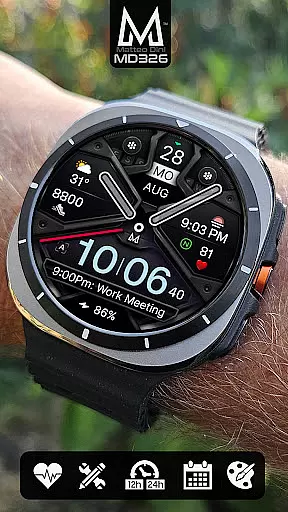
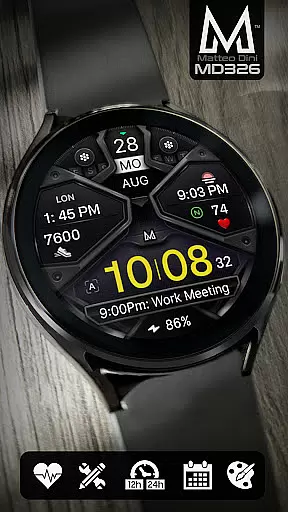
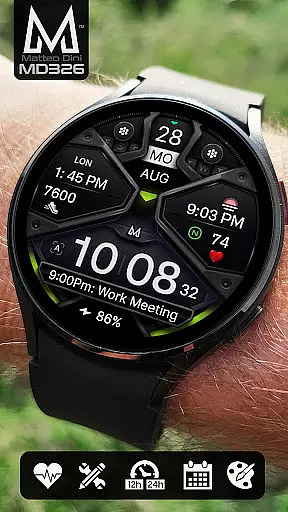
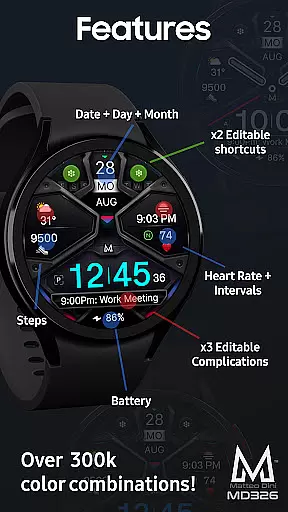
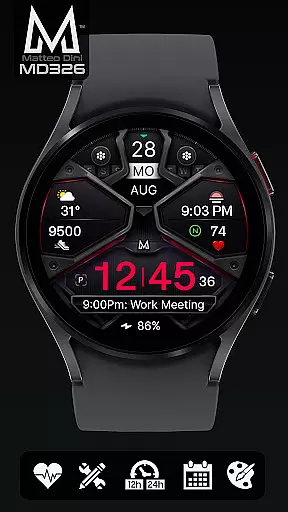
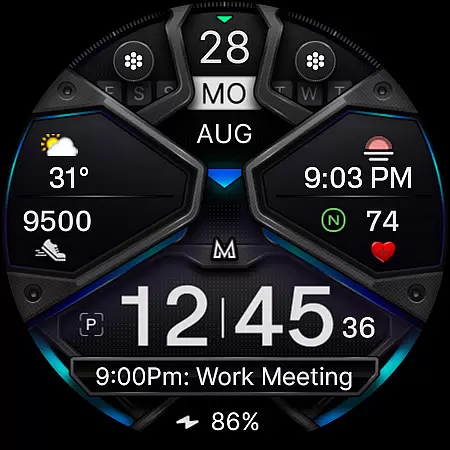
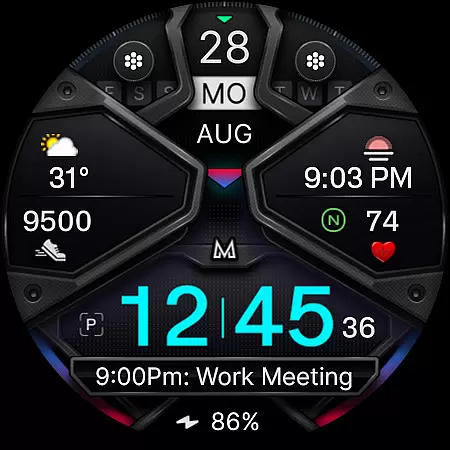
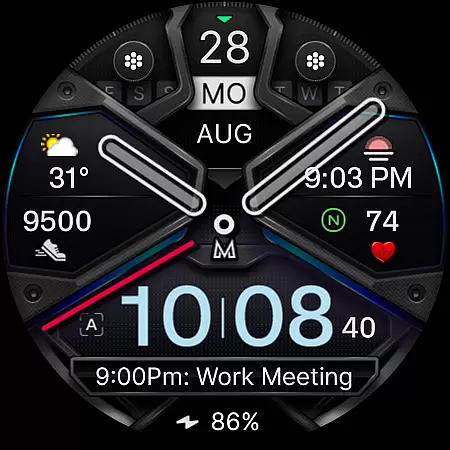
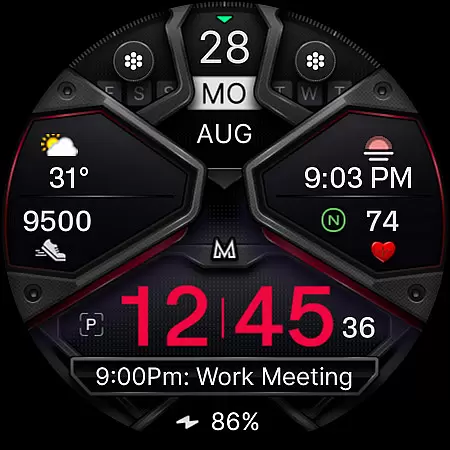
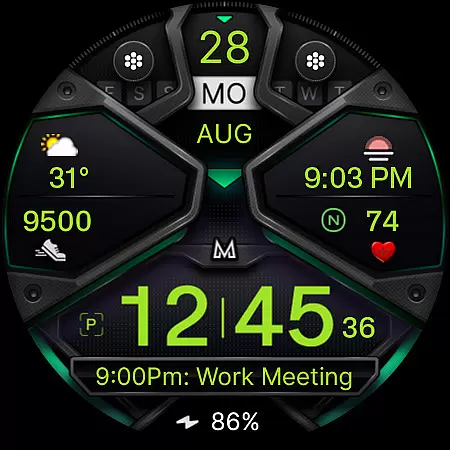
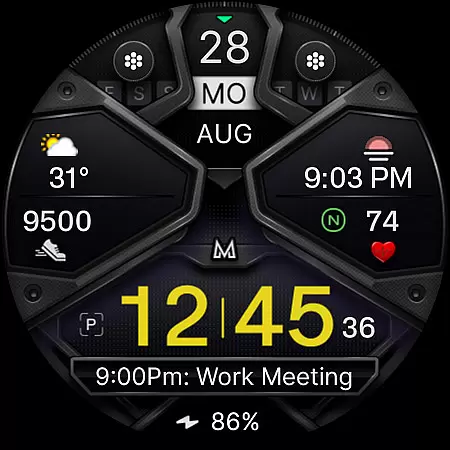
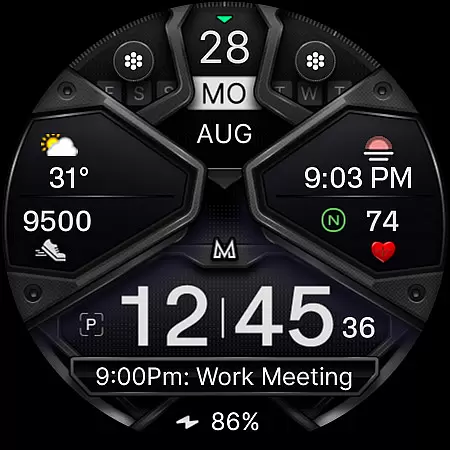
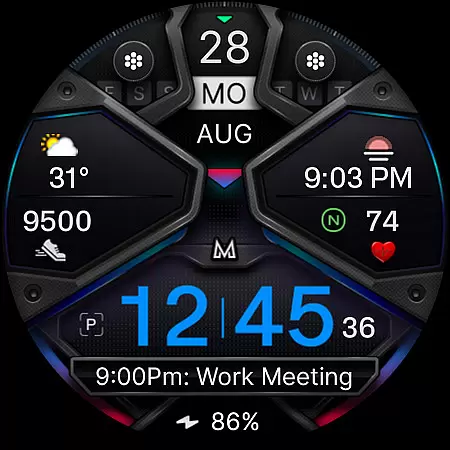
MD326 3D Modern Watch Face offers a sophisticated and customizable timepiece experience for Wear OS users. This watch face features a modern design with advanced functionalities, including three preset app shortcuts, two customizable shortcuts, and three complications that can display various data types such as weather, barometer readings, and UV index.
The interface supports both 12/24-hour formats based on phone settings and includes essential details like date, day, month, battery status, step count, and heart rate monitoring. With compatibility across all Wear OS devices running API Level 33+ (Wear OS 4 and later), it ensures broad usability.
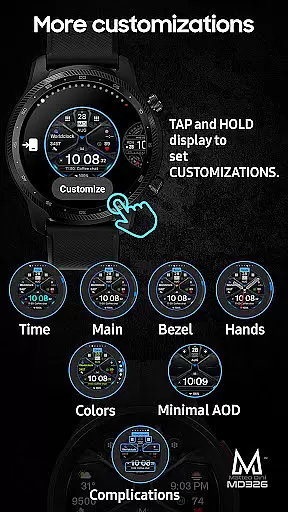
Users can personalize their watch face by changing colors of the time display, bezel, background, and more. The Always-On Display option provides convenience while maintaining style. Despite current installation challenges via Samsung's editor, direct customization on the watch is recommended until resolved.
MD326 3D Modern Watch Face stands out with its extensive customization options. Users can modify the appearance through color changes for time, bezel, background, and general elements. The inclusion of an Always-On Display with optional minimal style enhances visibility without compromising aesthetics.
Functionality extends to practical features such as calendar access, battery information, and heart rate measurement shortcuts. Complications are highly adaptable, allowing integration of diverse data sources like world clocks or environmental sensors. These capabilities ensure that users have relevant information at their fingertips.
Installation guidance is provided via an external link, addressing potential troubleshooting needs. While some features may vary in availability depending on the device, overall performance remains robust. By tapping and holding the screen, followed by selecting customize, users gain full control over their digital timepiece's layout and functionality.
Companion app integration is essential for a seamless wearable experience. The MD326 3D Modern Watch Face offers robust connectivity with its companion app, ensuring that all customizations and settings are effortlessly synchronized between your smartphone and Wear OS device.
This watch face allows users to customize various elements directly from their phone or on the watch itself. With options to change colors of time, bezel, background, and more, the synchronization ensures that every personalization made via the companion app reflects immediately on your wearable.
The Samsung Wearable app's editor can sometimes struggle with complex designs, but this isn't an issue with the watch face itself. Instead, users are encouraged to customize directly on their watch for optimal results until any external issues are resolved by Samsung.
By supporting all Wear OS devices with API Level 33+ like Samsung Galaxy Watches and Pixel Watches, it guarantees broad compatibility and reliable performance across different models, making it versatile for tech-savvy individuals seeking both functionality and style in their smartwatch experience.
Ensuring wide-ranging compatibility is crucial for maximizing user accessibility. The MD326 3D Modern Watch Face supports all Wear OS devices operating on API Level 33+ (Wear OS 4 and later), including popular models such as Samsung Galaxy Watch series and Pixel Watches.
This extensive support means you won't have to worry about whether your device will work with this sophisticated watch face. Whether you own a Samsung Galaxy Watch 4-8, Ultra, or another compatible model, you'll enjoy full access to its rich features without compromise.
Features include preset app shortcuts for Calendar, Battery, and Heart Rate measurement; customizable complications allowing data selection like weather or barometer readings; and adjustable display elements ranging from time format based on phone settings to hideable hands and changeable colors.
For those who encounter challenges using the Samsung Wearable appu2019s editor due to complexity, direct customization on the watch provides a practical alternative. This flexibility underscores the commitment to delivering a superior user experience regardless of potential platform limitations.
Highly Customizable
Modern Aesthetic Design
Comprehensive Data Integration
User-Friendly Interface
Broad Device Compatibility
Complex Setup Process
Limited Shortcut Options
Potential Feature Limitations
Dependent on Device Capabilities
Occasional Sync Issues

"PER27 Galaxy Digital" is a digital Wear OS watch face designed by PERSONA
 4.10
4.10
A customizable Christmas watch face for Wear OS with a countdown.
4.20
Christmas watch face. For Wear OS devices.
4.30
MyNISSAN® lets you remotely control your car from your phone.*
4.50
Beautiful artistic animated digital watch face, with a customizable layout!
4.40
Locate your family members by GPS phone location tracker everywhere and anytime
4.30
Gym & home workout plans with strength training, exercise tracking, HIIT & more.
4.60
Animated video-game inspired “secret agent” simulation, right on your wrist!
4.20
Simple, helpful messaging by Google
4.60
Real-time weather radar with temperatures, warnings, hurricanes, and widgets
4.80
A modern premium sporty hybrid watch face for Wear OS by Ballozi
4.70
Digital watch face with big numbers and many customization for Wear OS devices
4.40
Bold weather Digital watchface with forecast & optional animated background
4.40
Your music, your playlists, and more—offline and unlimited.
4.20
Professional weather radar and more
3.90
Christmas is near, let's count together the days left until Santa comes
4.1
Analog watch face with 8 complications and expedition styling
4.2
A heartwarming Christmas scene featuring a cute image of Santa and Rudolf
4.5
Contemporary digital watch face with five complications
4.5


User Reviews