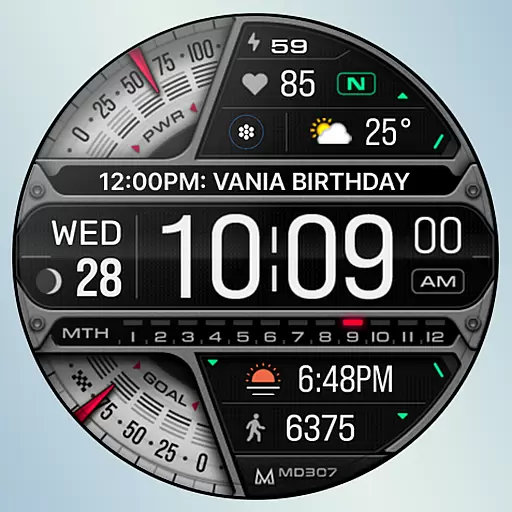
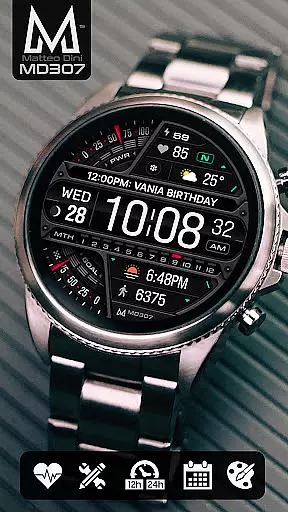
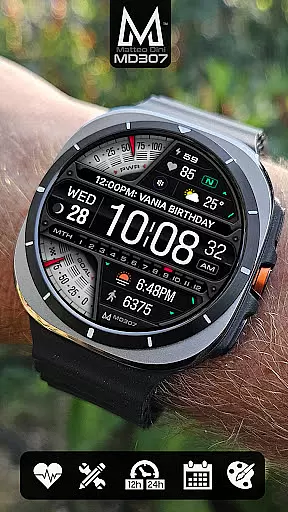
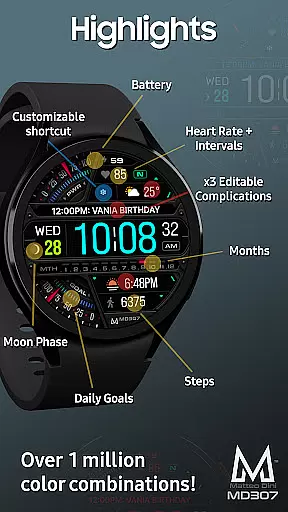
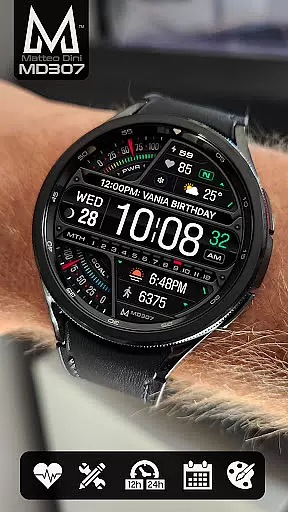
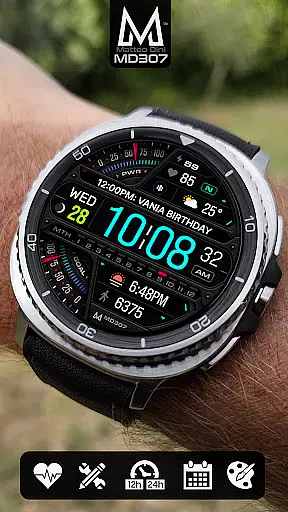
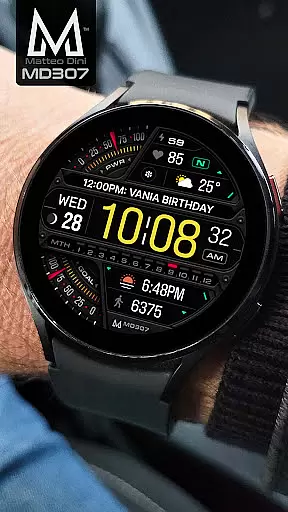
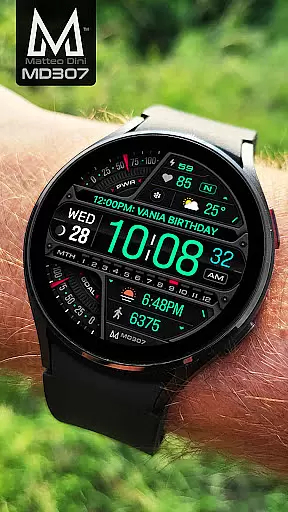
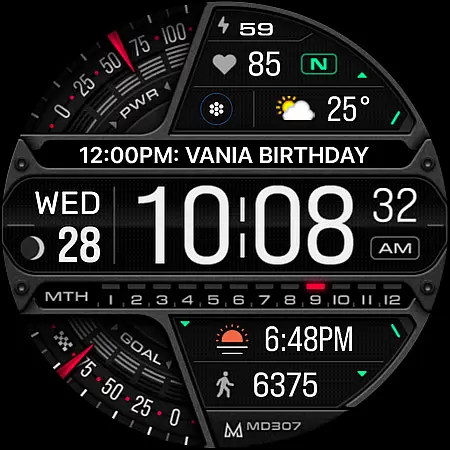
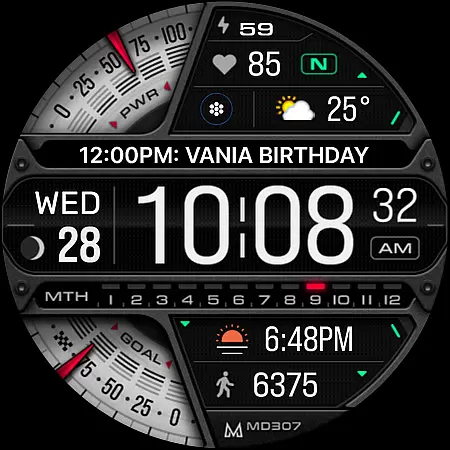
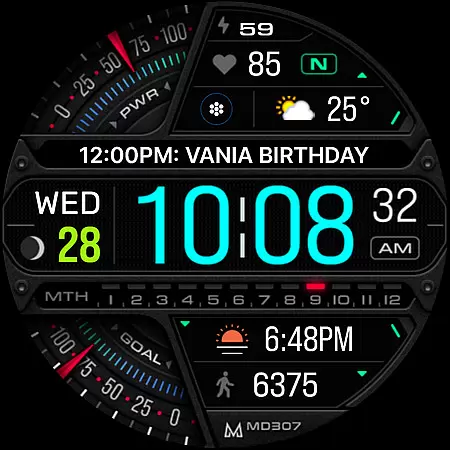
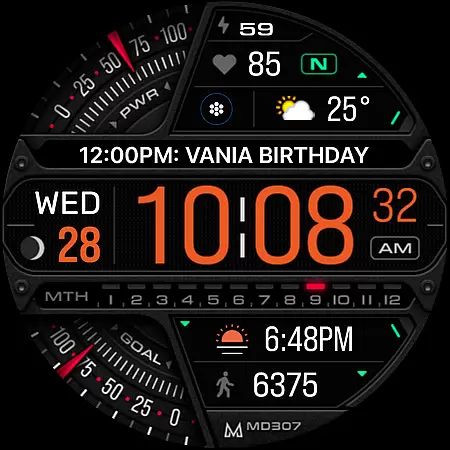
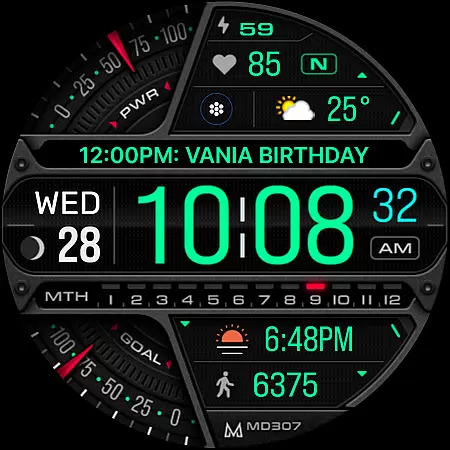
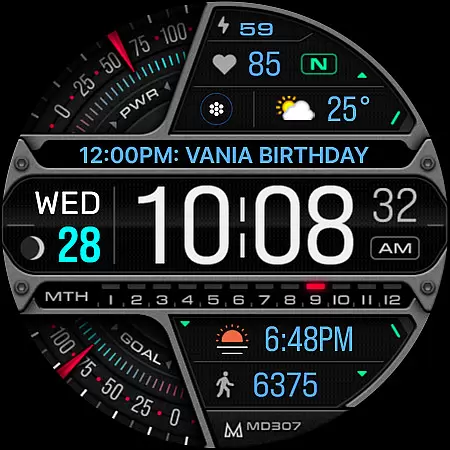
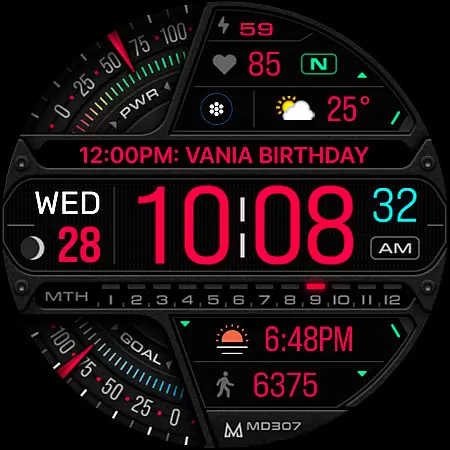
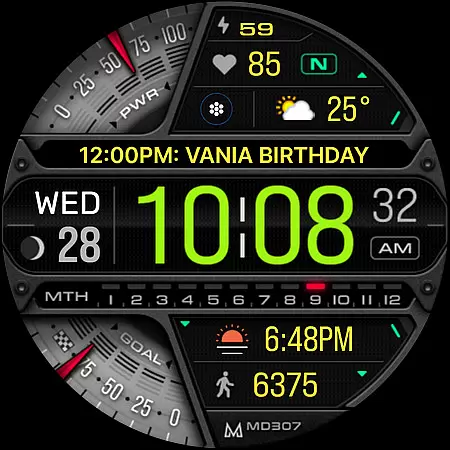
MD307 Digital watch face offers a feature-rich customization experience for Wear OS users. It includes 3 preset app shortcuts, 1 customizable shortcut, moon phase, step tracking, daily goals, heart rate monitoring, and 3 customizable complications. The design supports Always ON Display with changeable colors and minimal style.
This watch face is optimized for Samsung Galaxy Watch 4-8, Ultra, Pixel Watch, and other devices running API Level 33+ (Wear OS 4 and later). Users can customize the watch face directly on their device to avoid issues with the Samsung Wearable app's editor.
Ideal for tech-savvy users who want both functionality and personalization on their smartwatch, MD307 provides essential data at a glance while allowing detailed adjustments to match individual preferences.
MD307 Digital watch face stands out with its comprehensive set of features designed for maximum utility and customization. It displays 12/24hr digital time, date, moon phase, battery status, heart rate with intervals, steps, and daily step goals. The inclusion of 3 preset app shortcuts (Calendar, Battery, Measure HR) and 1 customizable shortcut enhances accessibility.
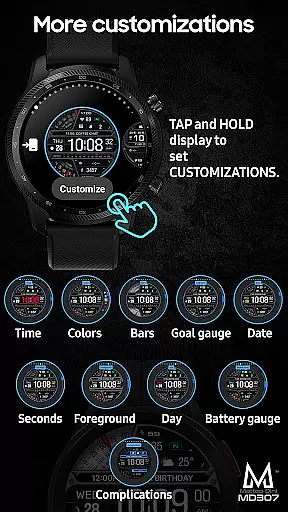
One of the key highlights is the ability to customize 3 complications with any preferred data such as weather, time zone, or barometer readings. Users can also adjust the colors of various elements including time, date, day, seconds, foreground, bars, goal and battery gauges, offering a personalized aesthetic.
The Always ON Display feature ensures that essential information remains visible even when the screen is not active. This combination of practical functionalities and customization options makes MD307 a versatile choice for Wear OS users seeking both form and function in their watch faces.
Companion app integration is essential for a seamless wearable experience. The MD307 Digital watch face offers robust connectivity with its companion app, ensuring that all your preferences and customizations sync effortlessly between your smartphone and the watch. This synchronization allows users to enjoy a hassle-free setup process where settings configured on the phone are accurately reflected on the wearable device.
The Samsung Wearable app, while sometimes struggling with complex interfaces, supports the customization of this digital watch face directly on the Galaxy Watch. Users can tap and hold the screen on their watch, then select the customize option to adjust shortcuts, complications, and color schemes without needing to rely entirely on the companion app. This direct approach ensures that even if there are temporary issues with the editor in the companion app, you can still personalize your watch face according to your liking.
By supporting features like Preset App shortcuts and customizable complications, the MD307 enhances user interaction through its companion app. These elements provide quick access to frequently used apps and display relevant data such as weather or heart rate directly on the watch face. Such integration not only streamlines daily tasks but also enriches the overall utility of the smartwatch by keeping important information readily accessible at a glance.
Ensuring broad device compatibility is crucial for any Wear OS application, and the MD307 Digital watch face excels in this area. Designed to support all Wear OS devices with API Level 33+ (Wear OS 4 and later versions), it caters to a wide range of smartwatches including popular models like Samsung Galaxy Watch 4-8, Ultra, and Pixel Watch. This extensive compatibility guarantees that users across different devices can enjoy the advanced features offered by this digital watch face without worrying about technical limitations.
The watch face's design takes full advantage of Wear OS capabilities, providing functionalities such as Always ON Display with changeable colors and minimal style. By adhering to platform standards, the MD307 ensures optimal performance and visual appeal on supported devices. Users benefit from consistent behavior whether they're using a Samsung or another brand's smartwatch, enjoying features like 12/24hr digital time, moon phase tracking, battery status, heart rate monitoring, steps counting, and more.
Moreover, the ability to customize various aspectsu2014such as app shortcuts, complications, and color schemesu2014further underscores the thoughtful engineering behind the MD307u2019s cross-device functionality. Whether you prefer preset options like Calendar, Battery, Measure HR, or wish to tailor specific data points such as weather or time zones, this watch face delivers flexibility and personalization within a universally compatible framework. Thus, regardless of your chosen Wear OS device, the MD307 promises an engaging and adaptable user experience.
Highly customizable
Feature-rich interface
Supports Always ON Display
Compatible with latest Wear OS
Comprehensive health tracking
Complex setup process
Limited compatibility
Editor issues on Samsung
Premium customization needed
Battery consumption concerns

A heartwarming Christmas scene featuring a cute image of Santa and Rudolf
 4.4
4.4
A watch face that fuses motorsport precision with contemporary smartwatch design
4.3
Wear Os Watch Face - Animated Snow Effect & Magic Spark - 6 Scenes
4.10
Ideal for surviving in the wasteland left after nuclear fallout
4.50
Get helpful reminders, take progress photos and find answers to your questions.
3.90
Funny animated watch face for Thanksgiving
4.3
A digital watch face that celebrates Christmas.
4.00
Connect, create, and collaborate with Gmail, part of Google Workspace.
4.10
Spam call blocker and caller ID for automatic call protection!
4.40
Christmas Theme Watch Face for Wear Os
5.00
Your second brain for organizing your life: to-do, calendar, reminder.
4.70
The most customizable hybrid watch face. For Wear OS 5.0, API 34+ and later
4.70
Rose gold watch face with festive lights & customizable features.
4.60
Reliable phone calls with spam protection, caller ID and more helpful features
4.40
Viewer for Wyze/Yi/Eufy/Arlo/ONVIF/RTSP/P2P IP cams w/ adv. features & DIY DVR
4.00
Stay in touch with your friends and family using LINE!
3.40
Artistic Digital Watchface
4.3
Stylish digital watch face for Wear OS devices with customizable features
4.1
Minimalistic design modern digital watch face.
4.0


User Reviews