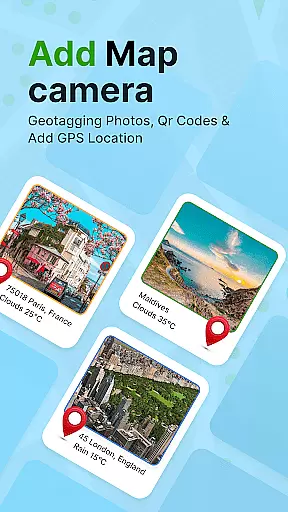
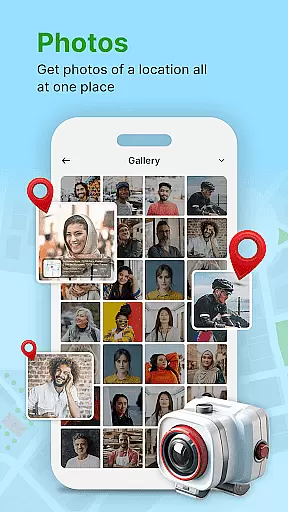
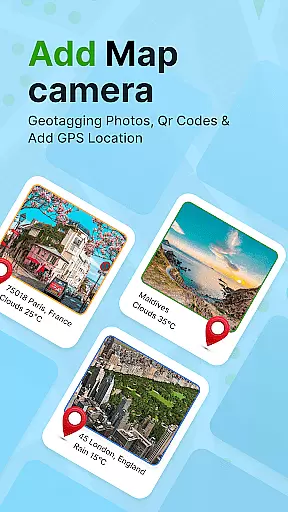
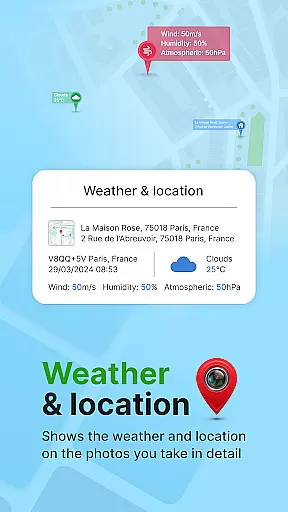
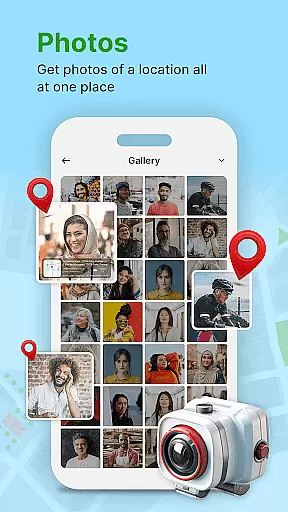
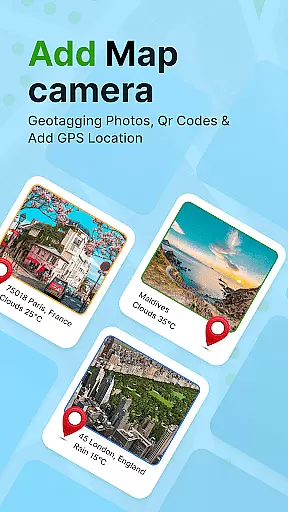
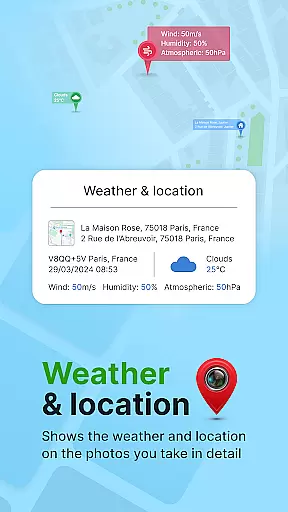
GPS Geotag Photos & Camera Map is a powerful photography tool designed to enhance your photo-taking experience by embedding precise location data into your images. This app automatically adds GPS coordinates, altitude, and address information directly into the metadata of your photos, making it easy to track where and when each photo was taken.
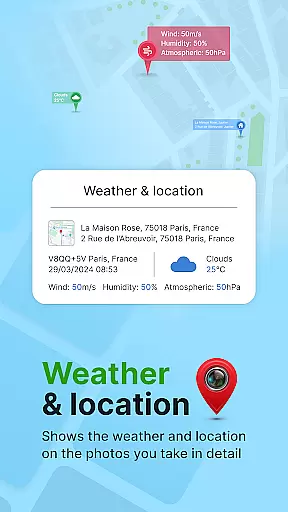
In addition to geotagging, the app offers advanced customization options, allowing users to add timestamps, weather details, and even live maps to their photos. Whether you're a professional photographer or simply someone who loves capturing memories, this app provides valuable context to your images while offering features like QR code scanning and manual location adjustments for more accurate tagging.
This app is particularly useful for travelers and outdoor enthusiasts who want to document their journeys with detailed location information. By providing an automatic and customizable geotagging solution, GPS Geotag Photos & Camera Map ensures that every photo tells a story, complete with its unique geographical and environmental details.
One of the standout features of GPS Geotag Photos & Camera Map is its ability to automatically embed GPS data into photos. The app captures not only latitude and longitude but also altitude, address, and weather conditions, giving users a comprehensive set of metadata for each image. This feature is especially beneficial for photographers who need accurate records of shooting locations.
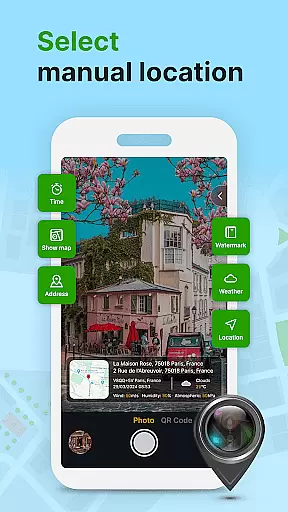
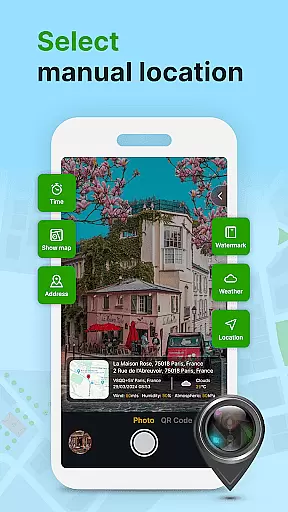
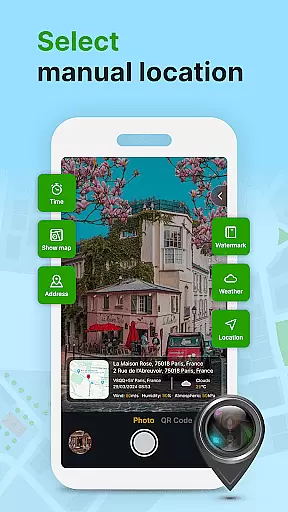
The app also includes several customization options, such as adjusting font styles, sizes, colors, and positions of timestamps on photos. Users can manually fine-tune location settings if needed, ensuring precision in geotagging. Additionally, the built-in QR code scanner allows for quick access to extra functionalities, enhancing the overall utility of the app.
Another notable feature is the live map integration, which lets users visualize their photo locations in real-time. With support for both automatic and manual geotagging, this app caters to various user needs, from casual photographers looking for convenience to professionals requiring meticulous control over their image metadata.
Real-time capture and preview functionality is essential for ensuring that each photo taken with GPS Geotag Photos & Camera Map app accurately reflects the desired composition. This feature allows users to see exactly what the camera sees, making it easier to frame shots perfectly.
The app supports capturing stunning photos while automatically embedding GPS coordinates, altitude, and even the address into the image metadata. This means that as soon as you take a photo, all relevant location data is instantly saved with it, providing an invaluable reference for future use.
Users can also customize various aspects of their photos directly within the preview screen. Options include adjusting the font, size, color, and position of timestamps, ensuring that each photo not only captures the moment but also presents it in the best possible way.
Overall, the real-time capture and preview capabilities of this app enhance the photography experience by combining practical functionality with creative control, allowing photographers to focus on capturing memorable moments without worrying about losing important location details.
While primarily focused on geotagging, GPS Geotag Photos & Camera Map app also offers features aimed at enhancing photo quality through AI beauty and enhancement tools. These tools are designed to improve the visual appeal of photos while maintaining a natural look.
One notable feature is the ability to add geo-location stamps automatically, which not only helps in organizing photos based on location but also enhances them by providing contextual information. Additionally, the app allows for manual adjustments of latitude and longitude, giving users precise control over the location data embedded in their images.
Customization options extend beyond just location data. Users can fine-tune various elements such as the font, size, color, and position of timestamps, ensuring that any enhancements made to the photos are both subtle and effective. This attention to detail ensures that the final product remains authentic and true to the original scene.
By integrating these AI-driven enhancements, the app provides a balanced approach to photo editing, where the primary focus remains on preserving the natural beauty of the captured moment while still offering tools to elevate the overall quality of the image.
User-friendly interface
Automatic geotagging
Customizable timestamp
Live map integration
QR code scanner
Requires constant GPS
Drains battery quickly
Limited free features
Occasional bugs
Heavy file size

Remote control of the phone camera from your Wear OS smartwatch
 3.70
3.70
AI portrait generator and polaroid AI selfie, fun AI generated AI photo creator!
4.30
All-in-One Editor & AI Photo Enhancer, Collage, Cartoonify, Funny Stickers & BGS
4.10
Pet Camera
3.70
Amazing Photo Effects - The most fun you can have with your photos!
4.70
A reflected light meter with spot metering and incident light metering.
4.40
Easily view, share, delete photos with Gallery.
4.70
RAW video capture with advanced controls
4.40
Snap photos remotely using your Garmin watch as the camera trigger
4.3
Find time and duration of different sunlight phases at any location
4.90
Photo editor: AI filters, photo enhancer, pic collage maker, AI art generator.
4.80
Cut and paste photo editor & eraser to customize photos easy and swap faces fun
4.50
Transform photos into videos! Create realistic or anime-style images easily!
4.50
[3DSteroid Pro] is a stereoscopic application for Android.
4.30
Transform Photos: Edit, Beautify and Craft Memories & Make Collages!
4.10
Catch sunlight, sunrise sunset times and sun phases with the AR sun tracker.
4.10
live datamoshing
4.00
Gallery Slideshow is slideshow maker app for slideshow from your gallery photos.
3.90
Long exposure camera with computational photography
2.60


User Reviews