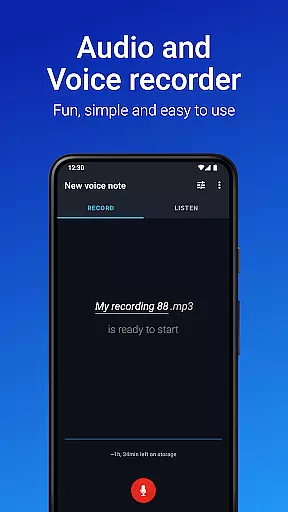
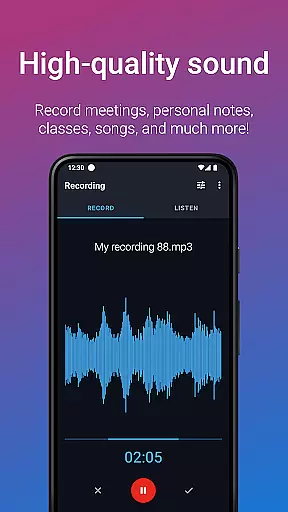
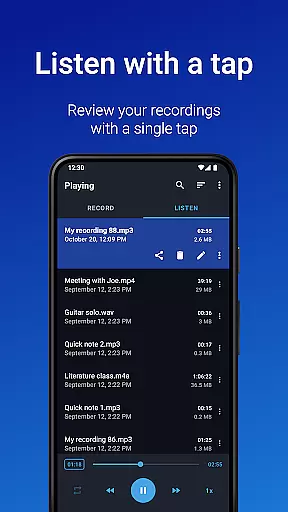
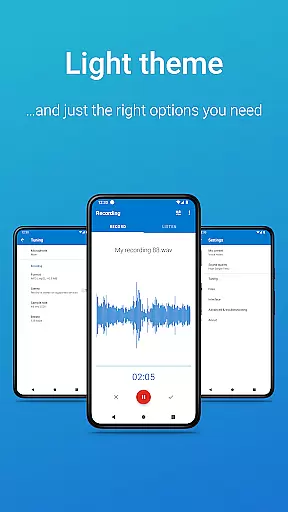
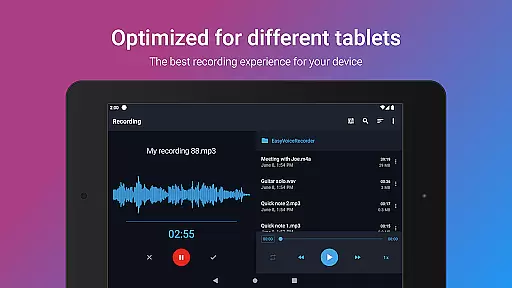
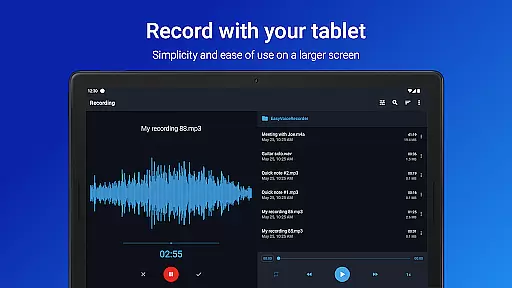
Easy Voice Recorder Pro is a versatile audio recording application designed for Android devices, including smartwatches. This app allows users to capture high-quality recordings of meetings, classes, music rehearsals, and more without any time restrictions or advertisements. With its user-friendly interface, it caters to a wide range of users from students and business professionals to musicians.
The app offers exclusive Pro features such as automatic cloud uploads to Google Drive or Dropbox, support for multiple audio formats like MP3 and FLAC, and the ability to record using Bluetooth microphones. It also includes editing capabilities, folder organization, and control through the notifications bar. These features ensure that Easy Voice Recorder Pro stands out as an adaptable tool for various recording needs.
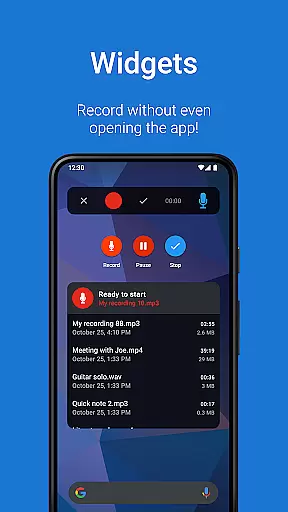
Whether you're commuting and want to record voice notes or attending lengthy lectures, this app provides a reliable solution with powerful widgets and shortcuts to start new recordings instantly. Its compatibility with Wear OS enables convenient recording directly from your smartwatch, making it an essential companion for capturing important moments on-the-go.
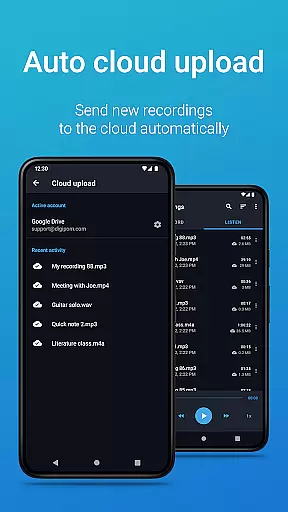
Easy Voice Recorder Pro boasts an array of features that enhance the recording experience. One standout feature is its ability to automatically upload new recordings to cloud services like Google Drive or Dropbox, ensuring your files are always backed up and accessible from anywhere.
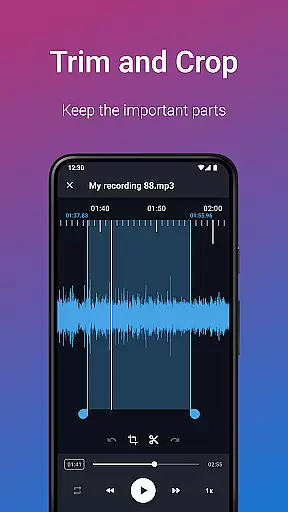
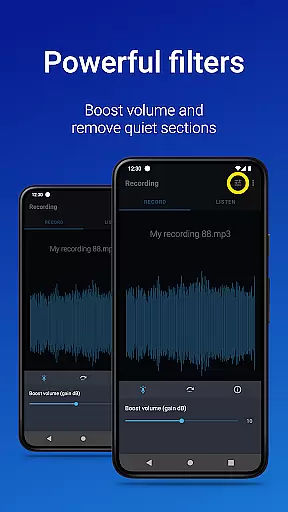
In addition to supporting standard audio formats, the app allows recording in high-quality PCM, MP4, AMR, MP3, FLAC, and AAC formats. Users can fine-tune their recordings with options like stereo recording, custom bitrates, and volume boosting. The inclusion of Edit mode lets users trim unwanted sections, while folder management helps keep recordings organized efficiently.
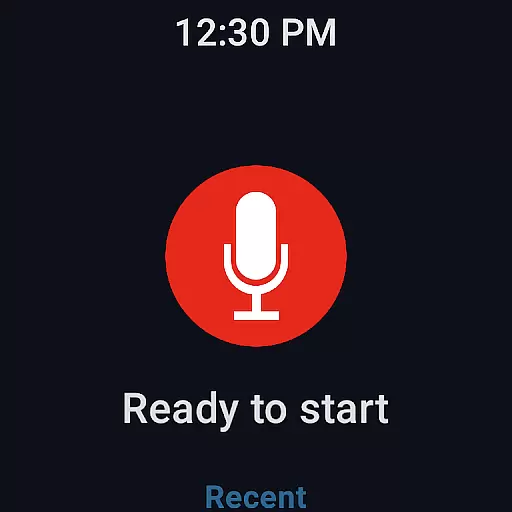
For those who require hands-free operation, the app supports Bluetooth microphones and offers control through the notifications bar. Integration with Wear OS extends functionality to smartwatches, allowing quick starts via watch tiles. These comprehensive features make Easy Voice Recorder Pro a top choice for anyone needing a robust audio recorder.
Companion app integration is essential for a seamless recording experience across multiple devices. Easy Voice Recorder Pro excels in this area by offering robust connectivity options between your smartphone, tablet, and Wear OS smartwatch.
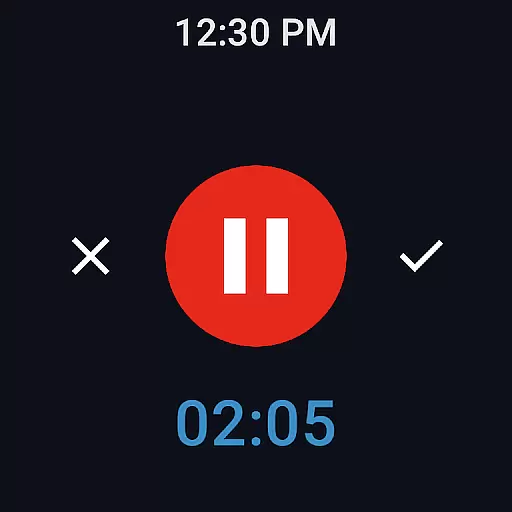
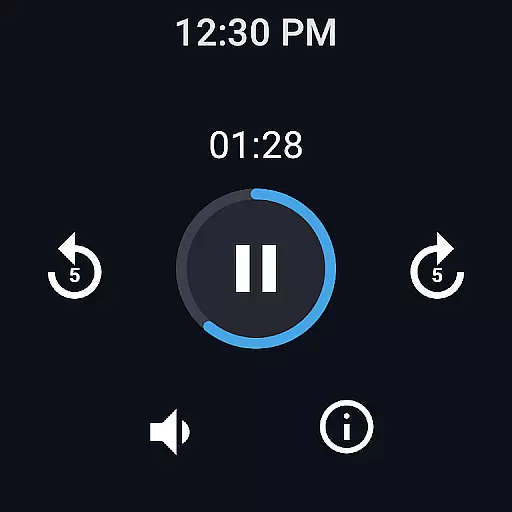
The application allows you to start, pause, and stop recordings directly from your Wear OS device, ensuring that you never miss an important moment. This feature is particularly useful during meetings or lectures when you need to capture information discreetly without drawing attention.
Furthermore, the automatic cloud upload functionality ensures that all your recordings are safely stored and easily accessible from any of your linked devices. Whether you're commuting or working remotely, your files are automatically synced to Google Drive or Dropbox, providing peace of mind and effortless access.
This level of integration not only enhances convenience but also boosts productivity by allowing users to manage their recordings efficiently, regardless of the device they are using at any given time.
Wear OS and device compatibility is a standout feature of Easy Voice Recorder Pro, designed to provide users with maximum flexibility and ease of use. The app supports a wide range of devices, ensuring that whether you're using a smartphone, tablet, or Wear OS smartwatch, you can enjoy a consistent and high-quality recording experience.
For users who rely on their Wear OS devices, the app offers dedicated functionalities such as quick-start tiles and background recording capabilities. These features allow for discreet and efficient audio capture, which is crucial in professional settings like interviews or business meetings.
In addition to supporting various devices, Easy Voice Recorder Pro also offers advanced recording options tailored to different scenarios. Whether you need to record lectures, music rehearsals, or personal notes, the app provides customizable settings that cater to your specific needs.
By prioritizing broad device compatibility and offering specialized features for each platform, Easy Voice Recorder Pro ensures that users can leverage the full potential of their devices, enhancing both convenience and recording quality.
User-friendly interface
No time limits or ads
Automatic cloud uploads
Multiple audio formats
Wear OS compatibility
Not a call recorder
Premium version required
Limited free features
Requires external storage
Microphone permission needed

Gym Log & Workout Tracker | Fitness Journal, Training & Weight Lifting Planner
 4.90
4.90
Animated Watch Face and Customizable with 24 Backgrounds. Perfect for Christmas!
3.90
Beautiful, colorful and practical watch face. For Wear OS devices.
5.00
Watch face designed for Thanksgiving Day. 7 Background Styles included.
3.20
Watch face for Wear OS.
4.20
3 Complications. All shadow on/off. 30 Themes color palette...
4.1
Bold, Modern Hybrid Watch Face for Wear OS. 10 Colors, Rich Info Display.
4.30
Professional weather radar and more
3.90
Minimalistic design modern digital watch face.
4.0
A modern hybrid informative watch face for Wear OS designed by BALLOZI
4.80
Your second brain for organizing your life: to-do, calendar, reminder.
4.70
Real-time results, stats, schedules and player profiles for all leagues
4.60
Current temperature, weather hourly, weather radar by the weather forecast app
4.40
Beautiful artistic animated digital watch face, with a customizable layout!
4.40
Let's celebrate Thanksgiving - Wear Os watch face
4.20
sleep, alarm, snoring, stress, healing, focus, sound therapy, circadian rhythm
4.10
Authentic military-tactical design with ZULU time! Realistic and functional!
3.80
Analog watch face with 8 complications and expedition styling
4.5
A watch face that fuses motorsport precision with contemporary smartwatch design
4.1


User Reviews