
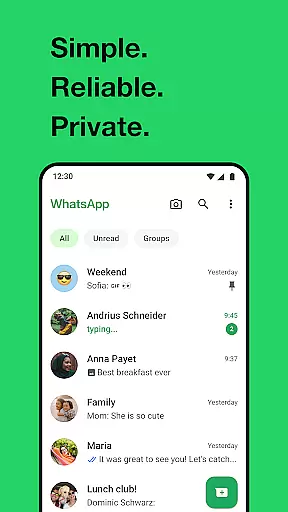
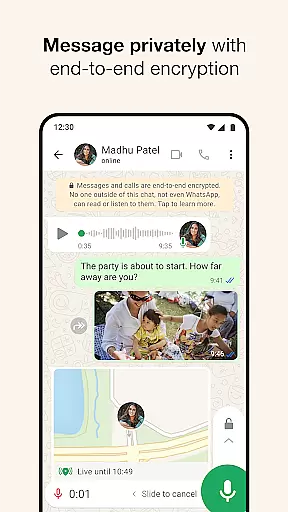
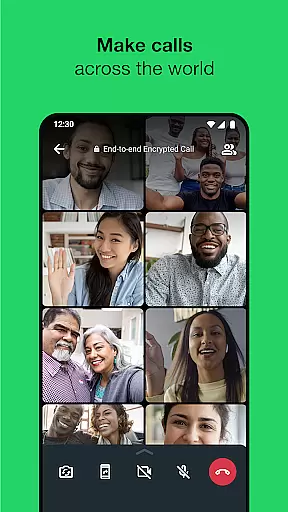
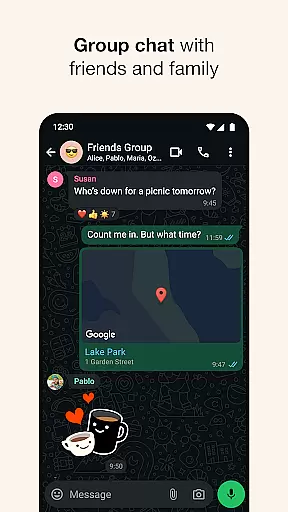
WhatsApp Messenger is a leading communication app that allows users to send messages, make voice and video calls, and share media across mobile and desktop platforms. Its core functionality lies in providing secure, end-to-end encrypted conversations, ensuring privacy for personal and group chats. The app also supports features tailored for Android Wear, enabling users to manage chats and calls directly from their smartwatch.
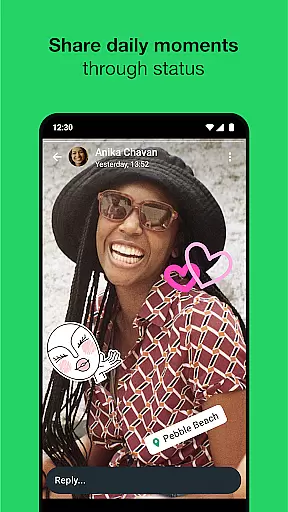
With over 2 billion users globally, WhatsApp stands out for its simplicity and reliability, even on slower internet connections. It eliminates the need for usernames, using phone numbers instead for seamless contact integration. Whether staying connected through high-quality group chats or sharing updates via Status, WhatsApp offers versatile tools for real-time communication while maintaining robust security standards.
WhatsApp Messenger excels with its comprehensive feature set designed for modern communication needs. One standout aspect is its end-to-end encryption, which secures all messages, voice calls, and video calls, making it nearly impossible for unauthorized parties to access user data. This ensures complete privacy for both individual and group interactions.
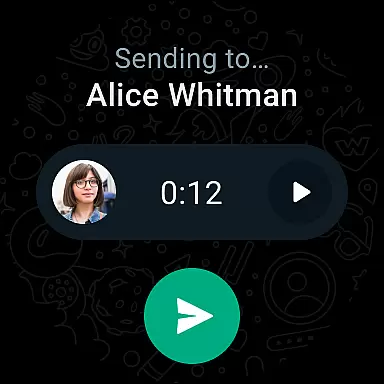
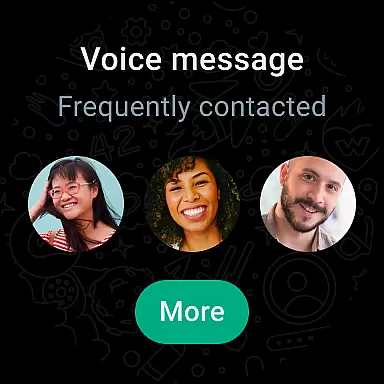
The app's compatibility with Android Wear enhances accessibility by allowing users to respond to messages, take calls, and utilize voice commands directly from their smartwatches. Additionally, WhatsApp supports rich media sharing, including photos, videos, documents, and voice notes, within chats or groups of up to 32 participants. Features like live location sharing and disappearing Status updates further enrich the user experience, offering dynamic ways to engage with contacts securely.
Companion app integration is crucial for a seamless user experience across multiple devices. WhatsApp Messenger excels in this area by offering robust synchronization between mobile and desktop platforms.
The application ensures that all your messages, calls, and status updates are consistently mirrored on any linked device. This means you can start a conversation on your phone during your commute and continue it on your desktop when you arrive at work.
WhatsApp's companion app feature provides users with the flexibility to stay connected regardless of their current device. This cross-device functionality enhances productivity and convenience, allowing users to maintain communication without interruption.
Furthermore, the integration extends to Wear OS devices, enabling users to receive notifications, reply to messages, and even take calls directly from their smartwatch. This comprehensive ecosystem creates a unified communication experience that adapts to modern lifestyles.
Wear OS compatibility has become increasingly important as more users adopt smartwatches as part of their daily routine. WhatsApp Messenger addresses this need by providing dedicated support for Wear OS devices.
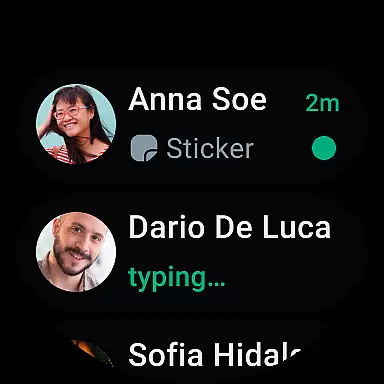
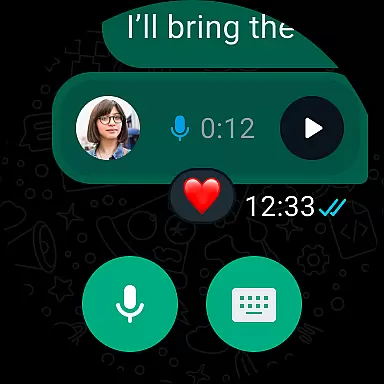
The application offers specially designed interface elements that work perfectly on smaller watch displays. Users can view recent chats, read incoming messages, and respond quickly using voice commands or pre-defined responses.
WhatsApp's Wear OS implementation goes beyond basic messaging by incorporating essential features like call notifications and quick replies. The app also utilizes watch-specific functionalities such as tiles and complications for easy access to conversations.
This comprehensive approach to device compatibility ensures that users remain connected throughout their day, regardless of whether they're checking their phone or glancing at their wrist. The seamless integration maintains full functionality while adapting to the unique constraints of wearable technology.
End-to-end encryption
Cross-platform support
High-quality calls
User-friendly interface
Wide global adoption
Limited customization options
No built-in GIF library
Heavy battery usage
Requires constant connectivity
Status posts disappear after 24 hours

Embrace the holiday spirit with this magical animated watch face!
 4.40
4.40
A modern premium sporty hybrid watch face for Wear OS by Ballozi
4.70
Nutrition, Macro tracker: Food, fitness & healthy diet tracking for weight loss
4.60
To-Do List: daily schedule planner, task organizer, to do reminder app, calendar
4.60
The Chevron App allows you to pay for fuel from the comfort of your car!
4.80
Stay in touch with your friends and family using LINE!
3.40
Professional weather radar and more
3.90
Premium hybrid watch face with many customizations for Wear OS devices.
4.40
A white realistic classic analog watch face with many customization options.
4.40
Christmas - Festive - Christmas Village - Winter - Christmas lights
5.00
A modern hybrid informative watch face for Wear OS designed by BALLOZI
4.80
WTW M17 is a premium and luxurious hybrid watch face
4.70
Be an elegant and classy secret agent, with this carefully detailed watch face
4.70
Ideal for surviving in the wasteland left after nuclear fallout
4.50
Beautiful artistic animated digital watch face, with a customizable layout!
4.40
Reliable phone calls with spam protection, caller ID and more helpful features
4.40
sleep, alarm, snoring, stress, healing, focus, sound therapy, circadian rhythm
4.10
Authentic military-tactical design with ZULU time! Realistic and functional!
3.80
Hybrid Vibrant Health Watch Face for Wear OS
4.0


User Reviews