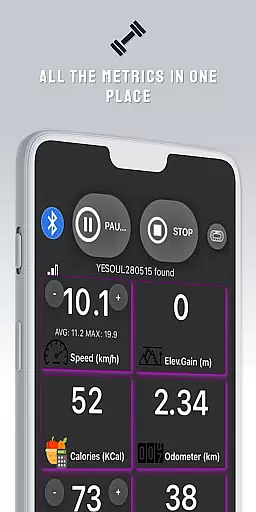
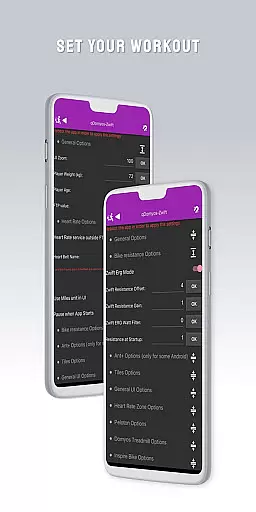
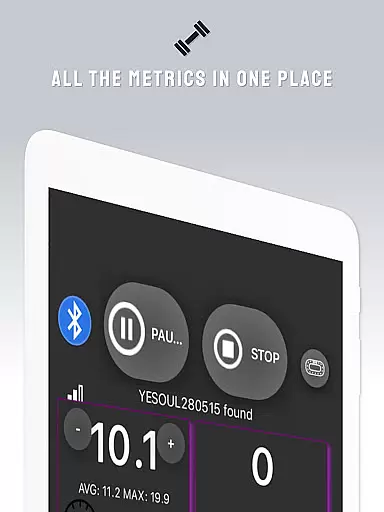
QZ is a versatile connectivity app designed specifically for fitness enthusiasts who want to integrate their exercise equipment with popular platforms like Zwift and Strava. The app serves as a bridge, enabling treadmills, bikes, and other workout machines from brands like Domyos, Echelon, Proform, Flywheel, Yesoul, and Toorx to seamlessly connect and function within these ecosystems.
In addition to its core compatibility features, QZ also supports Wear OS, allowing users to track heart rate directly from their smartwatches and sync it with the main app. This creates a comprehensive and personalized fitness experience that adapts to various workout routines and preferences.
Whether you're looking to breathe new life into your existing exercise equipment or seeking a more integrated and automated workout session, QZ provides the tools necessary to enhance your training sessions while maintaining accurate performance metrics.
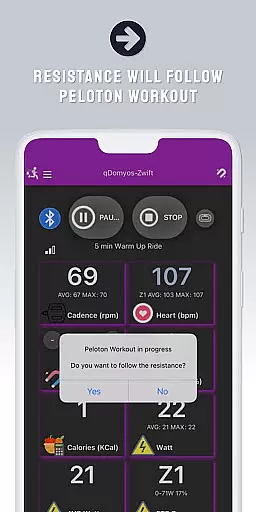
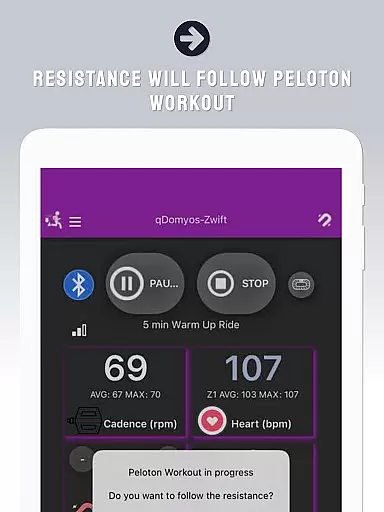
One of the standout features of QZ is its extensive compatibility list, which includes a wide range of exercise equipment brands and models. From Echelon bikes to Domyos treadmills and ellipticals, the app ensures that users can connect their specific machines without hassle. Notably, it also supports advanced functionalities such as auto-following workouts for Peloton users, where resistance levels are automatically adjusted based on the workout program.
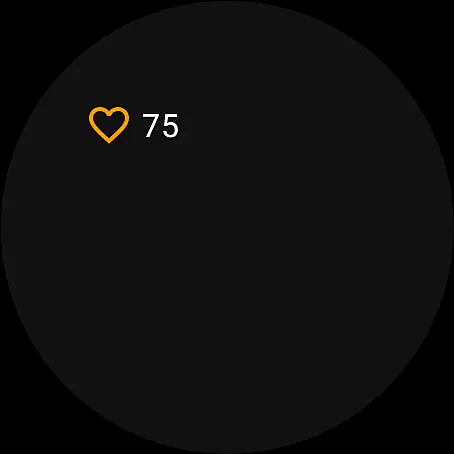
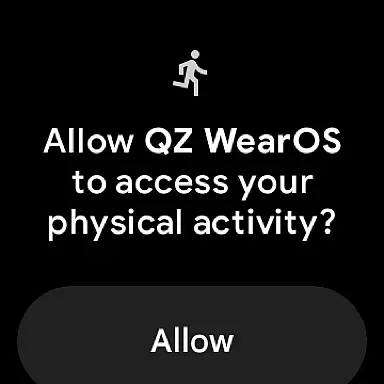
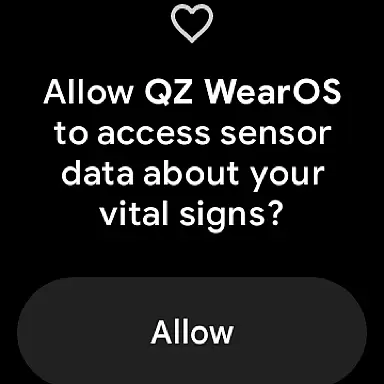
Another key feature is the integration with Wear OS devices. By downloading the companion app on your smartwatch, QZ can read your heart rate data and transmit it to the main application in real-time. This allows for precise monitoring of vital stats during workouts, enhancing both safety and performance tracking.
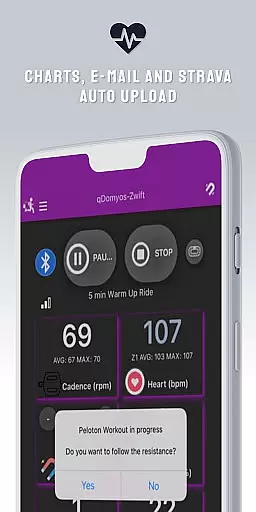
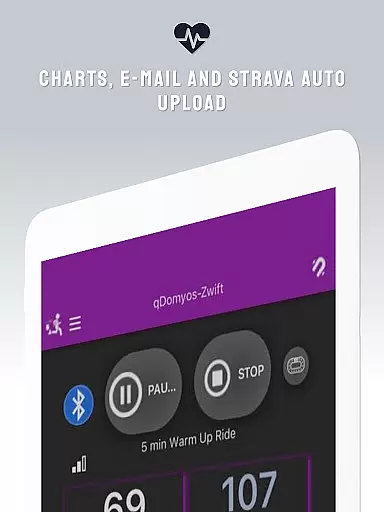
Additionally, QZ offers a Strava Autopload feature, making it easy for athletes to automatically upload their workout data to Strava. This seamless synchronization across multiple platforms ensures that users can maintain a consistent record of their fitness achievements without manual intervention.
Companion app integration is essential for users who want a seamless experience between their wearable devices and main applications. QZ (qdomyos-zwift) excels in this area by offering robust connectivity options.
The app allows users to connect their Domyos, Echelon, Proform, Flywheel, Yesoul, and Toorx treadmills or bikes directly to Zwift. This means that your smartphone acts as a bridge, ensuring that all your workout data is accurately transmitted to the virtual training platform.
Additionally, QZ supports Wear OS, enabling users to download the companion app on their smartwatches. This feature not only reads heart rate data but also sends it back to the main QZ app, providing a comprehensive view of your fitness metrics.
By integrating with Strava's Autopload feature, QZ ensures that all your achievements are automatically uploaded, keeping your records up-to-date without any manual input. This level of integration enhances user convenience and maximizes the utility of both the wearable and the main application.
Wear OS/device compatibility is crucial for users looking to maximize the potential of their smartwatches during workouts. QZ (qdomyos-zwift) offers extensive support for Wear OS, making it an ideal choice for fitness enthusiasts.
With its dedicated Wear OS app, QZ allows users to read heart rate data directly from their smartwatches. This information is then sent to the main QZ app, ensuring that all vital stats are captured and analyzed in real-time.
The compatibility list for QZ is impressive, covering a wide range of devices including Echelon, Domyos, Yesoul, Toorx, and more. This broad support ensures that regardless of the equipment you own, QZ can likely integrate with it.
Moreover, the app's ability to work with various treadmills, bikes, and elliptical machines underscores its versatility. Whether you're using a Keiser M3i bike or a JK Fitness treadmill, QZ provides reliable performance and accurate data tracking, enhancing your overall workout experience.
User-friendly interface
Wide device compatibility
Auto resistance adjustment
Real-time heart rate monitoring
Seamless platform integration
Limited Proform treadmill support
No official brand endorsement
Requires stable Bluetooth connection
Some features need additional sensors
Occasional calibration issues

Embrace the holiday spirit with this magical animated watch face!
 4.40
4.40
Christmas - Festive - Christmas Village - Winter - Christmas lights
5.00
Current temperature, weather hourly, weather radar by the weather forecast app
4.40
Stunning modern digital watch face with 7 complications and strong contrast
4.4
Be an elegant and classy secret agent, with this carefully detailed watch face
4.70
Sleek, highly customizable watch face inspired by Galaxy Watch Circle Dashboard.
4.0
sleep, alarm, snoring, stress, healing, focus, sound therapy, circadian rhythm
4.10
The most customizable hybrid watch face. For Wear OS 5.0, API 34+ and later
4.70
A white realistic classic analog watch face with many customization options.
4.40
A modern premium sporty hybrid watch face for Wear OS by Ballozi
4.70
A realistic hybrid watch face with many customization options.
4.60
MyNISSAN® lets you remotely control your car from your phone.*
4.50
Bold, Modern Hybrid Watch Face for Wear OS. 10 Colors, Rich Info Display.
4.30
Find EV charging stations
4.30
Locate your family members by GPS phone location tracker everywhere and anytime
4.30
Let's celebrate Thanksgiving - Wear Os watch face
4.20
"PER27 Galaxy Digital" is a digital Wear OS watch face designed by PERSONA
4.10
Connect, create, and collaborate with Gmail, part of Google Workspace.
4.10
Wear Os Watch Face - Animated Snow - Sesonal for Christmas & Winter
4.5


User Reviews