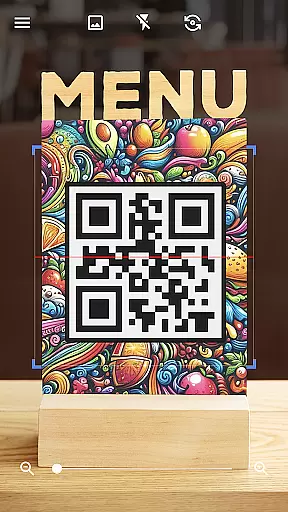
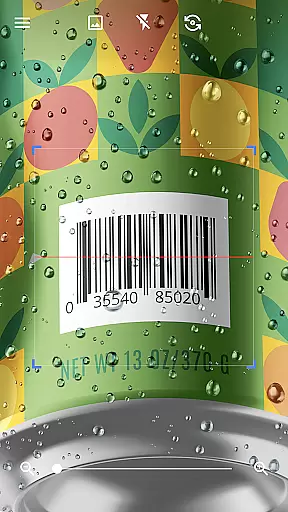
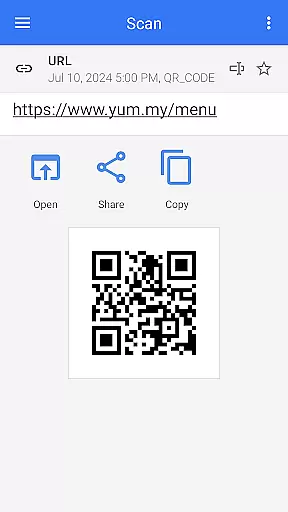
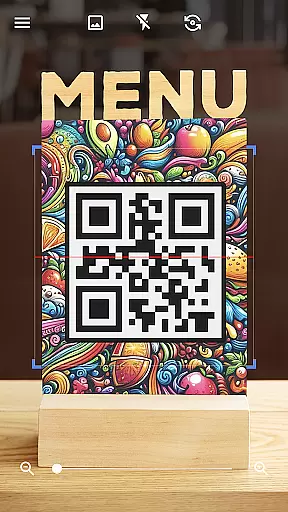
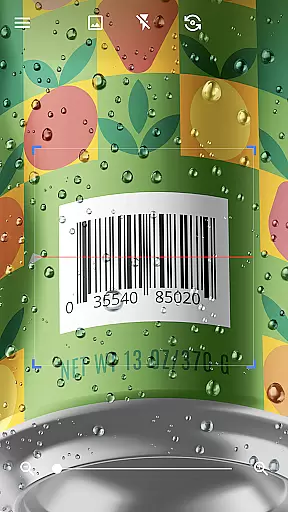
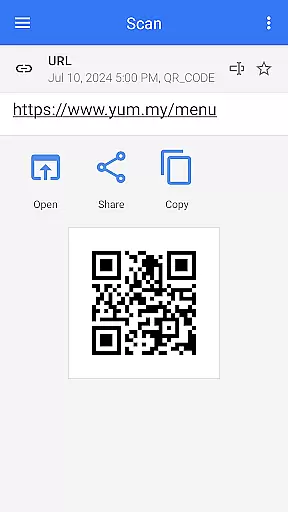
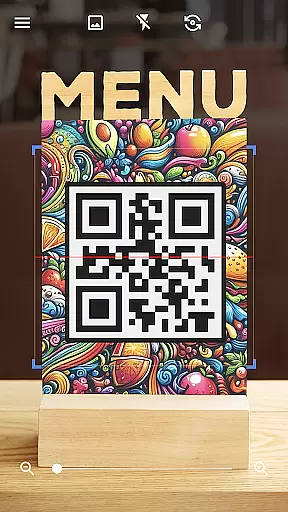
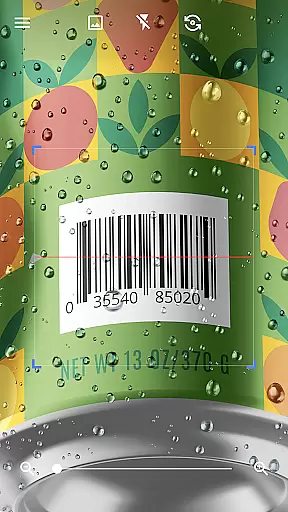
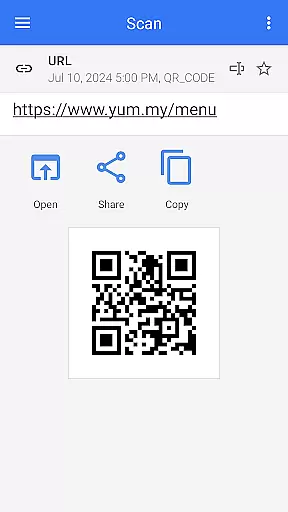
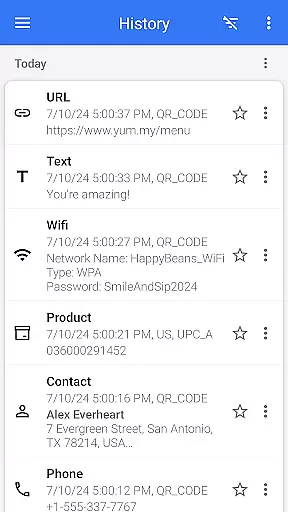

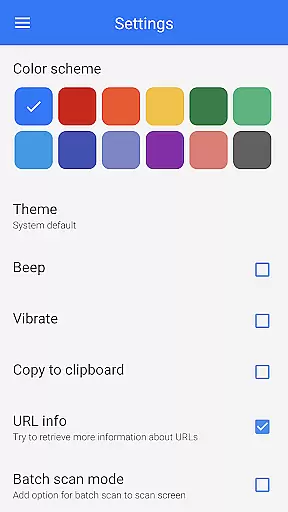
QR & Barcode Scanner is a versatile tool designed for Android users who need quick and reliable scanning of QR codes and barcodes. This app stands out with its automatic scanning feature, eliminating the need for manual input or adjustments. Simply point your camera at any QR code or barcode, and the app will instantly scan and decode it.
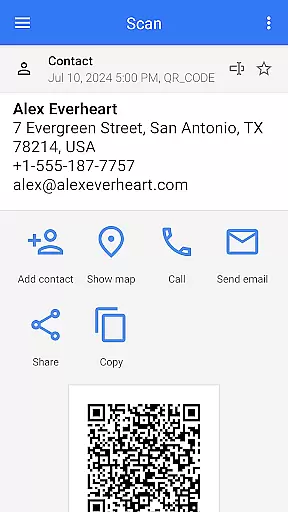
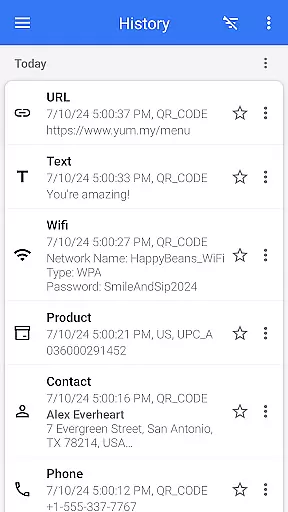
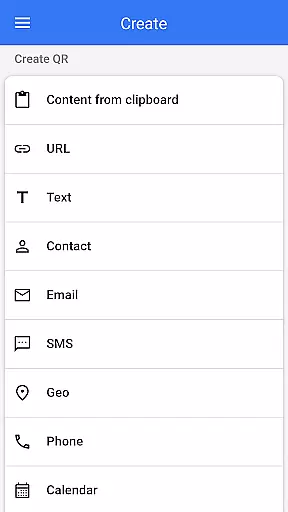
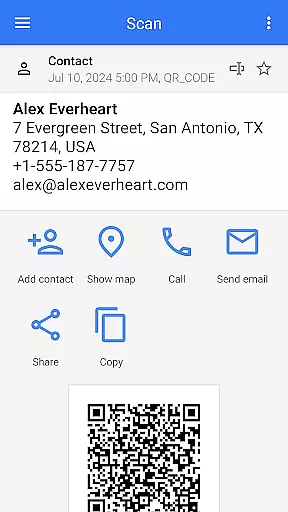
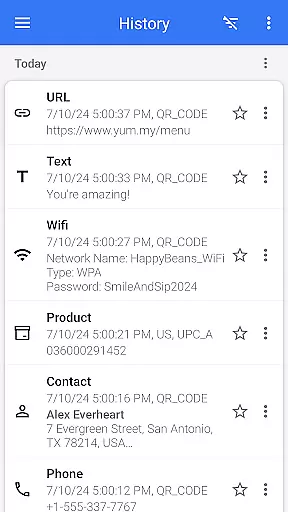
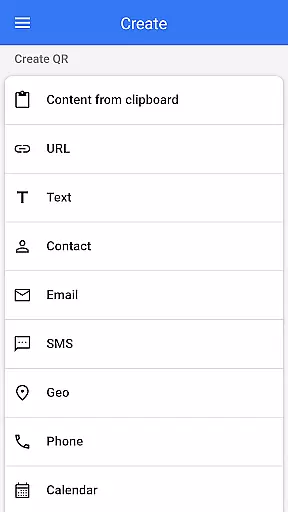
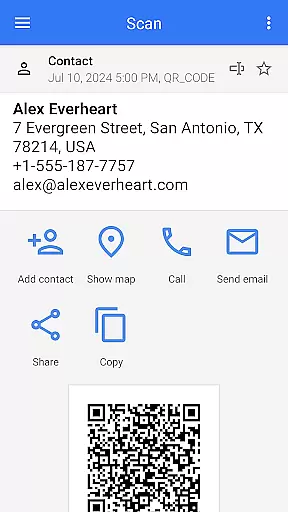
The application supports all major QR code and barcode formats, including text, URLs, ISBNs, product details, contacts, calendar events, emails, locations, Wi-Fi information, and more. After scanning, users are presented with relevant options based on the type of code scanned, allowing them to take appropriate actions. Additionally, the app includes a built-in QR code generator, enabling users to create custom QR codes easily.
Whether you're using it for personal convenience or professional needs, QR & Barcode Scanner offers practical solutions such as price comparison in stores, accessing discounts via coupon codes, and even scanning WiFi passwords. Its comprehensive functionality makes it an indispensable tool for everyday use.
QR & Barcode Scanner boasts an array of features that enhance user experience and utility. One of its standout capabilities is the automatic scan function, which activates as soon as the camera is pointed at a code, providing instant results without the need for additional user input. This feature is complemented by advanced decoding technology that supports a wide range of QR code and barcode formats.
In addition to scanning, the app serves as a robust QR code generator. Users can input desired data and generate QR codes effortlessly, making it a valuable tool for sharing information quickly. The app also includes specialized functionalities like batch scanning, which allows users to scan multiple codes at once, and export options to save scanned data in .csv or .txt formats.
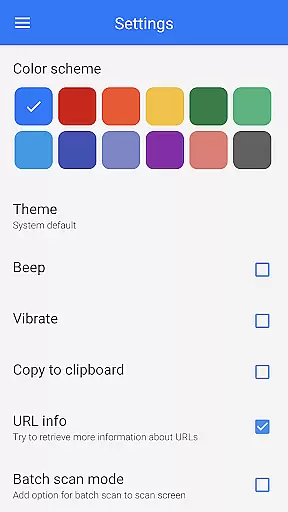
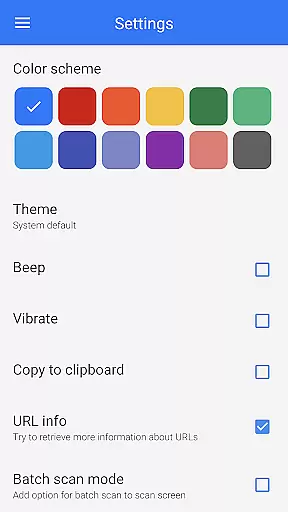
Other notable features include a built-in flashlight for low-light conditions, pinch-to-zoom for distant codes, and customization options such as dark mode and color themes. These features collectively ensure that QR & Barcode Scanner is not only functional but also adaptable to various user preferences and environments.
QR & Barcode Scanner exemplifies core function accuracy through its seamless scanning capabilities. The app is designed to automatically detect and scan QR codes and barcodes without requiring any additional input from the user. This automatic detection ensures that users can quickly and accurately scan codes, making it an effective tool for both personal and professional use.
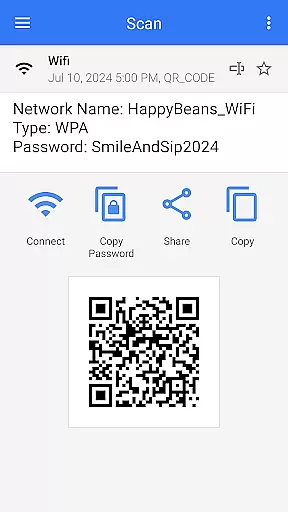
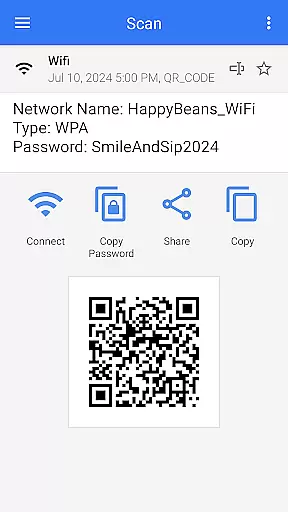
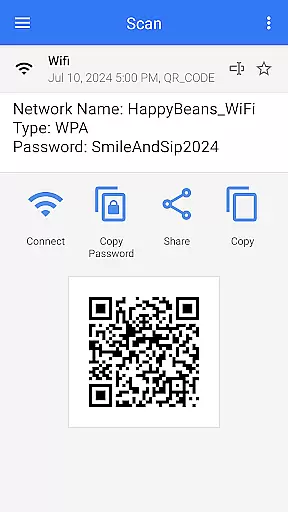
The app supports a wide range of code types including text, URL, ISBN, product codes, contact information, calendar events, email addresses, locations, Wi-Fi details, and more. By providing relevant options based on the type of code scanned, the app demonstrates its functional depth. For example, scanning a Wi-Fi QR code instantly connects the user to the network without manual password entry, showcasing the app's precision and utility.
Moreover, QR & Barcode Scanner offers advanced features such as batch scanning, exporting scan results in various formats like CSV and TXT, and importing data for future reference. These features enhance the overall effectiveness of the app by catering to diverse user needs, whether they are managing inventory, tracking event attendance, or simply accessing digital content. Users benefit from the app's comprehensive functionality, which simplifies complex tasks and saves time.
QR & Barcode Scanner stands out for its interface simplicity and intuitiveness, ensuring a user-friendly experience. The app eliminates unnecessary steps by automatically starting the scanning process when pointed at a QR code or barcode. There is no need to press buttons, take photos, or adjust zoom, allowing users to focus solely on the task at hand.
The straightforward design extends to the appu2019s additional functionalities, such as generating QR codes. With simple data entry and a click, users can create QR codes effortlessly. This intuitive approach reduces the learning curve, making the app accessible even to those who may not be tech-savvy. Furthermore, features like flashlight activation for low-light conditions and pinch-to-zoom for distant codes add practicality without complicating the interface.
Customization options, including theme changes and dark mode, enhance user comfort and adaptability. The app also provides easy sharing and saving options, allowing users to manage their scanned data efficiently. Overall, the combination of automatic scanning, easy QR generation, and customizable settings makes QR & Barcode Scanner a paragon of simplicity and intuitive design, offering a hassle-free experience for all users.
Fast and automatic scanning
Supports multiple code formats
Built-in QR code generator
User-friendly interface
Free to use
Limited iOS compatibility
Occasional ads
No cloud sync
Basic design
Offline only

 4.10
4.10 4.50
4.50
Remote for Roku, Fire TV, Samsung TV, LG TV, Android TV, Chromecast and VIZIO TV
4.20
The one-and-only remote control for PC, Mac, and Linux
4.70
Powerful collection of electronics tools and reference.A must for any enthusiast
4.90
Screen Mirroring with sound for Samsung TV, LG TV, Sony TV, Smart TV and Browser
4.20
Creation, Learning, Entertainment & More — The All-in-One AI Search Engine
4.70
Clean up your phone, find files, play media, and share files offline
4.50
fast and easy mp3 music downloader
4.80
Change your GPS location instantly. Simulate routes anywhere in the world.
4.90
Extremely fast, secure, and protects your privacy
4.80
Unit and currency converter with easy and simple UI.
4.80
HD Video player and downloader for all formats, fast & smooth 4K video playback.
4.60
Just swipe the edge to do something!
4.40
Universal TV remote control all TVs, Roku, LG, Samsung, Fire, Vizio, Sony, TCL.
4.40
Complete kernel toolbox with features to manage and tweak your rooted device
4.30
Automate everything from settings to photos, SMS to speech. ADC2 prize winner.
4.10
Create your own live wallpaper or check out thousands already made presets
3.90
A powerful, easy-to-use flight computer on your phone or tablet!
3.80


User Reviews