
Music Player Plus is a feature-rich audio player designed to enhance your music listening experience. This powerful app combines an intuitive interface with advanced functionality, making it the perfect choice for both casual listeners and audio enthusiasts. The app's standout feature is its professional-grade equalizer, offering over 22 preset styles including Classic, Jazz, and Rock, plus customizable options for complete sound control.
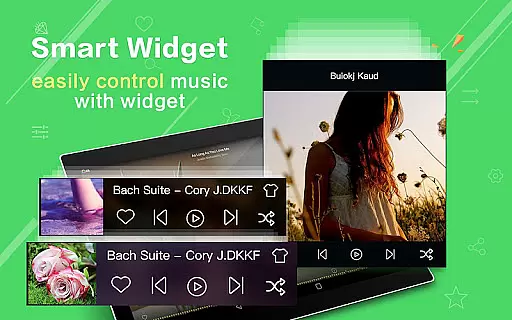
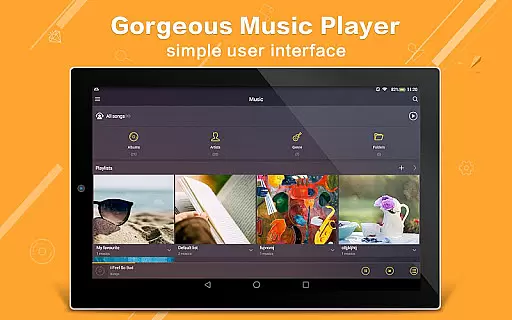
The application supports all popular music file formats and provides multiple ways to organize your library - by albums, artists, playlists, folders, or genres. With its unique folder-based navigation system, you can quickly locate any music file on your device. The app also includes practical widgets, notification controls, and innovative features like shake-to-change track functionality.
Whether you're at home or on the go, Music Player Plus offers a premium ad-free experience that works seamlessly across different devices. Its ability to display lyrics, customize backgrounds, and provide precise music management tools makes it an essential application for anyone who appreciates high-quality audio playback.
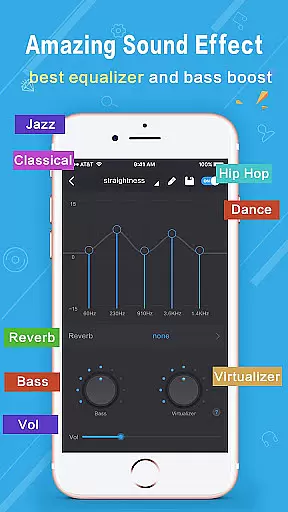
Music Player Plus distinguishes itself through its comprehensive feature set tailored for music enthusiasts. The app's powerful equalizer is complemented by 22+ professionally designed presets, allowing users to fine-tune their listening experience across various music genres. The equalizer interface provides precise control over bass, treble, and mid-range frequencies, enabling users to create their perfect sound profile.
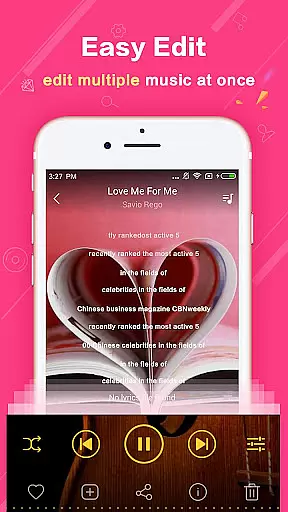
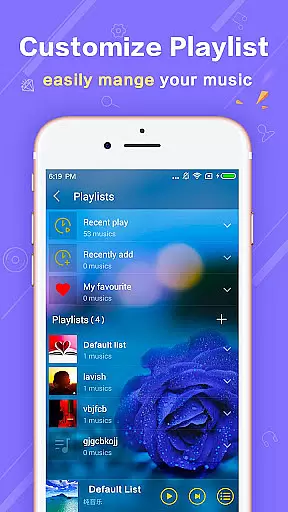
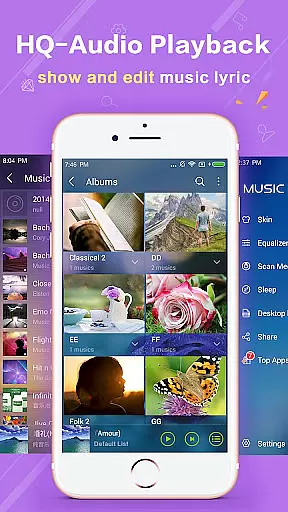
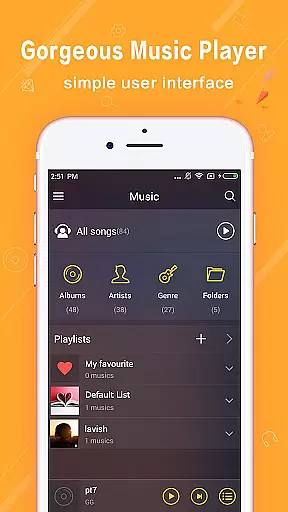
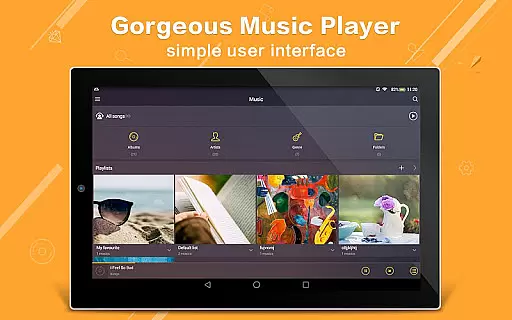
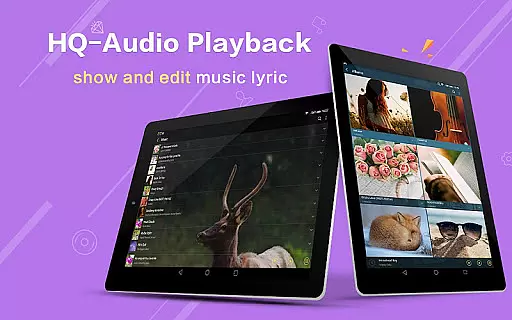
One of the app's most valuable features is its flexible library organization system. Unlike basic players, this app lets you browse music through multiple views - album art, artist information, custom playlists, and folder structures. The quick search function ensures you can find any track instantly, while the lyric support automatically matches songs with their corresponding lyrics files.
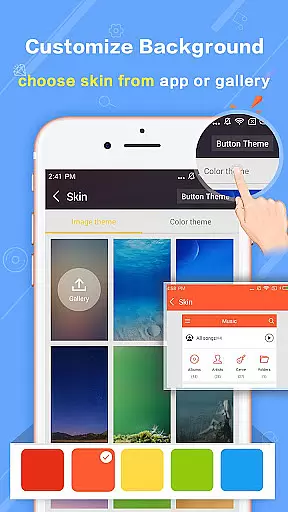
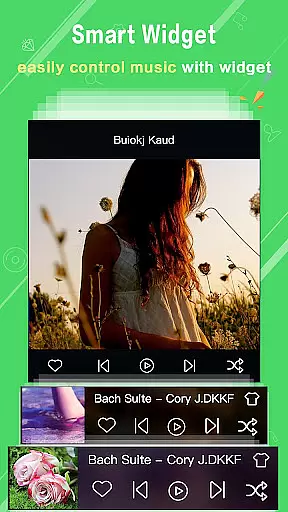
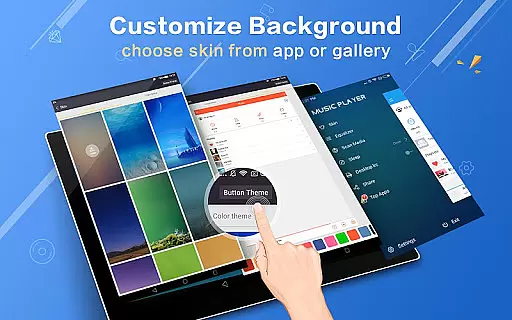
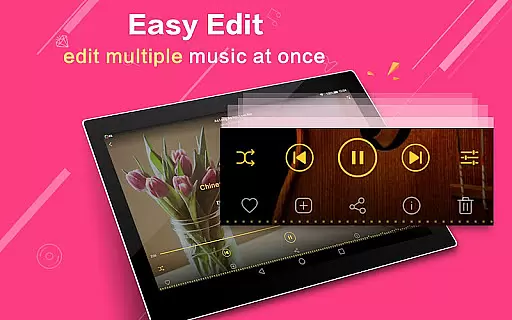
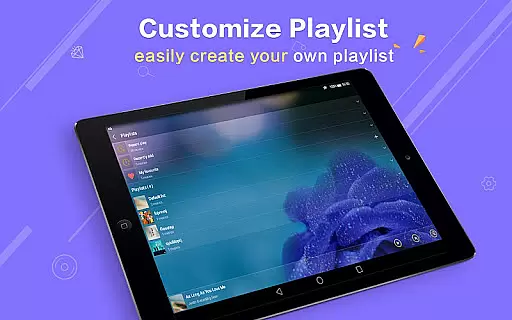
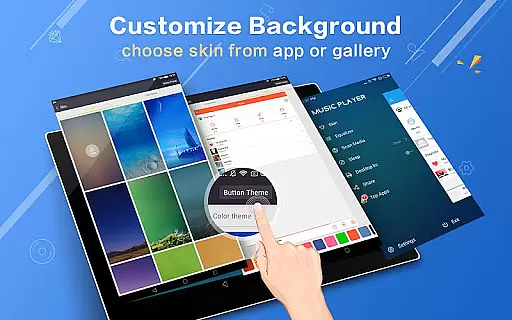
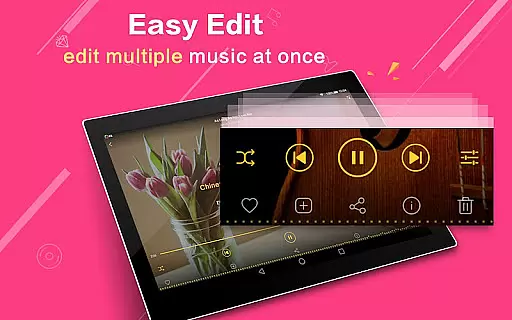
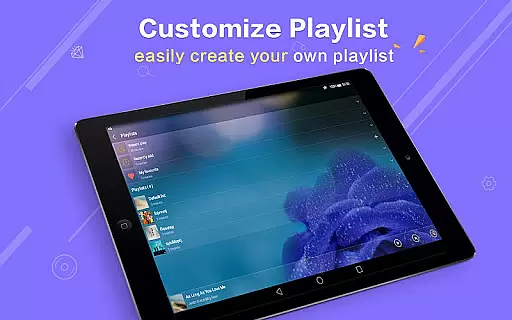
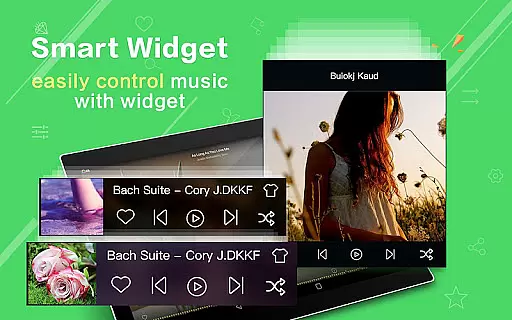
Additional notable features include customizable widgets (4x1, 2x2, 4x1), 22+ replaceable background skins, and innovative gesture controls. The app supports professional-grade operations such as multi-select file management, album artwork editing, and advanced playlist creation. These features, combined with notification controls and Bluetooth/headset integration, make Music Player Plus a complete solution for managing and enjoying your music collection.
Music Player Plus offers an extensive music library that supports all the most popular music file formats, ensuring users have access to a wide variety of audio content. The application's capability to quickly search and organize music by albums, artists, songs, playlists, and folders showcases its comprehensive music database.
Beyond just quantity, the app emphasizes the importance of copyright authenticity. By allowing users to freely edit album and artist names and supporting genre lists, Music Player Plus respects the integrity of music metadata while providing customization options. This ensures that users engage with authentic music content while enjoying personalized experiences.
The inclusion of powerful equalizer presets and custom tone music styles adds another layer of depth to the music library. With over 22 pre-set music tone styles and manual equalizer adjustments, users can tailor their listening experience without compromising the original audio quality or copyright compliance.
One of the standout features of Music Player Plus is its dedication to superior audio quality options. The unique equalizer provides more than 22 pre-set music tone styles, including Normal, Classic, Dance, Folk, Heavy, Hip Hop, Jazz, Pop, and Rock, allowing users to customize their sound experience according to personal preferences.
In addition to preset options, the app enables manual adjustment of the equalizer, giving audiophiles the freedom to fine-tune audio output. This level of control ensures that each track sounds as professional as possible, enhancing the overall listening experience.
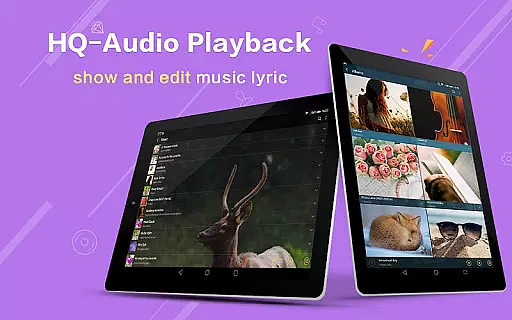
Furthermore, support for high-quality lyric files and automatic scanning features enriches the audio playback by synchronizing lyrics with music. Combined with replaceable background skins and widget support, Music Player Plus not only delivers exceptional audio quality but also creates an immersive and visually appealing environment for music enthusiasts.
User-friendly interface
Powerful equalizer
Customizable skins
Ad-free experience
Comprehensive format support
No cloud integration
Limited sharing options
Occasional bugs
Heavy on resources
Complex for beginners

Your song collections with lyrics and chords on Android smartphones and tablets.
 4.80
4.80
More downloads than any other metronome. Includes drum machine & tempo trainer.
4.80
Visualize the guitar fretboard, master scales & play through changes like a pro!
4.50
AI Music Maker: Generate And Compose AI Tunes & AI Songs & AI Music & AI Melody!
4.60
Smart piano keyboard, Classical to Pop, Real-time multiplayer connection!
4.20
The Minimalistic Premium Music Player. Handmade with passion for music
2.20
The iconic iOS metronome app is now on Android.
3.70
Full featured mp3 and audio player with Chromecast and Android Auto support.
4.40
Melody Beat: Great for travel, workouts, offline vibes, play your tunes anytime.
4.10
24,000 free audio books and no ads!
4.90
Ultimate Sonos Controller
4.70
Recording studio w/ 10k beats, pro vocal FX and a network of 20M rappers & fans!
4.60
Reverse your voice & songs instantly! Fun singing challenge with cool effects.
4.60
Save hundreds of dollars for a physical strobe tuner and instead use this app.
4.50
Play KORG’s revolutionary touch-based instrument on a variety of devices.
4.40
Advanced 10-Band Audio Graphic Equalizer Sound Booster Pro
4.30
Sheet music reader, piano & music note player. Play music score & learn to read.
3.90
Powerful beat maker & DJ mixer to remix tracks, make music, & perform DJ mix
3.70
Simply convert wav to mp3. Clear. Reliable. Safe.
4.0


User Reviews