
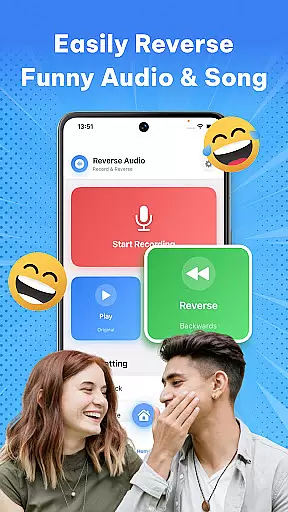
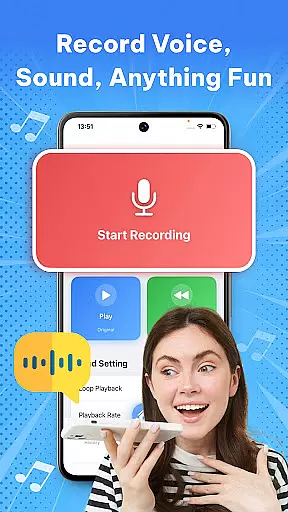

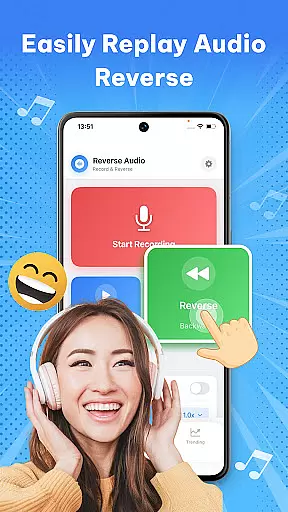
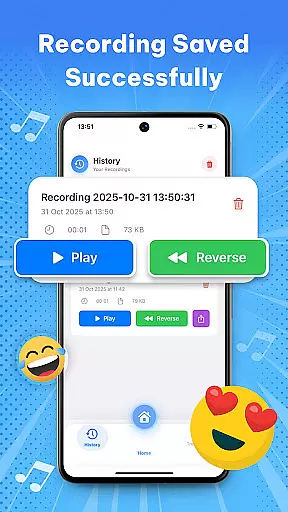

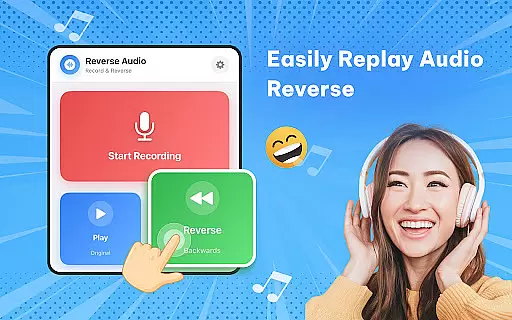
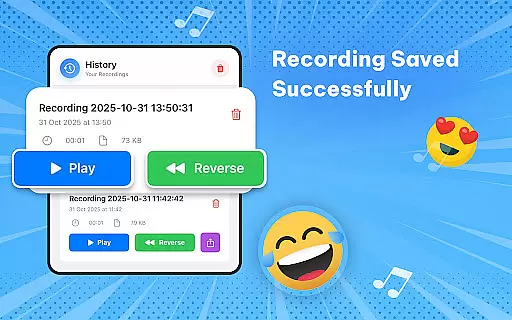
Reverse Audio: Sing Challenge is a creative audio tool that allows users to record, reverse, and manipulate sound clips. This app transforms ordinary audio into extraordinary creations by flipping voices, songs, or any recorded sound backward. With its user-friendly interface, it caters to creators, singers, pranksters, and anyone looking for fun with sound experiments.
The app offers high-quality sound processing with smooth performance, ensuring crystal-clear reversed audio. Whether you're joining viral singing challenges, experimenting with pitch and speed, or simply amusing friends with quirky audio flips, Reverse Audio provides all the necessary tools. Its offline functionality ensures you can create anywhere, anytime without limitations.
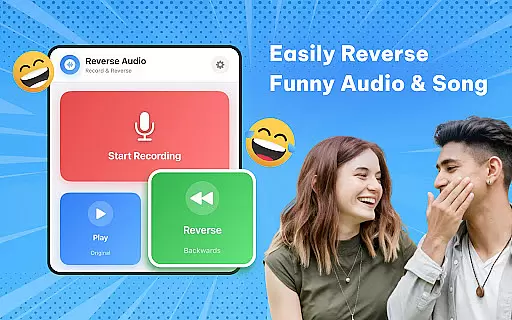
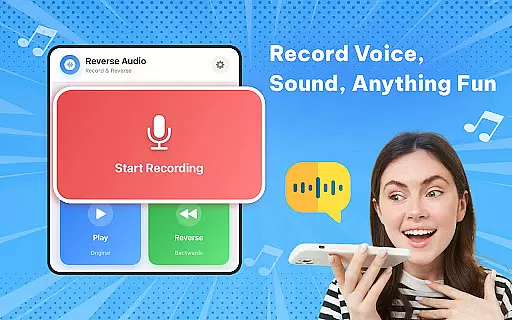
One of the standout features of Reverse Audio is its ability to instantly reverse any voice or sound. Users can tap to record and hear their audio played backward within seconds, making it perfect for trying out funny phrases or unique singing lines. The app also supports creative challenges like the Reverse Singing Challenge, where users mimic reversed audio and compare it to the original.
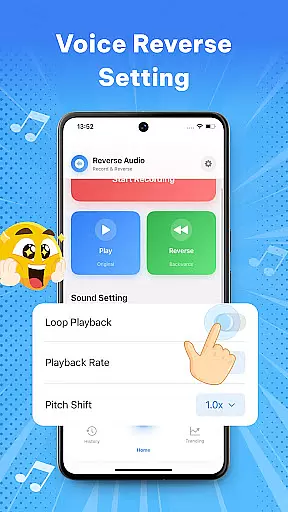
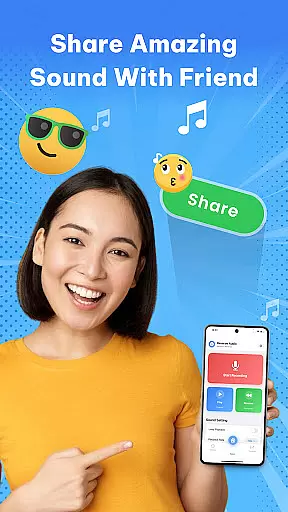
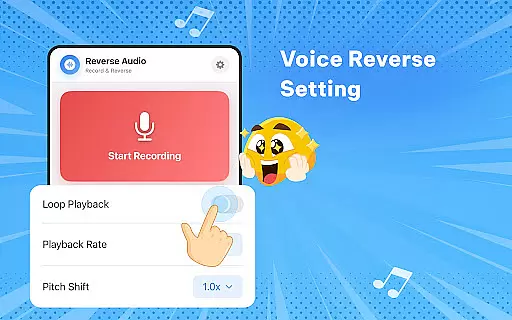
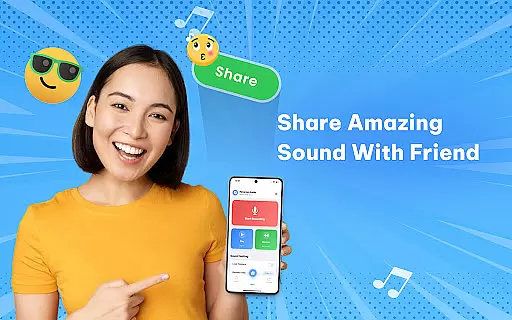
Beyond basic reversal, the app includes advanced options such as playback speed adjustment, pitch modification, and fun filters. These features allow users to experiment with eerie, humorous, or unusual sound effects. Additionally, Reverse Audio makes sharing easy—users can save reversed clips, rename them, and share directly on social media platforms, enhancing engagement in creative communities.
When it comes to music and audio applications like Reverse Audio: Sing Challenge, the size and variety of the music library are crucial for user engagement. This app offers a unique twist by allowing users to record and reverse any sound or voice instantly.
The application provides an extensive array of possibilities for sound manipulation without infringing on copyright issues, as it focuses on user-generated content. Users can record their sounds or voices and then reverse them, ensuring that all audio content is original and owned by the user.
This feature gives creators the freedom to experiment with their recordings, making it ideal for social media challenges, creative videos, and personal amusement. The ability to manipulate pitch and playback speed further enhances the creative potential.
By focusing on user-generated and royalty-free content, Reverse Audio: Sing Challenge ensures that its users can enjoy a vast array of sound options without worrying about copyright infringement, thus promoting creativity and experimentation within a legal framework.
Audio quality is paramount in music and audio apps, and Reverse Audio: Sing Challenge excels in delivering high-quality sound processing. The app supports crystal-clear audio recording and reversal, which is essential for both casual users and serious creators.
With features such as reversing playback speed and pitch adjustment, users can fine-tune their audio creations to meet specific requirements. These capabilities ensure that the reversed audio maintains its clarity and quality, whether it's used for fun challenges or professional content creation.
The app performs exceptionally well offline, providing smooth performance and simple controls. This means users can create high-quality reversed audio clips anytime and anywhere without needing an internet connection.
Whether you're a singer looking to practice vocal control, a creator adding unique sound effects to videos, or simply someone who enjoys experimenting with sounds, Reverse Audio: Sing Challenge delivers top-notch audio quality that enhances your creative process.
User-friendly interface
High-quality audio processing
Versatile sound manipulation
Offline functionality
Social media integration
Limited advanced editing
No batch processing
Few customization options
Basic UI design
Occasional glitches

Offline and always ad-free - stream in the highest quality available.
 4.10
4.10
Time Trainer: accurate metronome w tools to help you develop your internal time!
4.20
Ultimate Sonos Controller
4.70
The best music and audio player, with beautiful UI, music search and equalizer.
4.60
A sleek, no-frills player designed for true music lovers.
4.20
Learn and play 2M+ music tabs & chords on guitar, ukulele, bass, and more
4.30
Help you quickly get started with Shokz headphones
4.40
Travel To The Music Universe
3.40
Listen to offline music and sounds from all categories
4.70
Make songs with AI! Any genre, custom lyric, song generator for music creation!
4.80
DJ Music Mixer - DJ Remix: remix songs, make beat music & record mix of DJ.
4.40
Ringtone Maker is free app create ringtone from music files or your recording.
4.40
Equalizer, Bass Booster and Volume Booster (Eq & Bass) improve sound quality
4.30
Smart piano keyboard, Classical to Pop, Real-time multiplayer connection!
4.20
The only true audiophile music player with Hi-Fi audio rendering and DSP engine
3.90
Background pads for your band
3.80
Powerful beat maker & DJ mixer to remix tracks, make music, & perform DJ mix
3.70
MilkDrop for Android TV
3.00
Remove ads permanently from Music Visualizer
4.2


User Reviews