
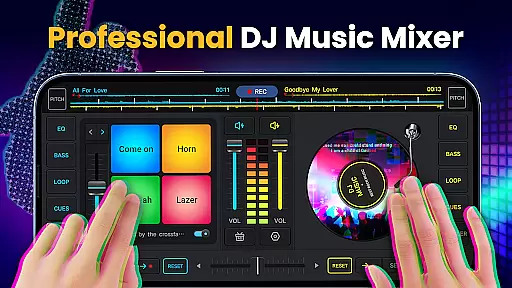
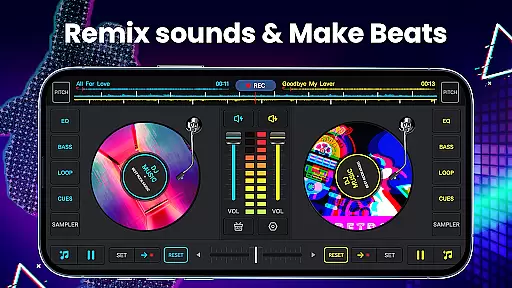
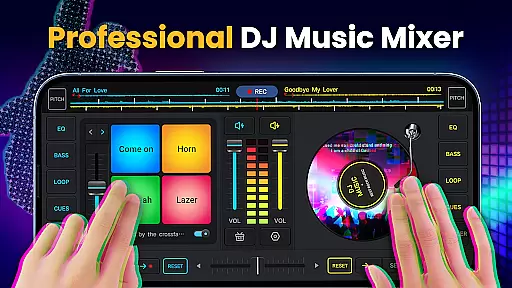
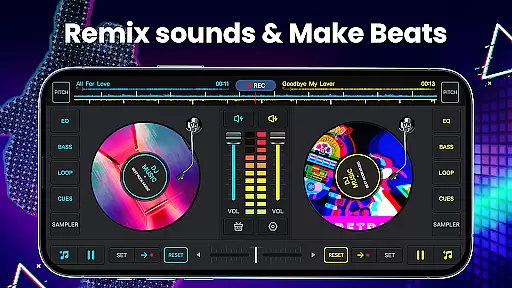
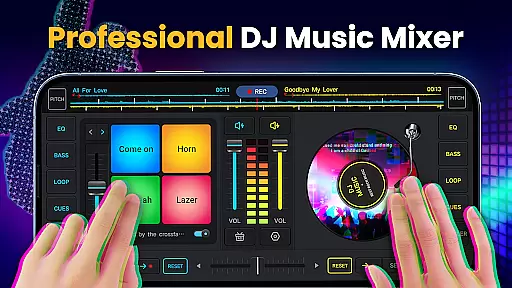
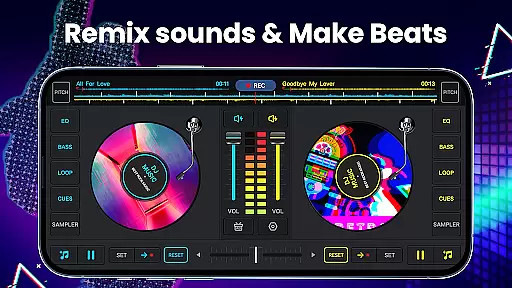
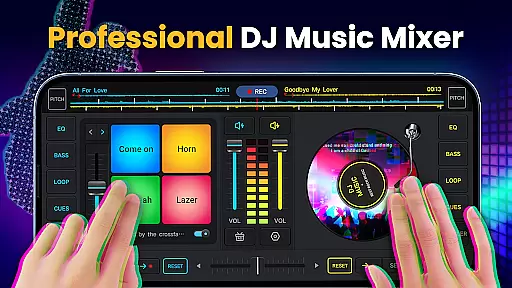
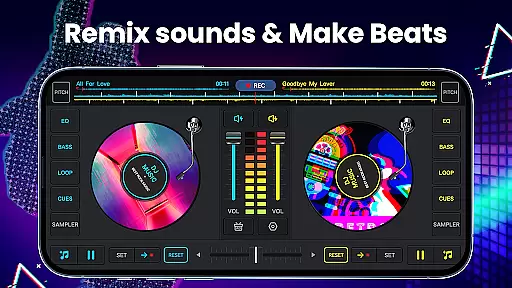
DJ Music Mixer - DJ Mix Studio is a feature-rich virtual DJ application designed for both professional DJs and music enthusiasts. This app allows users to create, customize, and record high-quality music mixes using advanced mixing tools, effects, and loops. With its intuitive interface, the app provides seamless access to essential features such as crossfaders, equalizers, and sound effects.
One of the standout features of this app is its ability to cater to all skill levels, from beginners to seasoned professionals. Whether you're remixing songs for personal enjoyment or preparing tracks for a live event, DJ Music Mixer offers everything needed to produce professional-grade mixes. Its compatibility with the latest mobile devices ensures smooth performance across various platforms.
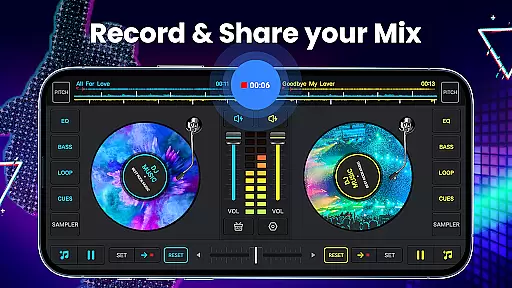
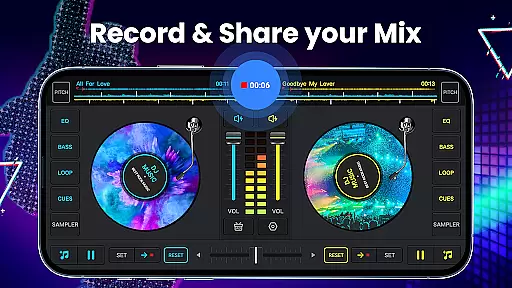
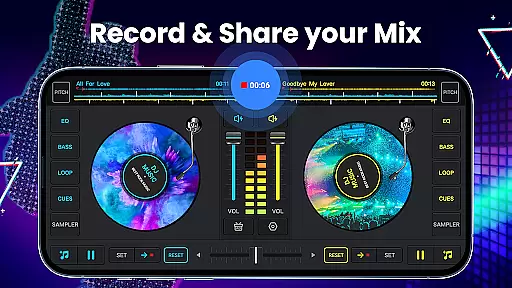
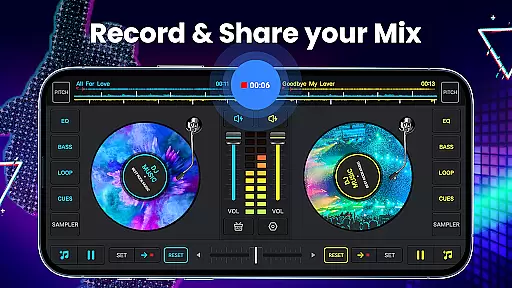
The app also includes a built-in recording feature that lets users save their creations in high-quality MP3 format. By leveraging its powerful audio processing capabilities, users can experiment with different sounds, beats, and effects to craft unique musical compositions. This makes it an ideal tool for parties, creative projects, or simply exploring your passion for music.
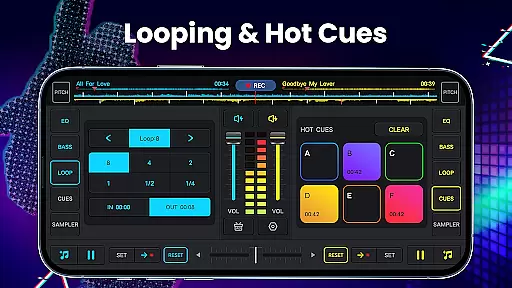
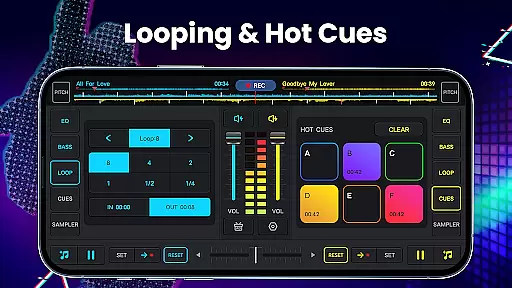
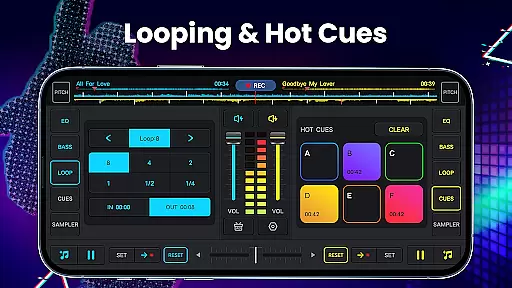
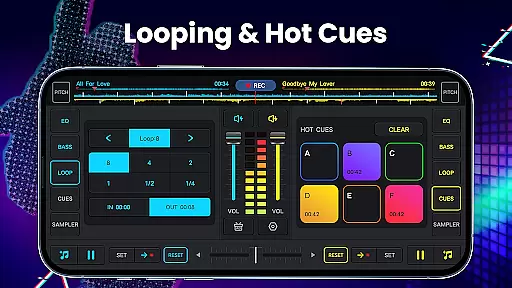
DJ Music Mixer - DJ Mix Studio stands out with its comprehensive set of features tailored for music production. The app includes two virtual turntables with a real crossfader, enabling users to mix tracks seamlessly. It supports up to six hot cues per deck and offers loop options ranging from 1/64 to 128 beats, giving users precise control over their mixes.
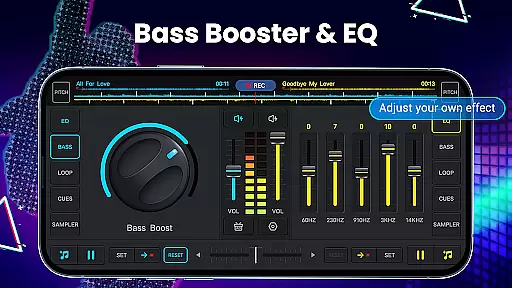
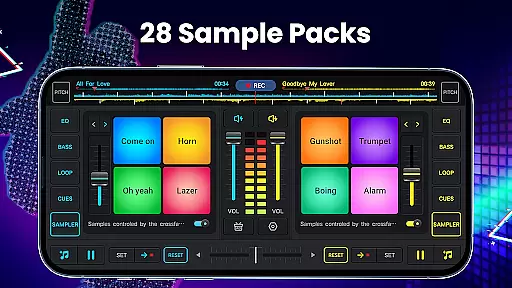
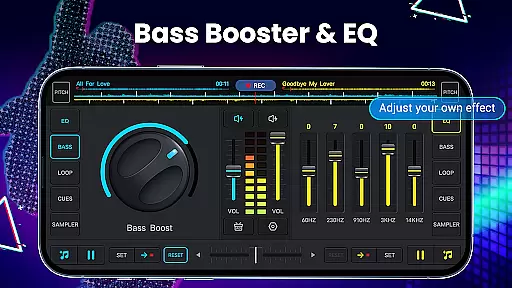
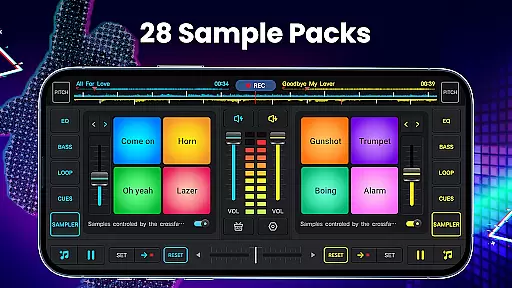
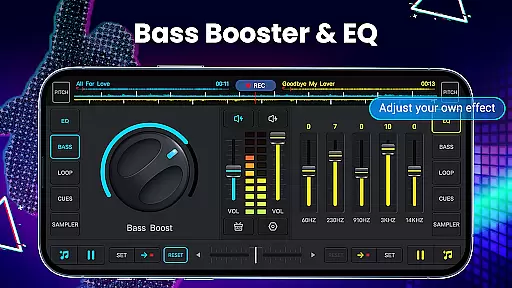
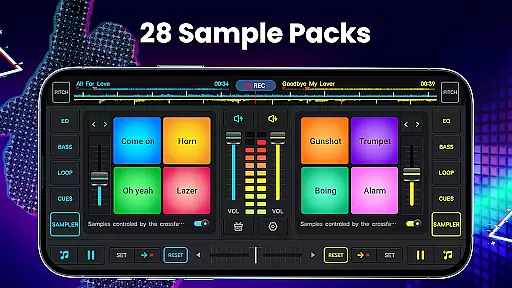
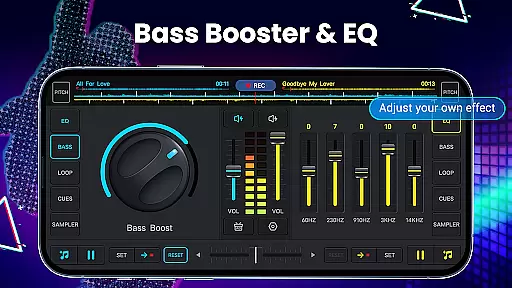
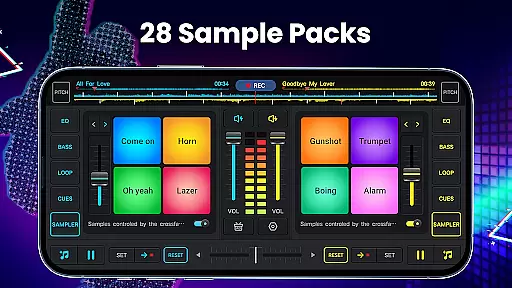
In addition to its robust mixing capabilities, the app provides a wide range of sound effects and equalizer settings. Users can choose from 28 free sample packs, including gunshots, booms, claps, and scratches, to enhance their mixes. The five-band equalizer and bass booster allow for detailed audio adjustments, while the adjustable pitch and volume controls ensure perfect sound balance.
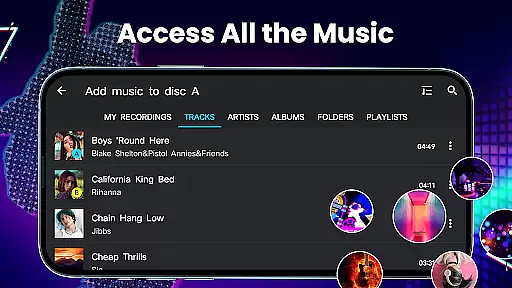
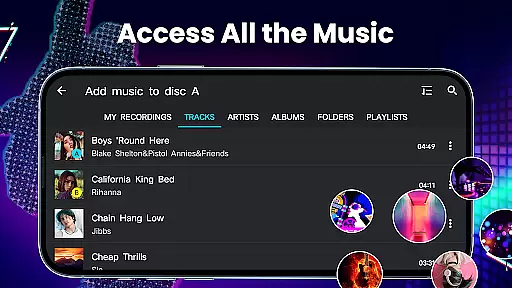
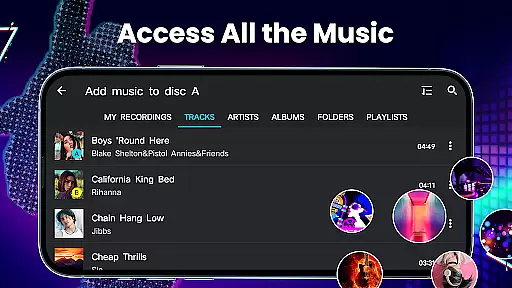
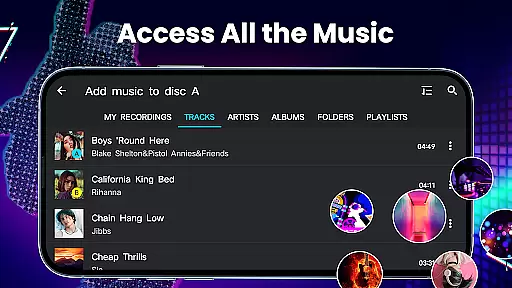
Another notable feature is the high-quality audio mix recorder, which captures mixes and scratch routines in MP3 format. The app also supports importing music from various sources on your device, including tracks, artists, albums, and folders. With its intuitive design and powerful functionality, DJ Music Mixer empowers users to unleash their creativity and produce impressive musical works.
In the realm of digital music creation and mixing, having access to a vast and diverse music library is crucial for any DJ or music enthusiast. DJ Music Mixer - DJ Mix Studio offers an extensive collection of tracks that span across various genres, ensuring users have plenty of options to choose from when crafting their unique mixes.
Moreover, the app emphasizes the importance of copyright authenticity by allowing users to utilize their personal music libraries stored on their devices. This feature not only respects intellectual property rights but also encourages creativity within legal boundaries, giving users peace of mind while they explore their musical talents.
The inclusion of sample packs such as DJing sounds, gunshots, booms, claps, and scratches further enriches the user's palette, enabling them to add professional touches to their creations without worrying about copyright infringement. These samples are carefully curated to enhance the overall mixing experience.
By prioritizing both the size of its music library and the authenticity of its content, DJ Music Mixer - DJ Mix Studio empowers users to produce high-quality, original music that stands out in the crowded digital music space.
Audio quality is paramount when it comes to music production and mixing. DJ Music Mixer - DJ Mix Studio addresses this need by offering advanced audio features that cater to audiophiles and professional DJs alike. With support for high-definition recording in .mp3 format, users can capture their mixes and scratch routines with exceptional clarity and fidelity.
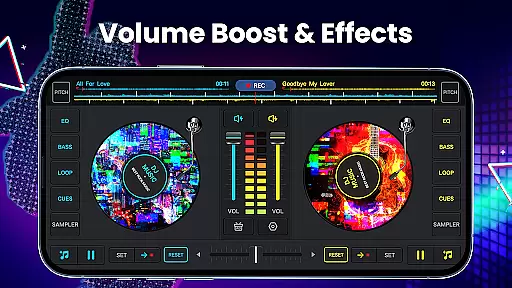
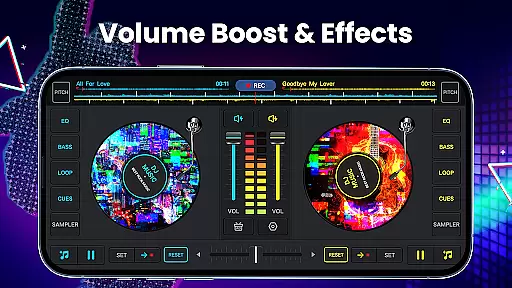
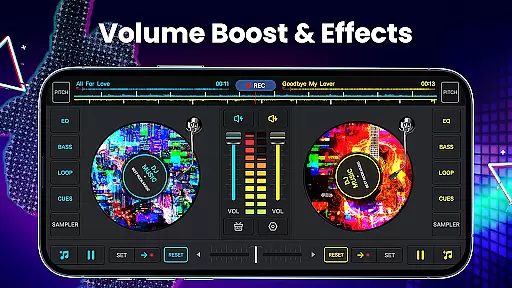
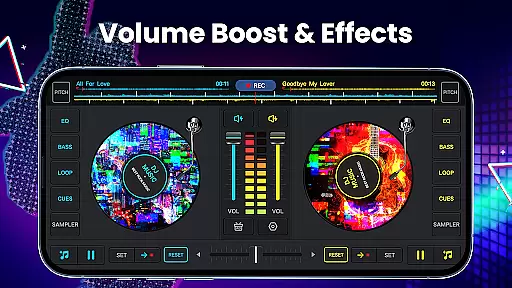
The app includes a five-band equalizer and bass boost functionality, allowing users to fine-tune their audio output to match their preferences or compensate for room acoustics during live performances. This level of control over sound quality ensures that every mix sounds polished and professional.
Additionally, adjustable mix volume and pitch settings provide further customization options, enabling users to achieve the perfect balance between different audio elements. Whether performing live or producing tracks in the studio, these tools help maintain the integrity of the original recordings.
By focusing on delivering superior audio quality options, DJ Music Mixer - DJ Mix Studio sets itself apart as a top choice for those who demand nothing less than the best in their music production endeavors.
User-friendly interface
Wide range of effects
High-quality recording
Customizable settings
Free to download
Limited free samples
Occasional bugs
Ads in free version
Complex for beginners
Heavy on storage

Fun & Easy Voice Changer – Record, Edit & Add Hilarious Effects!
 4.50
4.50
The Skullcandy App Experience
3.20
DJ Music Mixer Pro is a real DJ controllers and DJ Music Studio to remix DJ.
4.40
Powerful beat maker & DJ mixer to remix tracks, make music, & perform DJ mix
3.70
Enhance the sound quality of your devices, listen to what you want
4.50
Your song collections with lyrics and chords on Android smartphones and tablets.
4.80
Offline Tunes, Unlimited Vibes
3.90
Turn Every Moment into Music
3.60
Melody Beat: Great for travel, workouts, offline vibes, play your tunes anytime.
4.10
Tune in to the greatest hits on UK Radio | The home of Capital, Smooth & Heart.
4.90 4.70
4.70
Ultimate Sonos Controller
4.70
Taal player that lets you sing any Indian & Western song with Tabla & Tanpura
4.60
A synth that really lets you shape your sounds!
4.50
Help you quickly get started with Shokz headphones
4.40
Bass Booster Pro takes auto-equalizing to the next level!
4.30
The original SP-1200 experience on your iPad
4.20
Offline and always ad-free - stream in the highest quality available.
4.10
Turn your Android phone into a professional audio analyser with up to 120 bands.
4.00


User Reviews