
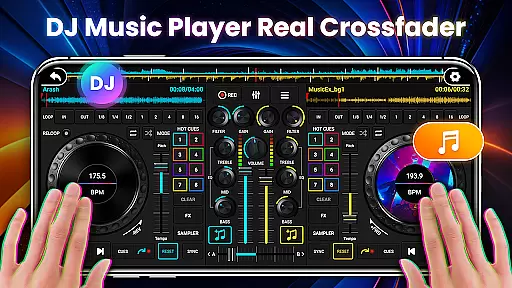
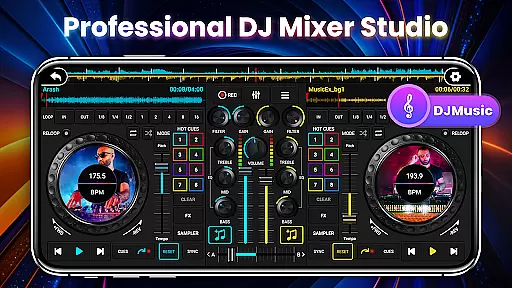
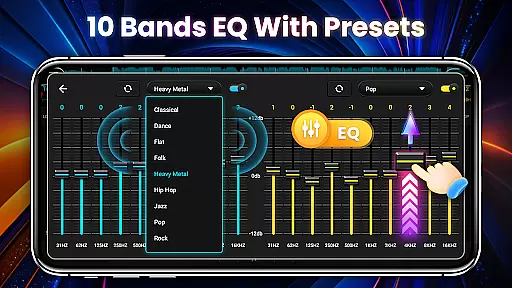
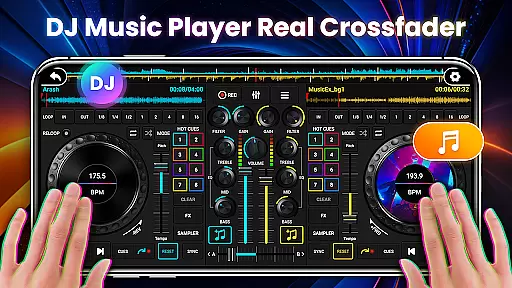
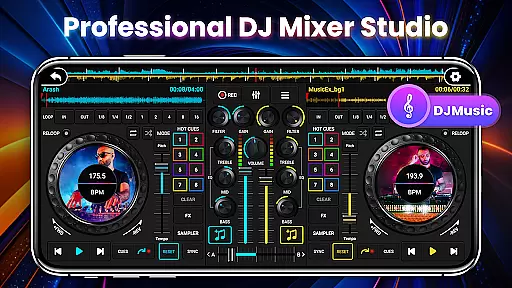
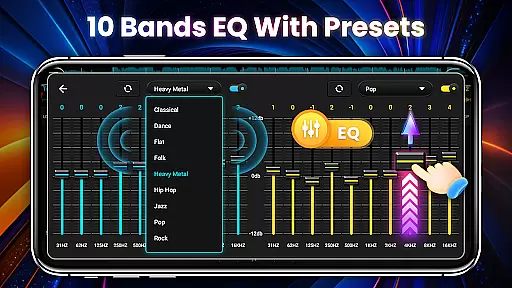
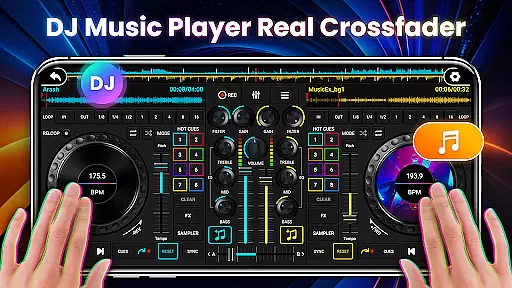
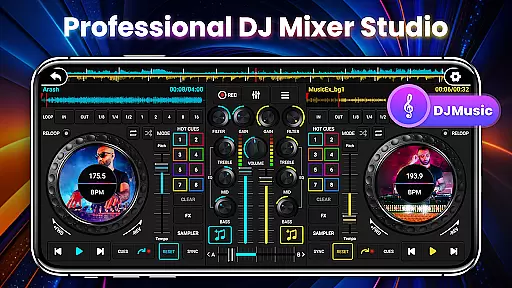
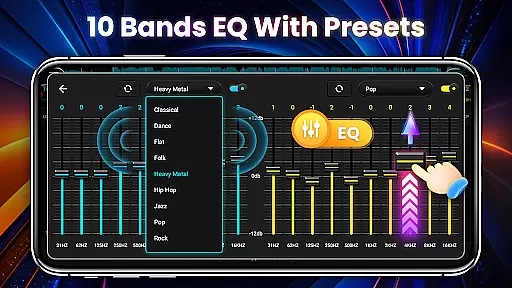
DJ Mixer Studio Pro is a professional-grade virtual DJ music studio designed for both beginners and experienced DJs. The app offers an ad-free experience with advanced features like a 3-band EQ mixer, FX effects, and a 10-band equalizer with bass booster. Users can simultaneously play and remix songs on two decks, creating stunning audio effects while enjoying an interactive experience that simulates a real DJ console.
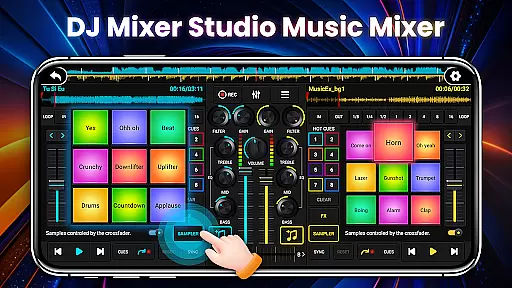
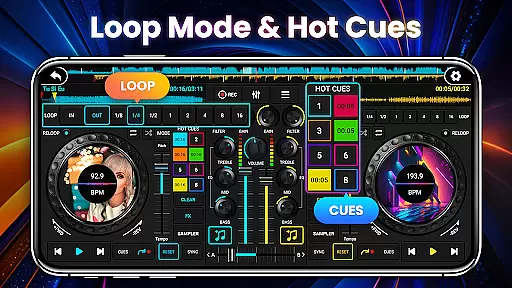
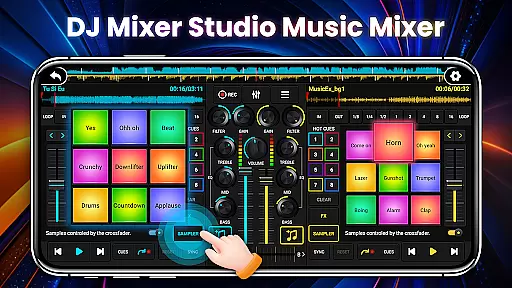
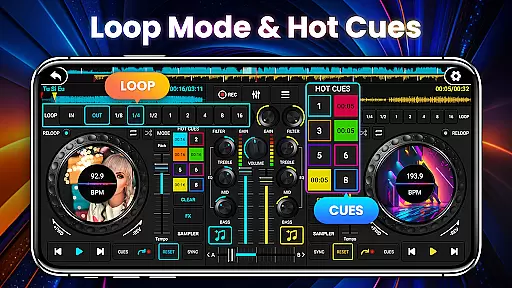
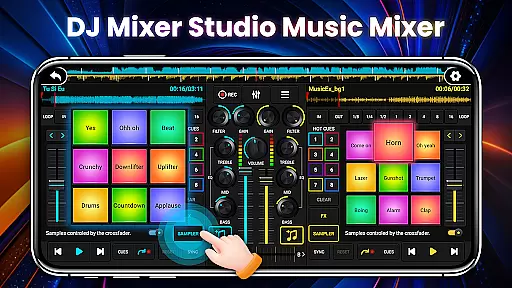
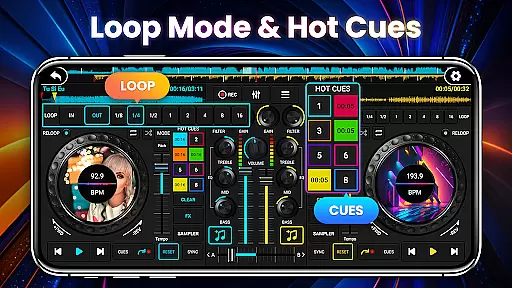
Designed by professional DJs, the app meets various professional needs, including precise ten-segment EQ adjustments, BPM synchronization, and high and low pass filters. With up to eight hotspots, 27 free sample packages, and crossfader functionality, users can refine their DJ skills and produce high-quality mixes. Whether you're a beginner or looking to enhance your DJ techniques, DJ Mixer Studio Pro provides all the tools necessary for an immersive music production experience.
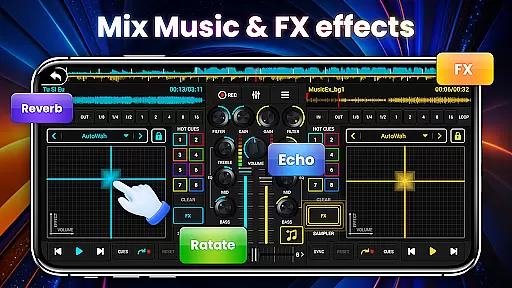
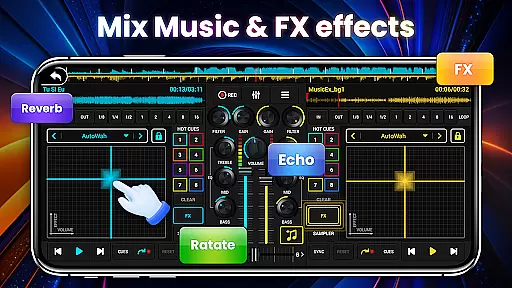
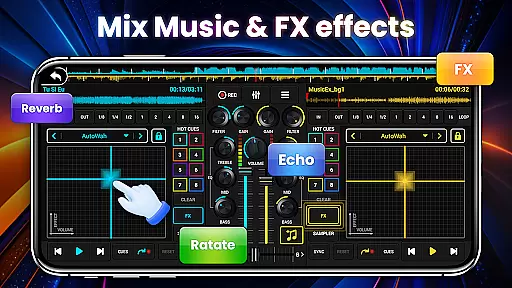
DJ Mixer Studio Pro stands out with its comprehensive set of features tailored for professional music mixing. The app includes seven FX effects processors such as AutoWah, Echo, Reverb, and Phaser, along with eight loop modes ranging from 1/8 to 16 beats. These features allow users to create complex and polished audio tracks with ease.
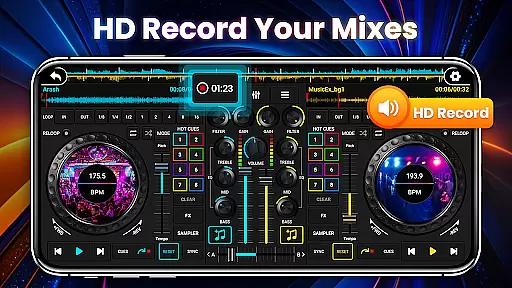
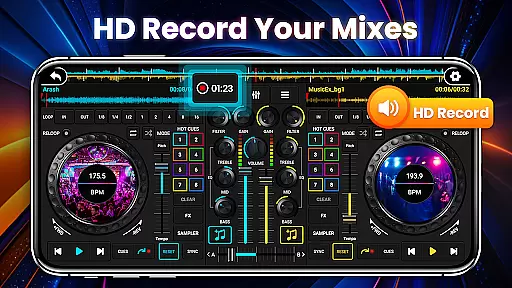
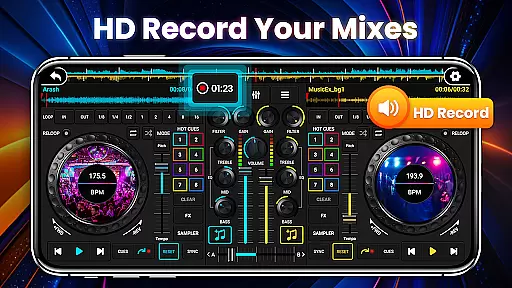
The app's interface simulates a real DJ console, offering an intuitive and realistic operating experience. Adapted for mobile use, it features color-coded buttons and simple operation methods suitable for all ages. Additionally, the app supports real-time BPM display, tone locking, and crossfader adjustments, ensuring smooth transitions between tracks. With one-click recording and local song access, users can capture their creative moments effortlessly.
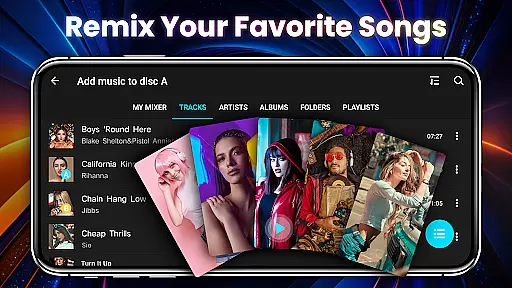
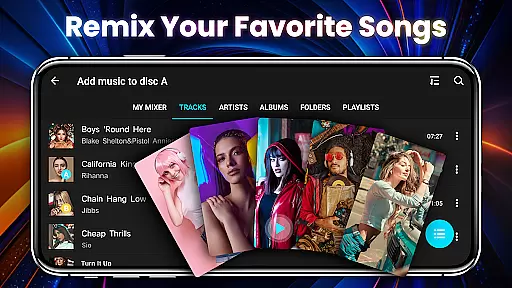
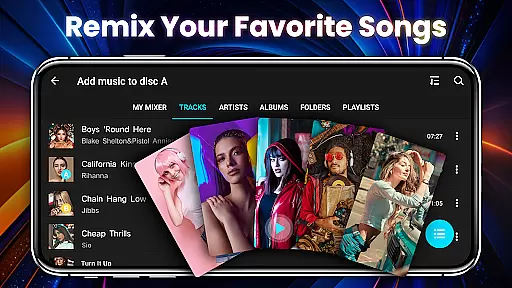
In the realm of DJ Mixer Studio Pro, users are granted access to an extensive music library that caters to all their mixing needs. The application allows DJs to quickly read and sort local songs on their phones, offering unparalleled convenience in music selection.
Furthermore, the app provides 27 completely free sample packages with stunning sound effects, which can be inserted into songs, enhancing the creative process. This vast array of audio resources ensures that users will never run out of material to work with, providing a rich palette for their musical creations.
Regarding copyright authenticity, DJ Mixer Studio Pro assures users that all the provided samples are free to use, thus eliminating any legal concerns associated with music copyright infringement. This feature is crucial for professional DJs who need to be certain about the legality of their music sources.
The availability of such a comprehensive and legally sound music library empowers both amateur and professional DJs to experiment freely, refine their skills, and produce original content without worrying about copyright issues.
DJ Mixer Studio Pro stands out in the Music & Audio category by offering advanced audio quality options that significantly enhance the listening experience. With a 3-band EQ mixer, ten bands Equalizer & Bass Booster, users can fine-tune their audio output to match their exact preferences.
The inclusion of seven FX effects processors, including AutoWah, Echo, Damp, Reverb, Chorus, Phaser, and Rotate, allows for precise sound manipulation. These tools enable users to create stunning audio effects that elevate their mixes to professional levels.
Moreover, the app's high and low pass filters, alongside BPM proofreading synchronization, ensure that the audio quality remains consistent across different tracks. This consistency is vital for maintaining the energy and flow of a DJ set.
By prioritizing audio quality options, DJ Mixer Studio Pro not only meets but exceeds the expectations of discerning audiophiles, making it an indispensable tool for anyone serious about their music production endeavors.
User-friendly interface
Comprehensive FX effects
Real-time BPM display
Professional-grade tools
Ad-free experience
Requires learning curve
Advanced features may overwhelm
Limited free sample packs
No cloud sync
High system requirements

The Music Journey in Your Hands
 4.30
4.30
The Cubase remote control app
3.60
10-Band Audio Equalizer, Sound / Bass Booster for Spotify Users & Music Players
4.40
The only true audiophile music player with Hi-Fi audio rendering and DSP engine
3.90
Ultimate Sonos Controller
4.70
Music, News & Sports Radio Tuner App. Tune in Live FM & AM Radio Stations.
4.80
Smart piano keyboard, Classical to Pop, Real-time multiplayer connection!
4.20
The iconic iOS metronome app is now on Android.
3.70
Be a true music maker: create beats, mix and make music like a real DJ!
4.30
Most Advanced AI Song Generator and Music Creator. Rap, Pop, Rock, Gospel & more
4.70
Bass Booster & Volume Equalizer Pro improves your music and video sound quality
4.60
Recording studio w/ 10k beats, pro vocal FX and a network of 20M rappers & fans!
4.60
Learn the notes on the guitar fretboard fast with this easy and fun app
4.60
Enhance the sound quality of your devices, listen to what you want
4.50
Enjoy singing any song, no matter how high or low it is
4.30
Offline and always ad-free - stream in the highest quality available.
4.10
Turn your Android phone into a professional audio analyser with up to 120 bands.
4.00
The Skullcandy App Experience
3.20
Music Streaming suite for Ampache, Nextcloud Music and compatible backends.
4.5


User Reviews