

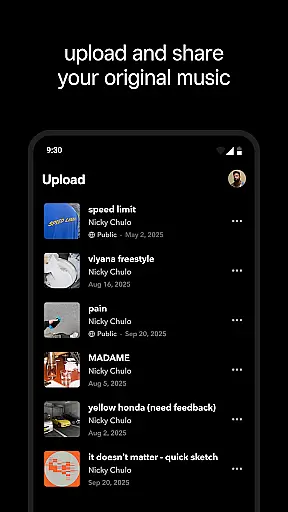

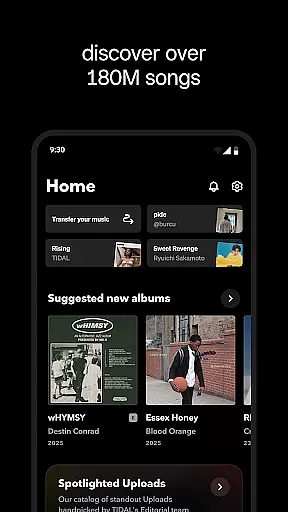
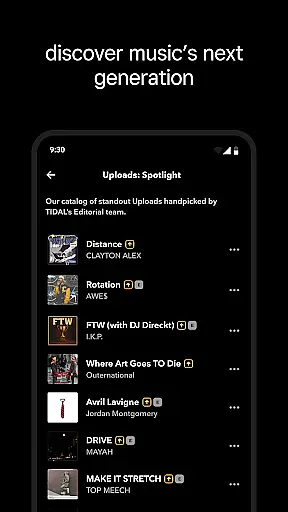
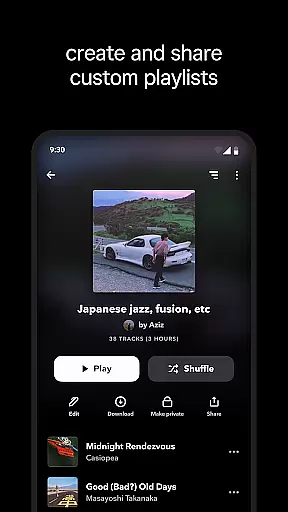
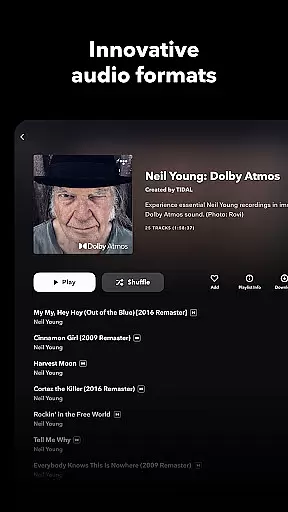
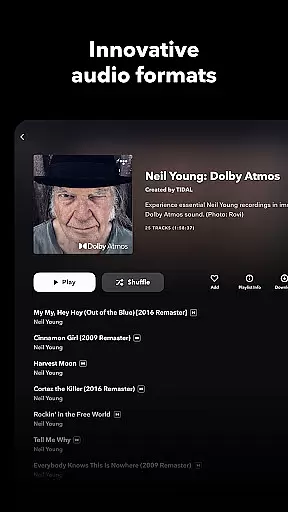
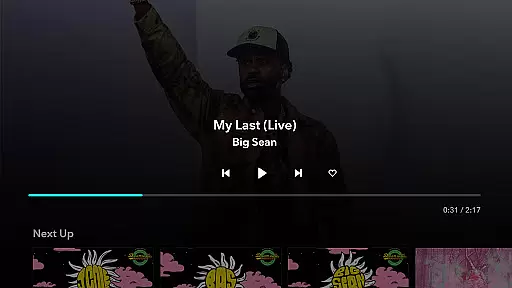
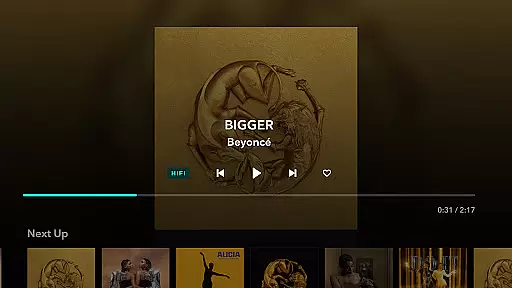
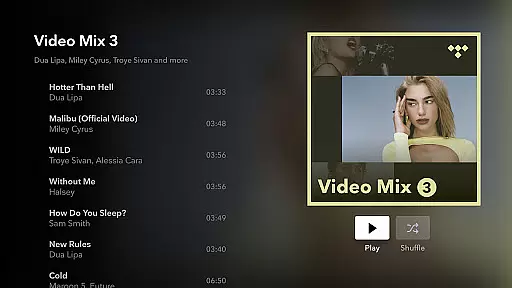
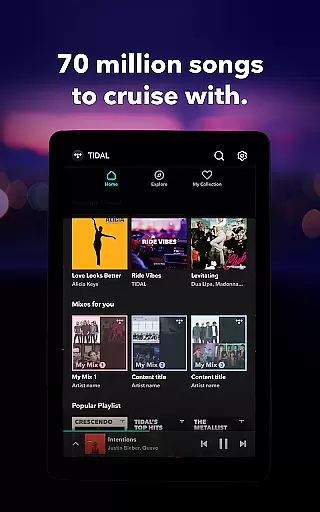

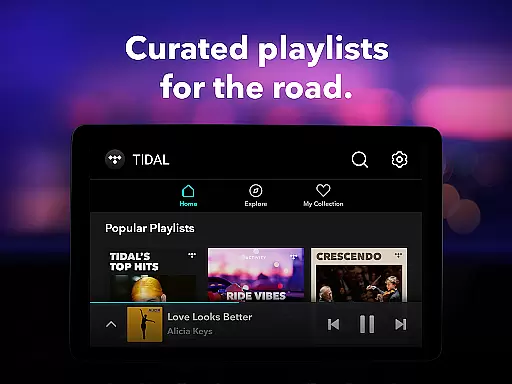
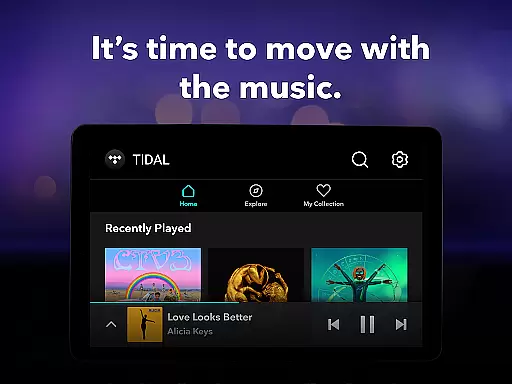
TIDAL Music is a premium music streaming service that stands out for its commitment to high-fidelity sound quality. The app provides an extensive library of millions of tracks in HiRes lossless audio, reaching up to 24-bit, 192 kHz, and supporting Dolby Atmos. This ensures an immersive listening experience for audiophiles and casual listeners alike.
Beyond its superior audio quality, TIDAL offers features like offline listening, personalized recommendations, and curated playlists. Users can download music for offline playback, create custom mixes based on their preferences, and explore new artists through expertly crafted playlists. Whether you're commuting or relaxing at home, TIDAL adapts to your lifestyle while delivering top-notch sound.
With flexible subscription plans including Individual, Family, and Student options, TIDAL caters to diverse user needs. Each plan includes ad-free listening, unlimited skips, and access to millions of songs in exceptional quality. For those who value both convenience and audio excellence, TIDAL is a comprehensive solution.
One of TIDAL's standout features is its high-fidelity audio streaming capability. Unlike many competitors, TIDAL delivers lossless sound quality with support for advanced formats such as Dolby Atmos. This makes it ideal for users who demand the best possible audio experience from their favorite tracks.
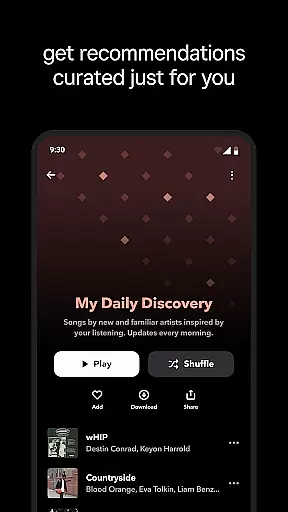
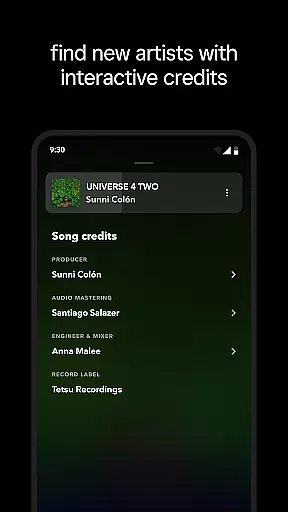
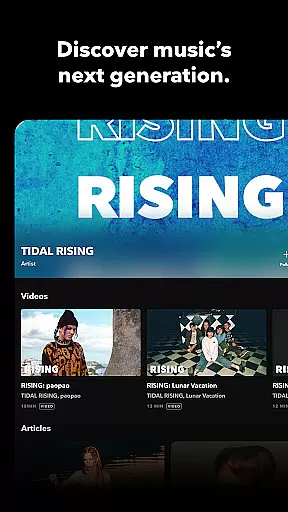
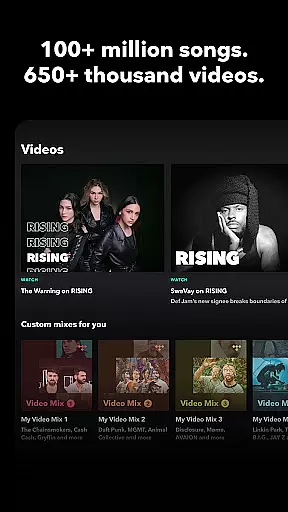
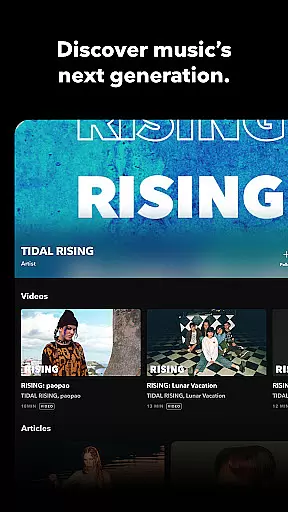
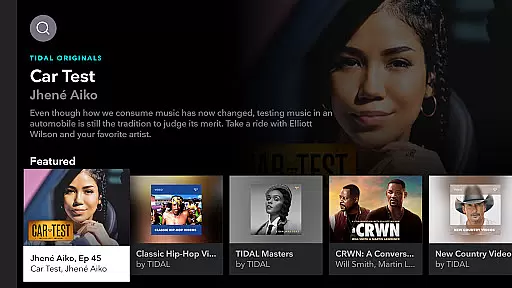
The app also excels in personalization and discovery. It uses sophisticated algorithms to recommend music based on individual listening habits, ensuring users are constantly introduced to new artists and genres. Additionally, TIDAL's curated playlists and editorial content provide a human touch, offering selections crafted by industry experts rather than relying solely on automation.
Another key feature is the offline mode, which allows users to download albums, playlists, or individual tracks for uninterrupted playback without an internet connection. Combined with functionalities like TIDAL Connect for seamless device integration and social sharing options, these tools make TIDAL not just a music player but a complete ecosystem for enjoying and exploring music.
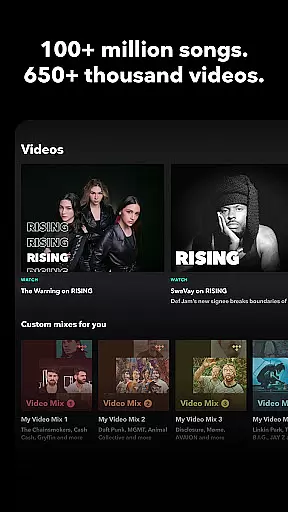
When it comes to digital music platforms, the size and authenticity of the music library are crucial factors for users. TIDAL Music boasts an extensive collection of millions of songs and albums spanning various genres. This vast library ensures that users have access to a diverse range of music, from mainstream hits to niche tracks, catering to all musical tastes.
The platform places a strong emphasis on copyright authenticity, ensuring that all tracks are properly licensed and sourced. This commitment not only supports artists and rights holders but also guarantees users a legitimate and high-quality listening experience. With TIDAL, subscribers can enjoy their favorite music with the assurance that they are accessing authentic content.
TIDAL's comprehensive music database is regularly updated with new releases, keeping the library fresh and relevant. The service includes everything from the latest chart-topping singles to timeless classics, providing an unparalleled depth of selection. This constant evolution of the music catalog ensures that there is always something new to discover.
For audiophiles and casual listeners alike, TIDAL's combination of an extensive music library and stringent copyright standards creates a trustworthy and enriching environment. Users can explore different genres and eras without worrying about the legitimacy of the content, making it a standout choice among music streaming services.
Audio quality is a defining feature of any music streaming service, and TIDAL Music excels in this area by offering exceptional sound options. The platform provides high-fidelity audio streaming, delivering lossless sound quality up to 24-bit, 192 kHz, and supporting advanced formats like Dolby Atmos. This level of audio clarity allows listeners to experience music as the artists intended, with every detail preserved.
TIDAL's commitment to superior audio extends beyond just technical specifications. The service caters to discerning listeners who value the nuances of sound reproduction, offering an immersive listening experience that sets it apart from many competitors. Whether using high-end audio equipment or standard headphones, users can appreciate the difference in sound quality.
The platform's audio options accommodate various listening preferences and devices. While premium sound quality requires more bandwidth, TIDAL offers flexible settings that allow users to adjust streaming quality based on their internet connection and device capabilities. This ensures a consistent and optimized listening experience across different scenarios.
Furthermore, TIDAL Connect enables users to stream music in lossless quality on supported devices, maintaining the integrity of the original recording. This feature, combined with ad-free listening and unlimited skips, creates a seamless and enjoyable audio experience. For music enthusiasts who prioritize sound quality, TIDAL's advanced audio options represent a significant advantage over other streaming services.
High-fidelity audio
Extensive music library
Offline listening mode
Personalized recommendations
Flexible subscription plans
Higher cost than competitors
Limited free version
Requires stable internet
Complex interface
Fewer exclusive releases

Turn your phone into a musical instrument from the future!
 3.90
3.90
Tune in to the greatest hits on UK Radio | The home of Capital, Smooth & Heart.
4.90
Gorgeous UI, Powerful music Search and Equalizer, the great choice for you!
4.70
VB-AUDIO Software / VBAN-Receptor allows listening to any VBAN Streams
4.10
Listen to live FM radio stations, sports, music and news on global radios online
4.70
Next generation modular control surface
4.10
Ultimate Sonos Controller
4.70
Powerful 10-Band equalizer pro with sound booster improves Android audio quality
4.30
Play KORG’s revolutionary touch-based instrument on a variety of devices.
4.40
Voice recorder - Audio recorder. Best recorder for recording
4.90
Unleash your creativity! Turn simple prompts into full fledged songs.
4.70
Walkout Song DJ is the most intuitive app to manage your sports music.
4.70
Super Sound Editor, Song Maker & Mixer, Vocal Remover, Voice Recorder & Changer!
4.60
Offline Music Player&MP3 Player with themes, equalizer, lyrics, music play mode
4.60
Guzheng Master supports many playing techniques as an acoustic Guzheng
4.50
Formerly known as Spotistats! View your top tracks, artists, albums and more!
4.40
Equalizer, Bass Booster and Volume Booster (Eq & Bass) improve sound quality
4.30
The iconic iOS metronome app is now on Android.
3.70
Simply convert wav to mp3. Clear. Reliable. Safe.
4.0


User Reviews