
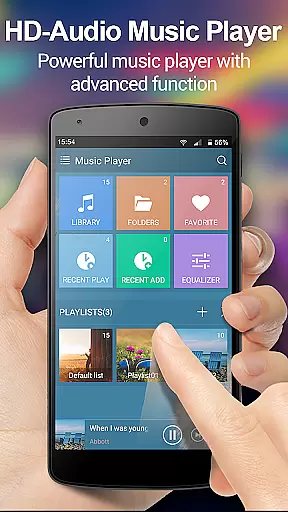
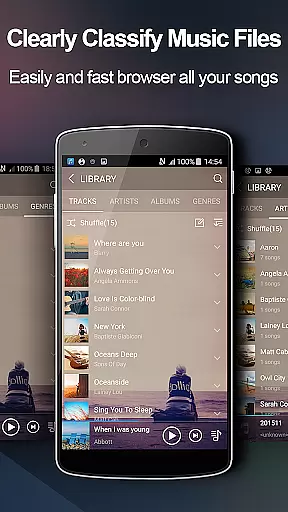
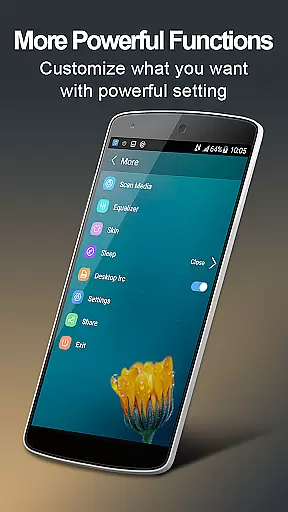
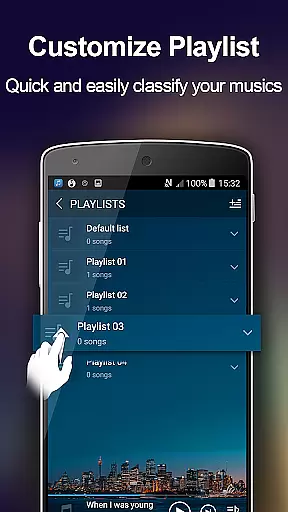
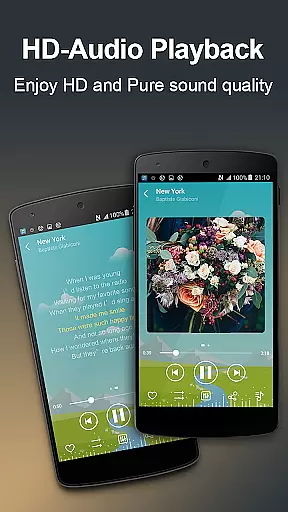
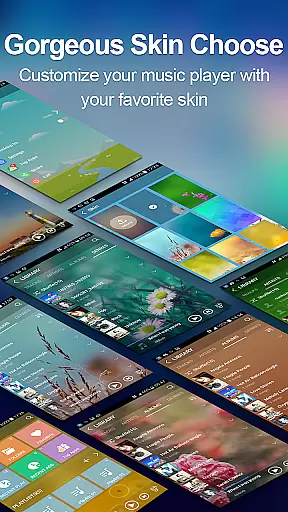
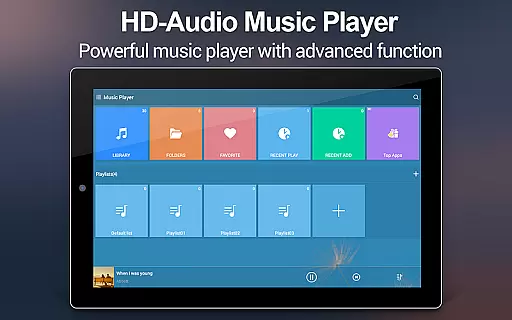
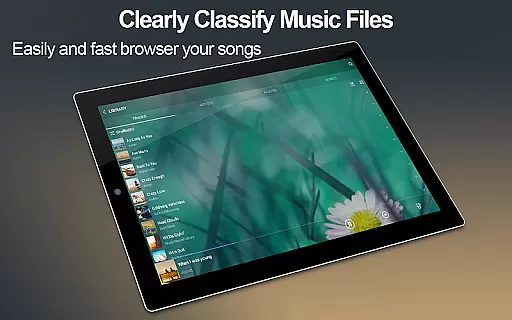
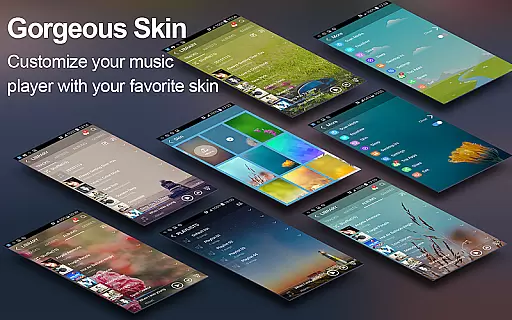
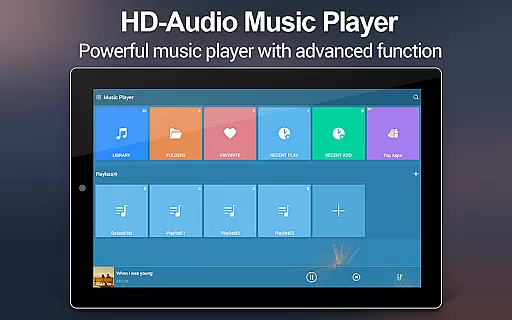
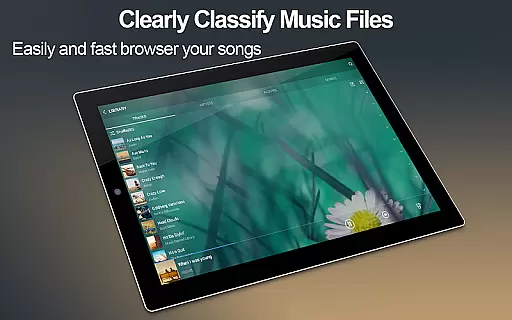
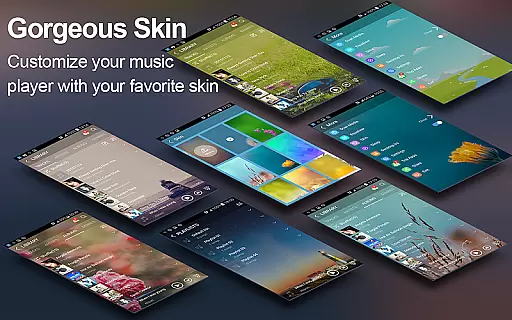
Music Player + is a feature-rich audio management app designed for Android users who demand both functionality and aesthetics. This app not only allows you to browse and play music by albums, artists, genres, playlists, and folders but also offers advanced equalizer settings that redefine your listening experience. With support for all audio file formats and customizable background skins, it provides a personalized interface that makes managing your music library intuitive and enjoyable.
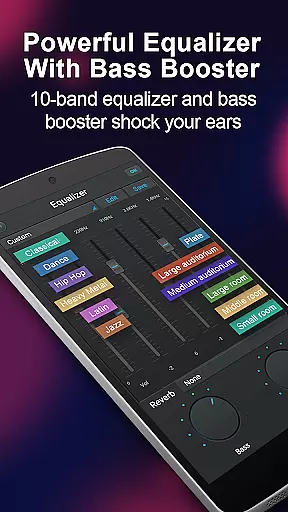
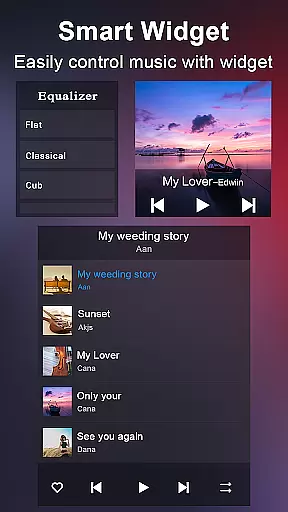
The app stands out with its powerful equalizer, offering five bands and eight preset tones that can be manually adjusted. It includes practical features like automatic lyric matching, desktop widgets, and headset controls, ensuring seamless music playback. Whether you're at home or on the go, Music Player + transforms your device into a sophisticated music station, making it an essential tool for audiophiles.
Music Player + boasts an array of innovative features that cater to diverse user needs. The app supports multiple browsing methods including albums, artists, genres, and folder structures, providing flexibility in music management. Its automatic lyric scanning and matching function ensures you can sing along to your favorite tracks effortlessly.
One of the standout features is the inclusion of three home screen widgets and a notification status bar that displays album artwork and playback controls. The five-band equalizer with eight preset options allows for customized sound profiles, while the 'SHAKE IT' feature adds a fun element by changing tracks with a simple phone shake. With over 20 background skins and the ability to use personal images, users can tailor the appearance to their liking, creating a unique and engaging music player experience.
Music Player + offers an extensive music library that supports all audio file formats, ensuring users can access and enjoy a wide variety of music without compatibility issues.
The application's powerful search functionality allows for quick location of any music or audio file stored on your device, simplifying the process of managing and playing your music collection.
While Music Player + does not directly provide content, its capability to organize and play all your music files means it respects the copyright of the music you own, offering a legitimate way to enjoy your purchased or legally acquired music.
This app stands out by providing a seamless experience in accessing your entire music library, enhancing how you interact with your personal collection through advanced features like automatic lyric matching and customizable backgrounds.
One of the standout features of Music Player + is its five-band equalizer, which provides users with significant control over their audio experience, allowing for precise adjustments to match personal preferences or optimize sound output based on the genre of music being played.
With eight types of preset music tones available, users can easily switch between different sound profiles tailored to various musical styles, from classical to electronic, ensuring an optimal listening experience every time.
For audiophiles seeking the ultimate in audio fidelity, the manual adjustment feature of the equalizer enables fine-tuning of each frequency band, granting unparalleled customization of sound quality.
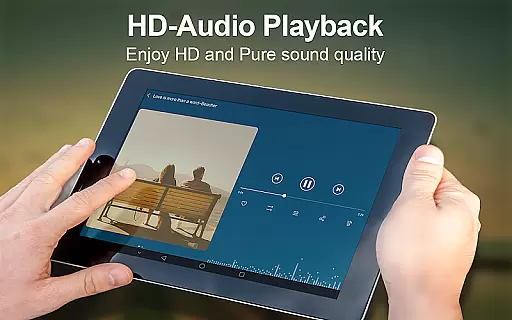
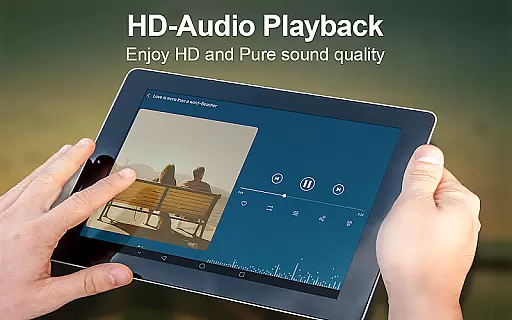
This combination of flexible equalizer settings and high-quality audio playback makes Music Player + a top choice for those who demand excellence in their listening experience, setting a new standard for what users should expect from a mobile music player application.
Powerful equalizer
Customizable skins
Automatic lyrics
Widget support
Wide format support
No cloud sync
Limited sharing
Heavy on storage
Occasional bugs
Ads in free version

The Music Journey in Your Hands
 4.30
4.30
A synth that really lets you shape your sounds!
4.50
Walkout Song DJ is the most intuitive app to manage your sports music.
4.70
Your song collections with lyrics and chords on Android smartphones and tablets.
4.80
Next generation modular control surface
4.10
USB audio recording and playback finally possible on Android 3.1 or higher!
3.90
24,000 free audio books and no ads!
4.90
Listen radio AM / FM Stations. Live AM / FM Radio App Station. Radio Com.
4.70
Sheet music reader, piano & music note player. Play music score & learn to read.
3.90
Offline Music Player & MP3 Player.Powerful equalizer, Lyrics, Themes, Tag Editor
4.80
Brian Eno and Peter Chilvers’ acclaimed music app Bloom, radically reinvented.
4.80 4.70
4.70
Super Sound Editor, Song Maker & Mixer, Vocal Remover, Voice Recorder & Changer!
4.60
Play KORG’s revolutionary touch-based instrument on a variety of devices.
4.40
The original SP-1200 experience on your iPad
4.20
Permanently backup Now Playing. Maps, filters & listening stats.
4.00
Turn your phone into a musical instrument from the future!
3.90
MilkDrop for Android TV
3.00
Music Streaming suite for Ampache, Nextcloud Music and compatible backends.
4.2


User Reviews