
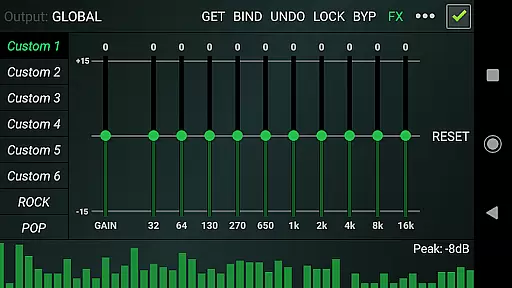

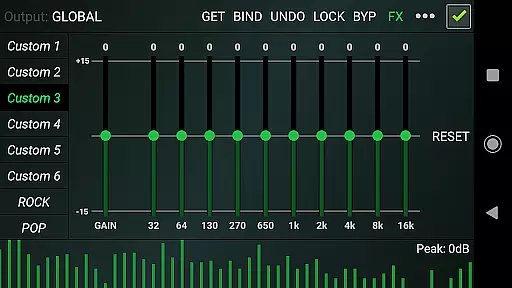
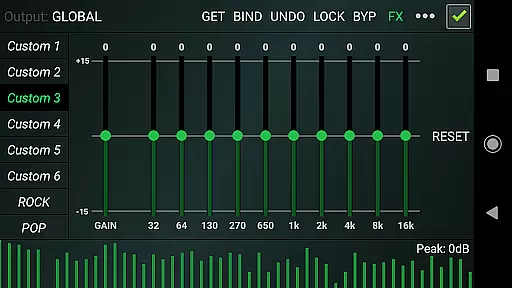
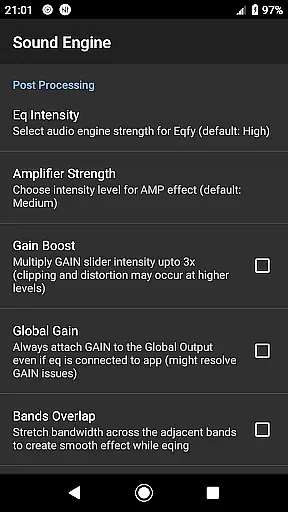
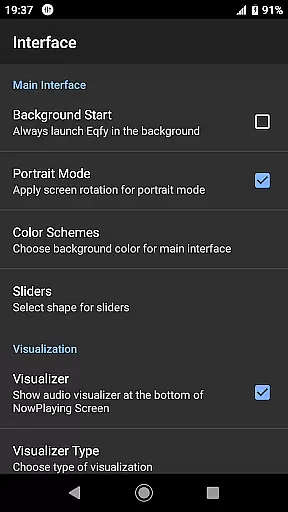
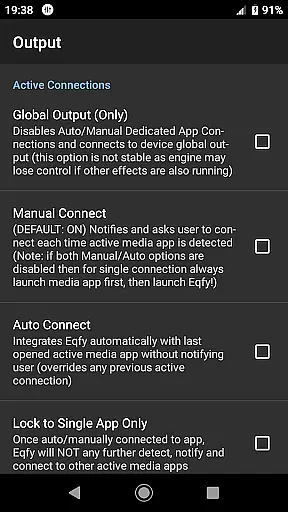
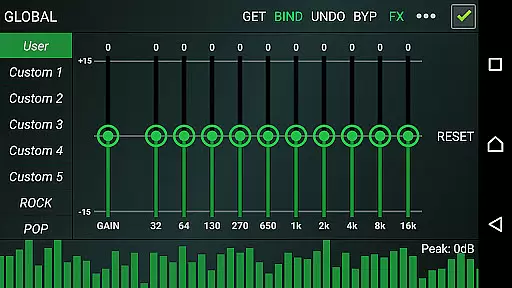
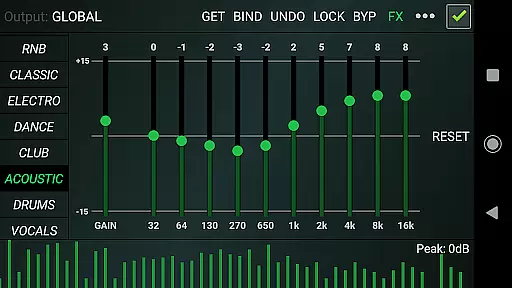
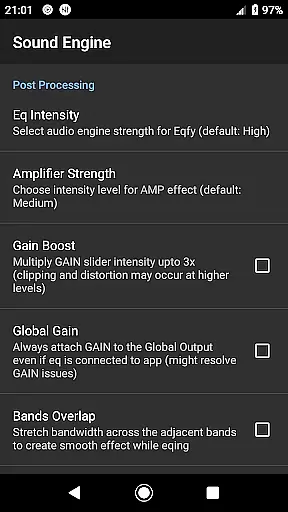
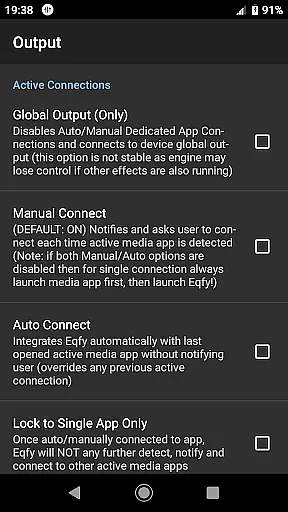
Eqfy Equalizer for Spotify is a powerful audio graphic equalizer designed to enhance your music listening experience. This app works seamlessly with Spotify and other music applications on Android, providing users with clear bass and treble adjustments. The advanced 'RE Equalizer' technology ensures superior sound quality while maintaining an easy-to-use interface.
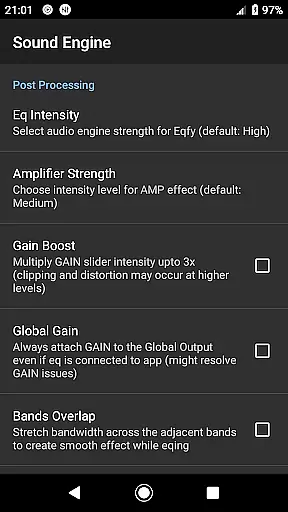
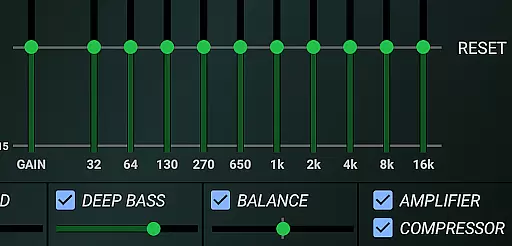
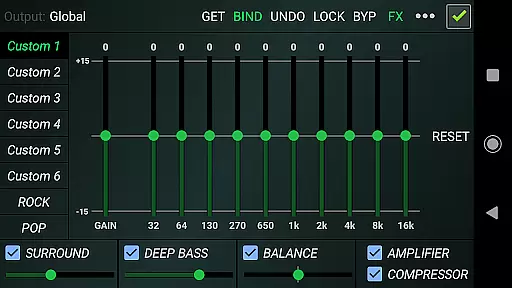
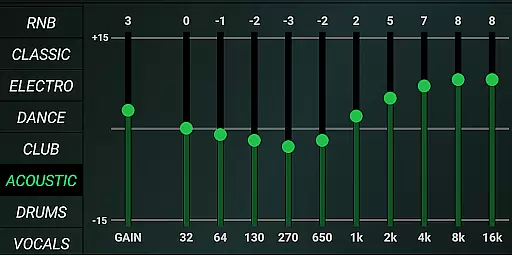
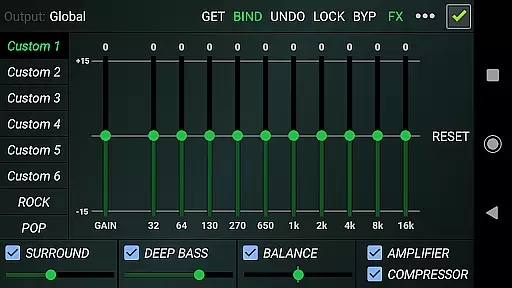
The equalizer features a dedicated audio engine that supports various music players and global output compatibility with popular apps like YouTube Music. With its 10-band equalizer, users can fine-tune their audio with precision. Additionally, the app includes optimized audio effects such as compressor, amplifier, and deep bass boost, allowing for a customized listening experience tailored to individual preferences.
Whether you're at home or on the go, Eqfy ensures that your music sounds its best. Its intuitive design and robust feature set make it an essential tool for audiophiles who demand high-quality sound from their mobile devices.
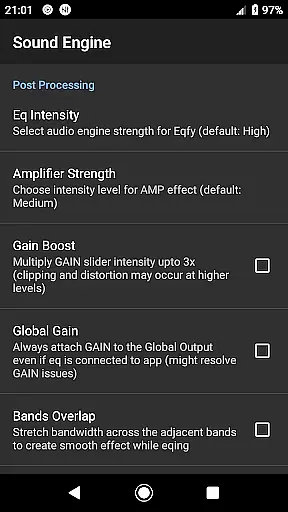
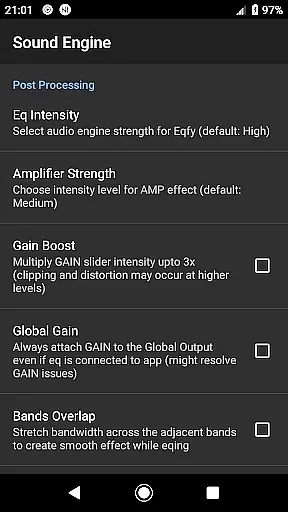
Eqfy Equalizer offers a comprehensive suite of features designed to elevate your audio experience. At its core is a dedicated audio engine that supports music players with equalizer and audio effects capabilities. This engine also provides global output compatibility, working seamlessly with Android music and audio apps such as Spotify and YouTube Music.
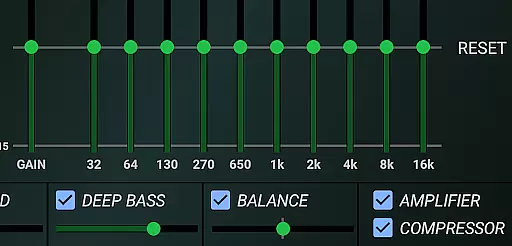
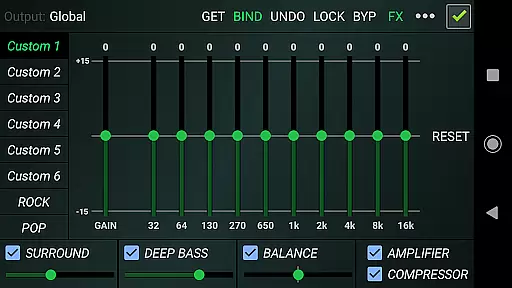
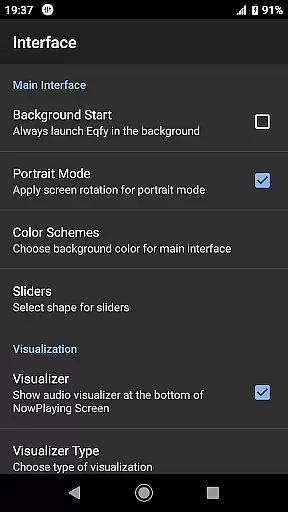
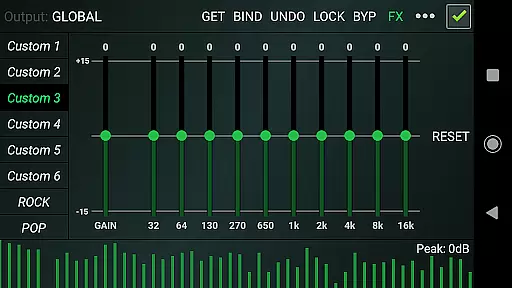
The app includes a sound booster with a multi 10-band equalizer and powerful pre-amp gain, enhancing loudness and volume. Optimized audio effects like compressor, amplifier, and deep bass boost further refine your sound. Users can adjust stereo channel balance and enjoy virtual surround sound for an immersive experience. A music visualizer with peak values adds a dynamic visual element to your listening sessions.
With 21 configurable presets, including factory settings for various genres and custom slots for user-defined preferences, Eqfy allows for extensive personalization. The quick, responsive interface ensures ease of use, making it simple to save and read presets as files. These features combine to offer a best-in-class sound quality result from your music and audio apps.
Eqfy Equalizer for Spotify offers an extensive range of audio customization options that work seamlessly with a vast music library, including Spotify and other popular music apps. This compatibility ensures users have access to a wide array of tracks across various genres.
The app's dedication to copyright authenticity is evident in its operation as a standalone third-party tool, enhancing the listening experience without infringing on the intellectual property rights of music platforms. By functioning independently, it respects the legal frameworks governing music distribution and artist compensation.
With over 21 configurable presets, including factory settings like Rock, Pop, and Classic, users can tailor their audio experience to match the genre of music they are listening to, ensuring optimal sound quality and authenticity. These presets are fully customizable, allowing for personal adjustments while maintaining respect for the original audio content.
Furthermore, Eqfy's ability to save and read presets as files adds another layer of personalization and convenience, enabling users to maintain their preferred sound profiles across different devices or share them with fellow audiophiles, all within the bounds of legitimate use.
One of the standout features of Eqfy Equalizer for Spotify is its advanced audio quality options, which significantly enhance the listening experience. The app boasts a dedicated audio engine that supports music players with equalizer and audio effects, delivering superior sound quality results.
Users can take advantage of the updated multi 10-Band equalizer with a powerful pre-amp Gain, also known as Loudness Enhancer or volume boost, to fine-tune their audio output. This feature allows for precise control over bass and treble, ensuring clear and rich sound across all frequencies.
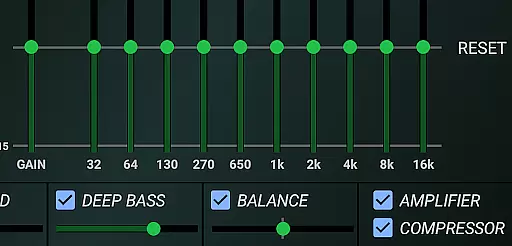
In addition to the equalizer, Eqfy includes optimized audio effects such as Compressor and Amplifier effects, Sound Balance for adjusting stereo channels, Deep Bass for enhanced low-end response, and Surround sound for an immersive audio environment. These tools collectively contribute to a high-fidelity listening session.
Moreover, the inclusion of a Music Visualizer with peak values provides real-time feedback on audio levels, adding both a functional and aesthetic element to the user interface. This combination of features positions Eqfy as a primary choice for those seeking to elevate their music and audio experiences through sophisticated sound enhancement options.
Advanced audio engine
Global app compatibility
Customizable presets
User-friendly interface
Powerful sound enhancement
Limited iOS support
Requires manual updates
Premium features locked
Occasional bugs reported
Learning curve for beginners

 4.70
4.70
Background pads for your band
3.80
Permanently backup Now Playing. Maps, filters & listening stats.
4.00
Recording studio w/ 10k beats, pro vocal FX and a network of 20M rappers & fans!
4.60
AI Music Maker: Generate And Compose AI Tunes & AI Songs & AI Music & AI Melody!
4.60
Play your hearts out on TouchTunes jukeboxes & connect with fellow music lovers.
4.80
Smart piano keyboard, Classical to Pop, Real-time multiplayer connection!
4.20
The Minimalistic Premium Music Player. Handmade with passion for music
2.20
Melody Beat: Great for travel, workouts, offline vibes, play your tunes anytime.
4.10
Offline Music Player & MP3 Player.Powerful equalizer, Lyrics, Themes, Tag Editor
4.80
Most Advanced AI Song Generator and Music Creator. Rap, Pop, Rock, Gospel & more
4.70
The best music and audio player, with beautiful UI, music search and equalizer.
4.60
Bass Booster & Volume Equalizer Pro improves your music and video sound quality
4.60
A complete sound package for the sound engineer or enthusiast
4.60
Learn the notes on the guitar fretboard fast with this easy and fun app
4.60
Fun & Easy Voice Changer – Record, Edit & Add Hilarious Effects!
4.50
A synth that really lets you shape your sounds!
4.50
Network/Cloud Streaming, Visualization, Graphic Equalizer and Sound Effects.
4.20
The only true audiophile music player with Hi-Fi audio rendering and DSP engine
3.90


User Reviews