
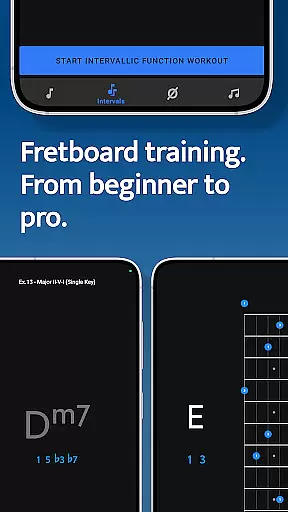
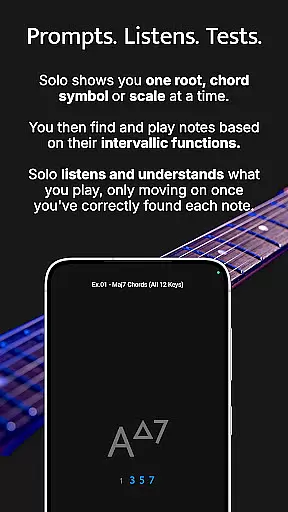

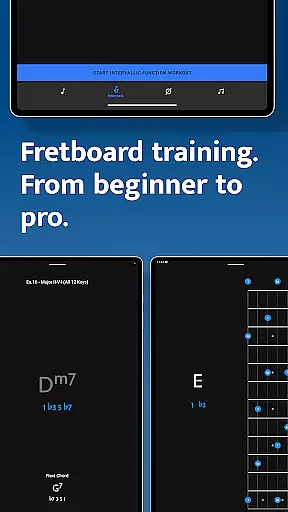

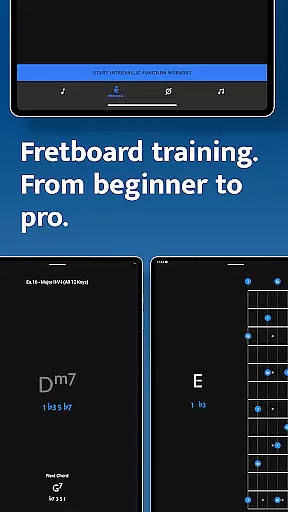

Solo is a comprehensive practice application designed to enhance fretboard visualization skills for guitarists and bassists. Developed by renowned musicians Tom Quayle and David Beebee, this app offers four specialized training modules that target essential aspects of fretboard mastery.
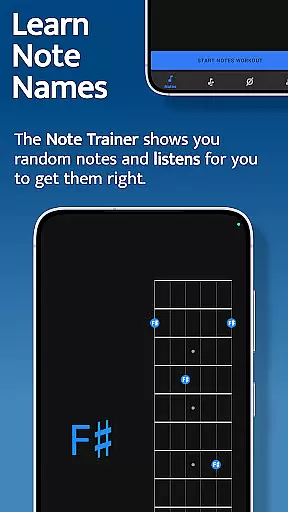
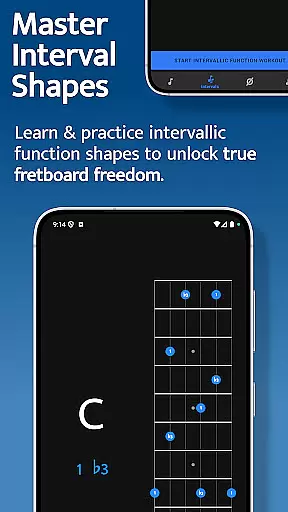
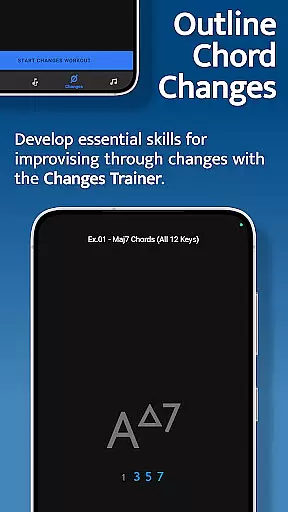
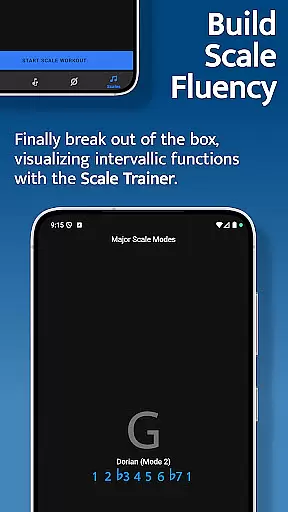
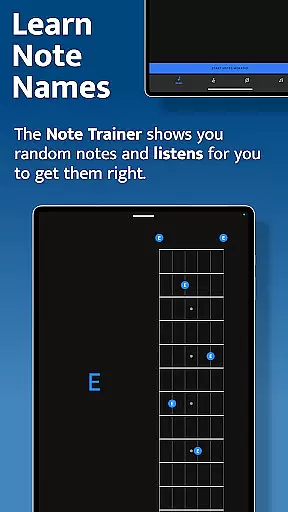
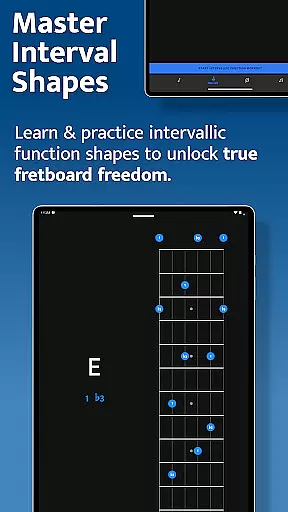
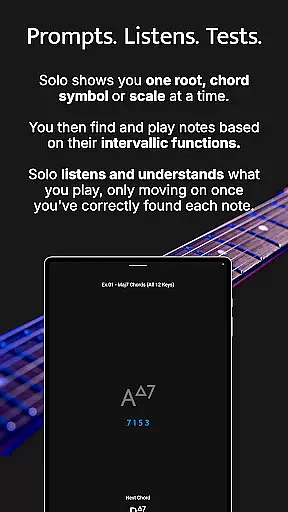
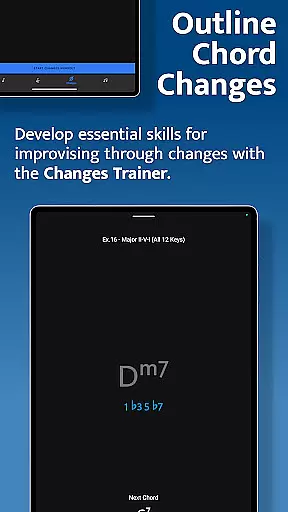
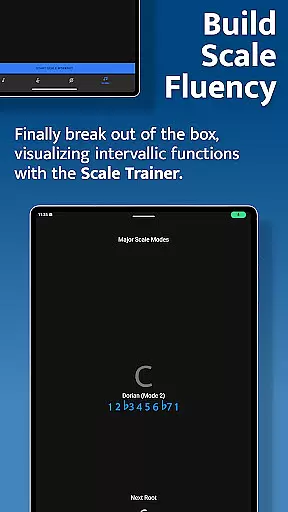
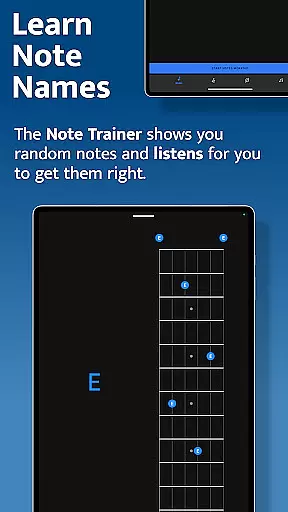
The Note Trainer helps users learn note names across different string configurations, while the Interval Trainer focuses on interval shapes and functions. The Changes Trainer enables players to navigate chord progressions using intervallic functions, and the Scale Trainer provides in-depth scale practice with over 50 scales and modes. These features collectively help musicians develop a deeper understanding of their instrument.
Whether you're a beginner or an advanced player, Solo's adaptive learning system listens to your input and ensures you master each concept before progressing. This makes it an invaluable tool for anyone looking to improve their improvisational skills and overall fretboard knowledge.
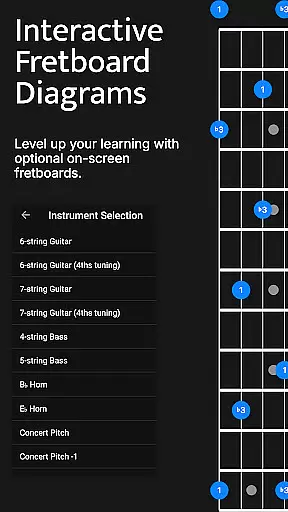
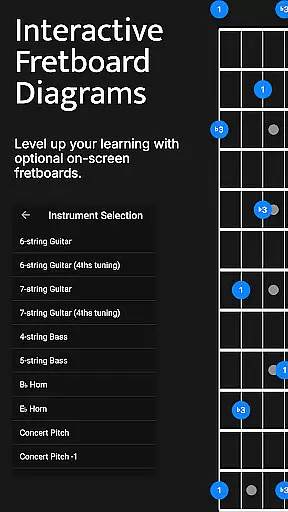
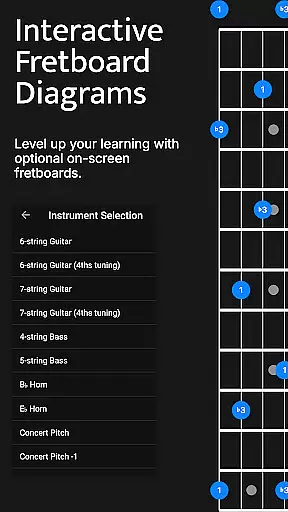
Solo stands out with its four dedicated training modules, each offering unique ways to develop fretboard proficiency. The Note Trainer uses interactive fretboards and random root notes to reinforce note recognition, supporting various tunings and string configurations including 6-string guitars, 7-string guitars, and 4/5-string basses.
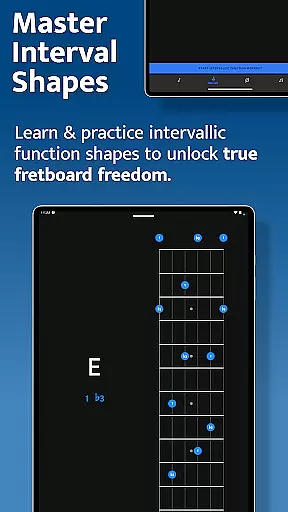
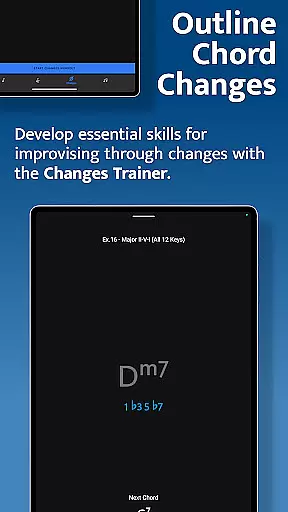
The Interval Trainer allows customized practice sessions where users can select specific intervals or generate them randomly against fixed or changing root notes. Similarly, the Changes Trainer presents over 100 chord progressions and single-chord exercises, intelligently mapping intervals and providing transposition options for added versatility.
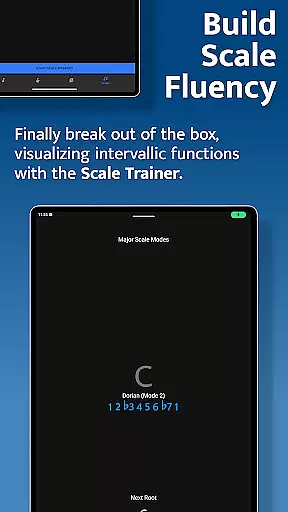
The Scale Trainer contains more than 50 scales and modes, with melodic sequence options that let users focus on specific chord tones within scales. All trainers feature duration-based workouts and offer numerous customization options, making Solo an exceptionally versatile and powerful practice tool for musicians at any skill level.
When it comes to music learning applications, the size and authenticity of the music library are crucial factors. Solo - Fretboard Visualization offers an extensive collection of scales, chords, and intervallic functions that cater to guitarists and bassists of all levels. With over 50 scales and modes available in the Scale Trainer, users can break out of traditional scale boxes and develop a deeper understanding of fretboard navigation.
The application's content is carefully curated by world-renowned guitarists Tom Quayle and David Beebee, ensuring that each exercise and trainer is rooted in credible musical knowledge. This authority guarantees that users are learning accurate and expert-approved techniques, which is essential for proper musical development.
Moreover, the app provides numerous practice options, including the Interval Trainer and Changes Trainer, which offer countless ways to challenge oneself with different chord progressions and single-chord exercises. The vast array of practice content not only enhances the learning experience but also ensures that users have access to a wide variety of musical contexts.
By using Solo, musicians can be confident that they are engaging with a comprehensive and legitimate music library that supports their growth and mastery of the fretboard.
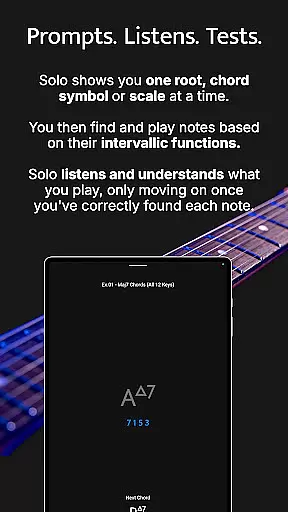
Audio quality is paramount when training one's ear and practicing music, and Solo - Fretboard Visualization takes this aspect seriously. The app listens to the notes you play and provides feedback on your performance, which is essential for developing precision and accuracy in your playing. This interactive feature helps users to learn note names, master interval shapes, and confidently navigate through chord changes.
Solo's sophisticated audio processing capabilities ensure that the sound input from the user is captured with clarity, allowing for an accurate assessment of their skills. Whether you're working on intervallic functions or outlining chord changes, the app's ability to discern your input correctly is vital for an effective practice session.
In addition to its responsive listening features, Solo offers various audio settings that accommodate different practice environments and preferences. Users can customize their experience to match their unique setup, whether they're using an electric guitar, acoustic guitar, or bass.
With Solo, musicians can trust that the audio quality options support a professional and tailored practice experience, enhancing both the technical and creative aspects of their musical journey.
Comprehensive training modules
Interactive fretboard diagrams
Customizable practice options
Wide range of scales and modes
Adaptive learning system
Steep learning curve
Interface may feel complex
Requires dedicated practice time
Limited visual customization
Premium price point

 4.70
4.70
Make music anywhere. Turn your device into an instrument.
4.2
Most Advanced AI Song Generator and Music Creator. Rap, Pop, Rock, Gospel & more
4.70
Listen to live FM radio stations, sports, music and news on global radios online
4.70
No wifi music app. Mp3 offline. Tuner radio, young radio music. Music downloader
4.20
Offline Music Player & MP3 Player.Powerful equalizer, Lyrics, Themes, Tag Editor
4.80
Let your Android device with the sound effects you want
4.50
Travel To The Music Universe
3.40
Play your music offline without limits
4.80
More downloads than any other metronome. Includes drum machine & tempo trainer.
4.80
Walkout Song DJ is the most intuitive app to manage your sports music.
4.70
SqueezePlayer turns your Android phone or tablet into a SqueezeBox on its own!
4.60
Over 100 million tracks available for high quality streaming and download
4.60
Formerly known as Spotistats! View your top tracks, artists, albums and more!
4.40
Play KORG’s revolutionary touch-based instrument on a variety of devices.
4.40
Enjoy singing any song, no matter how high or low it is
4.30
Learn and play 2M+ music tabs & chords on guitar, ukulele, bass, and more
4.30
Offline Tunes, Unlimited Vibes
3.90
Control your MIDI USB or Bluetooth devices in app and avoid some trampling
3.30


User Reviews