
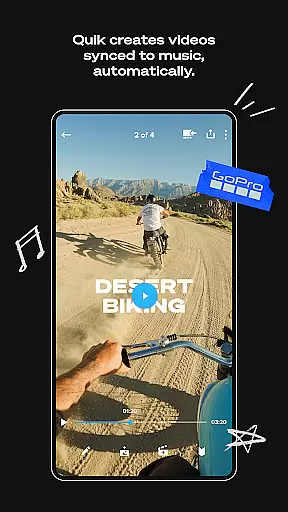
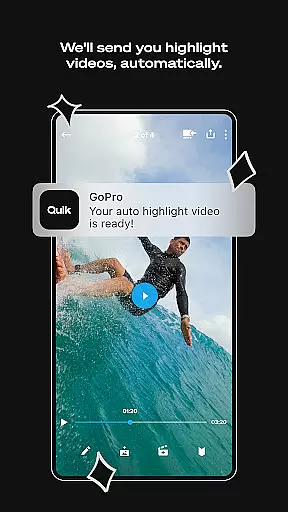
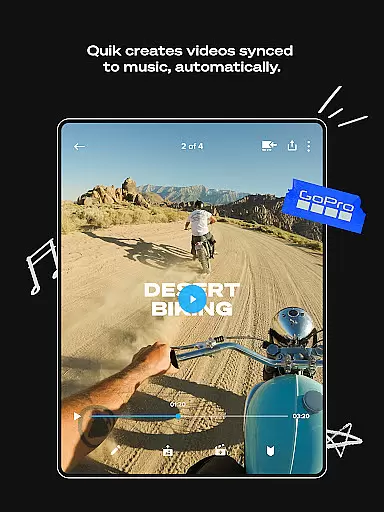
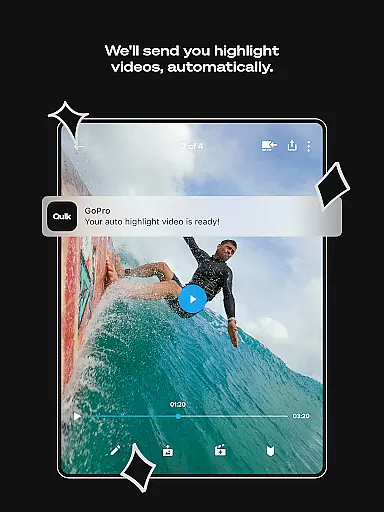
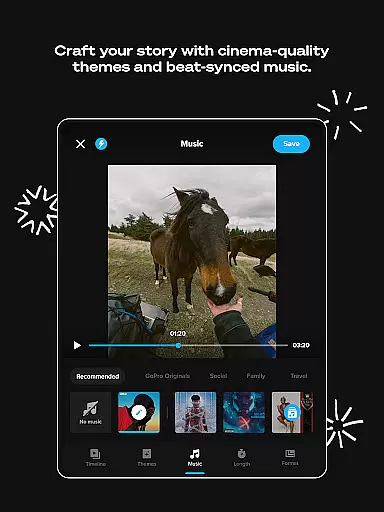
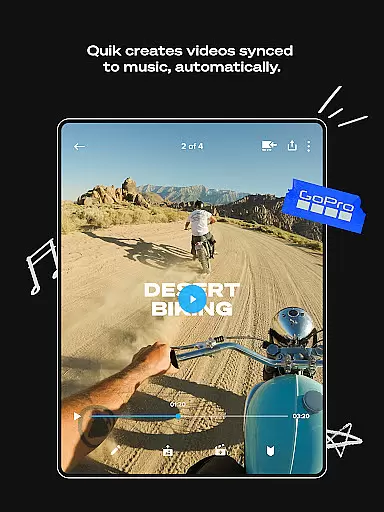
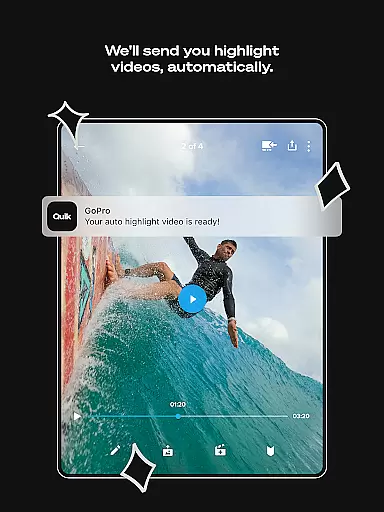
GoPro Quik is a powerful video editing application designed to simplify the editing process while delivering professional-quality results. The app's standout feature is its automatic highlight video creation, which intelligently selects your best shots, syncs them to music, and adds polished transitions. This makes it effortless for users to create engaging videos even without prior editing experience. With seamless integration into the GoPro ecosystem, the app offers unlimited cloud storage at 100% quality for GoPro footage, ensuring that all your media is securely backed up and accessible across devices.
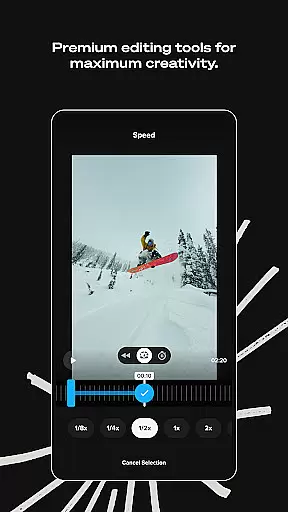
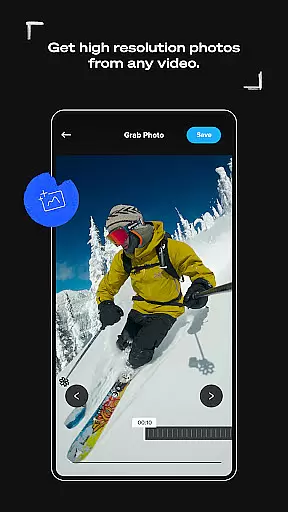
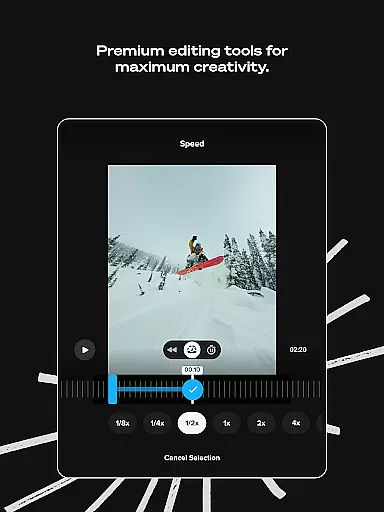
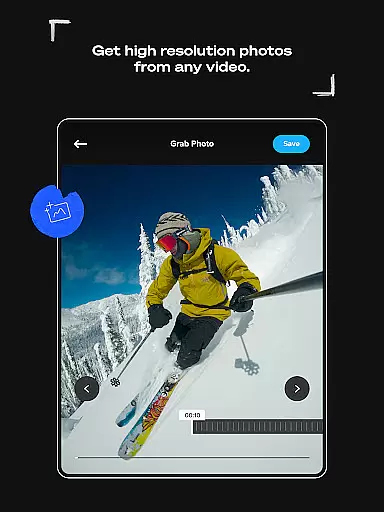
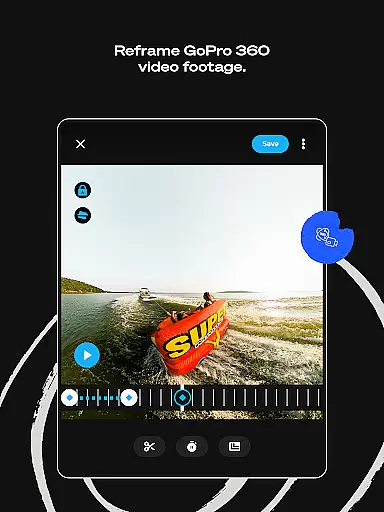
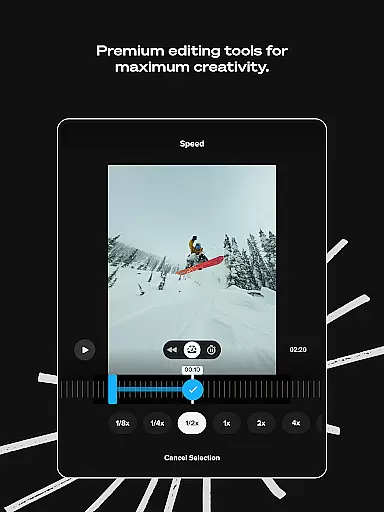
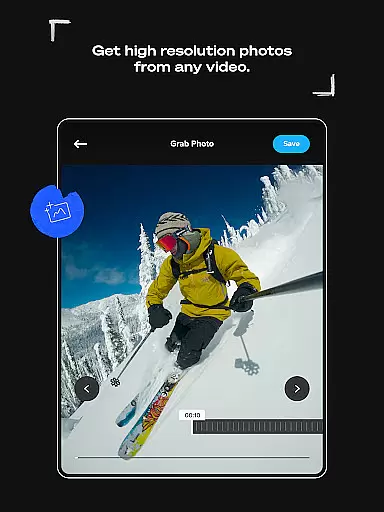
Beyond its automated features, GoPro Quik provides a comprehensive suite of premium editing tools. These include advanced options like beat-synced transitions, frame grabs for high-resolution photos, and customizable themes with cinematic filters. Whether you're adjusting color settings, adding text overlays, or experimenting with reframing 360-degree footage, the app caters to both casual creators and more experienced editors. Its cross-device syncing ensures that your projects are always up-to-date, allowing you to edit on-the-go from any smartphone or tablet.
The true value of GoPro Quik lies in its ability to streamline workflows without sacrificing creative control. By combining intuitive automation with robust manual editing capabilities, it empowers users to produce high-quality content efficiently. From adventurers capturing their latest exploits to social media enthusiasts crafting visually stunning posts, this app is an ideal solution for anyone seeking to enhance their video storytelling.
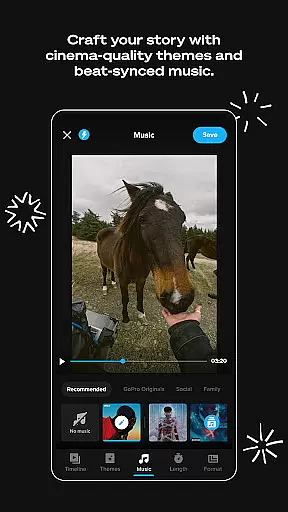
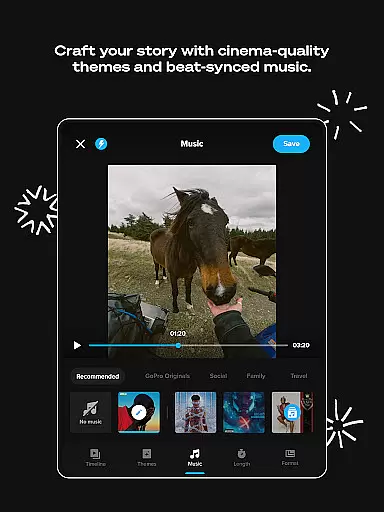
GoPro Quik stands out with its innovative set of features tailored for modern content creators. One of its most notable capabilities is Automatic Highlight Videos, where the app analyzes your footage to identify key moments, then compiles them into a dynamic video synced to music beats. This feature not only saves time but also ensures that even novice editors can achieve professional-looking results. Additionally, the app supports unlimited cloud storage at full resolution through a Premium subscription, enabling users to back up all their GoPro footage as well as up to 500GB from other cameras.
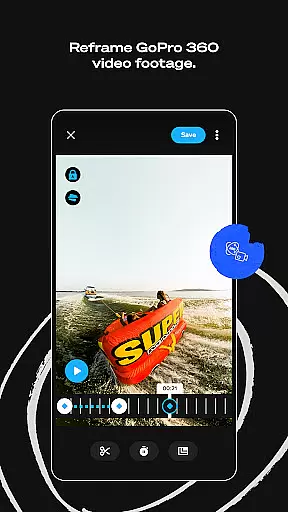
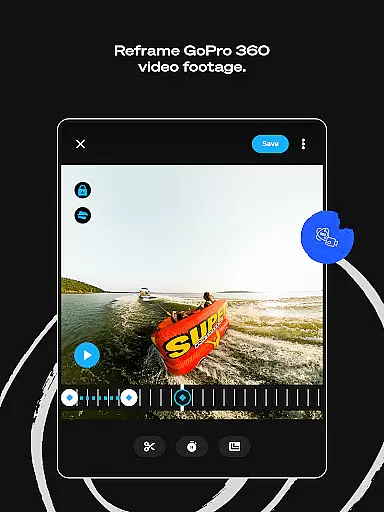
For those who prefer hands-on editing, GoPro Quik offers an extensive range of premium tools. These include precise frame adjustments, exclusive environment-optimized filters, and text overlays that add depth to your stories. The Beat Sync functionality enhances videos by aligning transitions and effects with the rhythm of your chosen soundtrack, creating a cohesive viewing experience. Another standout tool is Reframe, which allows users to transform immersive 360-degree footage into traditional videos with cinematic transitions simply by setting keyframes.
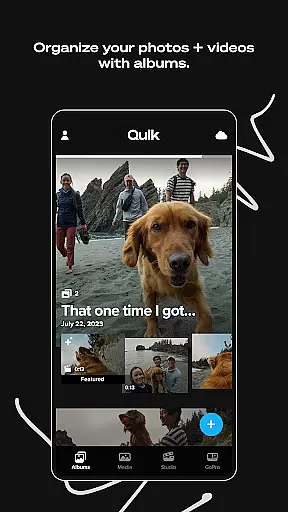
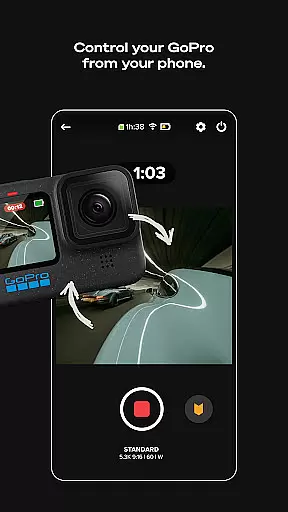
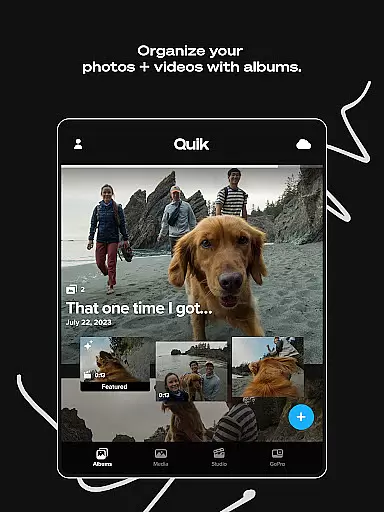
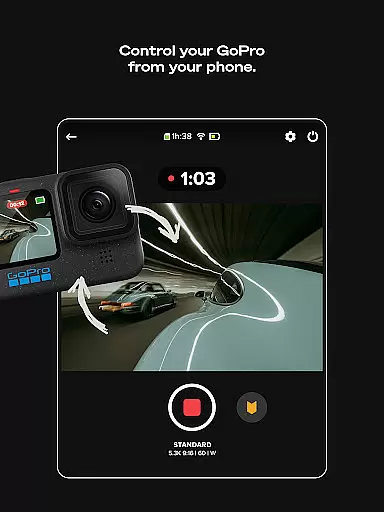
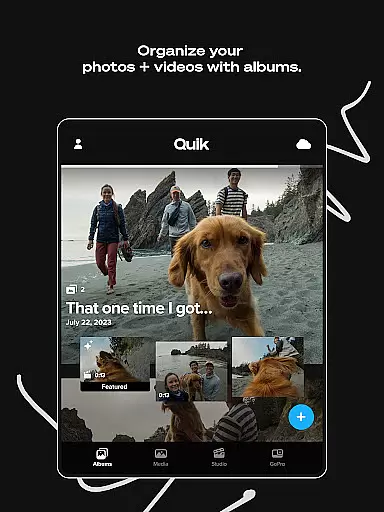
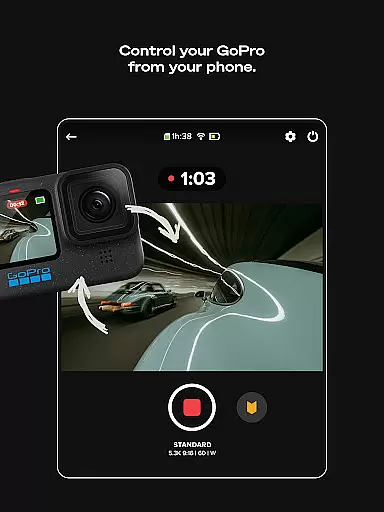
What truly sets GoPro Quik apart is its seamless integration with GoPro hardware. Features such as Auto Upload and Cross Device Sync ensure that your media is always accessible, whether you're editing on your phone or managing files on your computer. Camera owners benefit further from functionalities like previewing shots directly on their devices and organizing media via intuitive grids and filters. Together, these features make GoPro Quik an indispensable tool for anyone invested in producing high-quality visual content.
GoPro Quik ensures comprehensive video format compatibility, allowing users to work with a wide range of file types without conversion hassles. The app supports footage from GoPro cameras as well as other devices, making it versatile for various user needs.
With a Premium or Premium+ subscription, users gain access to unlimited cloud storage for all their GoPro footage and up to 500GB for content from other cameras. This feature is particularly beneficial for those who work with multiple devices or camera models.
The application's ability to automatically upload and sync media across devices enhances the editing workflow. Whether it's 360-degree videos or traditional footage, users can seamlessly edit and share their creations.
By supporting high-resolution frame grabs and offering tools like Reframe, GoPro Quik empowers users to transform ordinary videos into professional-grade content. These capabilities ensure that the app remains relevant for both casual creators and seasoned videographers.
GoPro Quik incorporates advanced AI-powered editing features that streamline the video creation process. The app automatically identifies compelling moments from users' footage, syncing them to music beats and adding polished transitions.
These intelligent editing tools extend beyond basic trimming and cutting. Users can experiment with color adjustments, add thematic filters optimized for specific environments, and include text overlays to enhance storytelling.
The AI-driven Beat Sync functionality ensures that every edit aligns perfectly with the selected soundtrack. This feature saves significant time while maintaining professional-quality results, even for novice editors.
Additionally, the automatic highlight creation generates shareable videos without manual intervention. When combined with premium tools like Reframe and customizable themes, these AI capabilities position GoPro Quik as a powerful solution for modern content creators.
User-friendly interface
Powerful automation tools
Unlimited cloud storage
Premium editing features
Cross-device compatibility
Premium subscription required
Limited free storage
Advanced tools have learning curve
Occasional syncing issues
File type restrictions

?100% FREE! Download & save videos? safely in this app. All formats supported.
 4.60
4.60
Cast to Chromecast, Xbox, Fire Stick, Roku, DLNA, Smart TV & No Feature Limited!
4.50
High-Quality USB Camera Viewer & HDMI Display
4.70
An easy-to-use and all-round screen recorder with audio
4.80
Find, download, and play torrents with the official BitTorrent® Pro app
4.70
Watch IPTV on your Android device
4.60
Web Browser for LG TV to stream webvideos, online movies and livestreams in HD
4.20
Livestream, news, & gaming content. Watch, chat, and upload. Join Rumble today!
3.80
Capture the moment and Cut
3.40
Browser + Remote for Roku to stream webvideos, online movies and livestreams
4.60
HD video maker with no watermark, no ads & vlog maker with music, PIP, text
4.50
Make your own Animations, Video and Photo Edits, Visual Effects, and more!
4.00
Explore the largest library of free GIFs, Stickers & Memes - or create your own!
3.90
Kodi media center, a free and open source cross-platform entertainment hub
3.60
This app is an emulator of some specific IPTV boxes
3.50
Browser for Sony TV to stream web videos, online movies and live tv
3.20
Mix with Virtual DJ directly from your phone or tablet !
3.10
Client application for NextPVR software
3.00
The essential companion to your Blue Iris PC software
2.50


User Reviews