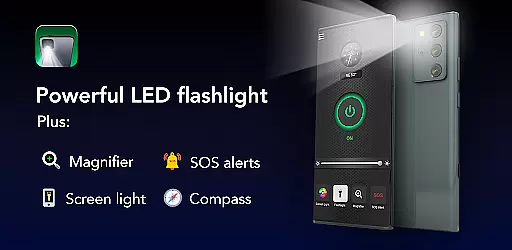
Brightest Flashlight Launcher is a versatile tool that transforms your smartphone into an essential everyday utility. The app provides not only a super-bright flashlight but also integrates a magnifying glass, compass, SOS alerts, and screen light functionalities. Whether you are outdoors, facing a power outage, or need to magnify small prints, this app ensures you have the necessary tools at your disposal.
Upon installation, the app revamps your home screen layout for quick access to its features. It offers one-swipe access to the flashlight and magnifier, along with widgets displaying time and weather. Personalization options like themed wallpapers and multi-touchpoint search enhance user convenience. With these capabilities, Brightest Flashlight Launcher becomes an indispensable tool for both routine tasks and emergency situations.
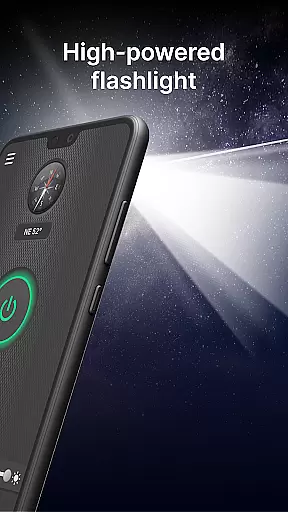
The Brightest Flashlight Launcher stands out with its comprehensive set of features designed for various scenarios. The brightest flashlight functionality allows users to illuminate their surroundings instantly with a single tap, making it ideal for nighttime navigation or searching for lost items.
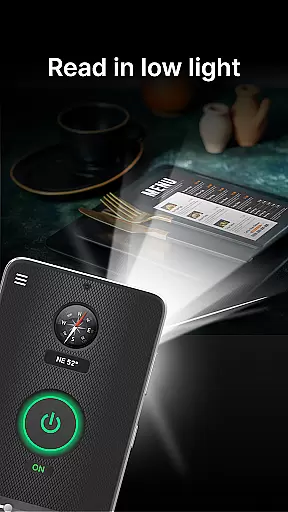
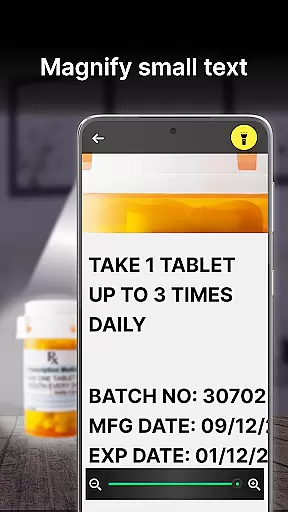
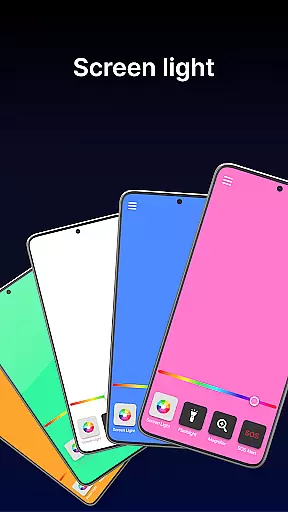
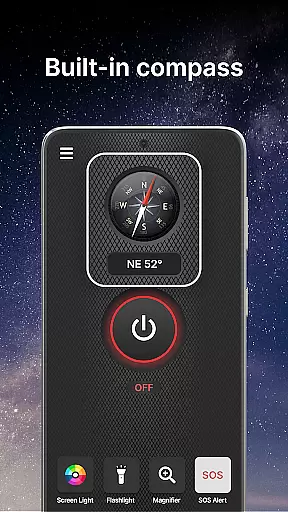
In addition to the flashlight, the magnifier feature turns your phone into a powerful magnifying glass, complete with illumination for clear viewing in dim conditions. This is particularly useful for reading fine print or examining objects closely. The built-in compass and SOS alerts further extend the app's utility, ensuring users can find their way or signal for help during emergencies. Lastly, the screen light feature leverages the phone's display to provide additional visibility in low-light environments.
Each feature is crafted to offer practical solutions, enhancing the overall user experience by providing reliable and accessible tools right at their fingertips.
Flashlight Launcher stands out for its precision and reliability in delivering essential tools right at your fingertips. The app's core functions, including the brightest flashlight, magnifier, built-in compass, SOS alerts, and screen light, are designed with accuracy as the forefront feature.
The flashlight and magnifier features are engineered to provide maximum illumination and magnification, respectively, ensuring that whether you're navigating in the dark or reading fine print, the app performs with utmost efficiency. The built-in compass offers precise directional guidance, which is crucial for outdoor activities.
In emergency situations, the effectiveness of SOS alerts can be life-saving. Flashlight Launcher ensures these signals are easily activated and visible from a distance, providing users with a reliable means to call for help. This level of preparedness and functionality underscores the app's commitment to user safety and satisfaction.
Moreover, the screen light feature transforms the smartphone display into a convenient light source, adapting to low-light environments with ease. Each tool within Flashlight Launcher is crafted to deliver not just functionality but also an assurance of quality and dependability, making it an indispensable utility on your device.
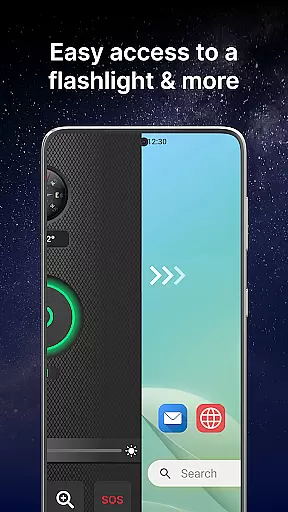
A hallmark of Flashlight Launcher is its straightforward and instinctive interface, allowing users to swiftly access vital tools without any learning curve. The design philosophy centers around one-swipe access, enabling instant availability of the flashlight, magnifier, and other safety essentials by simply swiping right from the home screen.
This intuitive layout extends to the inclusion of a home screen widget that displays time, weather, and more, streamlining the user experience by keeping important information at a glance. Additionally, customizable wallpapers offer personalization without complicating the navigation process.
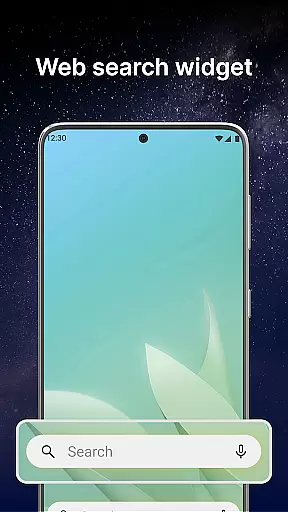
Home screen shortcuts further enhance the appu2019s intuitive nature, providing fast access to frequently used features like the flashlight. Multi-touchpoint search capabilities simplify finding installed apps or performing web searches powered by Yahoo, directly from various access points within the launcher.
Overall, Flashlight Launcher combines essential utilities with an emphasis on interface simplicity and intuitiveness, ensuring that users can efficiently utilize all features without distraction or confusion. This approach not only elevates user engagement but also solidifies the app's role as a practical and user-friendly tool on your smartphone.
User-friendly interface
Comprehensive safety tools
Instant access to utilities
Customizable home screen
Reliable in emergencies
Home screen layout changes
Requires permissions
May drain battery faster
Limited design options
Potential learning curve

 4.50
4.50
Learn the vast amount of system information about device and monitor it's state
4.70
Carry a FTP server in your pocket and avoid USB cables for file transfer
4.20
Quickly & easily calculate the spacing of handrail balusters
4.20
App to pay for FUTO Keyboard
4.60
Best leveling tool for your Android device. Hang paintings like a pro.
4.90
Detect hidden spy camera with advanced scanning {{ Premium version }}
4.00
The one-and-only remote control for PC, Mac, and Linux
4.70
Screen Mirroring for Roku Sticks, Roku TCL TV and Roku Hisense TV
4.50
Change your GPS location instantly. Simulate routes anywhere in the world.
4.90
Powerful collection of electronics tools and reference.A must for any enthusiast
4.90
Excellent scientific calculator with symbolic algebra, integrals, derivatives
4.80
Connect instantly to a fast, encrypted VPN with one tap
4.60
Canon PRINT is a companion app for your Canon printer.
4.60 4.50
4.50
Quickly check the frequency of the Earth
4.30 4.10
4.10
1-Click close all background apps on Android TV
3.90
Undelete and recover your lost or deleted files with DiskDigger!
3.40


User Reviews