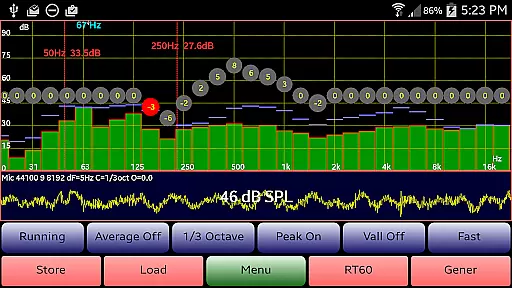
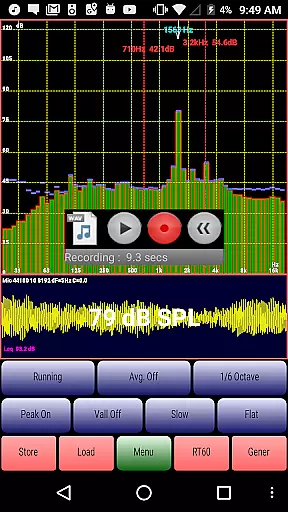
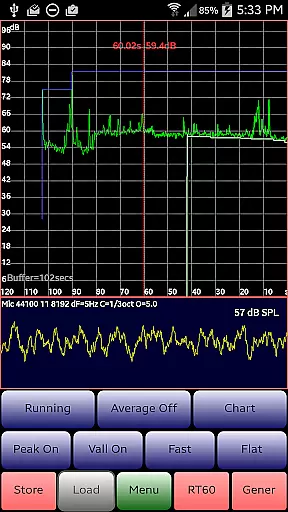
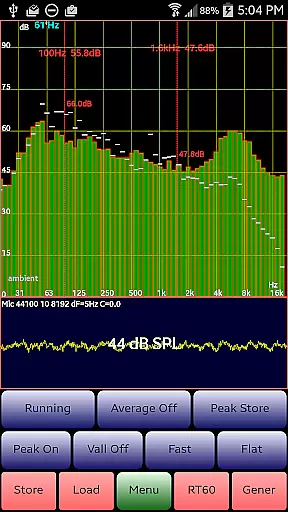
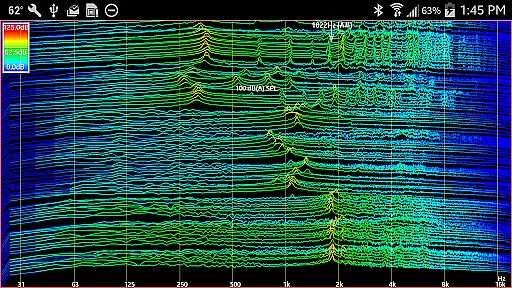
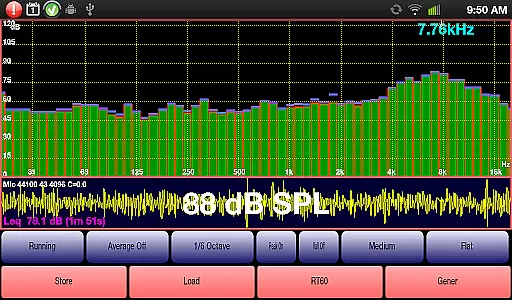
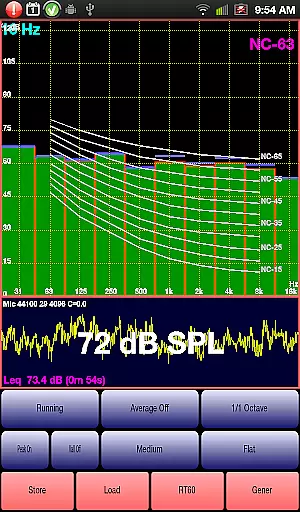
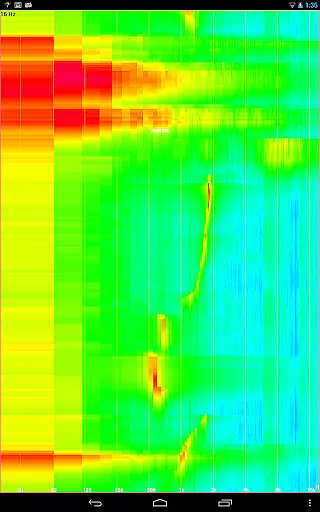
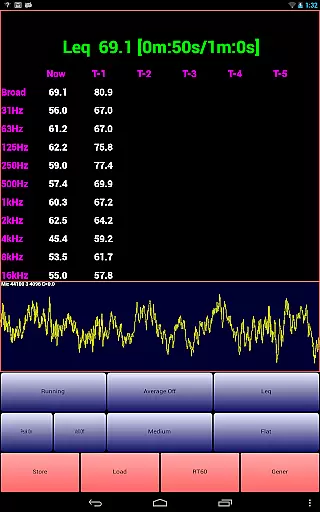
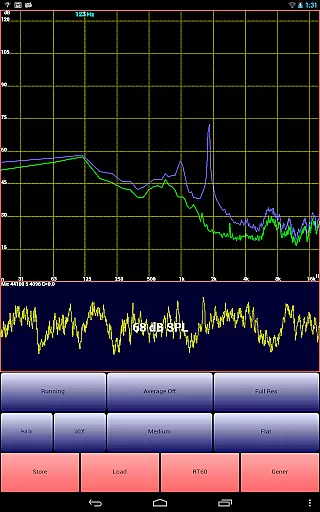
AudioTool is a comprehensive audio measurement and analysis application designed for audio engineers, acoustics professionals, and enthusiasts. The app features an SPL (Sound Pressure Level) meter with RT60, Leq, Sone, Spectrum Analyzer, Spectrogram, Chart Recorder, Signal Generator, Polarity Checker, and Mic calibration capabilities.
This professional-grade tool offers multiple octave RTA modes, various filters, signal generators, and loudspeaker polarity checkers. It is recommended by 'Sound and Vision' magazine and widely appreciated by audio engineers globally. Whether you need to measure gig sound levels, optimize home theater setups, or conduct detailed acoustical analyses, AudioTool provides the necessary tools and accuracy.
The app's versatility extends to its exclusive ISO 1/3 Octave Calibration feature, which corrects for your phone's microphone response. With regular updates and a supportive user community, AudioTool ensures that users have access to cutting-edge audio measurement technology on their mobile devices.
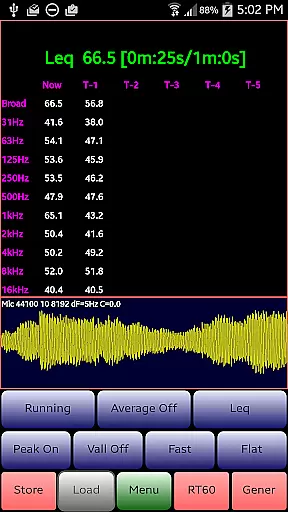
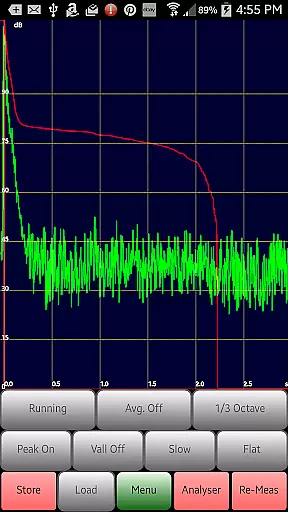
AudioTool stands out with its extensive range of features tailored for audio professionals. The app includes 1/1, 1/3, 1/6, and 1/12 octave RTA modes, Leq measurements, Sones (Loudness), RT60 calculations, Peak Store, Spectrogram, Waterfall, and more. These functionalities allow users to perform detailed acoustic analyses and optimize audio environments effectively.
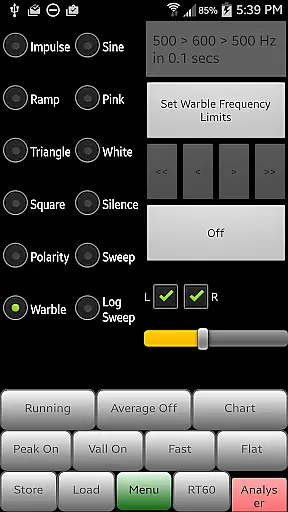
In addition to its core features, AudioTool offers advanced options such as White/Pink Noise generation, Sine, Square, Triangle signals, Sweep, Log Sweep, Warble, Ramp, and Impulse signals. The app also supports Averaging, SPL Chart Recording, Noise Criteria (NC and NR), and film industry X Curve adjustments. Users can benefit from the app's ability to save and load RTA data, pinch to zoom functionality, and scroll to center features.
Recent updates have introduced new functionalities like loading and displaying stored spectrum files alongside real-time data, swapping phase options for stereo signals, setting resolution lengths, and a new 1/12 Octave RTA mode. These continuous improvements ensure that AudioTool remains at the forefront of mobile audio measurement technology.
AudioTool offers an extensive suite of audio measurement and generation tools, akin to having a comprehensive music library at your disposal. With features like RTA modes, Leq, Sones, Spectrum Analyzer, and more, it provides users with a vast array of options for analyzing and generating sound.
The app's commitment to copyright authenticity is evident through its support for ISO 1/3 Octave Calibration and compatibility with external microphones such as the Dayton Audio iMM-6 and MicW i436. This ensures that any content created or analyzed adheres to industry standards and respects intellectual property rights.
Users benefit from the ability to calibrate their experience accurately, ensuring that measurements are reliable and consistent. The app allows saving and restoring calibration files, which adds another layer of authenticity and precision to the user's work.
By providing these sophisticated tools, AudioTool not only meets but exceeds expectations for professionals who require accurate audio analysis in various settings, including gig measurements, home theater setups, acoustics testing, and automotive environments.
AudioTool stands out in the realm of audio applications by offering unparalleled audio quality options. It supports multiple signal types including White/Pink Noise, Sine, Square, Triangle, Sweep, Log Sweep, Warble, Ramp, and Impulse signals, catering to diverse audio testing needs.
The app employs advanced techniques such as Hann windowing to reduce aliasing, ensuring high-quality FFTs (Fast Fourier Transforms) of microphone samples. This technical sophistication translates into superior audio clarity and fidelity across different devices.
For users, this means they can rely on AudioTool for precise and professional-grade audio assessments. Whether measuring SPL (Sound Pressure Level), conducting RT60 tests, or using the Spectrogram and Waterfall displays, the app delivers consistent and trustworthy results.
Furthermore, the Signal Generator within AudioTool boasts frequency accuracy typically around 1%, making it a dependable tool for audio engineers worldwide. While sine wave fidelity remains strong throughout most of the audio range, other signals may exhibit artifacts depending on the device used, yet still maintain a high standard of quality.
Comprehensive audio tools
Regular feature updates
Wide industry recognition
Exclusive calibration feature
Active user community
Complex for beginners
Hardware-dependent performance
Occasional interface glitches
Limited free support
Advanced features require learning

Your HD audio recorder on the go for music, meetings, ambience, animal sounds…
 4.30
4.30
Taal player that lets you sing any Indian & Western song with Tabla & Tanpura
4.60
Full-featured, High-Quality Groovebox Workstation, perfect for Live Performance!
4.80
Time Trainer: accurate metronome w tools to help you develop your internal time!
4.20
Bass Booster & Volume Equalizer Pro improves your music and video sound quality
4.60
Offline Music Player & MP3 Player.Powerful equalizer, Lyrics, Themes, Tag Editor
4.80
Simple mp3 and mp4 player with advanced features.
3.40
Slow music down without changing pitch.
3.70
Sheet music reader, piano & music note player. Play music score & learn to read.
3.90
Walkout Song DJ is the most intuitive app to manage your sports music.
4.70
Simple & Intuitive Metronome
4.70
Super Sound Editor, Song Maker & Mixer, Vocal Remover, Voice Recorder & Changer!
4.60
Full featured mp3 and audio player with Chromecast and Android Auto support.
4.40
Bass Booster Pro takes auto-equalizing to the next level!
4.30
Next generation modular control surface
4.10
Learn to play the piano using falling notes!
3.80
The Cubase remote control app
3.60
The Skullcandy App Experience
3.20
Make music anywhere. Turn your device into an instrument.
4.2


User Reviews