
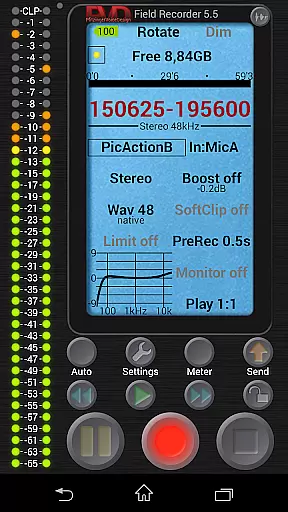
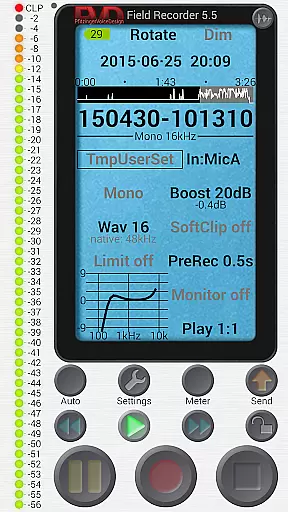
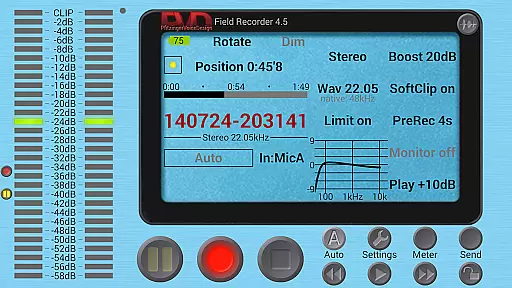
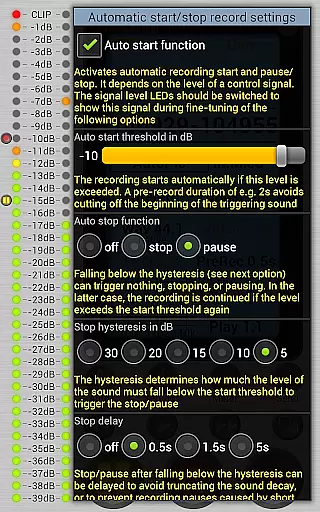
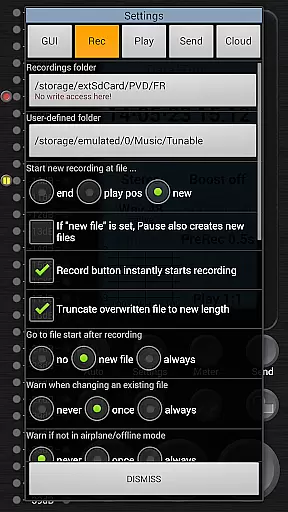
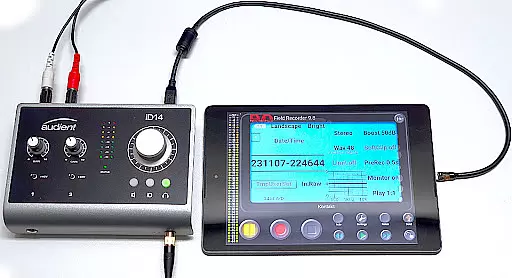
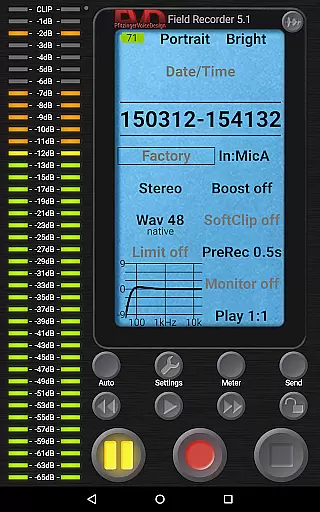
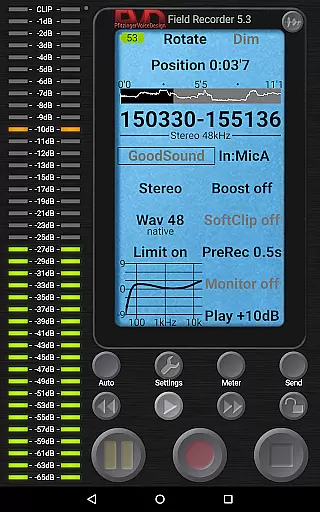
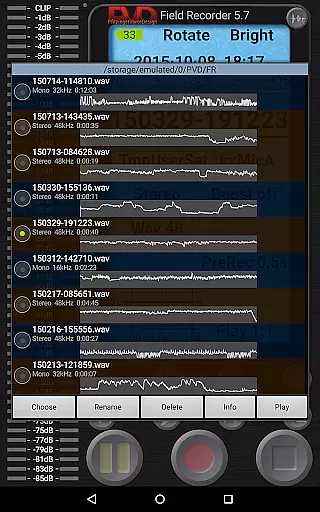
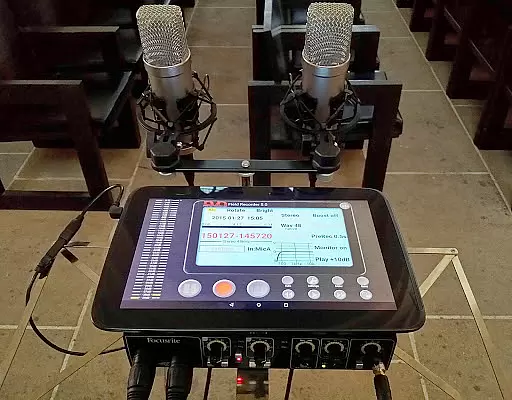
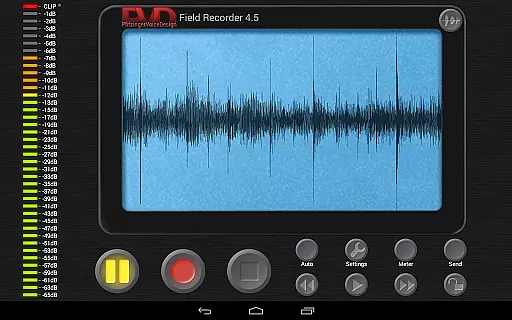
Field Recorder transforms your mobile device into a versatile audio recording tool, perfect for capturing high-quality sound on the go. With support for both built-in and external microphones, as well as USB sound cards, this app offers extensive customization options for audio parameters.
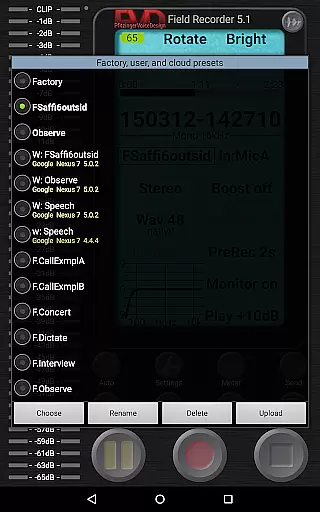
The application stands out with its professional-grade features such as adjustable equalizers, limiters, and various recording formats ranging from mono/16kHz/16-bit to stereo/192kHz/24-bit WAV files. Users can save their settings as presets for quick access, making it ideal for diverse recording scenarios like concerts, interviews, or nature sounds.
Whether you're a musician needing to record rehearsals or a journalist conducting interviews, Field Recorder provides the tools necessary to capture, edit, and share your audio efficiently. Its intuitive interface and advanced monitoring capabilities ensure you never miss an important moment.
Field Recorder boasts an impressive array of features designed to meet the needs of audio enthusiasts and professionals alike. The app supports multiple input sources including internal microphones, external mics, and USB sound cards, providing flexibility in recording setups.
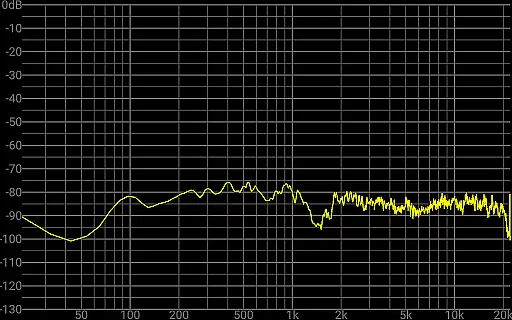
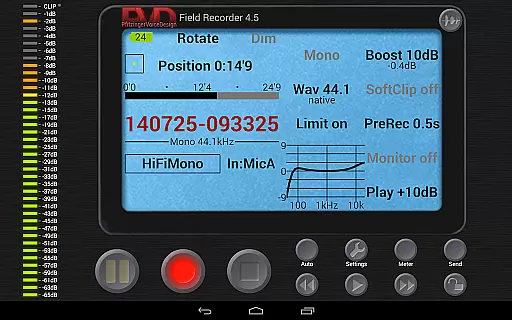
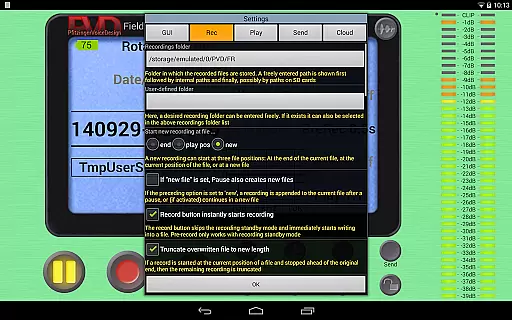
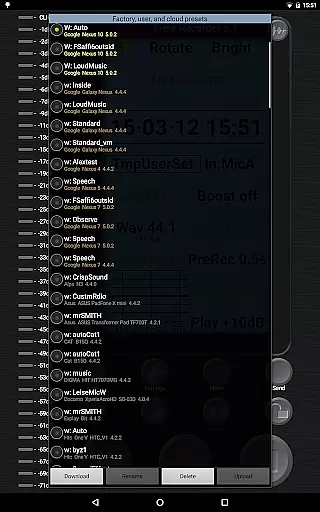
One of the standout functionalities is the ability to fine-tune audio settings with low-cut filters, parametric and shelving equalizers, and stereo balance correction. These adjustments can be saved as custom presets, allowing users to switch between different configurations seamlessly during recording sessions.
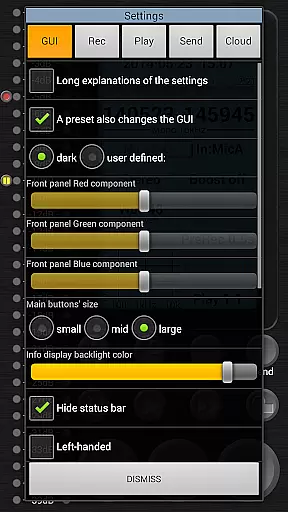
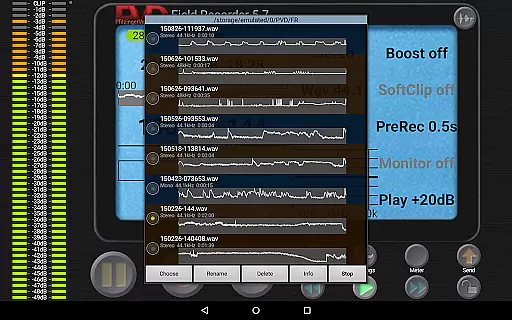
In addition to its robust recording capabilities, Field Recorder includes a WAV player with adjustable volume maximization, mute options, and fast-forward/rewind controls. The GUI is highly configurable, enabling personalization of colors, layouts, and button sizes to suit individual preferences and workflows.
Field Recorder offers an extensive range of audio recording capabilities that ensure high-quality output suitable for various professional and personal needs. With the ability to record in formats from mono/16kHz/16-bit up to professional stereo/192kHz/24-bit, it caters to a vast array of audio library requirements.
The app supports WAV file recording, which can then be converted into MP3, AAC, or FLAC using helper apps, thus providing users with flexibility in managing their music libraries. This versatility ensures that users have control over the size and quality of their audio files, making it easier to maintain an organized and comprehensive collection.
Copyright authenticity is guaranteed as Field Recorder allows users to create original content using built-in or external microphones, including USB sound cards. By offering features like pre-defined presets for typical tasks and customizable settings, users can trust in the legitimacy of their recordings while enjoying the freedom to explore creative audio projects.
Audio quality is paramount when producing professional-grade recordings, and Field Recorder excels in delivering top-notch audio through its advanced features. The application includes a recording equalizer and limiter, alongside parametric and shelving equalizers, ensuring that every recording meets high standards of clarity and fidelity.
Users can adjust audio parameters more extensively than with any other audio recorder, thanks to functions such as low-cut filters, stereo balance correction, and noise shaping. These tools allow for precise sound customization, catering to audiophiles who demand the utmost quality from their recordings.
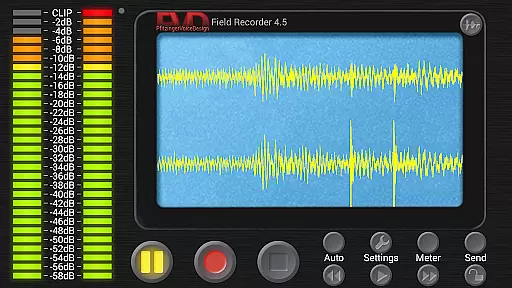
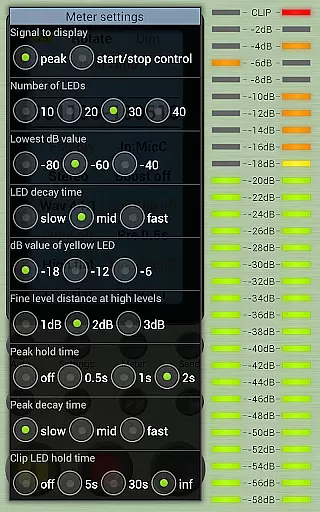
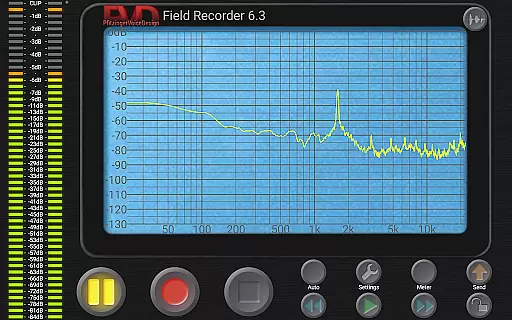
Furthermore, Field Recorder provides real-time monitoring with latency down to 20ms, along with a spectrum, signal, or sonogram display during recording sessions. Such features empower users to capture pristine audio quality while having complete control over their recording environment, resulting in exceptional sound reproduction across different playback systems.
User-friendly interface
Highly customizable settings
Supports various audio formats
Advanced monitoring tools
Flexible input options
Complex for beginners
Requires additional apps for format conversion
Some features need testing
Preset management could be improved
Occasional latency issues

Simply convert wav to mp3. Clear. Reliable. Safe.
 4.0
4.0
Tune in to the greatest hits on UK Radio | The home of Capital, Smooth & Heart.
4.90
Most Advanced AI Song Generator and Music Creator. Rap, Pop, Rock, Gospel & more
4.70
Listen to live FM radio stations, sports, music and news on global radios online
4.70
Enhance the sound quality of your devices, listen to what you want
4.50
Smart piano keyboard, Classical to Pop, Real-time multiplayer connection!
4.20
A complete sound package for the sound engineer or enthusiast
4.60
Reverse your voice & songs instantly! Fun singing challenge with cool effects.
4.60
Play your music offline without limits
4.80
24,000 free audio books and no ads!
4.90
JBL PartyBox APP works with 110/310/710/120/320/520/Encore/Encore 2/Encore Ess 2
4.80
Play your hearts out on TouchTunes jukeboxes & connect with fellow music lovers.
4.80
Walkout Song DJ is the most intuitive app to manage your sports music.
4.70
The best music and audio player, with beautiful UI, music search and equalizer.
4.60
Visualize the guitar fretboard, master scales & play through changes like a pro!
4.50
The official Sonos app
4.10
Background pads for your band
3.80
Learn to play the piano using falling notes!
3.80
The iconic iOS metronome app is now on Android.
3.70


User Reviews