
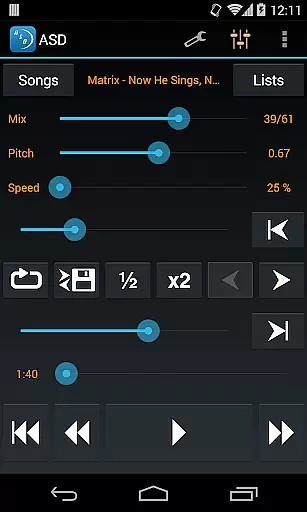
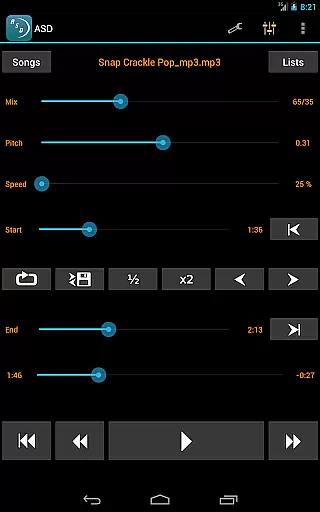
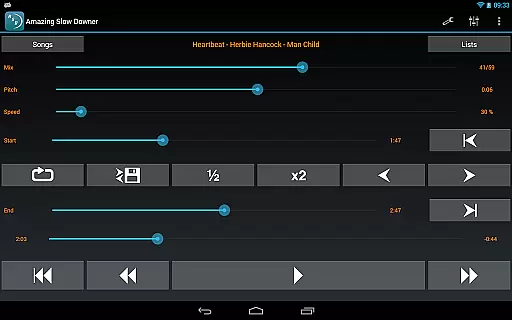
Amazing Slow Downer is a powerful tool designed for musicians, transcribers, and dancers who want to learn new songs and techniques by slowing down music playback. The app allows users to change the speed of any song from 25% to 200% without affecting the pitch, making it easier to practice and learn.
In addition to speed control, Amazing Slow Downer also offers seamless looping functionality, allowing users to repeat specific sections of a track effortlessly. With its outstanding sound quality and ability to adjust tuning or musical key, this app is an essential tool for anyone looking to improve their musical skills.
One of the standout features of Amazing Slow Downer is its ability to slow down or speed up music playback without changing the pitch. This feature is particularly useful for musicians who need to practice at slower speeds. Users can adjust the speed between 25% and 200%, providing a wide range of flexibility.
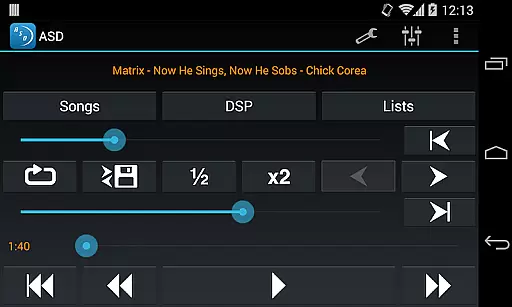
The app also supports seamless looping, which can be set up easily during playback by touching the 'Set' buttons. This makes it simple to focus on specific sections of a song repeatedly. Additionally, Amazing Slow Downer maintains exceptional sound quality even when altering playback speed, ensuring that users have an optimal listening experience.
When evaluating a music application like Amazing Slow Downer, the size and authenticity of its music library are crucial factors. This app allows musicians to import their own music files, ensuring that users have access to a vast array of tracks without copyright infringement concerns. The ability to use personal music files means that the library size is essentially unlimited, depending only on the user's collection.
The app supports various audio formats, which enhances its compatibility with different music libraries. Users can be confident in the copyright authenticity of their music since they are sourcing it from their legal purchases. This feature is particularly beneficial for musicians who need to practice with specific tracks that they already own.
Amazing Slow Downer also provides outstanding sound quality, maintaining the integrity of the original music even when slowed down or sped up. This ensures that musicians can focus on improving their skills without being distracted by any degradation in audio quality. The emphasis on preserving sound fidelity makes this tool an ideal choice for anyone serious about their musical development.
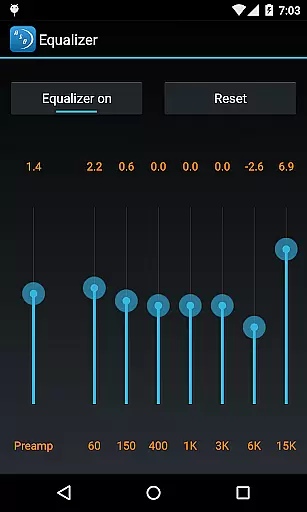
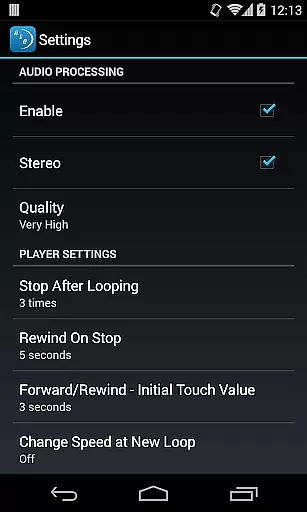
Audio quality is paramount for musicians who rely on precise sound reproduction to enhance their practice sessions. Amazing Slow Downer excels in this area by offering high-quality audio processing capabilities. Users can adjust the playback speed from 25% to 200% of the original track without affecting the pitch, ensuring that the music remains true to its original form despite the changes in tempo.
This level of control over audio settings allows musicians to fine-tune their listening experience according to their needs. Whether it's slowing down a complex solo or speeding up a slow passage, the app maintains exceptional clarity and detail. Such precision is vital for transcription work and learning new techniques effectively.
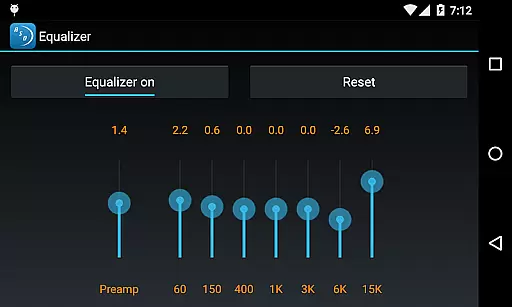
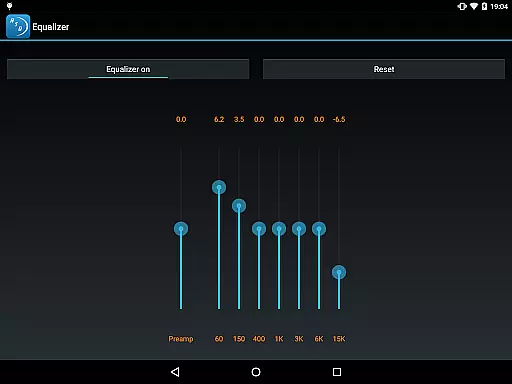
In addition to speed adjustments, Amazing Slow Downer also offers features such as changing the tuning or musical key, further enhancing its utility for musicians. These options ensure that users can customize their audio experience while retaining top-notch sound quality throughout their practice sessions. With seamless loop setups and intuitive controls, this app truly stands out in terms of both functionality and audio performance.
User-friendly interface
High-quality audio processing
Flexible speed adjustments
Seamless looping capability
Pitch preservation technology
No official Spotify support
Limited free version features
Occasional bugs reported
Subscription required for full access
Interface could be more modern

Over 100 million tracks available for high quality streaming and download
 4.60
4.60
DJ Music Mixer Pro is a real DJ controllers and DJ Music Studio to remix DJ.
4.40
JBL PartyBox APP works with 110/310/710/120/320/520/Encore/Encore 2/Encore Ess 2
4.80
Enhance the sound quality of your devices, listen to what you want
4.50
Brian Eno and Peter Chilvers’ acclaimed music app Bloom, radically reinvented.
4.80
The only true audiophile music player with Hi-Fi audio rendering and DSP engine
3.90
AI Music Maker: Generate And Compose AI Tunes & AI Songs & AI Music & AI Melody!
4.60
Master Salsa Rhythm quickly and with a lot of fun!
4.30
Ringtone Maker is free app create ringtone from music files or your recording.
4.40
Make songs with AI! Any genre, custom lyric, song generator for music creation!
4.80
Ultimate Sonos Controller
4.70
Taal player that lets you sing any Indian & Western song with Tabla & Tanpura
4.60
Equalizer, Bass Booster and Volume Booster (Eq & Bass) improve sound quality
4.30
Bass Booster Pro takes auto-equalizing to the next level!
4.30
Enjoy singing any song, no matter how high or low it is
4.30
PowerAudio is a powerful offline music player.
4.20
Next generation modular control surface
4.10
Remove ads permanently from Music Visualizer
4.3
Music Streaming suite for Ampache, Nextcloud Music and compatible backends.
4.2


User Reviews