
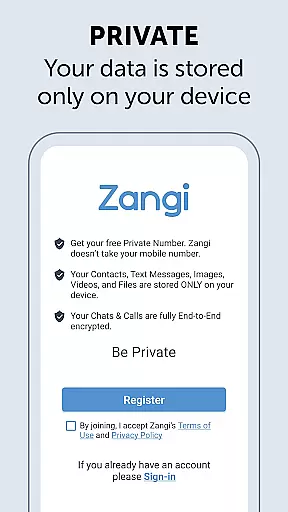
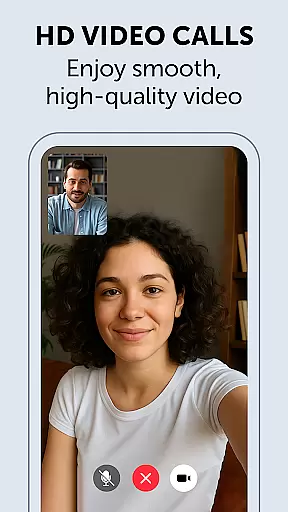
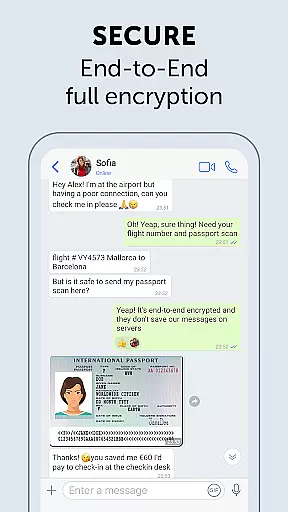
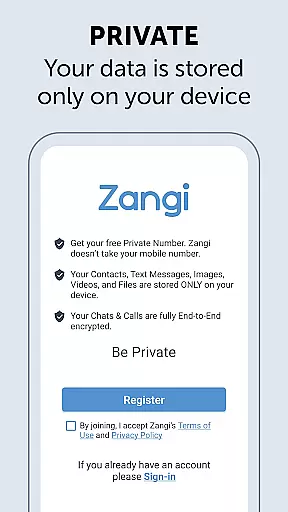
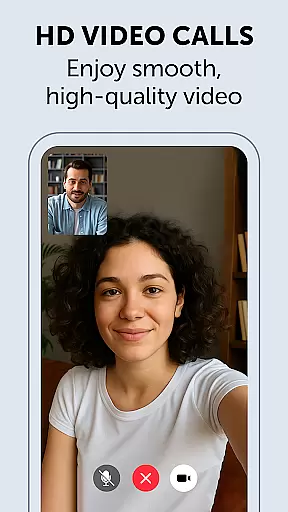
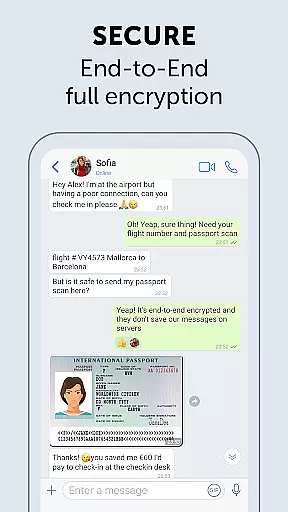
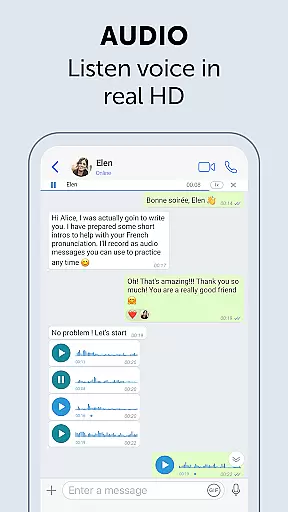
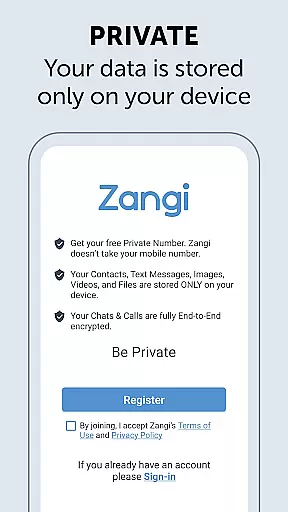
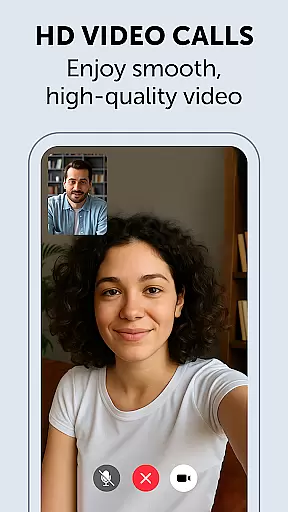
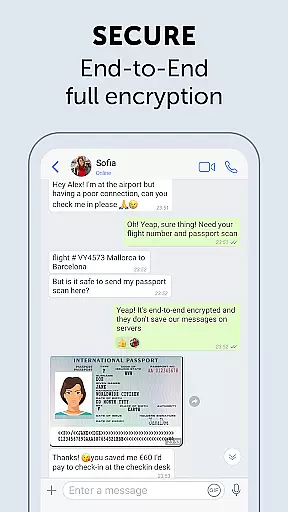
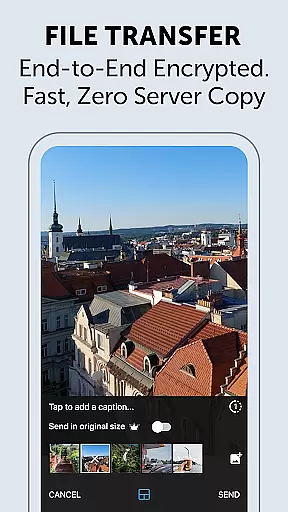
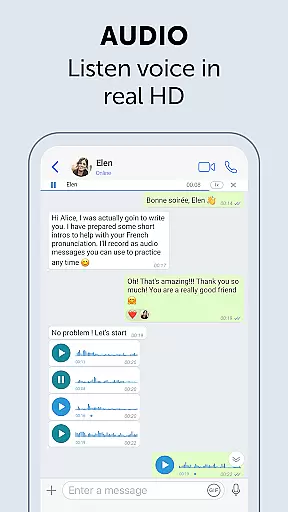
Zangi Private Messenger is a secure communication app designed for privacy-conscious users. It offers anonymous registration without requiring a phone number, ensuring protection from surveillance and hacking attempts. The app employs military-grade AES-GCM 256 encryption for all communications, including texts, voice, video calls, and file transfers.
Unlike other messaging apps, Zangi works reliably even with slow internet connections or crowded WiFi environments. The application guarantees complete data privacy by storing all information exclusively on the user's device, making it an ideal choice for those seeking secure and unrestricted communication.
Zangi stands out with its unique combination of security features and reliable performance. The app's anonymous registration process eliminates the need for personal information sharing while its End-to-End Encryption ensures maximum protection for all communication types.
The messenger's unbreakable quality enables stable operation even under challenging network conditions. Users can maintain seamless communication through 2G connections or congested WiFi networks. Additionally, Zangi's strict no-data-collection policy ensures that all messages, files, and call contents remain solely on the user's device, providing unparalleled privacy control.
These features collectively create a secure communication environment that protects user privacy while maintaining consistent service quality across different network scenarios.
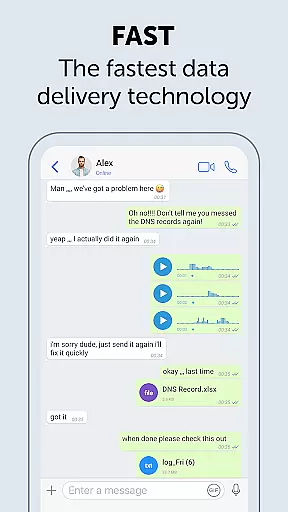
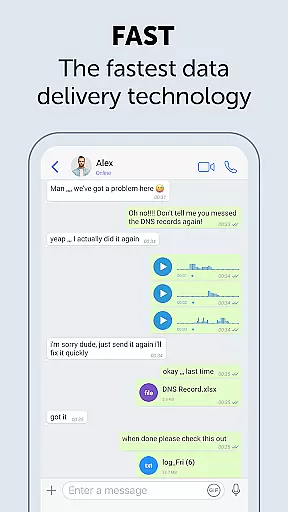
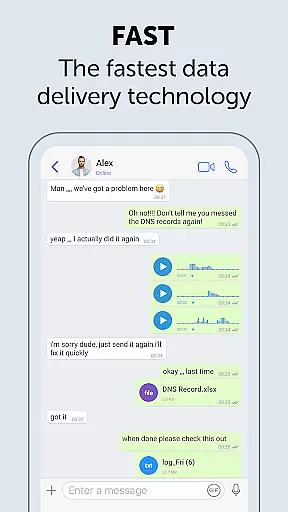
Real-time messaging speed and reliability are crucial for seamless communication. Zangi Private Messenger ensures messages are delivered instantly, even under slow network conditions.
The app employs optimized data transmission protocols that minimize dependency on internet speed. This allows users to maintain consistent messaging performance, whether they're on a 2G connection or crowded WiFi.
Zangi's infrastructure is designed to offer unbreakable quality, ensuring that texts are sent and received without delays. This makes it an ideal choice for individuals who require dependable communication without interruptions.
With its robust architecture, Zangi provides a reliable messaging experience that works where other apps fail, offering peace of mind for users who need constant connectivity.
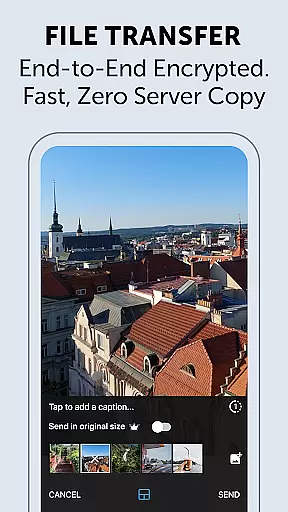
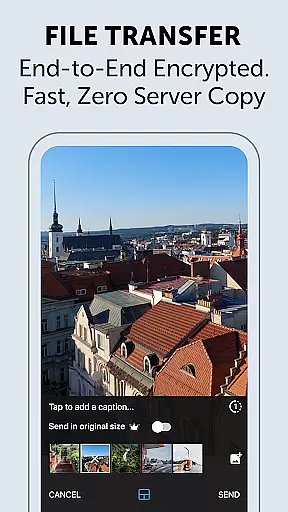
Media sharing support in messaging apps enables users to exchange files, images, and videos effortlessly. Zangi Private Messenger offers comprehensive media sharing capabilities while maintaining user privacy.
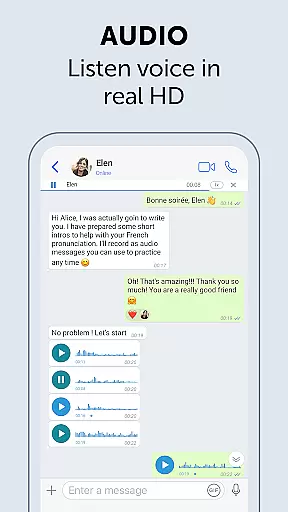
All shared media is protected by military-grade encryption using the End-to-End AES-GCM 256 algorithm. This ensures that your files, voice messages, and video calls remain confidential and secure from unauthorized access.
Zangi stands out by storing data only on the user's device, preventing any unwanted collection or misuse of personal information. Users can share media without concerns about surveillance or hacking threats.
This focus on security does not compromise functionality; Zangi supports various file formats and sizes, making it versatile for both personal and professional use.
Anonymous registration
No data collection
Military-grade encryption
Reliable 2G performance
Private storage
Limited user base
Fewer features
No cloud backup
Less popular
Smaller community

BiP is a fast, secure, free messaging and HD video calling app!
 4.10
4.10
Identify unknown numbers, block spam calls, customize calls with cool themes.
4.60
Our Black Friday sale is here. Unlock special discounts on Proton Mail now.
4.30
Connect and browse the internet with a fast VPN proxy server and IP blocker.
4.50
Fast and mini browser with Ad Blocker,Video Downloader and Video Player
4.40
Message and video call your family and friends in HD!
3.80
An agentic AI browser for Android, built by Perplexity
4.50
Auto Reply SMS, Text Messaging, Away SMS Response, Busy SMS messages, Block Text
3.10
Caller ID, Spam Call & SMS Blocker
3.80
Browse fast on Opera Mini, with Data Saving, News, Football Scores, and Download
4.60
Enjoy secure messaging & calling. Safe Messenger: group chats, calls, messages.
4.20
SMS Messenger is a lightning-fast messaging app.
4.20
Messages: Fast, simple SMS app with scheduling and smart features.
4.00
Measure BHP, Torque & 0-60 Clear car OBD faults View engine data in Google Earth
4.00
Pure modern IRC experience for Android
3.70
Manage and Fund Calling Accounts and Schedule and Join Video Sessions
3.60
Comprehensive and powerful scan tool app with enhanced functions
3.00
Watchgram for Telegram: Experience seamless Telegram messaging on your watch
1.80
Manage Phone Calls, call history, and contacts easily with Phone Pro.
4.0


User Reviews