
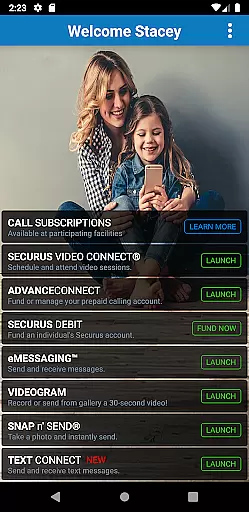
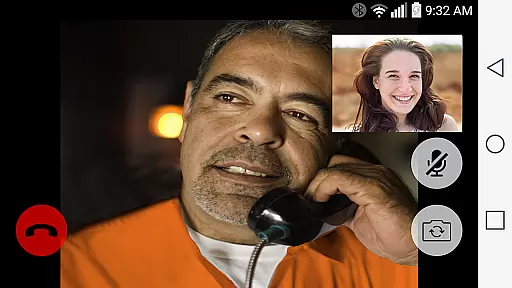
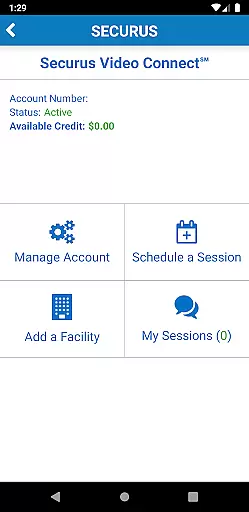
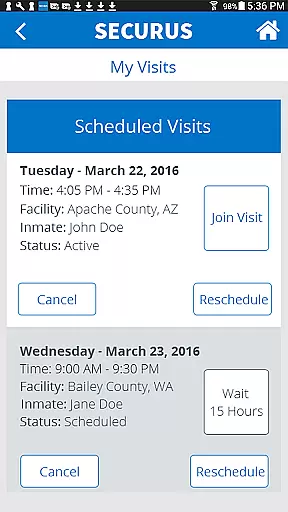
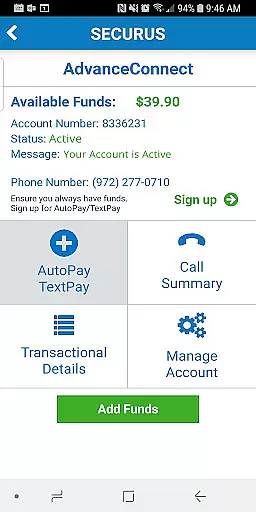
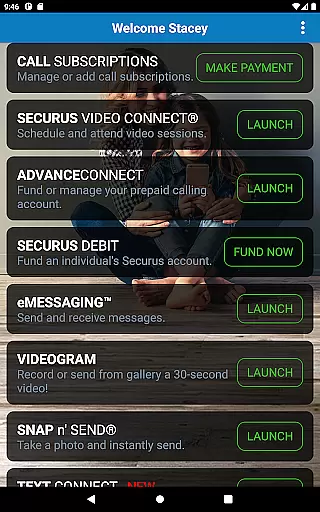
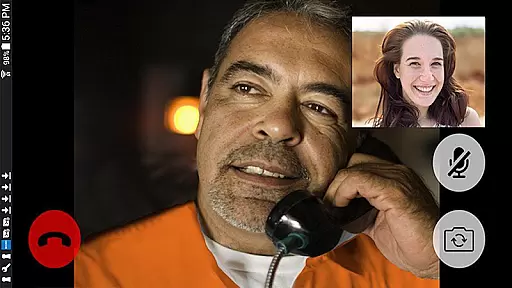
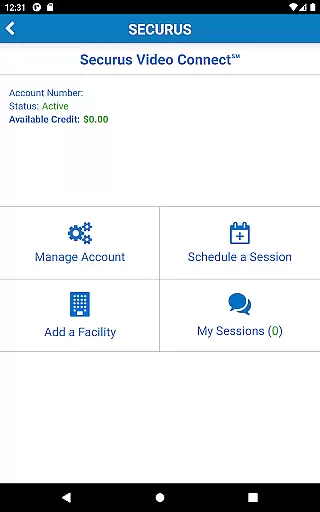
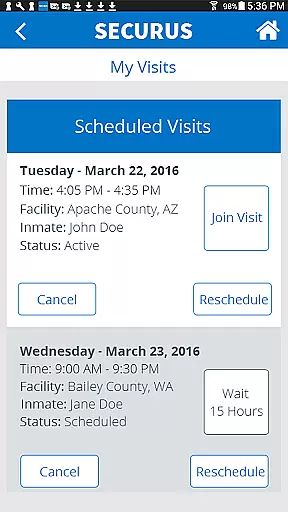
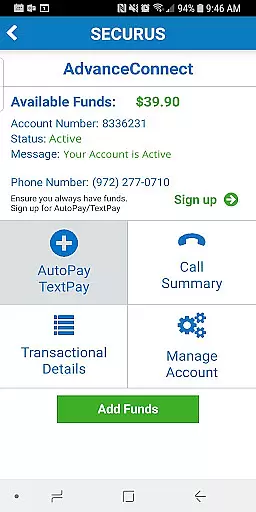
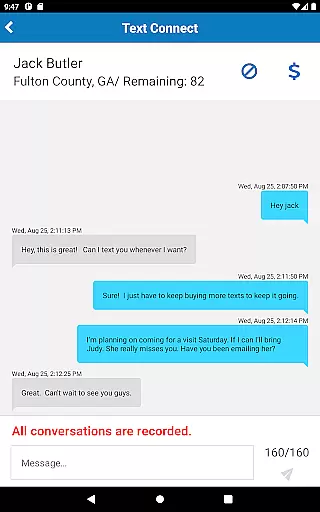
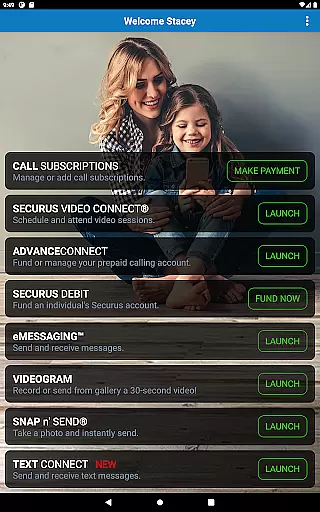
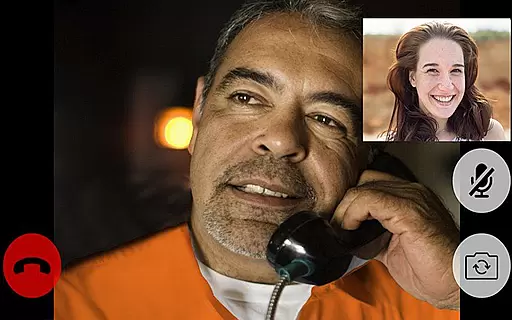
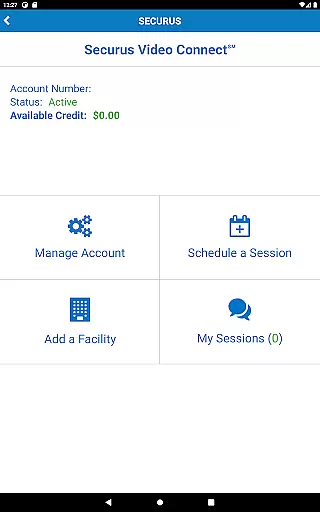
Securus Mobile is a comprehensive communication app designed specifically for staying connected with incarcerated individuals. The app offers multiple ways to maintain contact, including video calls, messaging services, and prepaid calling account management. With features like Video Connect, users can schedule and conduct video sessions from anywhere in the world with Wi-Fi or cellular data service. Additionally, the app provides robust account management tools, allowing users to handle funds, update personal information, and manage contacts seamlessly.
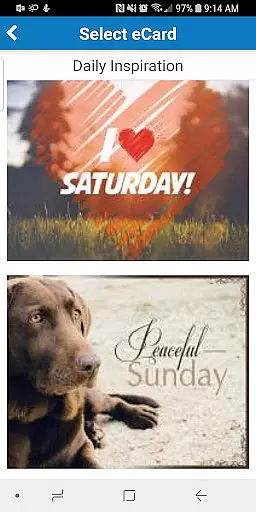
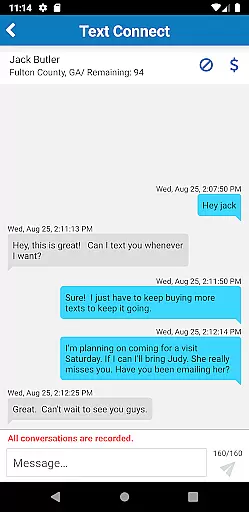
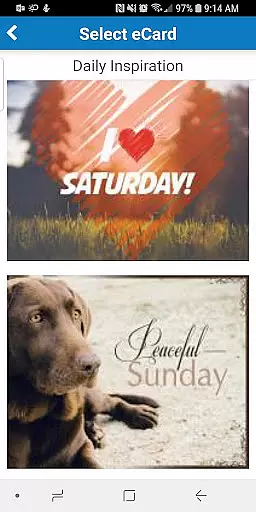
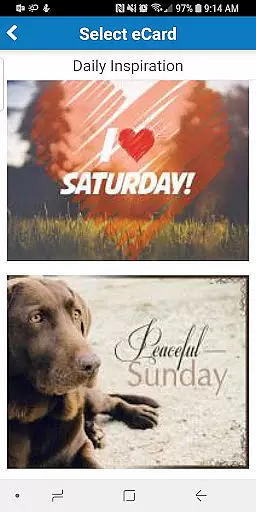
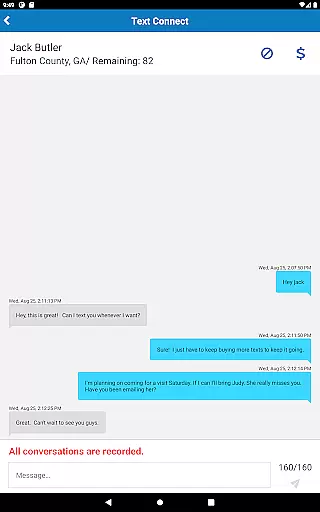
The application also supports various messaging services such as eMessaging and Securus Text Connect, enabling users to send texts, photos, and digital greeting cards known as eCards. These features ensure that communication remains frequent and meaningful. Overall, Securus Mobile serves as an essential tool for families and friends looking to maintain strong connections despite physical barriers, offering convenience and reliability in managing communications and finances.
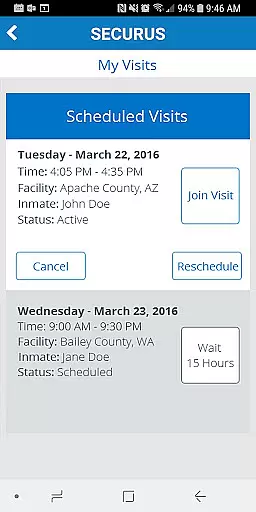
Securus Mobile stands out with its diverse range of features tailored to enhance communication with incarcerated individuals. One of the key highlights is Video Connect, which allows users to enroll, schedule, and manage video sessions effortlessly. This feature includes functionalities like syncing session details with your calendar, receiving notifications for upcoming sessions, and testing your internet connection to ensure high-quality video calls. Users can also manage identification photos, view transaction histories, and update payment methods within the app.
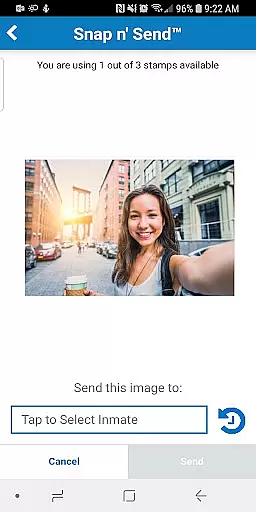
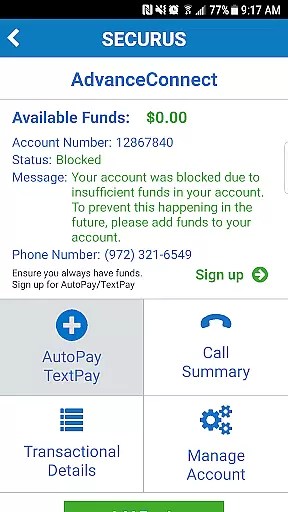
In addition to video capabilities, Securus Mobile offers extensive account management options. Users can fund and manage Prepaid Calling Accounts, giving them control over call settings, fund visibility, and phone number management. The app's messaging services, including eMessaging and Securus Text Connect, allow for rich interactions through texts, photos, and eCards. With features like Snap n’ Send and Multiple Attachments, users can personalize their messages extensively. These comprehensive tools collectively make Securus Mobile a versatile and indispensable communication platform.
Real-time messaging speed and reliability are crucial for maintaining seamless communication, especially in sensitive environments like the Securus Mobile app. This application ensures that messages, whether text or multimedia, are delivered promptly and consistently.
The Securus Mobile app achieves this through its robust infrastructure that supports features such as eMessaging and Securus Text Connect. Users can send and receive messages, eCards, and even VideoGrams with minimal delay, ensuring that communication remains fluid and natural.
Furthermore, the app provides notifications for incoming texts and low balance alerts, which enhances the user experience by keeping them informed and engaged. The ability to sync session details with personal calendars and receive reminders also adds to the overall reliability of message delivery.
By focusing on real-time interaction, Securus Mobile not only meets the expectations of users who require immediate responses but also builds trust in the platform as a dependable means of staying connected with incarcerated individuals.
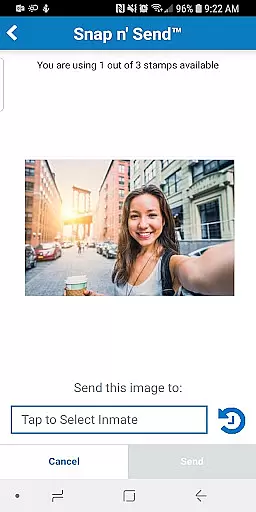
Media sharing support is an essential feature of the Securus Mobile app, allowing users to enrich their communication through various forms of media. This capability enables the attachment of photos, eCards, and even short video messages known as VideoGrams to enhance the emotional connection between users and their incarcerated contacts.
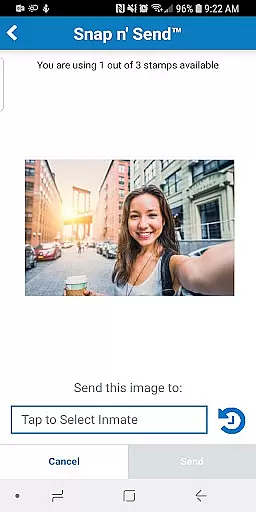
With options like Snap nu2019 Send, users can capture new images or select from their gallery to share directly within messages. The app further permits multiple attachments, empowering users to include up to five items per message, thus providing a versatile platform for creative expression.
In addition to images and videos, Securus Mobile facilitates the sharing of digital greeting cards, or eCards, which can be uplifting and encouraging. These features collectively contribute to a more personalized and meaningful dialogue, overcoming some limitations imposed by traditional communication methods.
Overall, the comprehensive media sharing capabilities of Securus Mobile significantly improve the quality of interactions, making each conversation richer and more engaging while catering to diverse user preferences and needs.
User-friendly interface
Comprehensive account management
High-quality video calls
Robust messaging services
Convenient fund handling
Requires Android 11.0+
Limited to specific facilities
Additional costs for features
Dependent on facility policies
Potential connectivity issues

Enables Plus features of Quick Search.
 4.5
4.5
SMS Messenger ensures that communication become effortless and accessible.
3.80
Save 10% automatically on your first international mobile top up.
4.60
Fast and mini browser with Ad Blocker,Video Downloader and Video Player
4.40
Welcome to the future of phone service.
4.60
HD Video Meeting app is a fast & unlimited video conferencing app across world.
4.30
RemoteHams.com Android RCForb Client Pre-Release
4.30
BE PRIVATE
Anonymous. No Trace. Fast.
4.20
Enhance browsing with AI-powered features and Copilot.
4.70
Adblock & VPN Browser: Blocks banners, pop-ups and video ads, fast downloader!
4.60
Stay in touch with the people who matter most.
4.60
Say “hello” to privacy.
4.60
Experience real private browsing without tracking, surveillance, or censorship.
4.50
Chill zone on your phone: relax with fun reels & hype shorts!
4.20
WazzapMigrator: transfer your WhatsApp history from iPhone to Android
4.00
Caller ID, Spam Call & SMS Blocker
3.80
Secure Messaging App to Enhance Messenger Texting Experience and Organize SMS.
3.50
Weargram is an unofficial Telegram Client for Wear OS.
3.50
An app dedicated solely to marriage, not dating, and supported by a rigorous verification mechanism to ensure seriousness.
4.5


User Reviews