
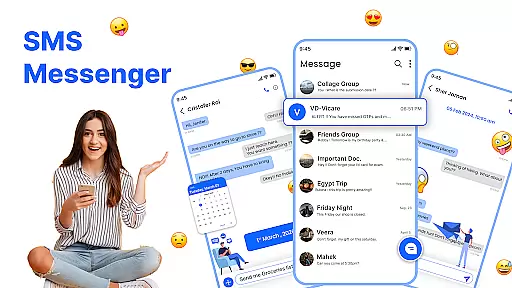
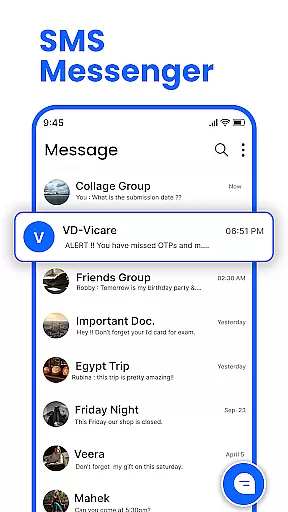
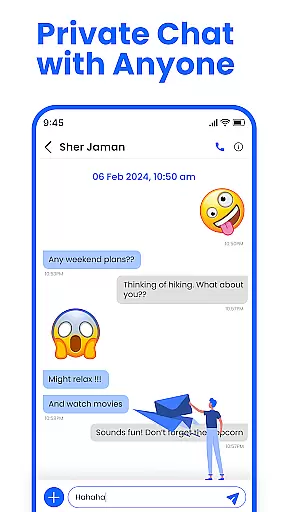
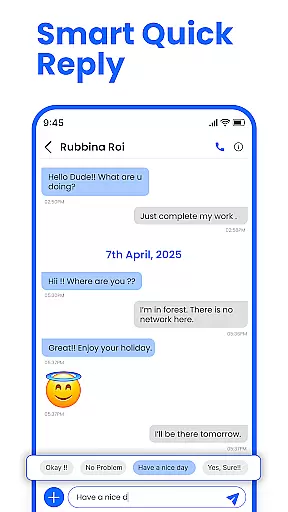
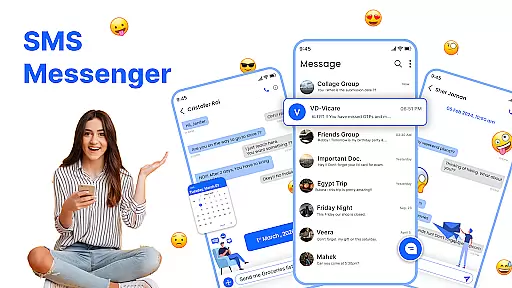
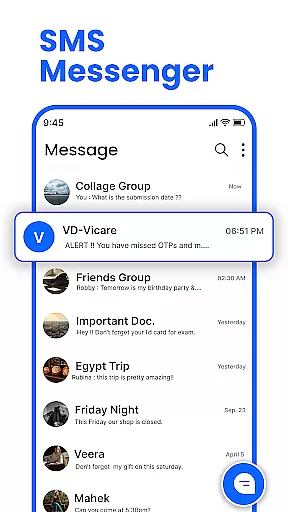
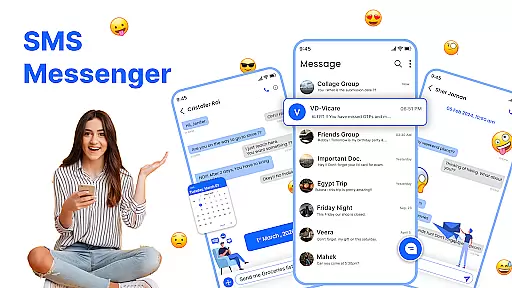
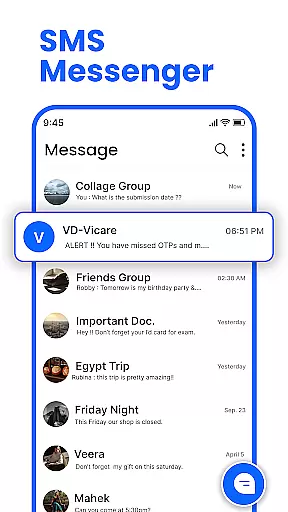
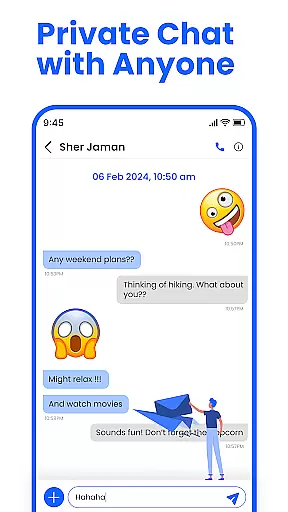
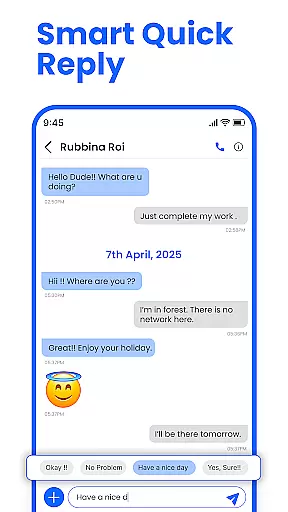
Messenger: SMS Home is a feature-rich communication app designed to enhance your texting experience on Android devices. The app serves as an all-in-one solution for managing SMS messages, offering users the ability to customize their home screen layout while providing advanced messaging features.
Key functionalities include smart launcher access, scheduled messaging, spam blocking, and intuitive swipe actions. These features ensure users can maintain an organized inbox while enjoying a personalized interface that matches their unique style. Whether you need to schedule important reminders or block unwanted messages, this app provides the tools to stay in control of your communications.
Ideal for individuals seeking a more organized approach to text messaging, Messenger: SMS Home is particularly useful for professionals who require scheduled messages for work-related communication and personal users who want to filter out spam effectively.
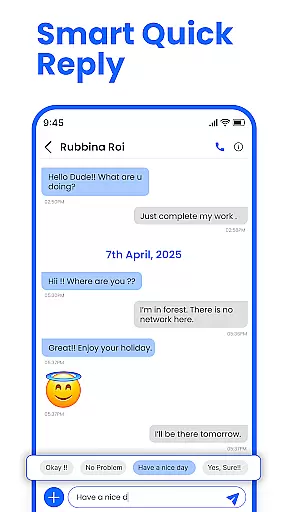
The Messenger: SMS Home app distinguishes itself through its comprehensive feature set tailored for modern communication needs. One of its standout capabilities is the Smart Launcher functionality, which allows users to access essential SMS organization tools directly from their home screen. This feature streamlines message management by providing quick access to frequently used functions.
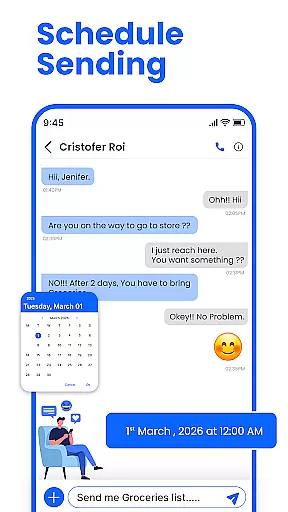
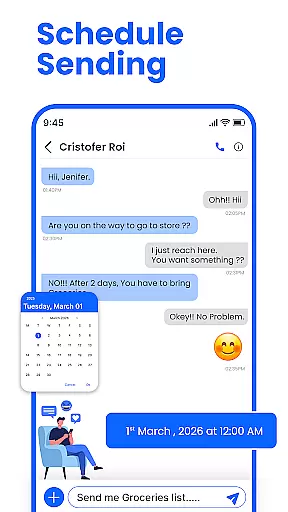
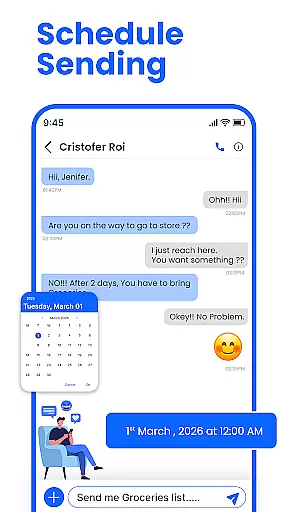
Another notable feature is the advanced message scheduling system. Users can compose texts in advance and set precise delivery times, ensuring important messages reach recipients exactly when needed. This functionality is particularly valuable for remembering special occasions or sending timely work-related communications.
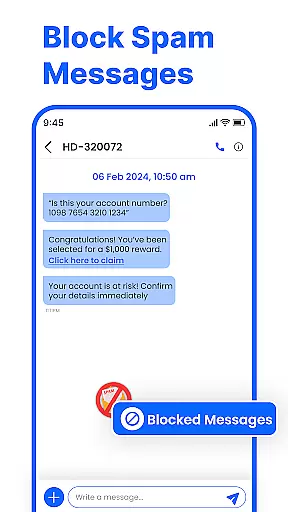
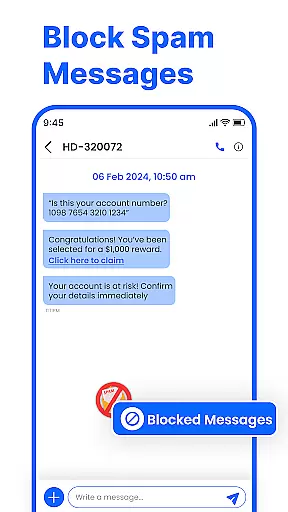
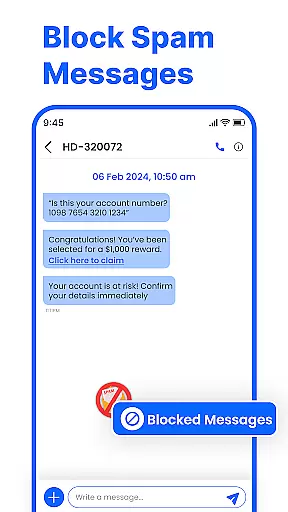
The app also incorporates powerful spam filtering mechanisms. By enabling users to block unwanted promotional messages and unknown contacts, it creates a safer and cleaner messaging environment. Additionally, the swipe action functionality lets users efficiently organize their inbox through simple gestures, making message management both intuitive and efficient.
Real-time messaging speed and reliability are crucial for maintaining seamless communication in any messaging app. Messenger: SMS Home ensures that your messages are delivered instantly, allowing you to stay connected with friends and family without delays.
The app is optimized to provide fast and secure message delivery across all Android devices, including Samsung, Google Pixel, and Motorola. This compatibility ensures a consistent and reliable performance, making your texting experience smooth and efficient.
With its powerful infrastructure, the app minimizes latency and maximizes uptime, ensuring that your communications are always up-to-date. Whether you're sending quick texts or scheduling messages in advance, you can trust that your messages will be delivered promptly and reliably.
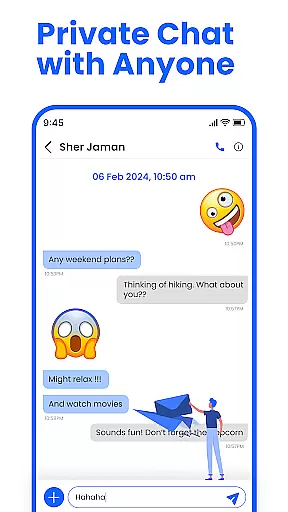
Media sharing support is an essential feature for modern messaging apps, enabling users to share photos, videos, and other files effortlessly. Messenger: SMS Home offers robust media sharing capabilities, allowing you to enrich your conversations with multimedia content.
The app supports various file formats, ensuring that you can send and receive different types of media without compatibility issues. Whether it's a birthday greeting, a work-related document, or a casual photo exchange, the app handles it all with ease.
In addition to basic media sharing, the app provides advanced features like swipe actions to organize your media library efficiently. You can quickly archive, delete, or mark media as read or unread, keeping your inbox clutter-free and organized.
User-friendly interface
Advanced scheduling options
Effective spam blocking
Customizable home screen
Cross-device compatibility
Limited iOS support
Occasional bugs reported
Some features require premium
Learning curve for new users
Ads in free version

SMS Messenger ensures that communication become effortless and accessible.
 3.80
3.80
Enjoy secure messaging & calling. Safe Messenger: group chats, calls, messages.
4.20
Google's fast and secure browser
4.10
Fast Dialer & Contact Manager with Caller ID and Spam Protection
4.00
Send SMS and chat messages easily with a fast text messaging app for Android.
4.10
A softphone with crystal clear SIP Calling & Reliable VoIP dialer
4.00
FolderSync enables easy sync of files between cloud storage and Android devices.
4.60
Group Chat That’s Fun & Games
4.30
Useful. Social. Expressive.
4.70
We’re taking the yada yada out of wireless—now we’ve taken it out of your app.
4.70
فیلتر شکن قوی پرسرعت کلید جدید برای اندرویدسریع ترین وی پی ان برای همه اپراتورها
4.70
Manage your mobile phone plan, check unlimited 5g data usage and track rewards
4.50
Fast and mini browser with Ad Blocker,Video Downloader and Video Player
4.40
Create a secure hotspot on-the-go with Portable WiFi - Mobile hotspot.
4.40
Manage your data, talk & text - affordable phone plans & data usage made simple
4.30
Simplify texting with Messages SMS, offline messaging, themes & smart tools!
4.30
Federated instant messaging for your mobile device (Jabber, XMPP, Snikket)
4.10
Share the moment!
4.10
Auto Reply SMS, Text Messaging, Away SMS Response, Busy SMS messages, Block Text
3.10


User Reviews