
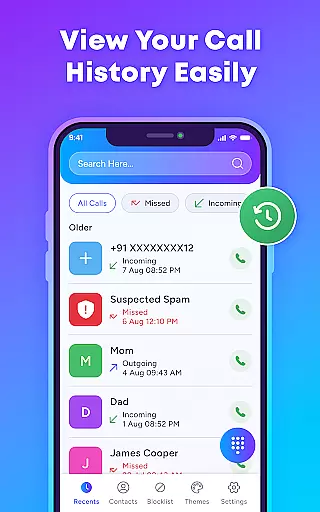
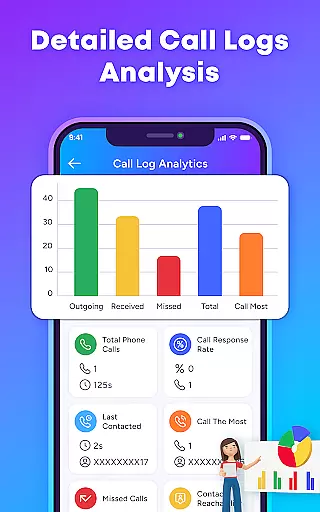
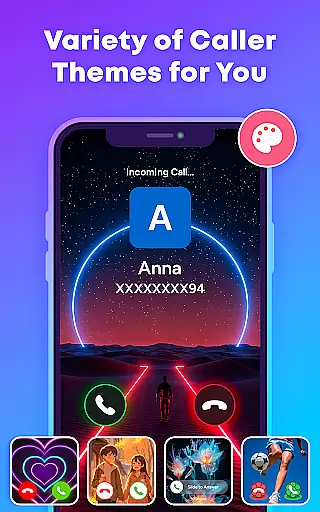
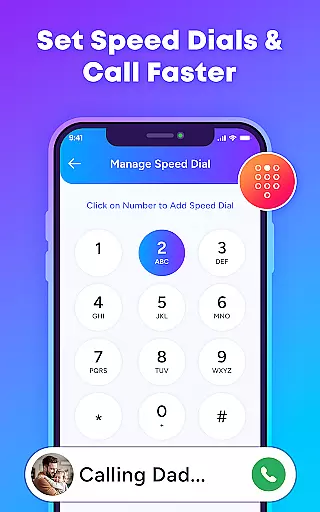
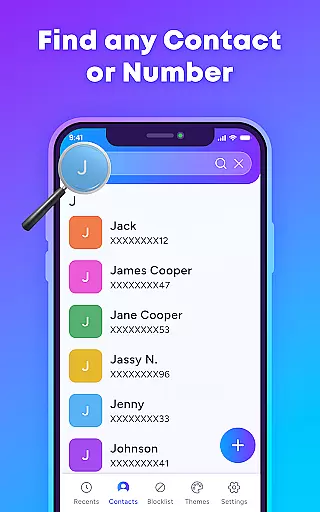
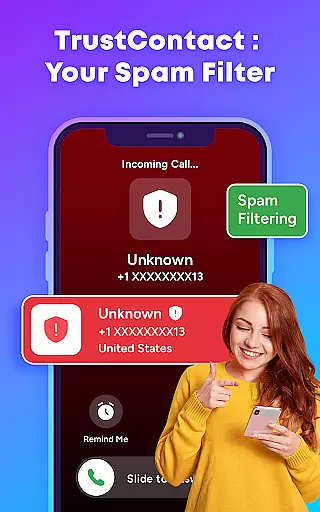
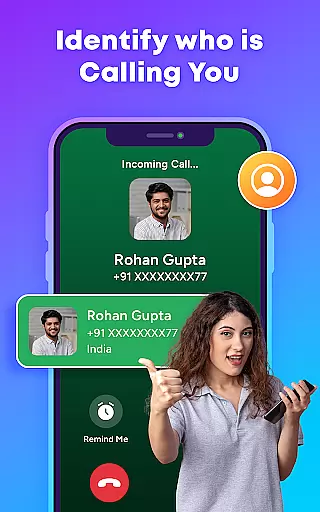
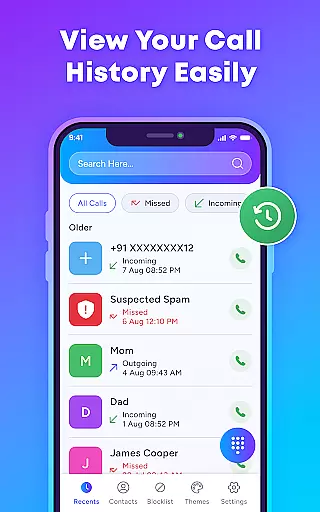
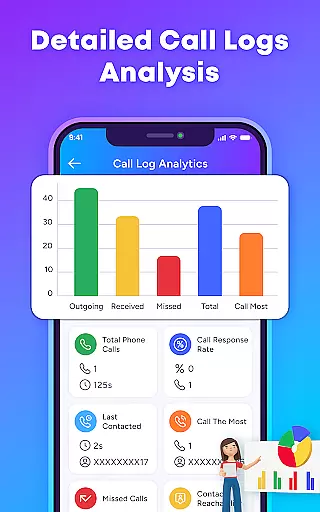
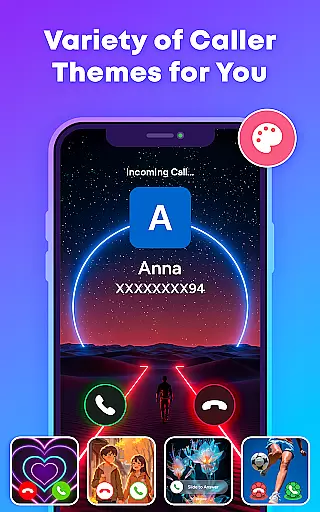
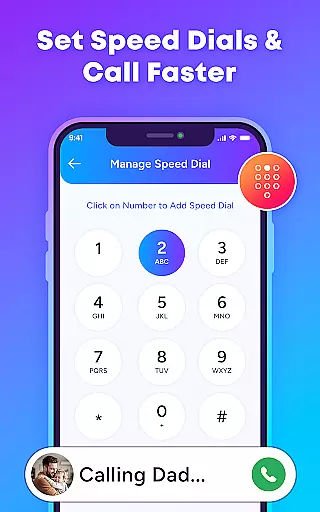
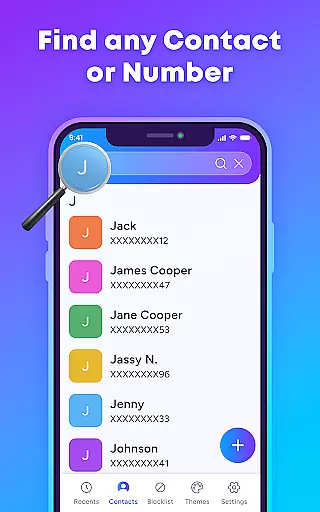
TrustContact is a comprehensive communication app designed to enhance your calling experience while protecting you from unwanted interruptions. This app serves as an advanced caller ID, spam blocker, and contact manager all rolled into one intuitive package. With its robust features, TrustContact allows users to identify unknown callers in real-time, block spam and scam calls, and organize their contact lists efficiently.
What sets TrustContact apart is its ability to provide personalized call screen themes, reverse number lookup, and offline functionality. Whether you're receiving calls from businesses or telemarketers, the app ensures that you are always informed before answering. Additionally, it offers customizable blacklists and whitelists, giving users complete control over who can reach them. The app's privacy protection guarantees that your data remains secure, making it a reliable digital phone guardian for both personal and professional use.
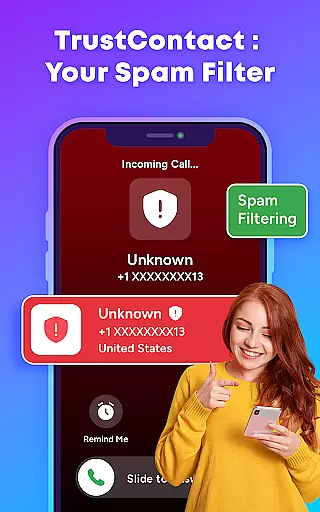
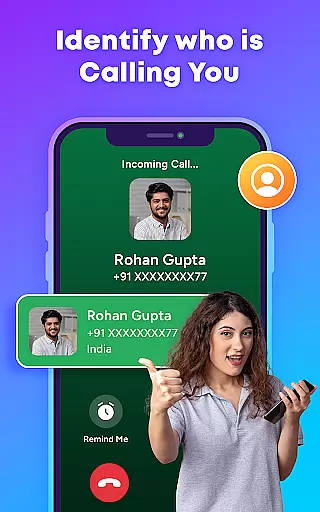
TrustContact boasts an impressive array of features tailored to streamline call management and enhance user safety. One of its standout capabilities is the real-time caller ID, which instantly identifies incoming calls from unknown numbers, businesses, or telemarketers. This feature alone saves users from unnecessary interruptions and potential scams. Furthermore, the app's spam call blocker uses advanced algorithms to auto-detect and block robocalls, fraud attempts, and other unwanted communications.
Beyond blocking unwanted calls, TrustContact also excels as a smart contact manager. It helps users organize their contact lists effortlessly while detecting suspicious entries that may pose risks. Users can further personalize their experience with stylish call themes, choosing from dynamic and colorful designs to suit their preferences. The inclusion of reverse number lookup adds another layer of security, allowing users to search unknown numbers and retrieve detailed caller information anytime. These features collectively ensure a seamless, secure, and enjoyable calling experience.
In today's fast-paced world, the speed and reliability of real-time messaging are crucial for effective communication. TrustContact u2013 Caller ID & Block brings this necessity to the forefront by ensuring that all incoming calls are promptly identified and managed. With its Real-Time Caller ID feature, users can instantly recognize who is calling, whether it's from an unknown number, business, or telemarketer.
The app employs advanced algorithms and an extensive spam number database to offer real-time detection and blocking of unwanted calls. This means users are not only informed of who is calling but also protected from potential spam, scam calls, and fraud attempts without delay. The immediacy of these features provides a seamless experience, allowing users to manage their communications efficiently and safely.
Furthermore, TrustContact ensures reliable performance even when offline. Its offline functionality allows users to identify and manage calls without an active internet connection, making it an indispensable tool for those who travel or find themselves in areas with limited connectivity. This robust combination of speed, accuracy, and reliability empowers users to take control of their phone communications like never before.
In addition to managing calls, TrustContact u2013 Caller ID & Block offers comprehensive media sharing support, enhancing the overall communication experience. While primarily focused on call management, the app understands the importance of seamless media sharing in maintaining dynamic interactions. By integrating with your deviceu2019s existing systems, it facilitates effortless sharing of various file formats, ensuring you stay connected in more ways than one.
TrustContact supports a wide range of media types, from images and videos to documents, allowing users to share important content without switching between multiple applications. This versatility is particularly beneficial for professionals who rely on quick and efficient exchanges of information. Whether it's sending a photo to a contact or sharing a document during a call, the app ensures that your media reaches its destination swiftly and securely.
Moreover, the app respects user privacy and data protection while enabling media sharing. It employs stringent privacy measures to safeguard your shared content, ensuring that your personal and professional information remains confidential. With TrustContact, users can enjoy a holistic communication tool that not only excels in call management but also supports diverse media sharing needs, making it an essential app for modern communicators.
Real-time identification
Advanced spam blocking
Customizable call themes
Offline functionality
Privacy-focused design
Limited SMS features
Premium version costs
Occasional false positives
Heavy on storage
Requires permissions

We’re taking the yada yada out of wireless—now we’ve taken it out of your app.
 4.70
4.70
Manage BoostMobile Account
4.60
Messages is Private SMS Messenger 2023 with text message, instant messaging.
4.00
2nd Phone Number Line for Anonymous Texting, Calling, and Picture Messages
4.30
Threema is the messenger with the most consistent focus on security and privacy.
4.00
Manage your mobile phone plan, check unlimited 5g data usage and track rewards
4.50
Fast internet with AI, Adblock & VPN. Browse on a safe, incognito web browser.
4.70
Get through your inbox faster with the mail app designed to simplify your life.
4.40
Say “hello” to privacy.
4.60
Messenger for SMS - texting message app, faster, simpler & safer, for you.
4.70
FolderSync enables easy sync of files between cloud storage and Android devices.
4.60
Stay in touch with the people who matter most.
4.60
Create a secure hotspot on-the-go with Portable WiFi - Mobile hotspot.
4.40
Fast Dialer & Contact Manager with Caller ID and Spam Protection
4.00 3.90
3.90
Secure Messaging App to Enhance Messenger Texting Experience and Organize SMS.
3.50
A softphone app with seamless SIP calling and an intuitive VoIP dialer
3.50
Radio communication simulator for gaming communities
4.2
An app dedicated solely to marriage, not dating, and supported by a rigorous verification mechanism to ensure seriousness.
4.3


User Reviews