
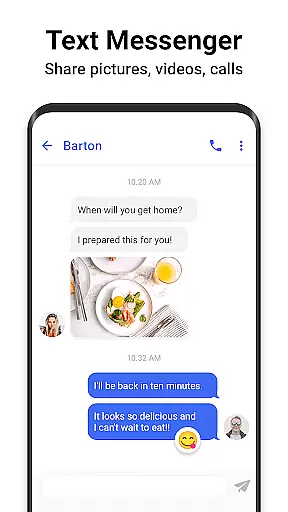
Messenger SMS is a feature-rich communication app that redefines texting by offering extensive customization options and privacy features. With over 3000 free emojis, stickers, and GIFs, users can make their conversations more engaging and fun. The app supports multimedia messaging including pictures, audio, and video, making it versatile for various communication needs.
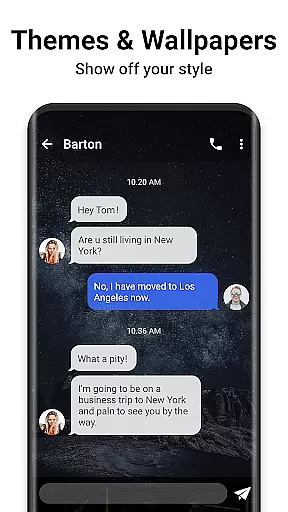
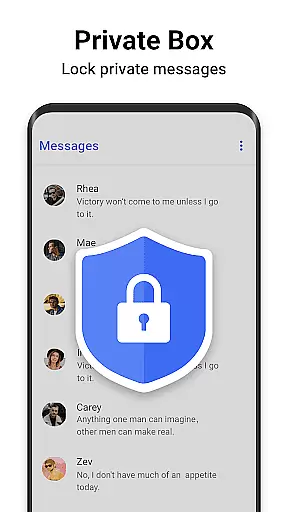
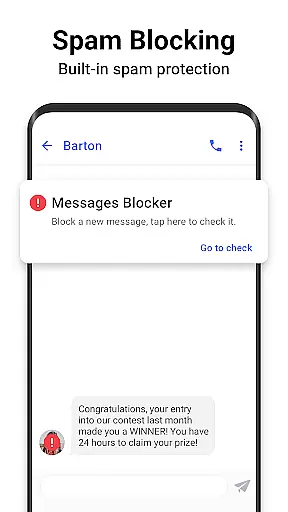
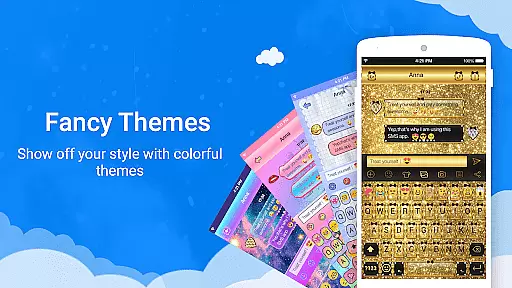
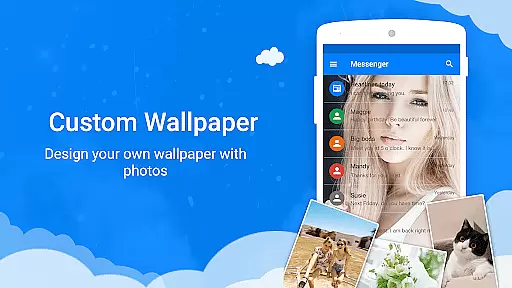
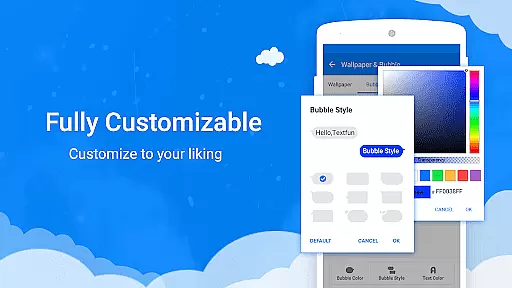
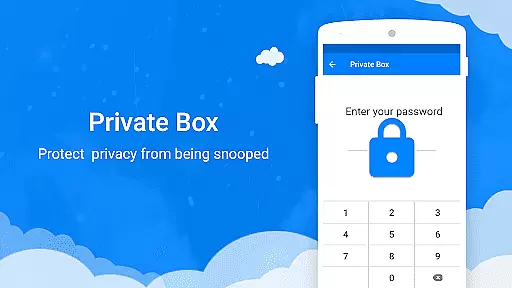
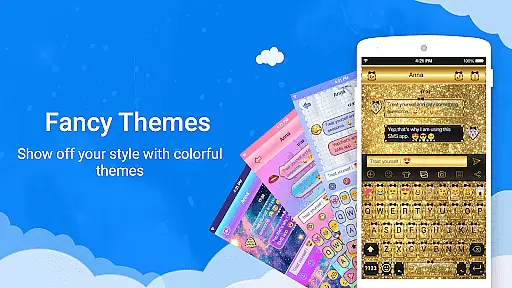
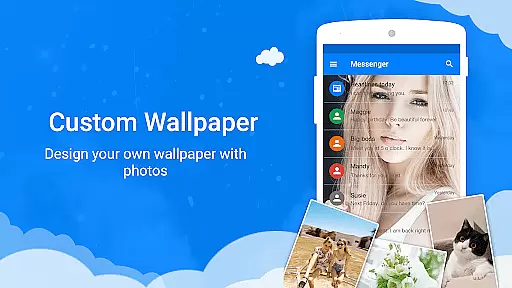
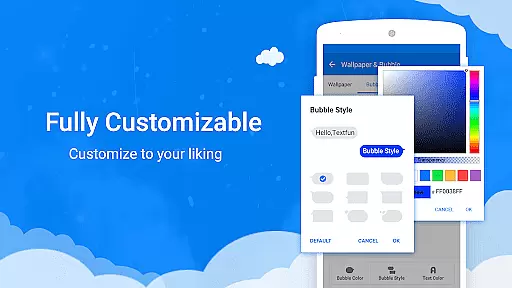
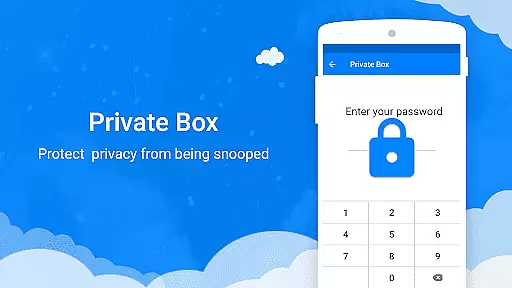
One of the standout features is its customization capability. Users can personalize themes, fonts, wallpapers, and even texting bubbles. This flexibility allows individuals to tailor the app to their personal style. Additionally, the private box and message blocker ensure user privacy and help manage unwanted messages effectively.
Ideal for those who prioritize both functionality and personalization in their messaging app, Messenger SMS ensures secure and enjoyable communication. Whether you're coordinating with a team or chatting with friends, this app provides tools that enhance your messaging experience while safeguarding your personal information.
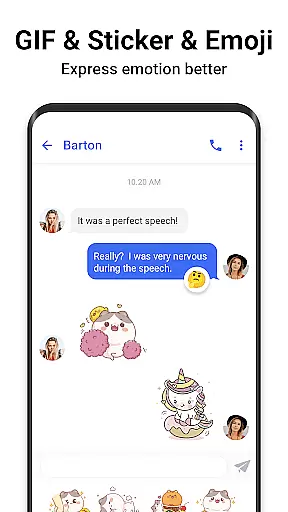
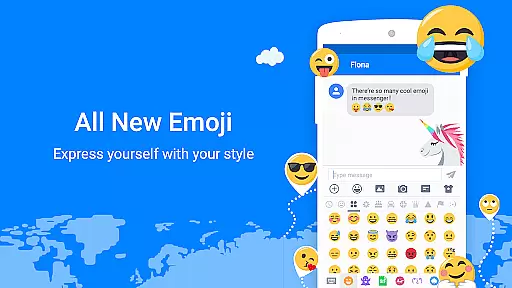
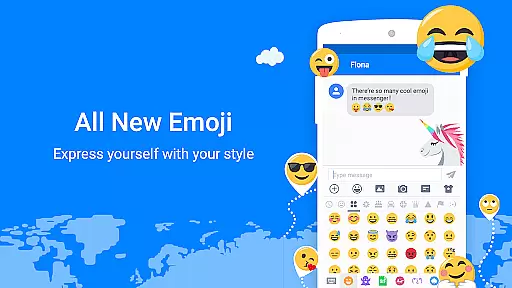
Messenger SMS offers an array of innovative features designed to enhance user interaction and privacy. One of the key highlights is the vast library of emojis, stickers, and GIFs which makes conversations lively and expressive. The app also supports multimedia sharing, allowing users to send pictures, audio, and videos seamlessly within their chats.
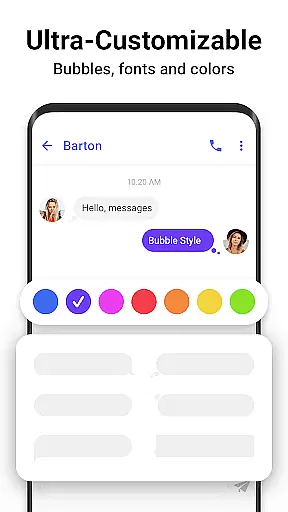
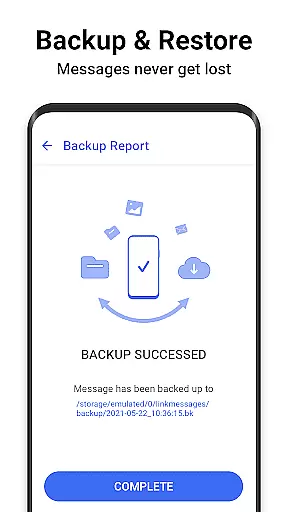
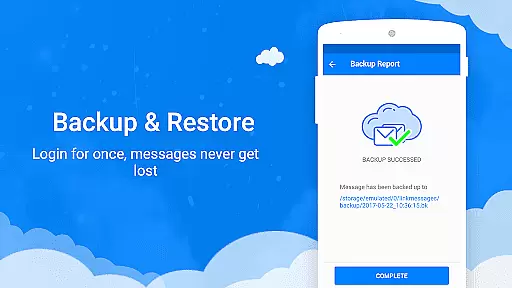
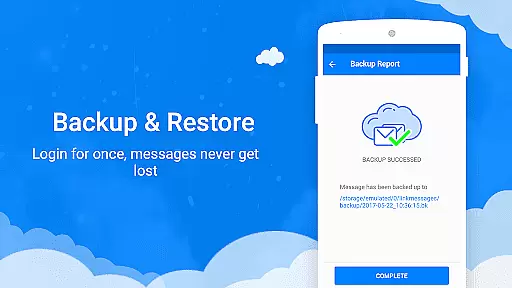
Customization is at the heart of Messenger SMS. Users can choose from tons of amazing themes and personalize nearly every aspect of the interface, including texting bubbles, colors, fonts, and wallpapers. This level of personalization ensures that each user's experience is unique to their preferences. Furthermore, practical features like backup & restore, private messenger box, and SMS blocker provide peace of mind by securing data and filtering out spam.
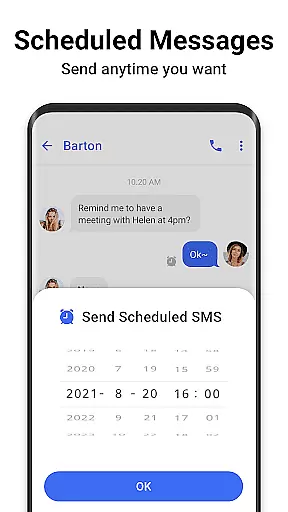
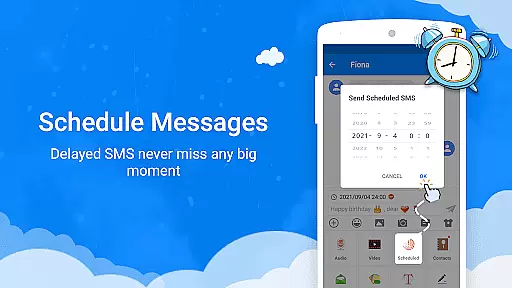
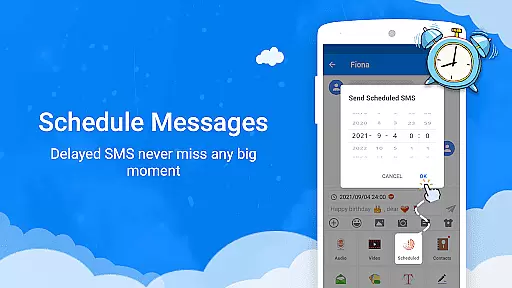
The app also includes useful utilities such as scheduled messaging, driving mode with auto-reply, clipboard for quick copy-paste actions, and efficient search functionalities. These features collectively contribute to a comprehensive messaging solution that caters to both casual and power users alike.
Real-time messaging speed and reliability are crucial for any communication app, and Messenger SMS excels in this area. The application ensures that messages are delivered instantly, allowing users to stay connected with friends and family without delays.
Messenger SMS employs advanced server technology and optimized data protocols to maintain high-speed message transmission. This means that whether you're sending a simple text or a media-rich message containing images, audio, or video, the delivery is swift and dependable.
The reliability aspect is equally important, as users need to trust that their messages will be delivered successfully every time. With features like backup and restore, scheduled messages, and private box encryption, Messenger SMS not only delivers messages quickly but also ensures they are secure and retrievable.
Overall, the real-time messaging capabilities of Messenger SMS provide users with a seamless communication experience, making it an ideal replacement for the stock messaging app on your device.
Media sharing support is another cornerstone feature of Messenger SMS, enabling users to share various types of content effortlessly. Whether it's photos, videos, or audio files, the app handles multimedia messages (MMS) with ease, enhancing the way users communicate.
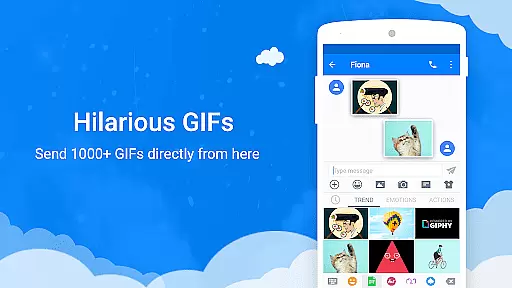
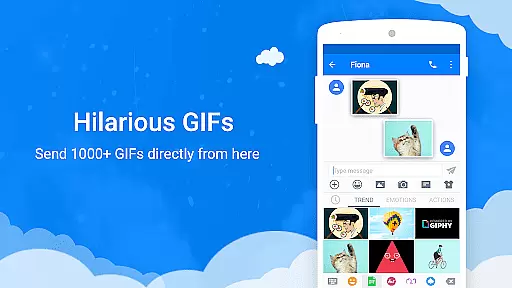
The app supports thousands of free hot trending GIFs and unique Emoji Art, which can be shared via MMS, adding a new dimension to conversations. Users can express emotions and reactions more vividly through animated GIFs and custom emoji art, making chats more engaging and fun.
In addition to traditional media formats, Messenger SMS allows customization of texting bubbles, colors, fonts, and wallpapers, giving users the ability to personalize their messaging experience. This level of customization extends to media sharing, where users can tailor how their shared content appears to recipients.
With robust media sharing capabilities, Messenger SMS stands out as a versatile texting app that caters to both functional and creative communication needs, ensuring that users can share life's moments in a rich and expressive manner.
User-friendly interface
Extensive customization options
Robust privacy controls
Versatile multimedia support
Engaging emoji and GIF library
Occasional bugs in older devices
High storage requirements
Limited offline functionality
Ads in free version
Complex settings for beginners

Identify unknown numbers, block spam calls, customize calls with cool themes.
 4.60
4.60
Messages: Fast, simple SMS app with scheduling and smart features.
4.00
Fast and mini browser with Ad Blocker,Video Downloader and Video Player
4.40
2nd Phone Number Line for Anonymous Texting, Calling, and Picture Messages
4.30
Watchgram for Telegram: Experience seamless Telegram messaging on your watch
1.80
Federated instant messaging for your mobile device (Jabber, XMPP, Snikket)
4.10
RemoteHams.com Android RCForb Client Pre-Release
4.30
BE PRIVATE
Anonymous. No Trace. Fast.
4.20
Useful. Social. Expressive.
4.70
Connect and browse the internet with a fast VPN proxy server and IP blocker.
4.50
Faster version of Messages. Messenger for your contacts.
4.50
Talk & text free with a second phone number plus unlimited 5G data, no fees.
4.50
Smart and simple anti-wiring application - IMSI-catchers catcher
4.40
Our Black Friday sale is here. Unlock special discounts on Proton Mail now.
4.30
HD Video Meeting app is a fast & unlimited video conferencing app across world.
4.30
Chill zone on your phone: relax with fun reels & hype shorts!
4.20
Threema is the messenger with the most consistent focus on security and privacy.
4.00
This app enables the phone to receive and send FT8 traffic!
3.80
An app dedicated solely to marriage, not dating, and supported by a rigorous verification mechanism to ensure seriousness.
4.4


User Reviews