
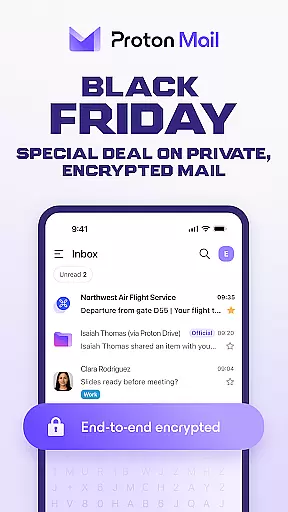

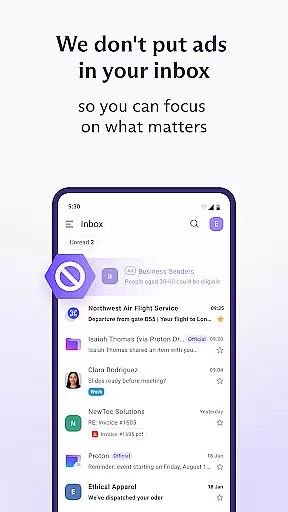
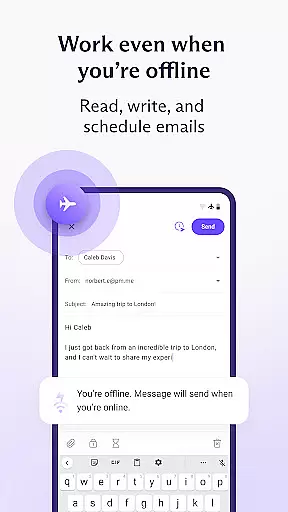
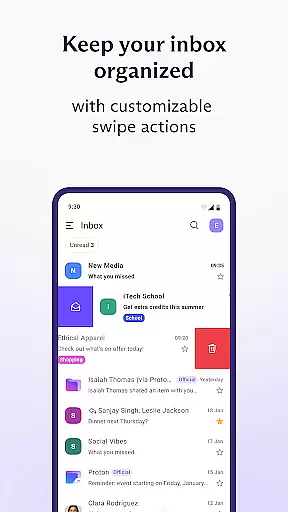


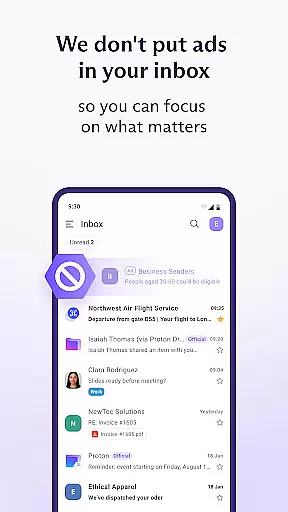
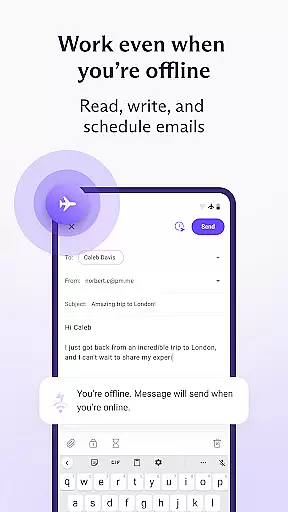
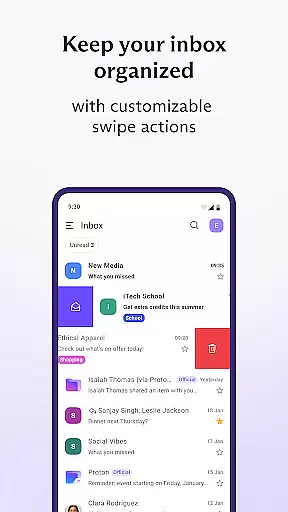
Proton Mail is a cutting-edge encrypted email application designed to provide users with top-tier privacy and security for their communications. The app allows you to create a secure @proton.me or @protonmail.com email address, send and receive encrypted emails and attachments, and manage multiple accounts seamlessly. With features like folders, labels, and swipe gestures, maintaining an organized inbox has never been easier. Additionally, Proton Mail supports dark mode and enables you to send password-protected emails to anyone.
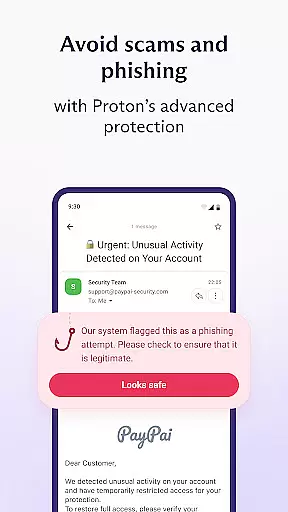
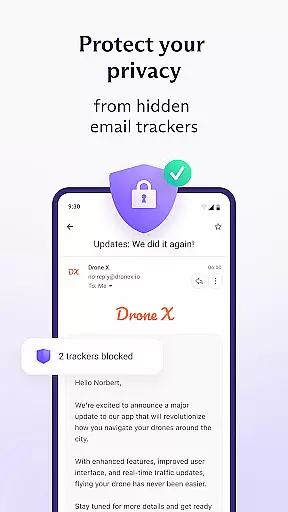
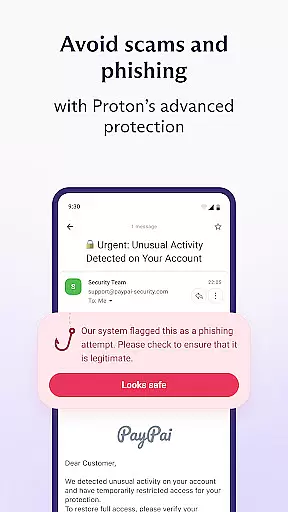
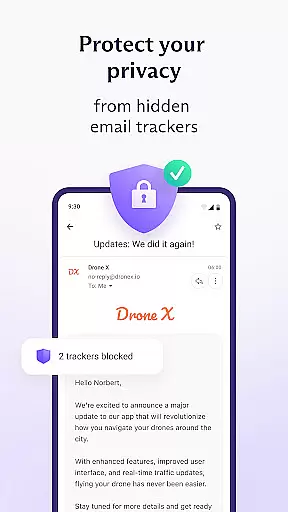
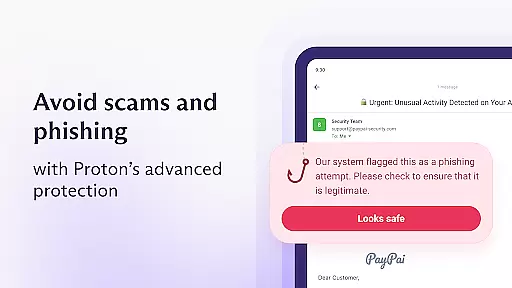
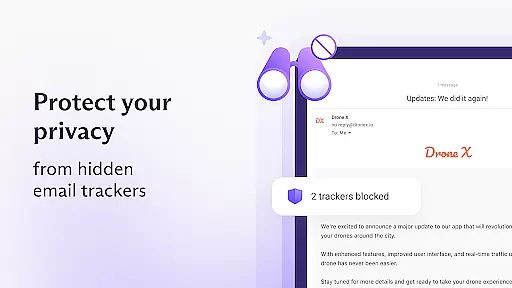
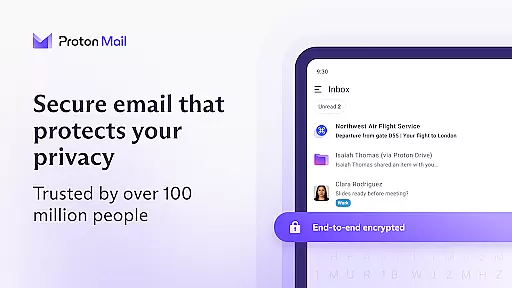
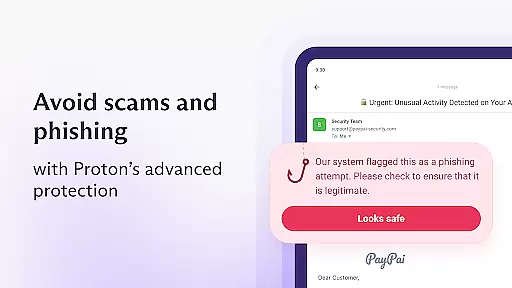
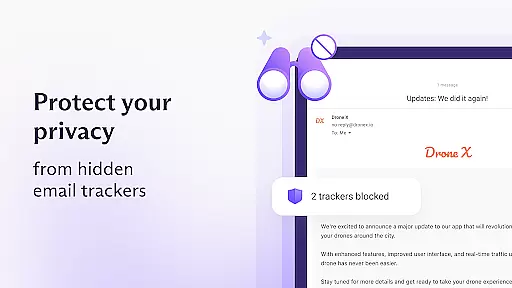
The app stands out due to its commitment to user privacy through rigorous end-to-end encryption and zero-access architecture. This ensures that only the sender and recipient can read the emails, eliminating the risk of interception. Proton Mail also offers industry-leading protection against phishing, spam, and tracking, making it a reliable choice for safeguarding your digital communications.
Whether you're an individual seeking privacy or a professional needing secure communication tools, Proton Mail's intuitive design and robust security features make it an ideal solution for managing sensitive information securely across all your devices.
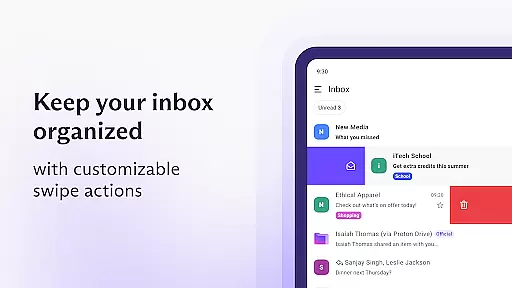
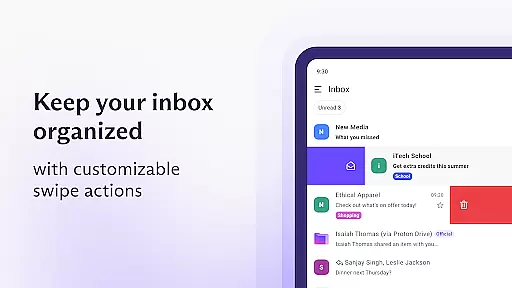
Proton Mail boasts a comprehensive suite of features tailored to enhance both security and usability. One of its standout capabilities is the ability to switch between multiple Proton Mail accounts effortlessly, allowing users to manage different aspects of their personal and professional lives from a single interface. The app also includes advanced organizational tools such as folders and labels, along with simple swipe gestures that streamline inbox management.
In addition to these practical features, Proton Mail incorporates state-of-the-art security measures. It uses end-to-end encryption to protect messages stored on its servers and during transmission between devices. The zero-access architecture ensures that even Proton cannot access your data, as it is encrypted on the client side using keys they do not possess. Furthermore, the app leverages open-source cryptography libraries vetted by global security experts, ensuring there are no hidden backdoors.
For those transitioning from other email services, Proton Mail offers Easy Switch functionality, enabling migration from Gmail, Outlook, Yahoo, iCloud Mail, or AOL with minimal effort. Users can also enable auto-forwarding from Gmail accounts, combining convenience with enhanced privacy. These innovative features collectively deliver a secure, efficient, and user-friendly email experience.
Real-time messaging speed and reliability are crucial for any communication app, ensuring that messages are delivered instantly and without fail. Proton Mail excels in this area by providing end-to-end encrypted emails that are transmitted securely between Proton servers and user devices.
The app's robust infrastructure ensures that your communications are not only fast but also protected from interception. With features like zero-access architecture, even Proton cannot read your emails, guaranteeing privacy and security.
Users benefit from knowing their sensitive information is safeguarded while enjoying the convenience of real-time notifications. This means you can stay updated with your inbox and respond promptly, maintaining efficient communication.
Overall, Proton Mail's commitment to rigorous encryption and unmatched protection against phishing, spam, and tracking ensures a reliable messaging experience. You can trust that your emails will reach their destination quickly and securely every time.
Media sharing support is an essential feature for modern communication apps, allowing users to send various types of files seamlessly. Proton Mail offers comprehensive media sharing capabilities, enabling users to send encrypted attachments with ease.
The app supports multiple file formats, ensuring that whether you're sending documents, images, or videos, they remain secure throughout transmission. By using advanced encryption protocols such as AES and RSA, along with OpenPGP, Proton Mail guarantees that your shared media stays confidential.
Additionally, Proton Mailu2019s open-source cryptography has been vetted by global security experts, providing assurance that there are no hidden backdoors in its encryption algorithms. This transparency builds trust among users who need to share sensitive media files.
In summary, Proton Mail combines robust security measures with versatile media sharing options, making it a reliable choice for anyone looking to protect their digital communications while enjoying flexible file-sharing features.
End-to-end encryption
Zero-access architecture
User-friendly interface
Multi-account support
Open-source software
Limited free storage
Paid features required
Occasional bugs
Learning curve
Slower performance

Pure modern IRC experience for Android
 3.70
3.70
Manage BoostMobile Account
4.60
This app enables the phone to receive and send FT8 traffic!
3.80
Faster version of Messages. Messenger for your contacts.
4.50
An agentic AI browser for Android, built by Perplexity
4.50
Smart and simple anti-wiring application - IMSI-catchers catcher
4.40
Threema is the messenger with the most consistent focus on security and privacy.
4.00
SMS Messenger is a lightning-fast messaging app.
4.20
Telegram is a messaging app with a focus on speed and security.
4.00
فیلتر شکن قوی پرسرعت کلید جدید برای اندرویدسریع ترین وی پی ان برای همه اپراتورها
4.70
A browser that does more than load page, like keeping your privacy safe.
4.70
Create a secure hotspot on-the-go with Portable WiFi - Mobile hotspot.
4.40
A web browser that respects your privacy.
4.30
Block spam calls & scam - no more annoying calls with the call blocker function
4.30
Call Blocker app: Identify unknown callers, block spam calls, fraud & robocalls
4.30
RemoteHams.com Android RCForb Client Pre-Release
4.30
BiP is a fast, secure, free messaging and HD video calling app!
4.10
Messages is Private SMS Messenger 2023 with text message, instant messaging.
4.00
Tether to Windows, OS X, Linux PCs or Android tablets. No root. No tether fees.
3.90


User Reviews