
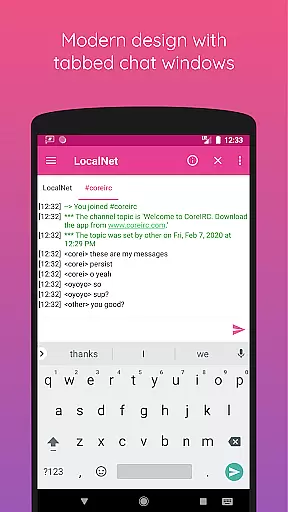
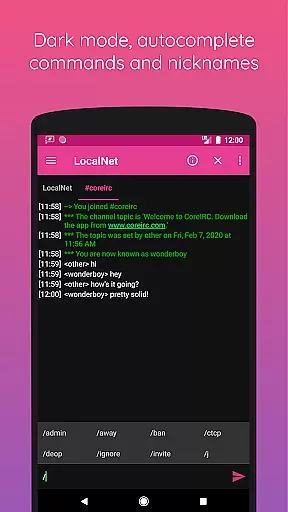
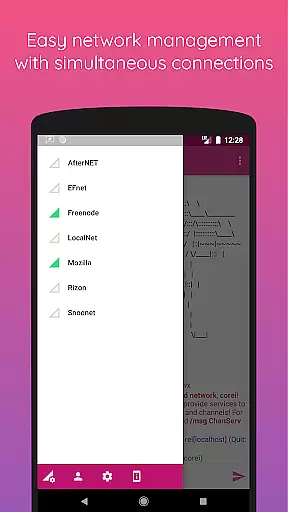
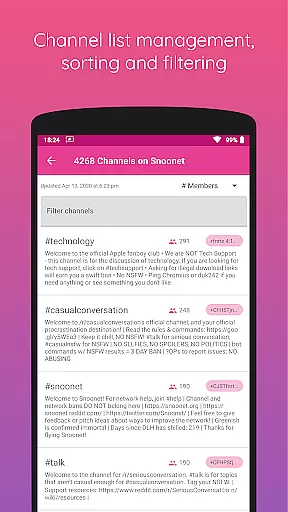
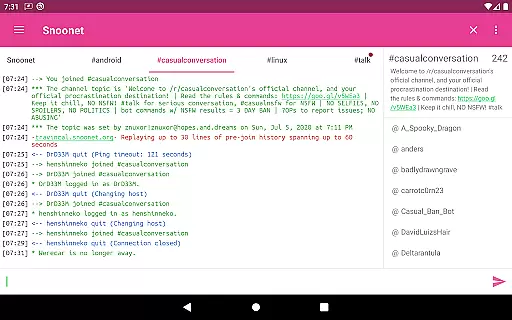
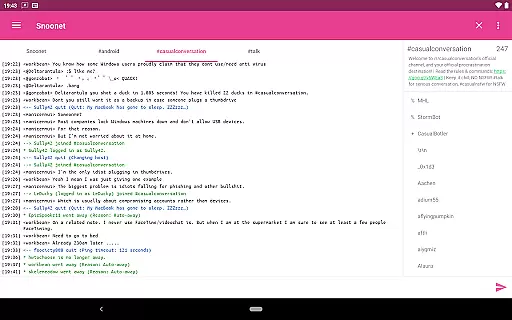
CoreIRC is a feature-rich IRC client designed for secure and customizable communication. The app allows users to connect to multiple IRC networks using SSL encryption, ensuring secure interactions across various channels. With support for advanced authentication methods like SASL and NickServ, users can maintain verified identities on their preferred networks.
The application also offers a robust notification system that lets you tailor alerts based on channels, senders, or specific messages. This ensures you never miss important communications. Additionally, CoreIRC provides modern design elements following Material Design principles, delivering an intuitive and visually appealing user experience. Whether for professional collaboration or personal chat, CoreIRC equips users with the tools needed for effective real-time communication.
CoreIRC stands out with its comprehensive set of features tailored for both casual and power users. One of its key strengths is the support for modern IRC standards, including IRCv3 capabilities such as account-notify, away-notify, and server-time tags. These features ensure users stay updated with real-time status changes and message timestamps.
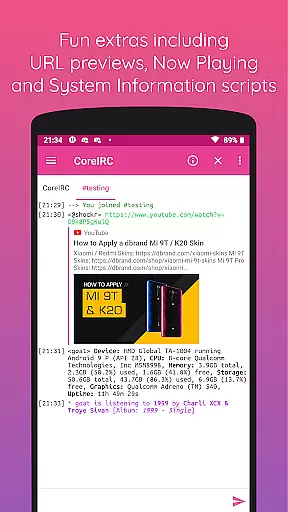
The app also includes practical extras like inline URL previews, allowing users to preview links directly within the chat interface before opening them in a browser. Another notable feature is the Now Playing script, which enables users to share currently playing media from popular services like Spotify or Google Play Music. Furthermore, the System Information script provides detailed device information through simple commands, making it useful for technical discussions. With background connectivity, chat logging, and extensive customization options, CoreIRC delivers a complete communication solution.
CoreIRC offers robust real-time messaging capabilities, ensuring that users can communicate instantly and reliably across multiple IRC networks. The application supports SSL encryption, providing a secure environment for all communications.
With features like SASL authentication and NickServ support, the app ensures that your identity is verified promptly, allowing for trusted interactions. This authentication process significantly enhances the reliability of message delivery, as only authenticated users can participate in discussions.
The notification system in CoreIRC is highly customizable, letting users configure alerts based on channels, senders, or specific messages. This means you won't miss any critical information, as the app will notify you according to your preferences, thus maintaining both speed and relevance in communication.
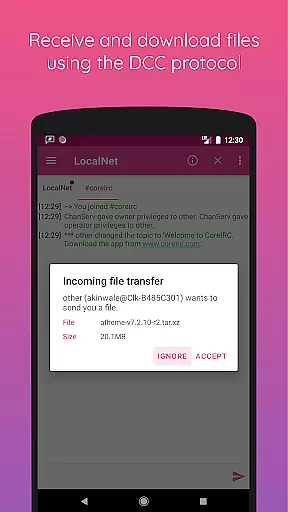
CoreIRC facilitates media sharing through its support for the DCC protocol, enabling users to send and receive files with ease. The resume support feature ensures that file transfers can be paused and resumed without losing progress, making it convenient for sharing larger media files.
In addition to traditional file sharing, CoreIRC includes inline URL previews, which allow users to preview links shared within chats before opening them in a browser. This feature is particularly useful for images and other media, giving users a glimpse of the content directly in the chat window.
The app also supports various scripts like Now Playing, which lets users share what they are currently listening to on platforms such as Spotify or Google Play Music. This adds an interactive layer to media sharing, enhancing user engagement by integrating multimedia elements seamlessly into conversations.
Secure connections
Custom notifications
Modern design
Advanced IRC support
Comprehensive feature set
Complex for beginners
Limited visual themes
No voice calls
Heavy on resources
Occasional bugs

Tether to Windows, OS X, Linux PCs or Android tablets. No root. No tether fees.
 3.90
3.90
Fast and simple walkie talkie app
4.20
SMS & MMS Messaging App to easily send messages or schedule SMS on Chat
4.10
Manage BoostMobile Account
4.60
Messenger, an MMS & SMS messages app with Blockers, Driving mode & Private box
4.60
Faster version of Messages. Messenger for your contacts.
4.50
Fast, Simple And Secure Application That Provides SMBv3 Server On Your Device
3.30
Smart and simple anti-wiring application - IMSI-catchers catcher
4.40
Telegram is a messaging app with a focus on speed and security.
4.00
An agentic AI browser for Android, built by Perplexity
4.50
Simple tool for businesses to talk to their customers.
4.40
Phone Dialer with Caller ID, Address Book & Contacts Manager.
4.30
Use this SMS app standalone or as a TREK: Total Interface companion.
4.30
Chill zone on your phone: relax with fun reels & hype shorts!
4.20
BE PRIVATE
Anonymous. No Trace. Fast.
4.20
Quickly and easily identify and block unknown callers
3.70
Official NDI app: turn your phone into a professional live-streaming IP camera.
3.20
Auto Reply SMS, Text Messaging, Away SMS Response, Busy SMS messages, Block Text
3.10
Chat on the Jabber network (XMPP protocol); support for SMS and other gateways
2.10


User Reviews