
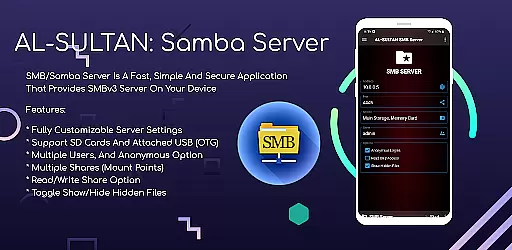
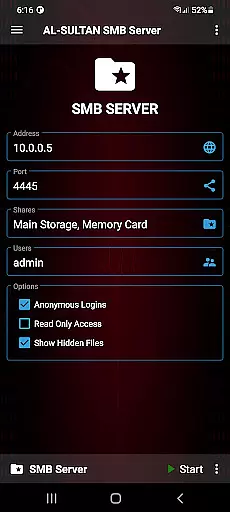
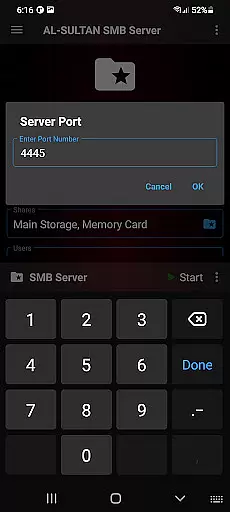
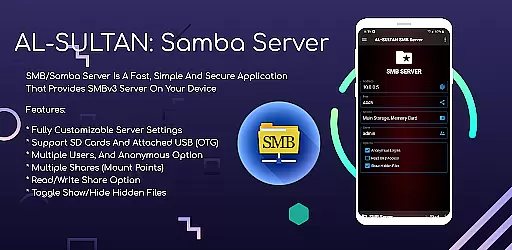
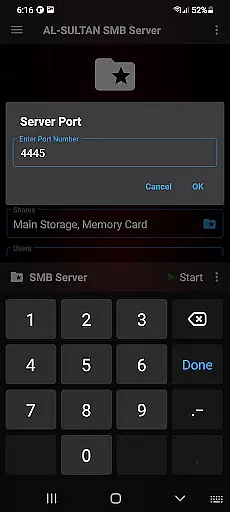
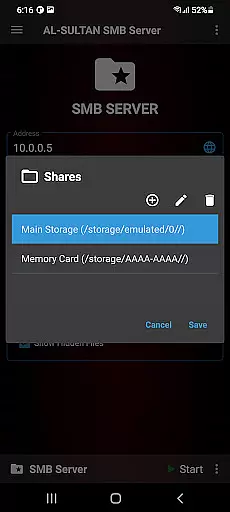
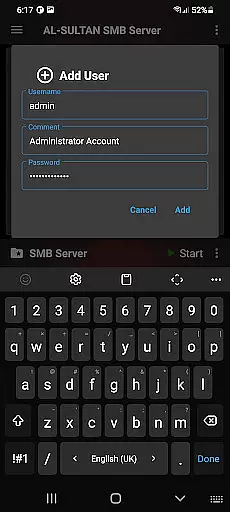
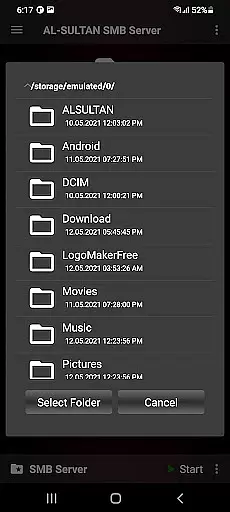
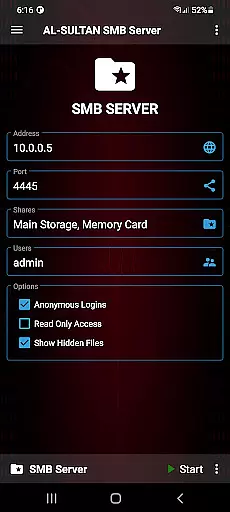
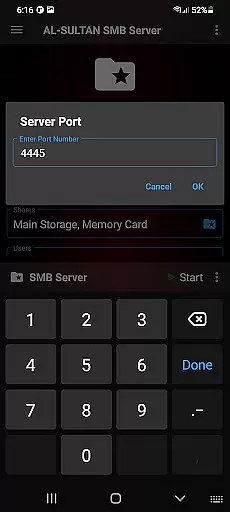
SMB/Samba Server Pro is a premium communication application that transforms your mobile device into a powerful SMBv3 server. This enables seamless file sharing between your device and other networked devices, making it an ideal solution for users who need to access files on-the-go. The app supports advanced features like customizable server settings, multiple user accounts, and various share options.
With support for SD cards and USB OTG storage, SMB/Samba Server Pro allows you to maximize your device's storage capabilities while maintaining top-notch security. Whether you're a professional needing to share documents with colleagues or a home user wanting to stream media to different devices, this app provides a fast and reliable connection for all your file sharing needs.
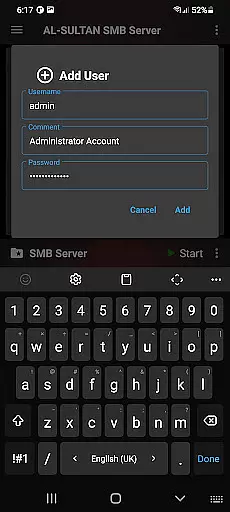
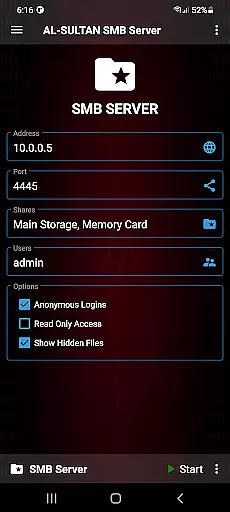
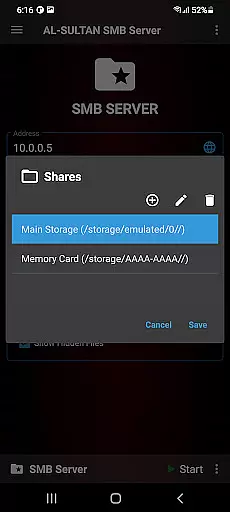
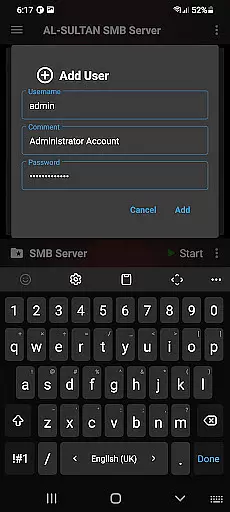
The app offers a comprehensive set of features designed to give users complete control over their file sharing experience. You can fully customize server settings to match your specific requirements, create multiple user accounts with different permission levels, and configure various shares (mount points) for different directories on your device.
Security and flexibility are at the core of SMB/Samba Server Pro. It supports read/write permissions for shares, allowing you to control how others interact with your files. Additionally, the option to toggle showing hidden files ensures that your directory structure remains organized and clutter-free. Advanced users will appreciate the root support feature, which unlocks even more customization possibilities.
Whether you're managing files for work or personal use, these robust features make SMB/Samba Server Pro a versatile tool for anyone needing reliable network file access from their mobile device.
Real-time messaging speed and reliability are crucial for any communication application, ensuring that messages are delivered instantly and without errors. SMB/Samba Server Pro excels in this area by providing a fast and secure environment for file sharing and communication.
The app supports SMBv3, the latest version of the protocol, which enhances both speed and security. This ensures that data transfers between devices are not only quick but also protected from unauthorized access. The customizable server settings allow users to optimize performance based on their specific needs.
With support for SD cards and attached USB (OTG), SMB/Samba Server Pro offers flexibility in managing storage and sharing resources. This feature is particularly beneficial for users who need to transfer large files or require constant access to shared drives. The multiple user support and anonymous option further enhance its usability in various scenarios.
Overall, SMB/Samba Server Pro provides a reliable and efficient solution for real-time messaging and file sharing, making it an excellent choice for users looking to enhance their communication capabilities.
Media sharing support is essential for applications focused on communication, allowing users to easily exchange photos, videos, and other media files. SMB/Samba Server Pro offers robust media sharing capabilities through its comprehensive feature set designed to facilitate seamless file transfers.
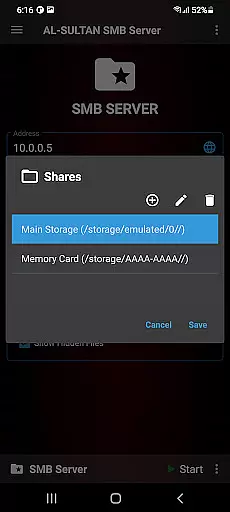
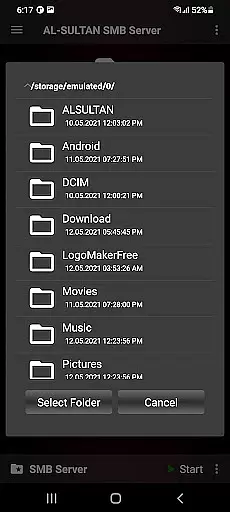
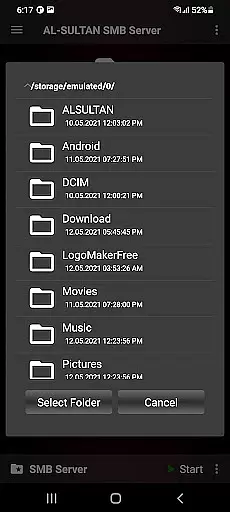
One of the standout features of SMB/Samba Server Pro is its support for multiple shares, or mount points. This allows users to create different shared folders for various types of media, ensuring organized and efficient file management. The read/write share option adds another layer of functionality, enabling collaborative work environments where team members can modify shared documents.
In addition to supporting standard media formats, the app also includes options like toggling show/hide hidden files and root support. These features provide advanced users with greater control over their shared media libraries, enhancing both security and convenience. Furthermore, the ability to connect external storage devices via SD cards or USB (OTG) expands the capacity for media storage and sharing.
By combining these powerful features, SMB/Samba Server Pro delivers a superior media sharing experience, catering to both individual and business users who demand high performance and versatility in their communication tools.
Fast and secure file sharing
Supports SMBv3 protocol
Fully customizable settings
Multiple user account options
SD card and USB OTG support
Paid version only
Requires technical knowledge
No automatic backups
Limited customer support
Root access needed for some features

We’re taking the yada yada out of wireless—now we’ve taken it out of your app.
 4.70
4.70
Our Black Friday sale is here. Unlock special discounts on Proton Mail now.
4.30
Chat on the Jabber network (XMPP protocol); support for SMS and other gateways
2.10
2nd Phone Number Line for Anonymous Texting, Calling, and Picture Messages
4.30
Fun, free app that lets kids video call and message family and close friends.
3.80
RemoteHams.com Android RCForb Client Pre-Release
4.30
Weargram is an unofficial Telegram Client for Wear OS.
3.50
Measure BHP, Torque & 0-60 Clear car OBD faults View engine data in Google Earth
4.00
Fast internet with AI, Adblock & VPN. Browse on a safe, incognito web browser.
4.70
Useful. Social. Expressive.
4.70
Adblock & VPN Browser: Blocks banners, pop-ups and video ads, fast downloader!
4.60
Messenger, an MMS & SMS messages app with Blockers, Driving mode & Private box
4.60
Stay in touch with the people who matter most.
4.60
The ultimate productivity solution for all your email communication needs.
4.40
Enjoy secure messaging & calling. Safe Messenger: group chats, calls, messages.
4.20
Tether to Windows, OS X, Linux PCs or Android tablets. No root. No tether fees.
3.90
SMS Messenger ensures that communication become effortless and accessible.
3.80
Watchgram for Telegram: Experience seamless Telegram messaging on your watch
1.80
An app dedicated solely to marriage, not dating, and supported by a rigorous verification mechanism to ensure seriousness.
4.2


User Reviews