
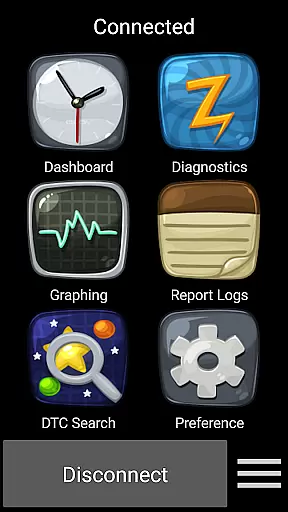
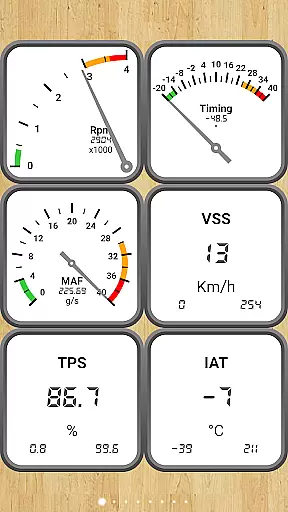
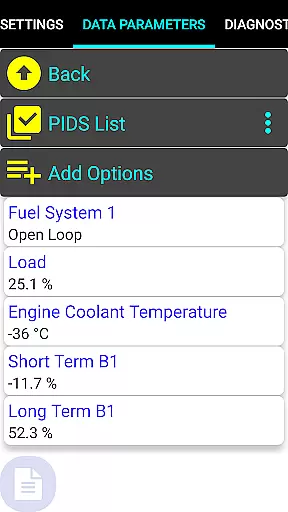
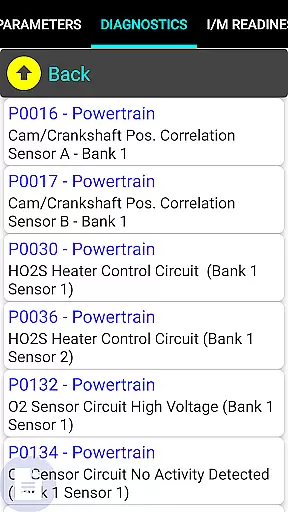
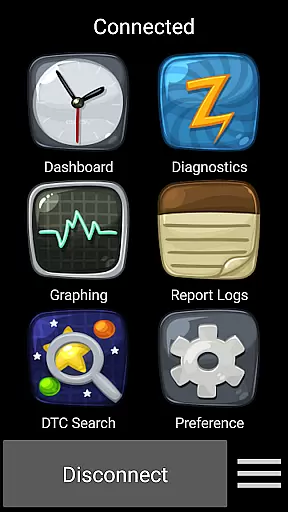
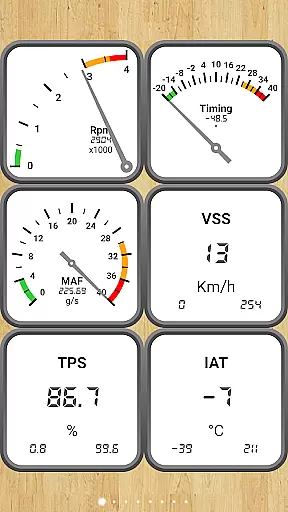
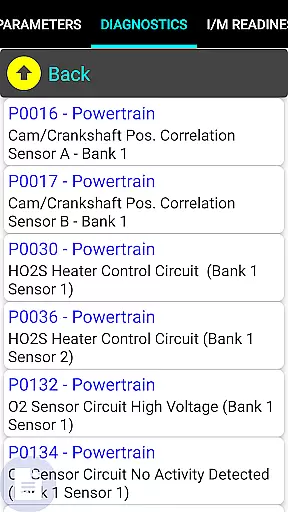
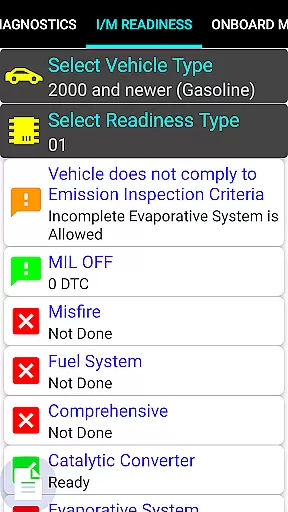
Car Gauge Pro is a comprehensive OBD2 diagnostic tool designed for all OBD2 compliant vehicles, offering both generic and enhanced diagnostic data. This app stands out with specialized support for Ford and Nissan vehicles, providing professional-level functionalities similar to factory scan tools. Through a 16 Pin OBD2 connector, it interfaces with vehicle computers, requiring an Elm 327 or STN Bluetooth adapter.
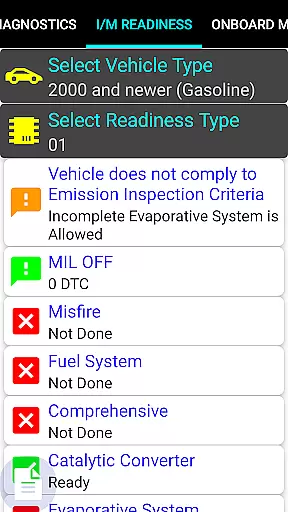
The application's core strength lies in its ability to read and clear fault codes, perform sensor tests, and provide detailed emission test results. Whether you need to diagnose a check engine light, verify readiness for smog inspections, or analyze Mode 5/6 emission tests, Car Gauge Pro delivers the necessary data. Its dashboard interface makes vehicle diagnostics accessible even to non-professionals while maintaining professional-grade capabilities.
Ideal for car enthusiasts and professionals alike, this app transforms your smartphone into a powerful automotive diagnostic tool. By supporting multiple protocols and offering extensive parameter IDs (PIDs), it ensures broad compatibility and detailed vehicle analysis. The app represents a valuable asset for anyone seeking in-depth insights into their vehicle's performance and health.
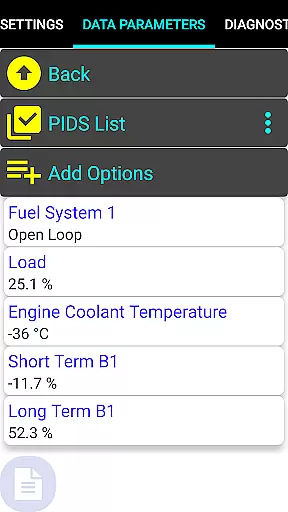
Car Gauge Pro boasts an impressive array of features that cater to both generic OBD2 diagnostics and enhanced vehicle-specific functions. For all OBD2 compliant vehicles, it supports ten different modes including Data Parameters, Freeze Frame Data, Fault Code Reading/Clearing, O2 Sensor Tests, Emission On-board Tests, and more. With over 220 Parameter IDs, users can access a wealth of real-time vehicle data.
What sets this app apart are its Enhanced Functions tailored for specific manufacturers. Ford owners (1996-2013 models) benefit from extensive support including Self Test, KOEO/KOER, and 2200 PIDs. Nissan vehicles (2001-2007) receive similar attention with additional Active Test capabilities. GM, Toyota, and KIA vehicles also enjoy dedicated enhanced data sets, though with varying levels of depth depending on the manufacturer and model year.
The app's versatility extends beyond mere code reading. It enables users to perform advanced functions like ignition timing adjustments, idle RPM modifications, and various self-tests. While not all models within each brand may be fully supported, the app's comprehensive approach to vehicle diagnostics makes it an indispensable tool for automotive professionals and enthusiasts who demand detailed insights into their vehicle's operational status.
Real-time messaging speed and reliability are crucial for any communication app, especially in the automotive context where Car Gauge Pro (OBD2 + Enhance) operates. This app ensures that diagnostic data is transmitted from your vehicle to your device without delay, providing immediate feedback on your car's performance.
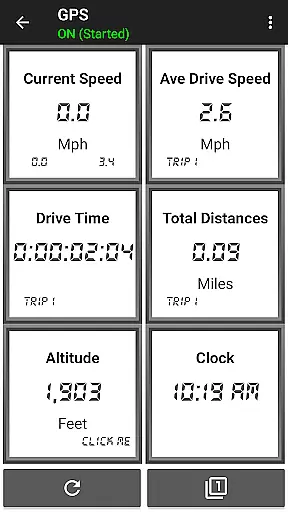
The application uses advanced protocols to communicate with the vehicle's onboard computer through a 16 Pin OBD2 diagnostic connector. With the help of Elm 327 or STN Bluetooth devices, it delivers real-time updates on various parameters such as engine status, sensor functionality, and emission tests.
For users, this means they can rely on Car Gauge Pro to deliver prompt and accurate information about their vehicleu2019s health, which is essential when diagnosing issues or preparing for a smog inspection. The immediacy of data delivery allows for quick decision-making and potential cost savings by addressing problems early.
Ultimately, the real-time messaging capability of Car Gauge Pro enhances user experience by providing peace of mind and confidence in understanding their vehicle's condition at any given moment.
Media sharing support within Car Gauge Pro (OBD2 + Enhance) refers to the app's ability to share diagnostic data and reports across different platforms or devices. While primarily a diagnostic tool, the ability to export and share this information can be invaluable for both personal record-keeping and professional consultations.
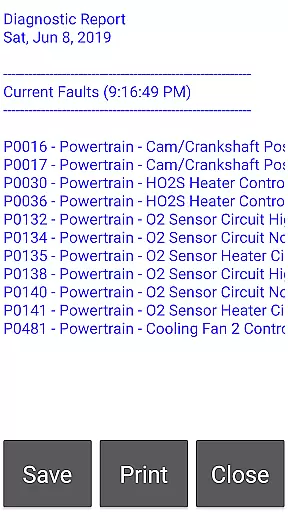
Car Gauge Pro supports comprehensive data export features that allow users to save and share detailed diagnostic reports. These include fault codes, sensor data, readiness statuses, and more, which can be shared via email or cloud services directly from the app interface.
This feature benefits users by enabling them to maintain a history of their vehicle's diagnostics, which can be useful for tracking maintenance needs over time. Additionally, it facilitates easier communication with mechanics or technicians who may require detailed insights into the vehicle's performance metrics.
By incorporating robust media sharing capabilities, Car Gauge Pro not only functions as an onboard diagnostic tool but also as a facilitator for better-informed discussions regarding vehicle upkeep and repair strategies.
User-friendly interface
Extensive vehicle compatibility
Professional diagnostic capabilities
Detailed emission test reports
Real-time data monitoring
Requires compatible adapter
Limited newer model support
Some features model-specific
Bluetooth connection issues
No Mini Elm 327 v2.1 support

Adblock & VPN Browser: Blocks banners, pop-ups and video ads, fast downloader!
 4.60
4.60
Phone Dialer with Caller ID, Address Book & Contacts Manager.
4.30
Messenger app for faster and simpler SMS text messaging, and personalized themes
4.10
Fast and mini browser with Ad Blocker,Video Downloader and Video Player
4.40
Welcome to the future of phone service.
4.60
Call Blocker app: Identify unknown callers, block spam calls, fraud & robocalls
4.30
Fast, Simple And Secure Application That Provides SMBv3 Server On Your Device
3.30
Watchgram for Telegram: Experience seamless Telegram messaging on your watch
1.80
Call & Text Anywhere With A Canadian Number.
3.60
Read OBD2 data and DTCs Create custom dashboards Enhanced diagnostics available
4.70
Fast internet with AI, Adblock & VPN. Browse on a safe, incognito web browser.
4.70
Talk & text free with a second phone number plus unlimited 5G data, no fees.
4.50
Use this SMS app standalone or as a TREK: Total Interface companion.
4.30
Fast and simple walkie talkie app
4.20
A customizable phone number in the cloud
4.20
Telegram is a messaging app with a focus on speed and security.
4.00
Fun, free app that lets kids video call and message family and close friends.
3.80
Pure modern IRC experience for Android
3.70
Enables Plus features of Quick Search.
4.3


User Reviews