


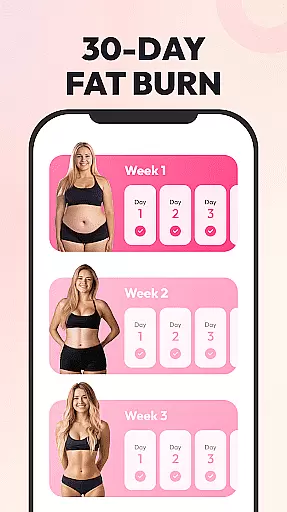
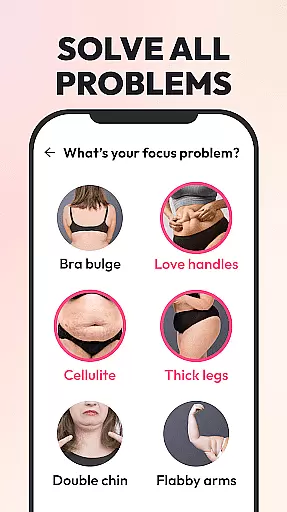
Weight Loss for Women is a specialized home workout application designed to help women achieve their ideal body shape through effective and science-based fitness plans. The app offers personalized workout routines based on individual weight loss goals, body status, and fitness levels, making it suitable for both beginners and advanced users. With multiple difficulty levels and targeted plans for trouble zones like belly fat or thigh toning, the app ensures that every user can find a plan tailored to their needs.
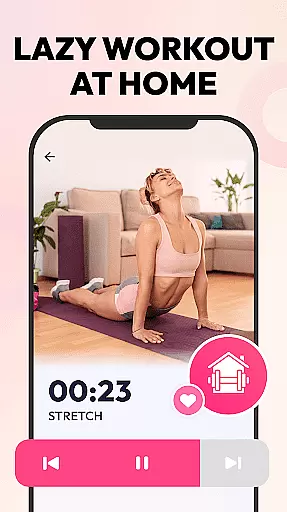
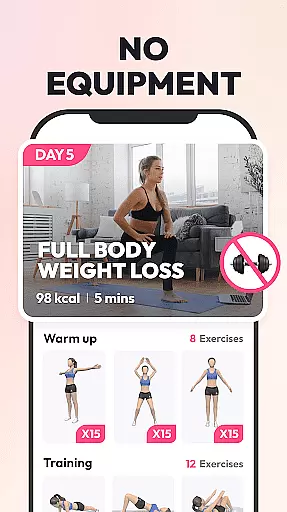
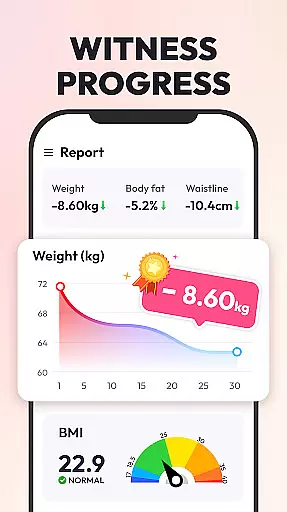
The app eliminates the need for equipment, allowing users to exercise anytime, anywhere, with workouts lasting only 4-8 minutes per day. This makes it easy to incorporate into daily routines, promoting consistency and long-term results. Additionally, features such as HIIT workouts, 3D animations, video guidance, and written instructions ensure proper form and maximize workout efficiency. Users can track their progress through clear graphs showing weight changes, BMI calculations, and calorie burn tracking, providing visible proof of their achievements.
One of the standout features of Weight Loss for Women is its ability to customize fitness plans according to user-specific data. Whether you're looking to lose overall weight, tone specific areas like the belly or thighs, or build a strong and lean physique, the app provides four distinct workout plans to meet these goals. Each plan is developed by professional trainers and reviewed by experts, ensuring scientifically-backed routines that include scheduled rest days for optimal recovery and results.
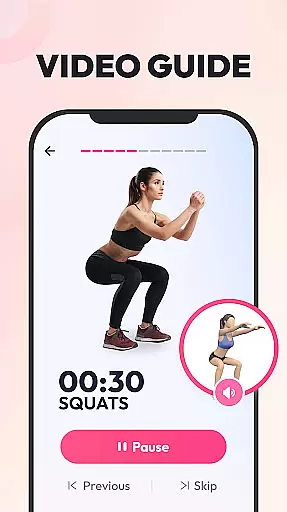
In addition to customization, the app offers diverse guidance methods to ensure proper form and reduce injury risks. Users can follow along with 3D animations, real-person video demonstrations, and detailed written instructions for each exercise. Low-impact options are available for those recovering from injuries, while daily reminders and motivational feedback keep users engaged. The app also includes tools like a BMI calculator, weight tracking graph, and calorie burn tracker, enabling users to monitor their fitness journey comprehensively.
Personalized planning in fitness applications refers to the creation of tailored workout plans that adapt to individual user needs, goals, and physical conditions. This feature is crucial as it ensures that each user receives a regimen specifically designed for their unique body type and fitness objectives.
Weight Loss for Women excels in this area by offering customized fitness plans based on the user's target zone, current body status, and overall fitness requirements. The app considers various factors such as weight loss goals, fitness levels, and even physical injuries, adjusting the difficulty and type of exercises accordingly.
Users benefit from this personalized approach as it not only enhances the effectiveness of workouts but also reduces the risk of injury. By having a plan that evolves with their progress, users can maintain motivation and achieve long-term fat loss and body shaping results.
The true value lies in the app's ability to cater to both beginners and advanced users, providing multiple difficulty levels and allowing adjustments. This inclusivity empowers all women to embark on their weight loss journey confidently, knowing they have a personalized plan that supports their fitness aspirations.
Progress visualization in fitness apps involves presenting users' achievements and advancements through clear and engaging graphical representations. This feature plays a vital role in keeping users motivated and focused on their fitness journey by providing tangible evidence of their progress over time.
In Weight Loss for Women, progress visualization is executed through comprehensive tracking of weight, BMI, and calories burned. Users can set their target weight and monitor real-time changes via detailed graphs that illustrate their path towards achieving their weight loss goals.
This visual tracking offers several advantages to users. Firstly, it provides an overview of their fitness journey, highlighting milestones and accomplishments. Secondly, it offers expert health guidance through features like the BMI calculator, ensuring users are informed about their health metrics beyond just weight.
By integrating daily calorie burn tracking and other fitness data recording, the app delivers a holistic view of the user's progress. This multifaceted approach to progress visualization not only motivates users but also educates them on various aspects of their health, making their weight loss journey more effective and sustainable.
Customized workout plans
No equipment required
Daily workout reminders
Expert-reviewed routines
Progress tracking tools
Limited social features
No live trainer support
Few advanced options
Basic UI design
Occasional bugs

The simplest way to track your 21 Day Program containers, exercises, and water.
 4.50
4.50
“Overcoming pain based on EMDR” helps you to alleviate chronic pain and stress.
4.10
App to stop smoking slowly or now with a motivational badges and helpful tips
4.80
The OFFICIAL Couch to 5K® running training app! A 9 week walk-run workout plan.
4.50
Grow with self-tests and personal routine.
4.30
Memory, mind & logic exercises. Puzzle games, IQ & brain test for kids & adults
4.50
Pilates, Calisthenics, Yoga
4.50
The most accurate heart rate app to monitor and track your heart rate & pulse.
4.40
Mood journal, habits, self-care tracker, self-love
4.90
Meditation app, head space app provides calm music to help you meditate & sleep
5.00
Protect your healthy sleep
4.80
Load the bar with this barbell & plate calculator. It's leg day, not brain day!
4.70
You deserve easy access to important insurance information. Download for FREE.
4.70
Your AI pet BFF. Talk, play, and beat anxiety in this calming game.
4.60
Period Tracker, the easiest way to track your periods!
4.50
Relax to calm sounds, white noise, music, guided meditation and bedtime stories
4.40
Get alert about getting out of desired heart rate zone.
4.10
3D Body Measurement System
3.60
Text notifications, button control, heart monitor & more for your Amazfit.
2.40


User Reviews