
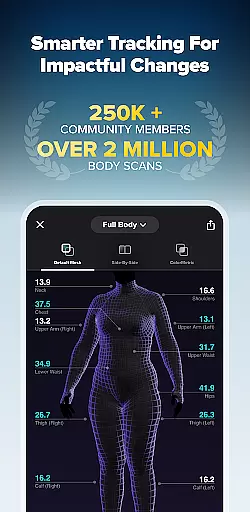
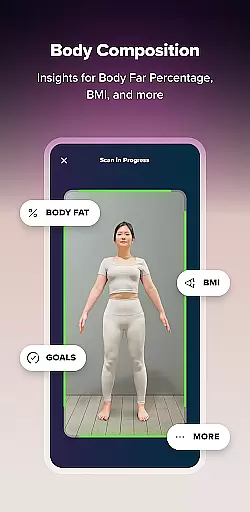
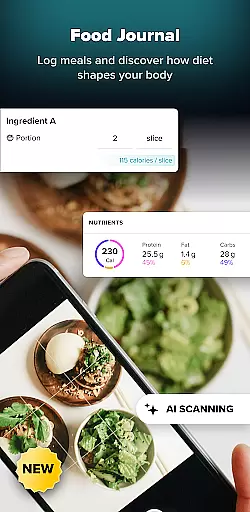
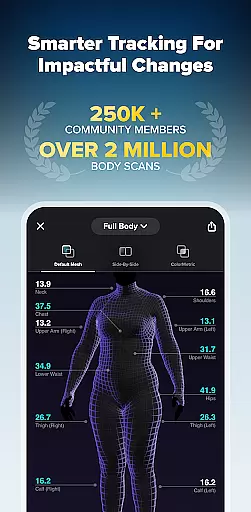
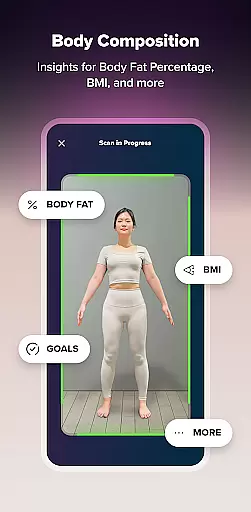
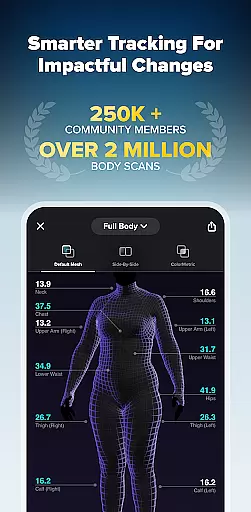
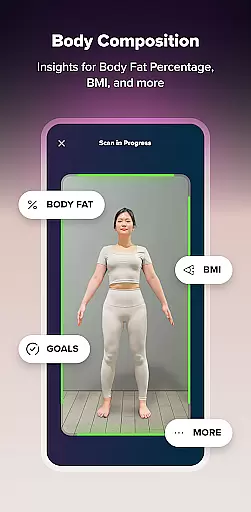
ZOZOFIT is a comprehensive fitness tracking application designed to revolutionize personal health management. The app combines precise 3D body scanning with AI-powered nutrition tracking, offering users detailed insights into their body composition and dietary habits. With features like 3D Mesh, ColorMetric, and Goal Setting, ZOZOFIT provides a complete digital toolbox for monitoring fitness progress.
Available on select Android devices running OS 11 or later, the app supports a wide range of Samsung Galaxy and Google Pixel models. Whether you're tracking weight loss, monitoring body transformation, or logging meals, ZOZOFIT empowers users to take control of their fitness journey through innovative technology and intuitive design.
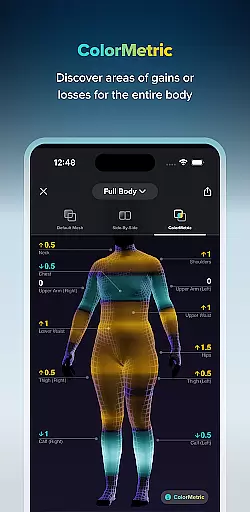
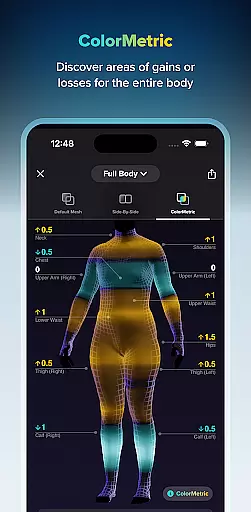
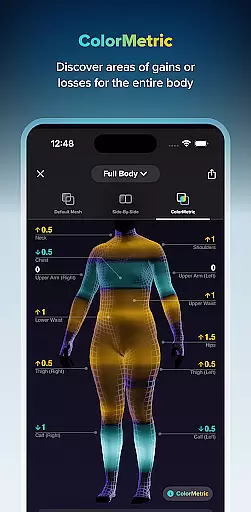
ZOZOFIT stands out with its advanced feature set tailored for fitness enthusiasts. The 3D body scanning functionality captures precise measurements across 12 key body areas in under two minutes, providing users with actionable data to track their progress. The app's ColorMetric system uses color gradients to visually represent changes in body composition over time, making it easier to understand growth or reduction trends.
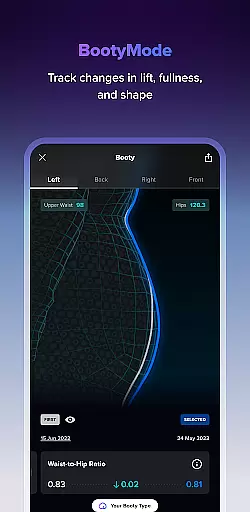
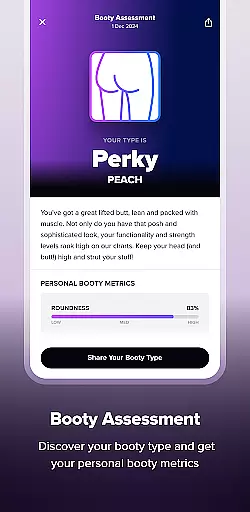
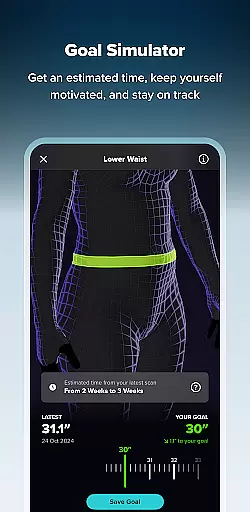
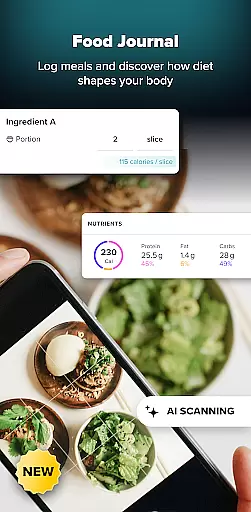
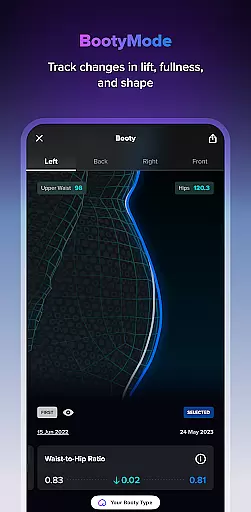
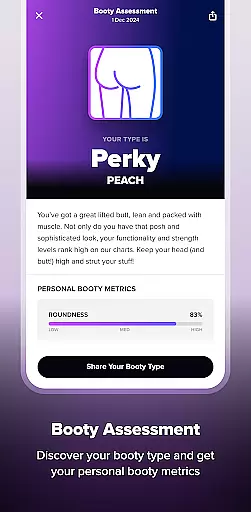
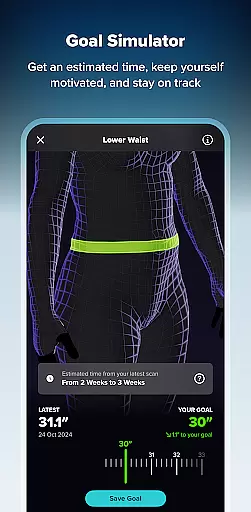
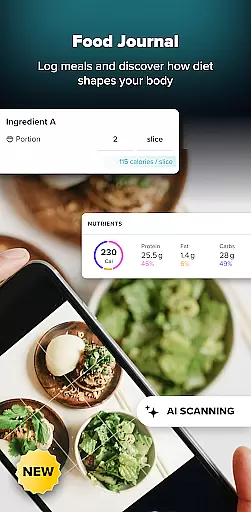
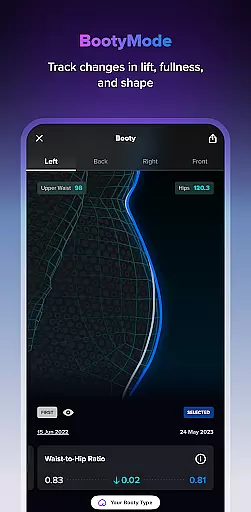
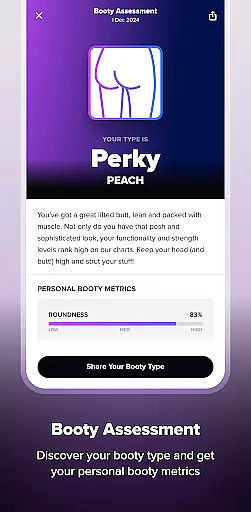
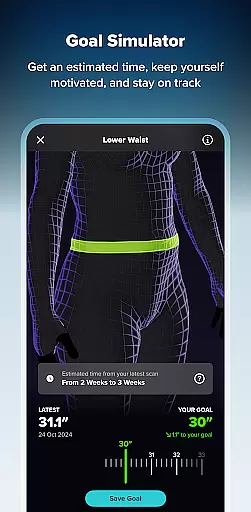
In addition to physical tracking, ZOZOFIT includes a Food Journal powered by AI, allowing users to log meals effortlessly using photos or nutrition labels. The Goal Simulator and Booty Mode offer motivational tools to visualize potential body changes and track specific areas of interest. These features collectively create a holistic approach to fitness tracking that goes beyond traditional weight monitoring.
Personalized planning in fitness applications refers to the ability to create tailored workout and nutrition plans based on individual user data. ZOZOFIT takes this a step further by integrating precise body measurements with AI-powered nutrition tracking.
The app's 3D body scanning feature provides detailed measurements for twelve key body areas, allowing users to set specific goals for each. The Goal Simulator enhances this by letting users visualize potential changes, promoting a more engaging and personalized planning experience.
With the inclusion of the Food Journal, ZOZOFIT enables users to effortlessly log meals using AI technology. This feature supports the creation of a truly customized nutrition plan that aligns with personal fitness objectives, ensuring users can stay on track with their dietary goals.
By combining these advanced tools, ZOZOFIT delivers an unparalleled personalized planning experience. Users gain greater control over their fitness journey, leading to more impactful and measurable outcomes.
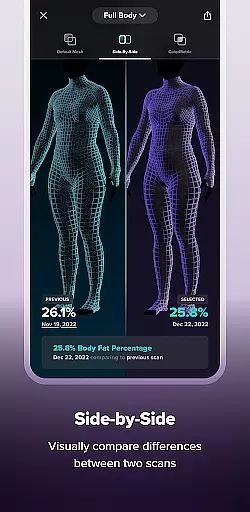
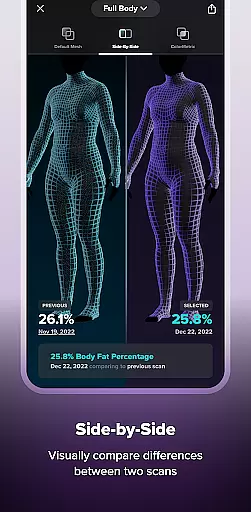
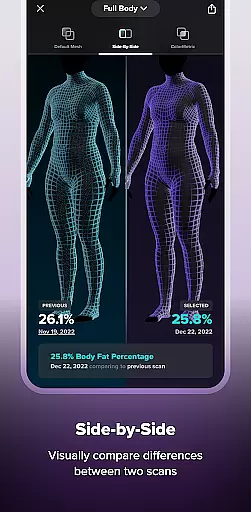
Progress visualization is crucial in fitness apps as it allows users to see their improvements over time, which can be highly motivating. ZOZOFIT offers sophisticated features like the ColorMetric view and Side-by-Side comparisons to help users visually track their body transformation journey.
The ColorMetric system uses a color gradient to represent changes in the user's physique, making it easy to identify areas of growth or reduction. This visual feedback helps users understand their progress in a more holistic way, beyond mere numbers on a scale.
In addition to ColorMetric, the Side-by-Side feature lets users compare two different body scans. This direct visual comparison aids in evaluating the effectiveness of their fitness regimen and highlights changes that might not be immediately apparent through numerical data alone.
These innovative visualization tools ensure that ZOZOFIT users remain motivated and engaged. By providing clear and intuitive progress insights, the app empowers users to stay committed to their fitness goals and make necessary adjustments to their routines.
User-friendly interface
Accurate body scanning
AI nutrition tracking
Comprehensive measurement data
Motivational goal setting
Limited device compatibility
Premium subscription required
Occasional scanning errors
High storage requirements
Learning curve for new users

Your plan in your pocket 24/7
 3.00
3.00
For Absolute Novices to Strength Training. Simple. Effective.
4.40
Personal Measurements - Track your gains!
4.50
Binaural Beats - Fully Customizable Waves - Pure Sound - No Loops
4.50
When the night comes, we prepare your eyes for deep, sweet dreams
4.70
Get lasting results with Chair Yoga, Wall Pilates, and Walking workouts!
4.60
Step Counter, track steps when you walk or run
4.70
Medbridge GO gets you moving - get back to doing what you love, faster!
4.90
Control your blood pressure, heart rate and blood sugar in a fast way.
4.00
App to stop smoking slowly or now with a motivational badges and helpful tips
4.80
Protect your healthy sleep
4.80
Easy to use step counter, calorie counter helps lose weight, count steps offline
4.80
Your AI pet BFF. Talk, play, and beat anxiety in this calming game.
4.60
Walk, track, and burn calories with step counter & GPS walking tracker
4.20
This is an application that serves as a companion app for smart watch.
4.20
Get alert about getting out of desired heart rate zone.
4.10
beat yesterday.
4.00
Dexcom G7 Continuous Glucose Monitoring
3.70
Measure real-time wrist & ambient temperature with your Galaxy Watch (Wear OS)
3.20


User Reviews