
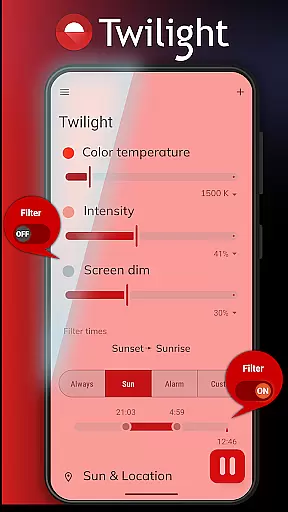
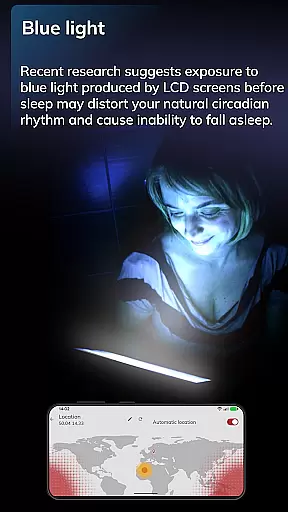
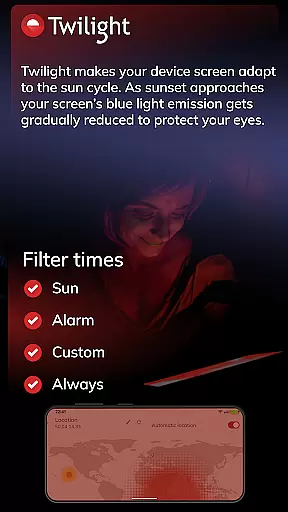
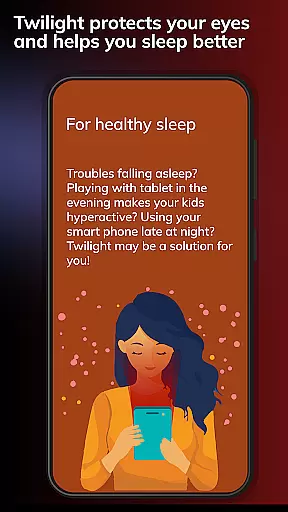
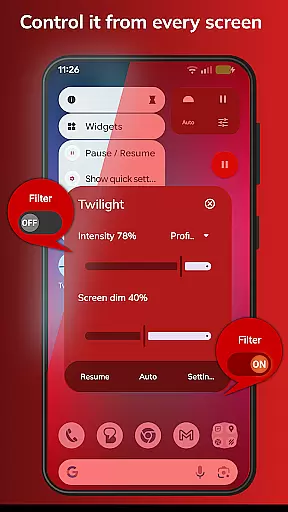
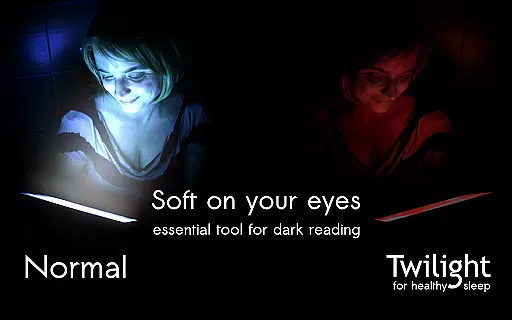
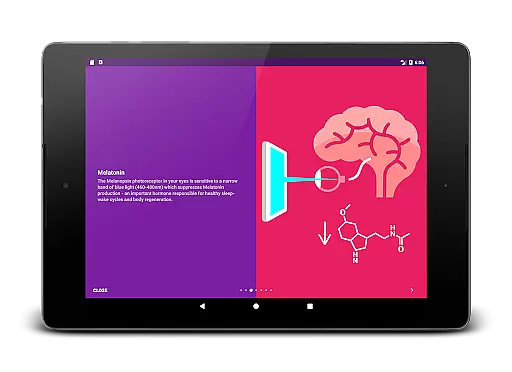
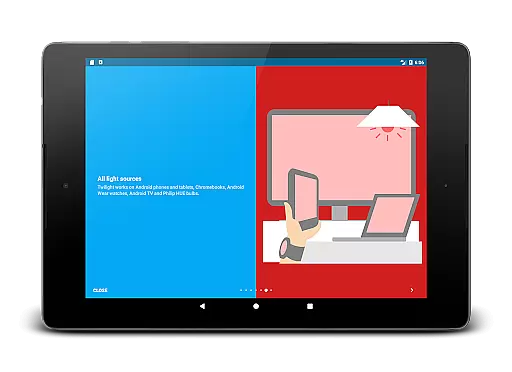
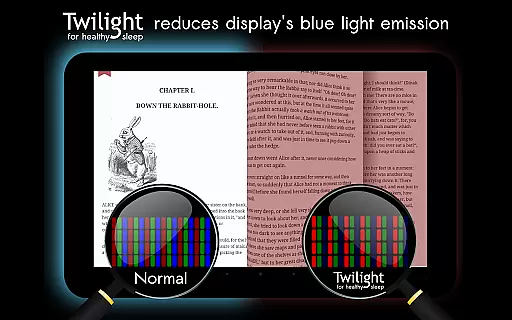
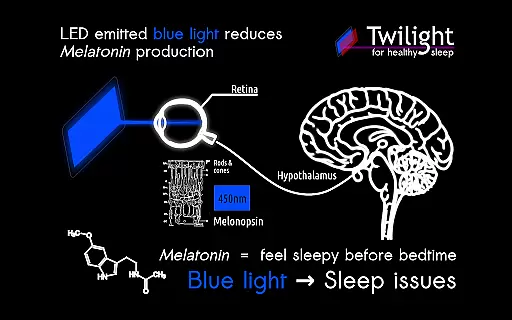
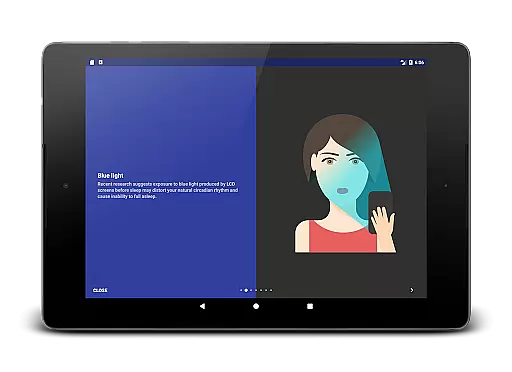
Twilight Pro Unlock is a specialized application designed to help users improve their sleep quality by adjusting the screen's blue light emission on Android devices. The app filters out blue light in the 460-480nm range after sunset, replacing it with a softer red filter that reduces eye strain and promotes healthier sleep patterns. This feature is particularly beneficial for individuals who use their devices late in the evening or right before bedtime.
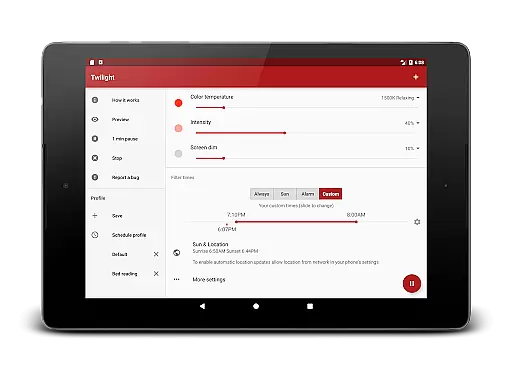
The app operates based on the user's local sunrise and sunset times, ensuring that the light adjustment aligns with natural circadian rhythms. By doing so, Twilight Pro helps maintain balanced melatonin levels, which are crucial for restful sleep. Additionally, the PRO version offers advanced customization options such as multiple profiles, adjustable transition times, and the ability to disable the service during inactive hours.
Twilight Pro Unlock stands out due to its scientifically-backed approach to addressing sleep issues related to screen time. One of its key features is the dynamic adjustment of blue light filtering intensity, which changes smoothly throughout the evening to match the natural decrease in daylight. This ensures minimal disruption to the body's production of melatonin, thus supporting better sleep hygiene.
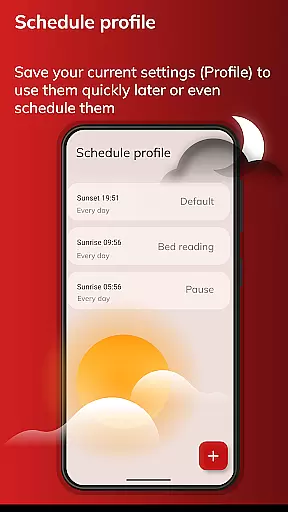
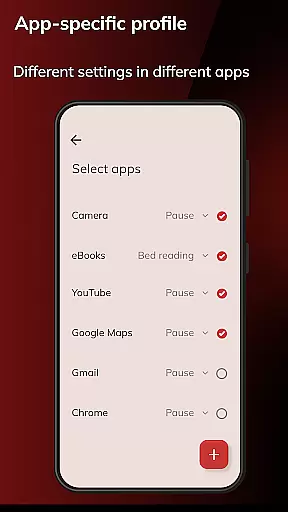
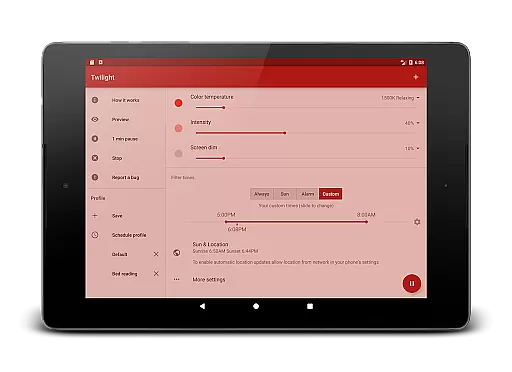
Another notable feature is the inclusion of more than two predefined profiles, allowing users to tailor their experience according to different scenarios or preferences. Users can also set specific times when the app should be less intrusive, making it adaptable to various lifestyles. Furthermore, Twilight Pro often introduces new functionalities first in the PRO version, giving early access to cutting-edge tools aimed at enhancing digital well-being.
Twilight Pro Unlock offers personalized planning by adapting the screen's blue light emission to match your daily schedule. This feature is crucial for maintaining a healthy circadian rhythm, especially for those who use their devices late into the evening.
The app intelligently adjusts the intensity of the blue light filter based on your local sunset and sunrise times. By doing so, it ensures that your exposure to harmful blue light diminishes as the night progresses, thus supporting your natural sleep-wake cycles.
Users benefit from this tailored approach as it helps mitigate the negative effects of blue light exposure, such as melatonin suppression. With Twilight's personalized planning, individuals can experience improved sleep quality and overall well-being.
This functionality underscores Twilight's commitment to not only enhancing user experience but also promoting health-conscious interactions with technology.
Progress visualization in Twilight Pro Unlock provides users with a clear representation of their ongoing exposure adjustments and the app's impact on their device usage over time. This feature demystifies how changes in light exposure correlate with personal health metrics, particularly sleep quality.
By presenting data through an intuitive red filter interface, Twilight allows users to observe the gradual shift in light settings. This visual cue serves as a reminder of the app's active role in protecting eye health and facilitating better sleep hygiene.
With progress visualization, users gain insights into their behavioral patterns and the tangible benefits of using Twilight. It empowers them to make informed decisions about their screen time and fosters a proactive approach to digital wellness.
Ultimately, this feature enhances user engagement by providing a transparent view of the app's effectiveness, encouraging sustained use for long-term health benefits.
Improves sleep quality
Customizable profiles
Smooth transition effects
Early access to new features
Supports natural circadian rhythms
Paid version required
Only for Android devices
No automatic location detection
Limited free version features
Interface could be more intuitive

sobriety counter app to help and motivate people to stop drinking alcohol.
 4.90
4.90
Build Healthy Habits!
4.60
Using Recognise™ has been shown to reduce pain and improve performance.
4.5
A simple way to calculate peptide doses and also to convert different units.
4.1
Measure your Pupil Distance for Eyeglasses and VR headsets in 3 quick steps.
4.70
Wall Pilates at home & Pilates workout for beginners for core and weight loss.
4.80
Find Paid Clinical Trials In Your Area
3.70
Personal step counter for you, private and accurate
4.50
Easy to use step counter, calorie counter helps lose weight, count steps offline
4.80
Step Counter, track steps when you walk or run
4.70
Point, scan, and unlock truth in every bite.
4.50
Your portable blood pressure tracker. Record, monitor, and analyze BP anytime.
4.30
Interval timer for High Intensity Interval Training, Tabata and Circuit Training
4.20
“Overcoming pain based on EMDR” helps you to alleviate chronic pain and stress.
4.10
Looking to take control of your health? Our psychology-based programs can help.
4.10
Histamine intolerance, low FODMAP diet and irritable bowel syndrome (IBS)
4.00
Your Health Assistant
3.90
FitCloudPro takes care of your health every minute.
3.70
The Wear OS BeechBand app is designed to alleviate anxiety and other conditions
4.0


User Reviews