
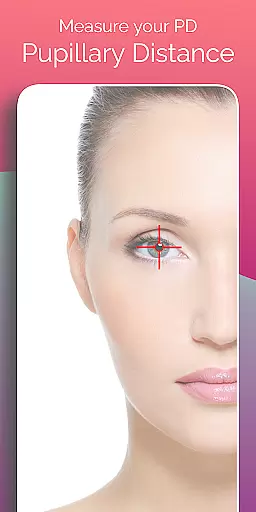
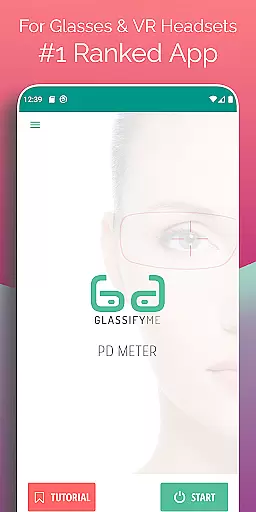
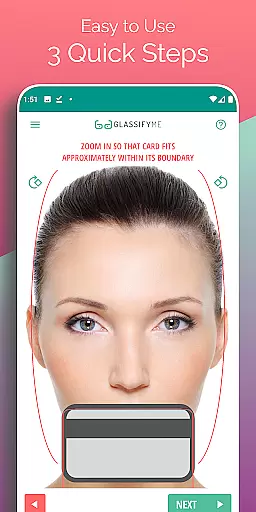
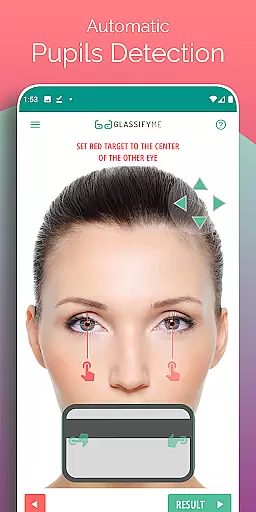
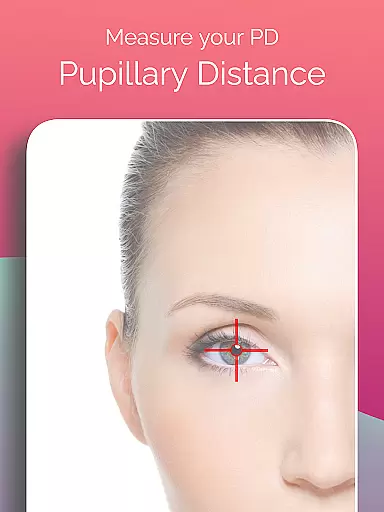
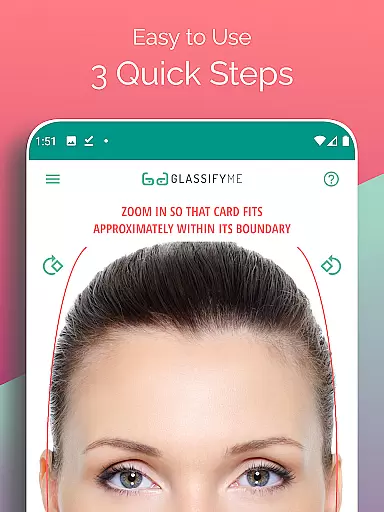
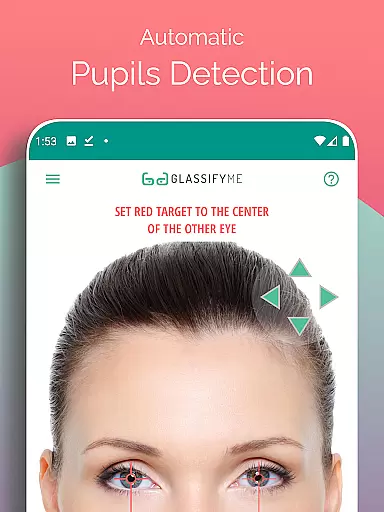
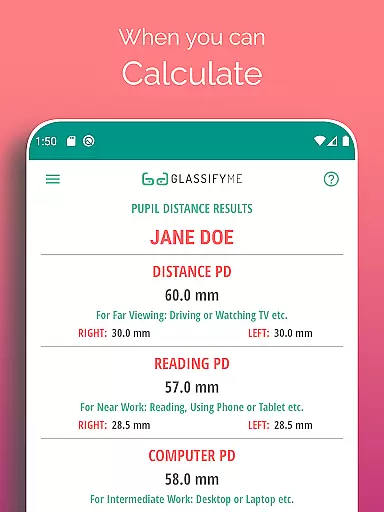
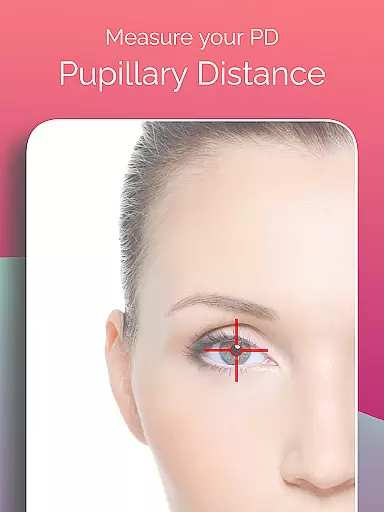
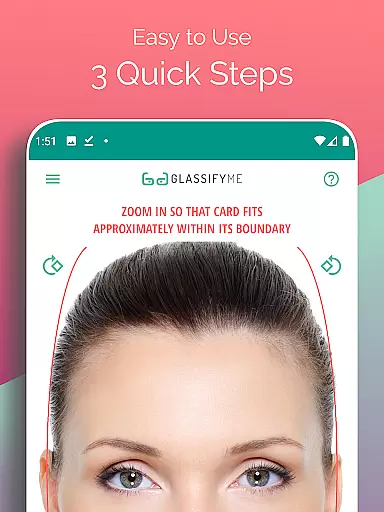
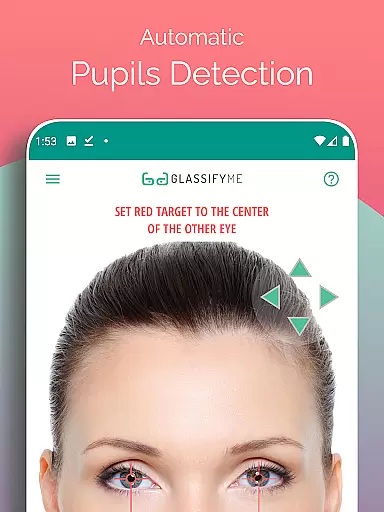
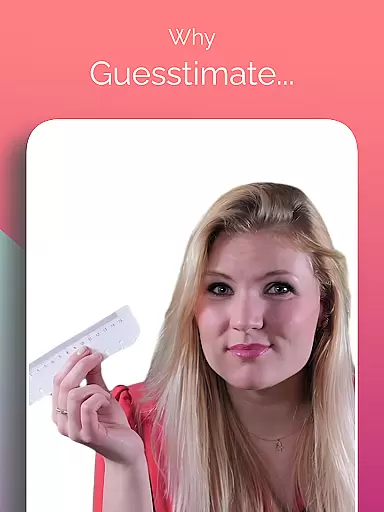
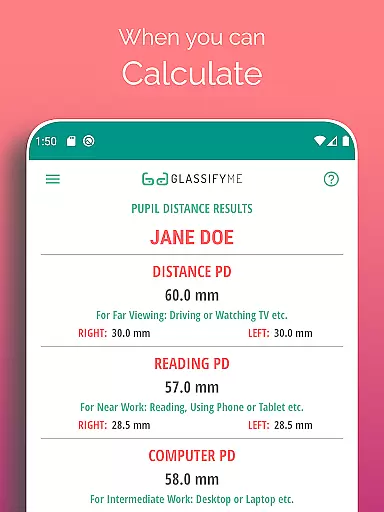
Pupil Distance PD Glasses & VR is a specialized application designed to accurately measure your Pupillary Distance (PD) using just a smartphone camera and a reference card. This Health & Fitness tool simplifies the process of obtaining precise PD measurements, which are crucial for prescription glasses and VR headsets fitting. By leveraging advanced algorithms, the app automatically detects pupils and calculates the distance in millimeters.
The app stands out with its user-friendly interface that requires users to simply take a photo while holding a standard-sized card. It eliminates the need for professional measurement tools or visits to opticians for basic PD readings. Whether you're preparing for a new pair of glasses or calibrating your VR headset, this app provides an accessible solution without compromising accuracy.
This app boasts several notable features that enhance its functionality and usability. First, it employs an advanced algorithm capable of automatically detecting eyes and calculating pupillary distance with high precision. Users can choose between taking a new photo, importing one from their gallery, or even capturing a selfie, offering flexibility based on individual preferences or circumstances.
Another key feature is the three-step measurement process, which streamlines the entire procedure into quick, manageable actions. Additionally, the app provides video tutorials to guide users through each step, ensuring they achieve optimal results. The use of any standard-sized card as a reference ensures that sensitive information like credit card details remains protected, addressing privacy concerns effectively.
Personalized planning in the context of Pupil Distance PD Glasses & VR app refers to the ability to tailor measurements specifically for individual users. This ensures that each user gets an accurate pupillary distance measurement tailored to their unique facial structure and vision needs.
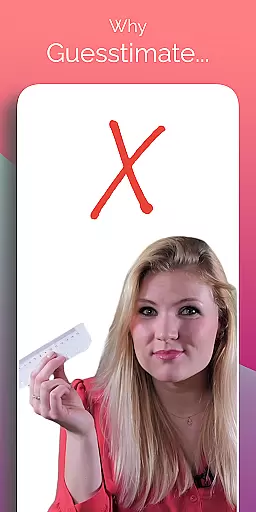
The app achieves personalized planning through its advanced algorithm, which automatically detects the user's eyes and pupils. By using a standard-sized card as a reference, the app can calculate the precise pupillary distance with high accuracy. This method eliminates the guesswork and potential errors associated with manual measurements.
Users benefit from this feature by receiving a customized measurement that is crucial for manufacturing prescription glasses and optimizing VR headset experiences. Properly measured PD ensures optimal lens placement, leading to better visual clarity and comfort.
This level of personalization enhances the overall effectiveness of eyewear and VR devices, providing users with a seamless and comfortable experience. The precision offered by the app's personalized planning makes it an indispensable tool for anyone requiring accurate pupillary distance measurements.
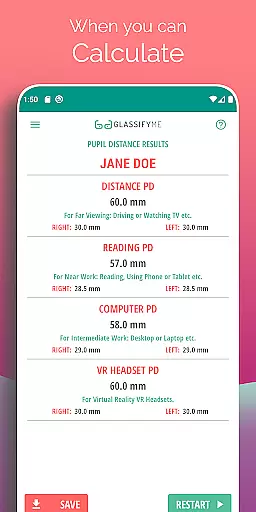
Progress visualization within the Pupil Distance PD Glasses & VR app involves presenting the useru2019s measurement results in a clear and understandable format. This feature helps users track their PD measurements over time and understand how these metrics affect their vision correction needs.
The app provides progress visualization by displaying the calculated pupillary distance after analyzing the uploaded photo. Users can see their current PD measurement and compare it with previous readings if they have used the app before. This allows them to monitor any changes in their PD over time.
For users, this means having a tangible record of their PD measurements, which can be shared with opticians or used when purchasing new glasses or VR equipment. Visualizing progress in this manner empowers users to make informed decisions about their eye care and virtual reality experiences.
By offering a visual representation of PD measurements, the app not only simplifies the process but also adds a layer of transparency and trust. Users can confidently rely on the app's data, knowing that it reflects their most up-to-date and accurate pupillary distance information.
User-friendly interface
Accurate PD measurement
Flexible photo options
Privacy-conscious design
Comprehensive tutorial support
Requires a reference card
Dependent on photo quality
Limited to Android devices
No real-time support
Internet connection needed

The Wear OS BeechBand app is designed to alleviate anxiety and other conditions
 4.0
4.0
Meditation app, head space app provides calm music to help you meditate & sleep
5.00
A simple way to calculate peptide doses and also to convert different units.
4.1
Use your watch as a bike computer, heart rate monitor and cycling power meter
2.50
Download MadMuscles to start your positive body transformation!
4.30
Raccoon AI Calorie Counter. Intermittent Fasting & Timer. Macro, Carb, Protein
4.50
Looking to take control of your health? Our psychology-based programs can help.
4.10
Focus on BP & Health
3.80
Manage your and your family's health information.
4.60
Beauty Care, Makeup & Skin Care Scanner | Pregnancy App For A Mom | Healthy Baby
5.00
You deserve easy access to important insurance information. Download for FREE.
4.70
Period Tracker, the easiest way to track your periods!
4.50
Track heart rate & HRV in 30s! Get live health insights and anomaly alerts
4.40
Blood Pressure Log, HRV & Heartbeat Tracker. Pulse Checker.
4.40
“Overcoming pain based on EMDR” helps you to alleviate chronic pain and stress.
4.10
Pack of 66 calming lullabies for smooth fall asleep and relaxation
4.10
Histamine intolerance, low FODMAP diet and irritable bowel syndrome (IBS)
4.00
GloryFit is a companion app for the smart bracelet.
3.60
Optimization for TRT & Enhanced Athletes
4.1


User Reviews