
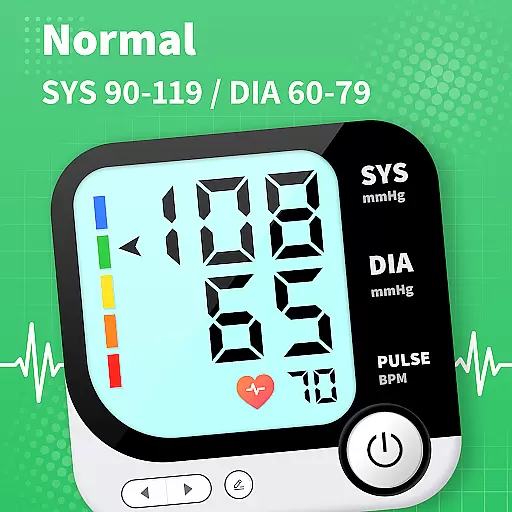
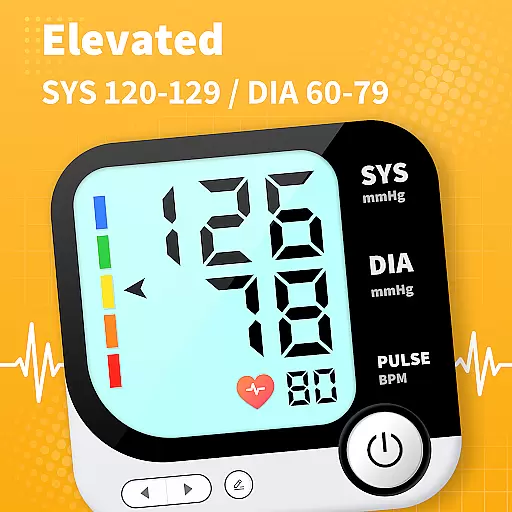
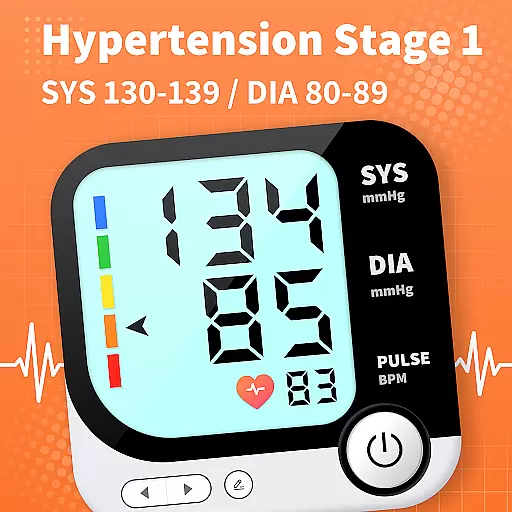
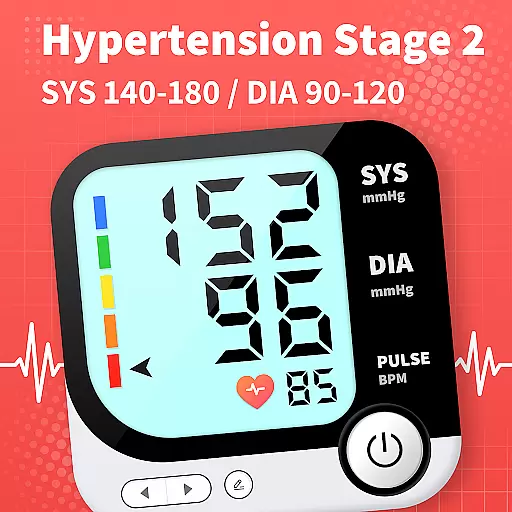
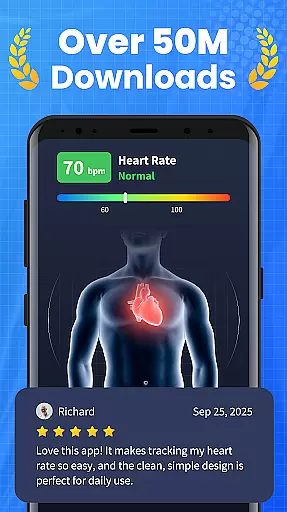
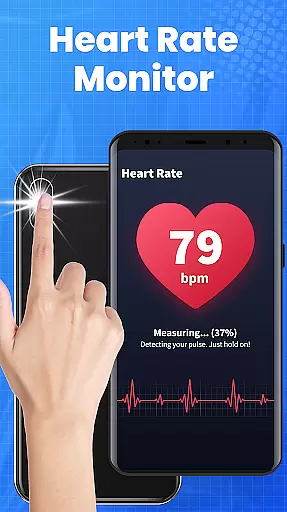
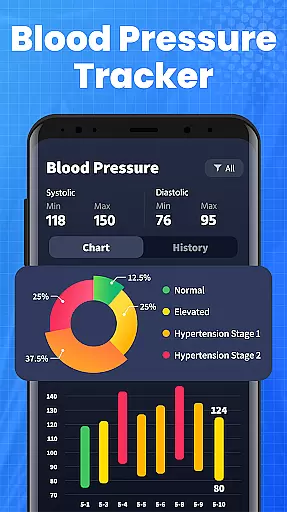
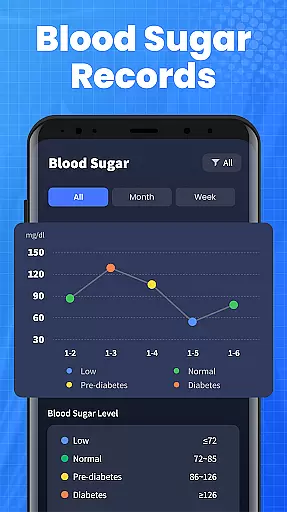
Blood Pressure App is a comprehensive health management tool designed to help users track and understand their blood pressure trends over time. The app provides a reliable platform for monitoring BP levels under various conditions, such as lying down, sitting, or before and after meals. This allows users to optimize their treatment plans and lifestyle interventions effectively.
One of the standout features of this app is its curated BP knowledge library, which offers evidence-based explanations and insights into blood pressure management. Users can access clear and scientifically-backed information to address their concerns and make informed decisions about their cardiovascular health. Additionally, the app supports remote sharing of BP trends with family members or healthcare providers, enhancing medical consultations and follow-ups.
This app is particularly useful for Android users who want a stable and seamless tracking experience across different devices like Samsung, Xiaomi, Huawei, and Redmi. By facilitating easy data export and providing practical lifestyle tips, Blood Pressure App empowers users to take control of their health and work towards long-term cardiovascular wellness.
Blood Pressure App offers a range of features that cater to both novice and experienced users in managing their blood pressure. One key feature is the ability to accurately identify blood pressure ranges and track trends over time. This is supported by expert insights that help detect subtle changes correlated with lifestyle improvements, offering professional support for effective BP management.
The app also includes a comprehensive BP knowledge library, curated from extensive scientific literature. This resource provides clear and evidence-based explanations to address user questions and concerns. Another notable feature is the remote sharing capability, which allows users to export their health data and share it with family members or healthcare providers. This enhances medical consultations and ensures that users get the most out of every appointment.
Additionally, Blood Pressure App offers practical lifestyle tips and guidance to support long-term cardiovascular health. These tips are designed to be easily integrated into daily routines, helping users make meaningful changes that contribute to better blood pressure control. Overall, the app's combination of tracking, education, and sharing capabilities makes it a versatile tool for anyone looking to manage their BP effectively.
Personalized planning in the Blood Pressure App involves creating tailored strategies to manage and monitor blood pressure effectively. This feature leverages user data to generate customized plans that adapt to individual health needs.
The app uses evidence-based insights from a comprehensive BP knowledge library, ensuring that each plan is grounded in scientific research. By analyzing trends and fluctuations in your blood pressure readings, it offers specific recommendations for lifestyle adjustments.
Users benefit from personalized guidance that addresses their unique conditions, such as tracking BP levels while lying down, sitting, or before and after meals. These insights help optimize treatment and interventions, making it easier to manage cardiovascular health.
Ultimately, personalized planning empowers users to take control of their health with actionable insights and professional support, leading to improved blood pressure management and overall well-being.
Progress visualization in the Blood Pressure App provides users with clear graphical representations of their blood pressure trends over time. This feature transforms complex data into easy-to-understand charts and graphs, highlighting important changes and patterns.
By presenting data visually, the app makes it simple for users to identify subtle shifts in their blood pressure correlated with lifestyle improvements. Visual progress reports include historical data comparisons, helping users track the effectiveness of their interventions.
This visualization not only aids personal understanding but also enhances communication with healthcare providers. Users can export these visual reports to share during medical consultations, ensuring informed discussions and optimized care plans.
With progress visualization, users gain motivation and clarity, seeing firsthand the impact of their efforts. This feature supports long-term engagement and success in managing blood pressure, contributing to better health outcomes.
User-friendly interface
Comprehensive BP tracking
Evidence-based insights
Remote data sharing
Practical health tips
No direct BP measurement
Limited emergency support
Requires manual input
Internet connection needed
Premium features locked

Easy access to health benefits
 4.70
4.70
Power-lifting, weightlifting and Wendler 531 app to track your workout program.
4.90
3D Body Measurement System
3.60
The Crunch Mobile app - Find a gym, manage favorites, reserve & cancel classes.
4.60
Your AI pet BFF. Talk, play, and beat anxiety in this calming game.
4.60
Turn your steps into cash, gift cards & rewards with our step counting pedometer
3.80
Grow with self-tests and personal routine.
4.30
Workouts for everyone
4.70
Control your blood pressure, heart rate and blood sugar in a fast way.
4.00
Meditation app, head space app provides calm music to help you meditate & sleep
5.00
Show your support for the development of FitNotes - Gym Workout Log
4.90
Medbridge GO gets you moving - get back to doing what you love, faster!
4.90
Measure your Pupil Distance for Eyeglasses and VR headsets in 3 quick steps.
4.70
Chair Workout: Women's Edition for safe, flexible, and personalized fitness.
4.40
50 HD sounds to help you relax during the day and sleep great at night!
4.40
Looking to take control of your health? Our psychology-based programs can help.
4.10
Your Health Assistant
3.90
Find Paid Clinical Trials In Your Area
3.70
The Sleep Miracle Sound Machine: Soothes baby to sleep with a gentle "Shhh"
3.00


User Reviews