
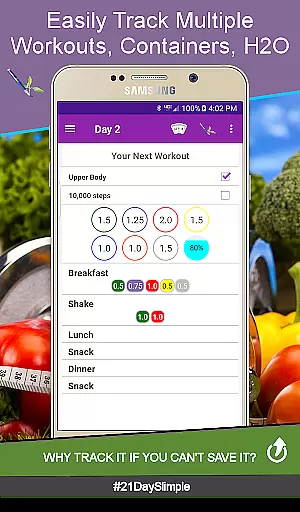
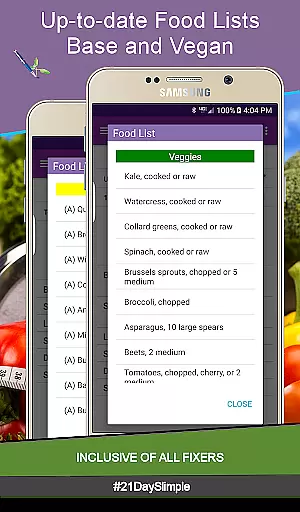
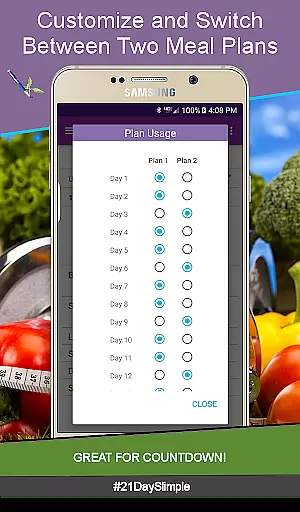
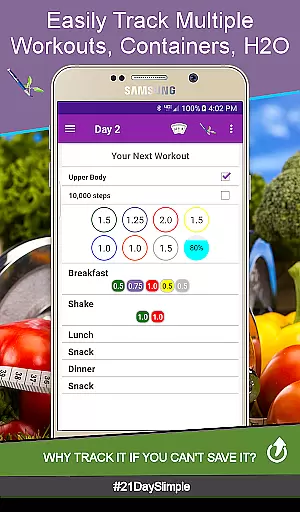
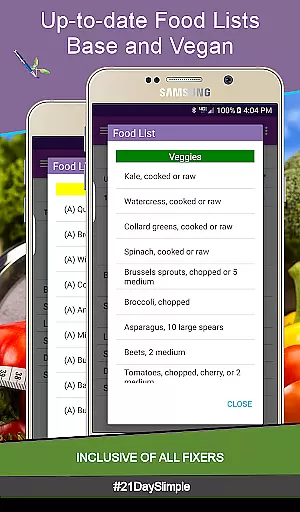
Personalized planning in fitness applications is crucial for tailoring workout and nutrition programs to individual needs. The 21 Day Slimple app excels in this area by offering users the ability to customize their meal plans and track their progress with precision.
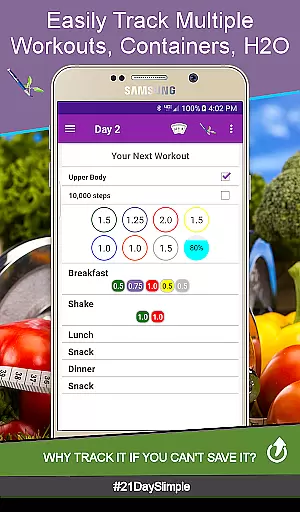
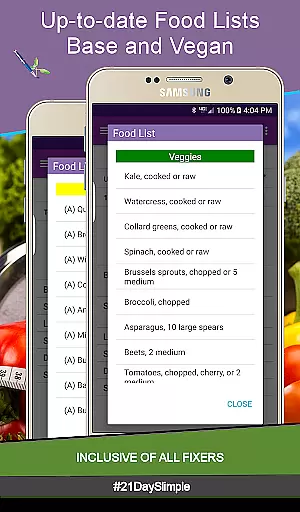
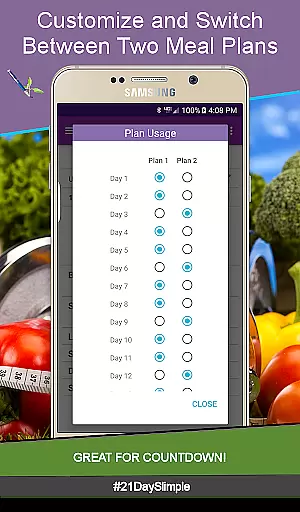
The app provides two distinct meal plans, allowing users to switch between them throughout their cycle. This flexibility caters to different dietary requirements and goals, whether it's preparing for a competition or gradually adjusting portion sizes. With features like 0.25 portion increments and the ability to edit container portions anytime, users can fine-tune their intake according to their unique eating habits.
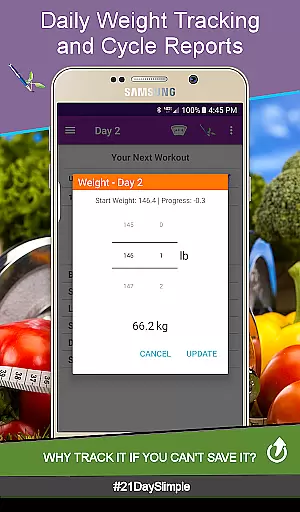
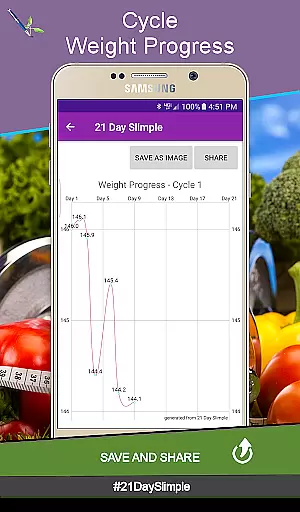
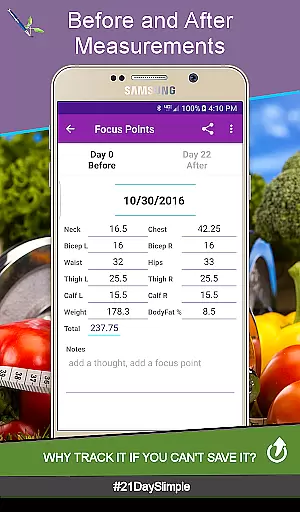
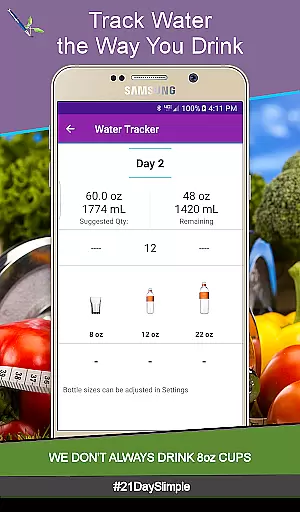
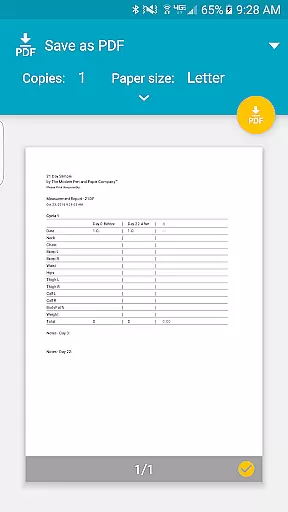
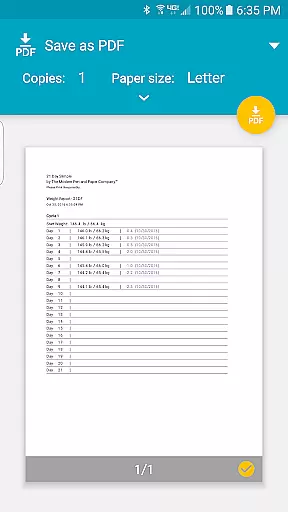
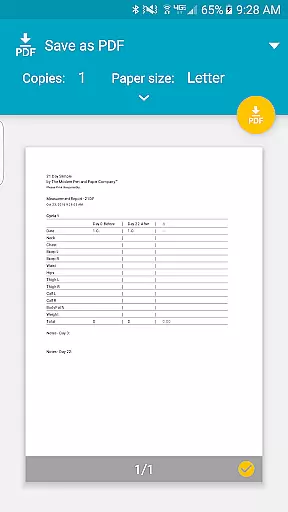
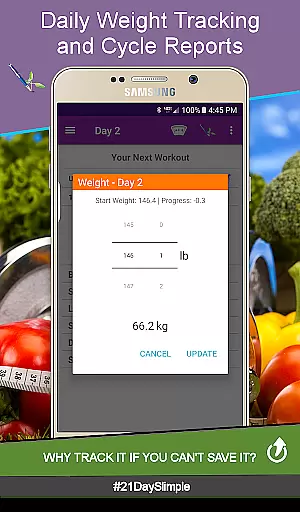
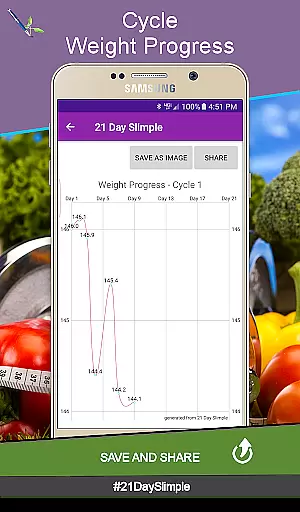
Moreover, the app supports tracking of daily weight, measurements, and water intake, which are essential components of a personalized fitness plan. Users can view their progress with each entry and generate reports that show changes over time. This data-driven approach empowers users to make informed decisions about their health journey.
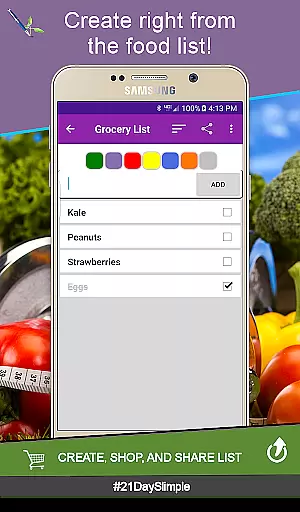
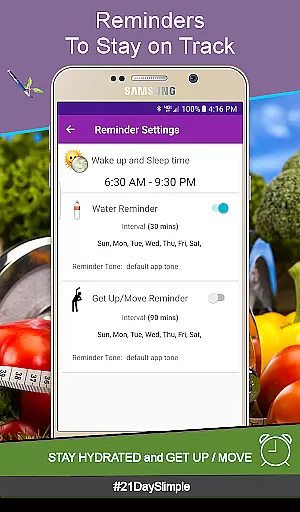
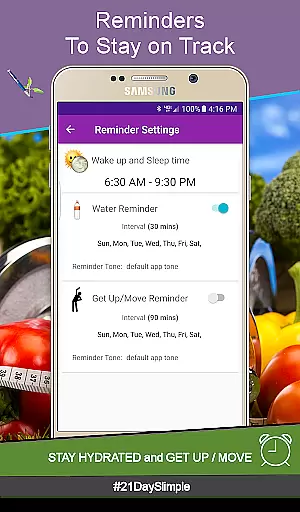
By integrating personalized planning features, 21 Day Slimple ensures that users have the tools they need to succeed. Whether it's through customizable meal names, selecting from a myriad of water bottle sizes, or setting reminders to stay active and hydrated, the app delivers a comprehensive solution for those seeking a tailored fitness experience.
Visualizing progress is a key motivator in any fitness journey, and the 21 Day Slimple app offers robust features to help users see their achievements clearly. By providing visual representations of weight loss and body measurement changes, the app makes it easier for users to stay committed to their goals.
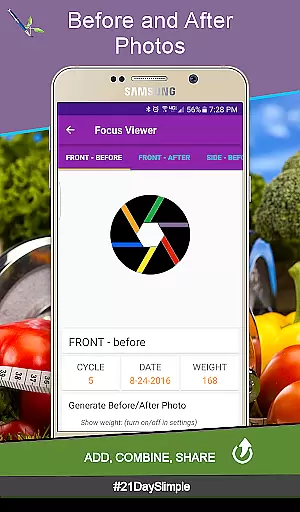
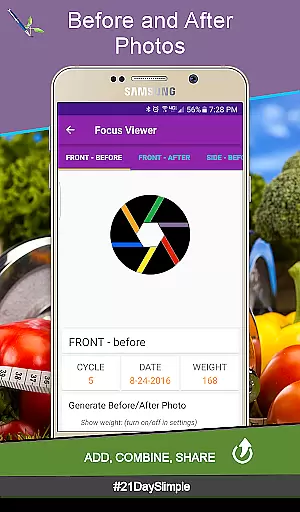
One of the standout features is the ability to track before and after photos, which can be flipped between or combined and shared. This visual documentation allows users to witness physical transformations, serving as a powerful incentive to continue their efforts. Additionally, the app generates weight and measurement reports, presenting data in an easy-to-understand format that highlights progress over time.
The app also includes a progress chart that displays changes in body measurements, both individually and collectively. Users can choose between imperial or metric units, ensuring that the information is relevant and accessible. These charts not only show numerical improvements but also provide a sense of accomplishment as users watch their numbers improve.
With its focus on progress visualization, 21 Day Slimple enhances user engagement and motivation. By making it simple to view and share successes, the app fosters a supportive environment where users can celebrate milestones and maintain momentum towards their fitness objectives.

Home workouts for fitness & fast bodybuilding at home - no equipment needed.
 4.90
4.90
For Absolute Novices to Strength Training. Simple. Effective.
4.40
Sync your activities of the most popular sports tracking services
2.70
When the night comes, we prepare your eyes for deep, sweet dreams
4.70
Using Recognise™ has been shown to reduce pain and improve performance
4.3
Track heart rate & HRV in 30s! Get live health insights and anomaly alerts
4.40
Blood Pressure Log, HRV & Heartbeat Tracker. Pulse Checker.
4.40
Lazy home workouts with your virtual fitness coach for weight loss.
4.30
Mood journal, habits, self-care tracker, self-love
4.90
Meditation app, head space app provides calm music to help you meditate & sleep
5.00
Easy reconstitution calc for mixing peptides and creating protocols
4.70
Raccoon AI Calorie Counter. Intermittent Fasting & Timer. Macro, Carb, Protein
4.50
See what's really going on inside your head! Real time EEG graphs from your Muse
4.40
Pedometer that gives you sweatcoins for steps. It pays to walk!
4.10
Your Health Assistant
3.90
Pupillary distance PD with camera quick and easy, checking glasses frames on you
3.70
The app helps you address digestive symptoms based on the Fast Tract Diet.
3.50
The Sleep Miracle Sound Machine: Soothes baby to sleep with a gentle "Shhh"
3.00
The Wear OS BeechBand app is designed to alleviate anxiety and other conditions
4.5


User Reviews