
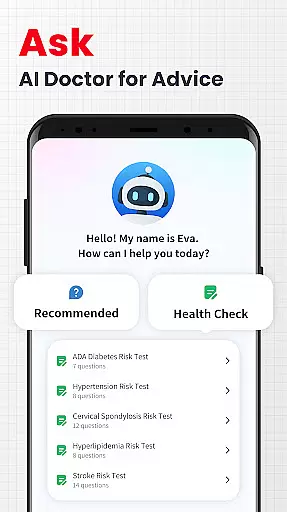
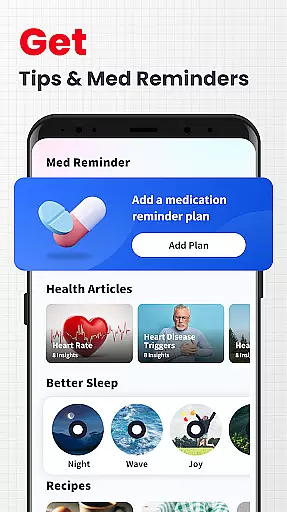
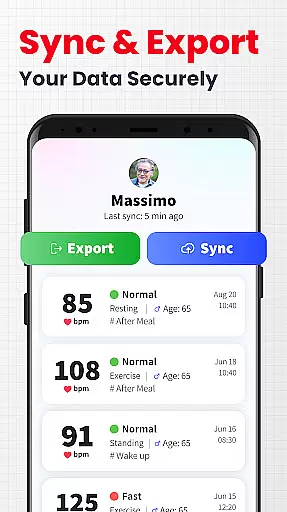
Personalized planning in a health app refers to the ability to create tailored health and fitness strategies based on individual user data. This feature is crucial as it allows users to receive customized recommendations that suit their specific needs and goals.
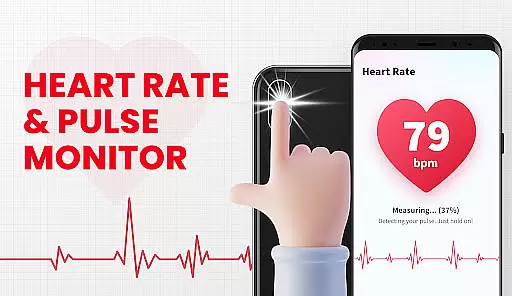
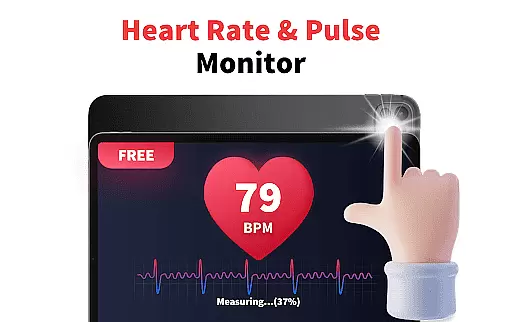
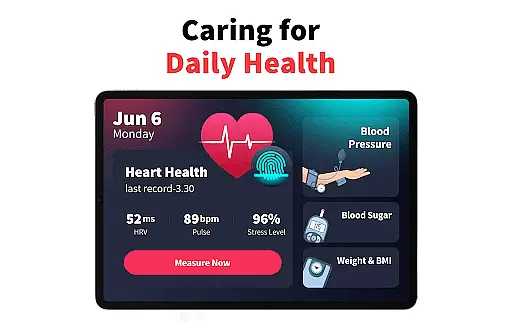
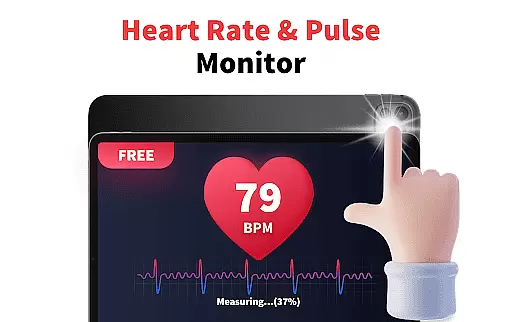
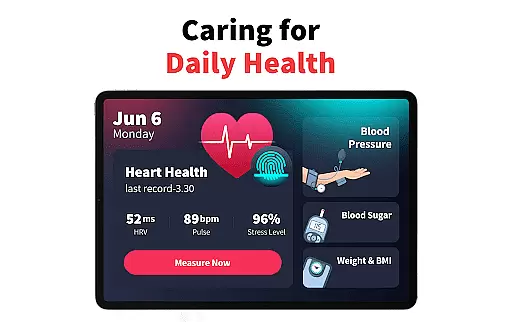
The Heart Rate Monitor app achieves personalized planning by analyzing real-time heart rate, pulse measurements, and stress levels. By tracking these metrics over time, the app provides insights into the user's cardiovascular health and emotional well-being, enabling them to adjust their lifestyle accordingly.
Users benefit from this feature by gaining a deeper understanding of how different activities and habits affect their heart health. They can set personalized goals for heart rate zones during workouts or manage stress through guided recommendations.
This level of personalization ensures that users are not just receiving generic advice but are getting actionable insights that can lead to improved long-term health outcomes.
Progress visualization is an essential feature in health apps that allows users to see their improvements and milestones over time visually. This functionality is important because it motivates users by providing tangible evidence of their progress.
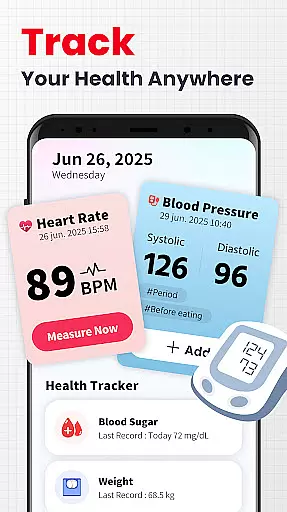
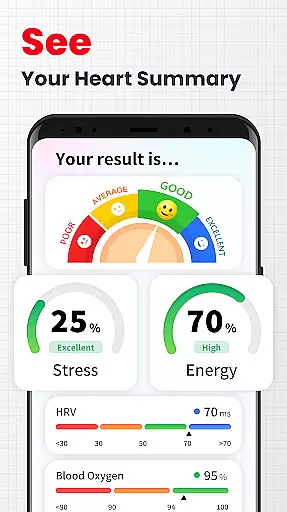
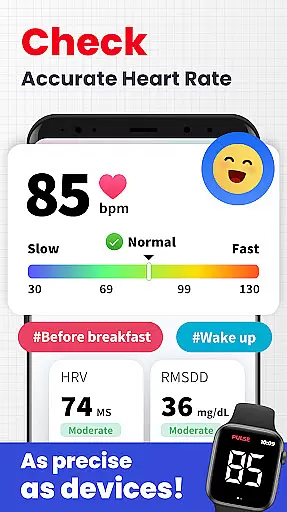
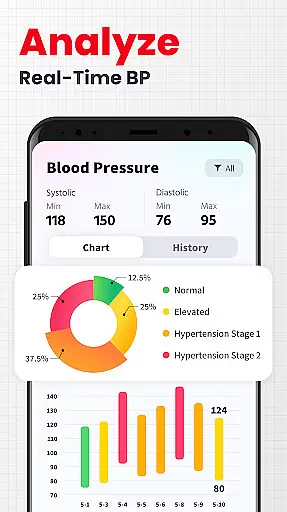
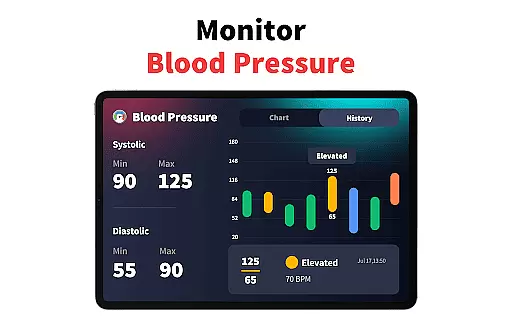
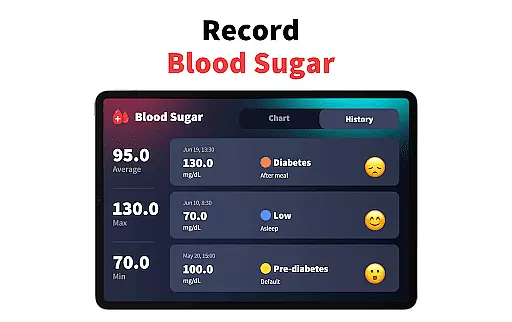
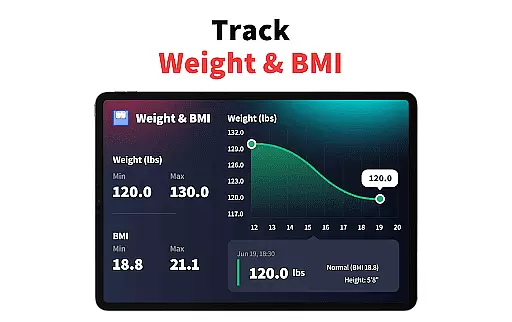
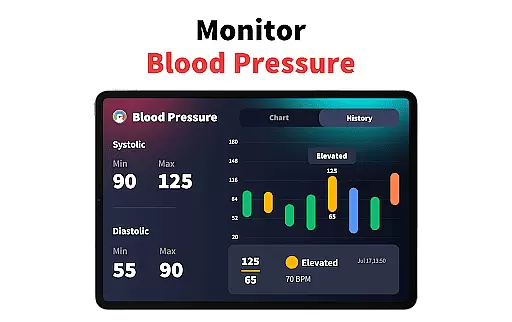
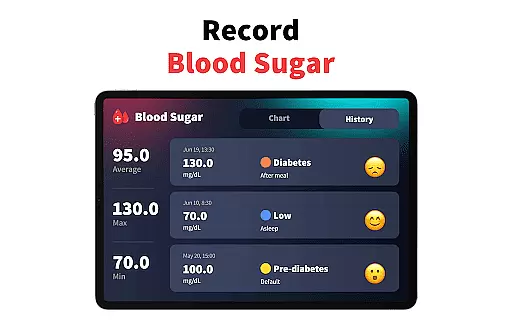
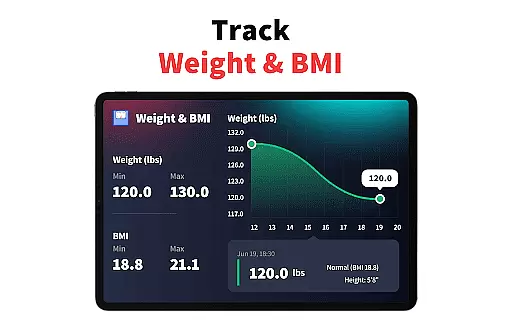
In the Heart Rate Monitor app, progress visualization is achieved through detailed charts and graphs that display trends in heart rate, blood pressure, and stress levels. Users can easily interpret complex health data with the help of these visual aids, which transform numbers into understandable insights.
The advantage for users is clear: they can quickly identify patterns, track improvements, and make informed decisions about their health routines. Visual feedback helps maintain motivation and encourages consistent use of the app for ongoing health management.
By offering comprehensive visuals, the app empowers users to take control of their health journey with confidence, knowing they have accurate and accessible information at their fingertips.

Text notifications, button control, heart monitor & more for your Amazfit.
 2.40
2.40
Personal Measurements - Track your gains!
4.50
Histamine intolerance, low FODMAP diet and irritable bowel syndrome (IBS)
4.00
Binaural Beats - Fully Customizable Waves - Pure Sound - No Loops
4.50
Interval timer for High Intensity Interval Training, Tabata and Circuit Training
4.20
Pilates, Calisthenics, Yoga
4.50
Pedometer that gives you sweatcoins for steps. It pays to walk!
4.10
Mood journal, habits, self-care tracker, self-love
4.90
Workouts for everyone
4.70
Wall Pilates at home & Pilates workout for beginners for core and weight loss.
4.80
Mind on steroids - relaxation, productivity, meditation and sleep!
4.60
50 HD sounds to help you relax during the day and sleep great at night!
4.40
Track heart rate & HRV in 30s! Get live health insights and anomaly alerts
4.40
Looking to take control of your health? Our psychology-based programs can help.
4.10
Control your sleep in real-time wearing Garmin device
3.60
The app helps you address digestive symptoms based on the Fast Tract Diet.
3.50
HRV4Training helps you optimize goals and improve performance. No sensors needed
3.30
The Wear OS BeechBand app is designed to alleviate anxiety and other conditions
4.1
Optimization for TRT & Enhanced Athletes
4.2


User Reviews