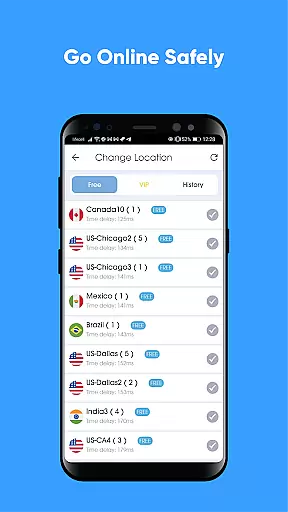
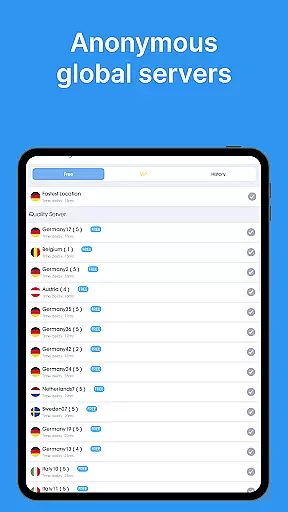
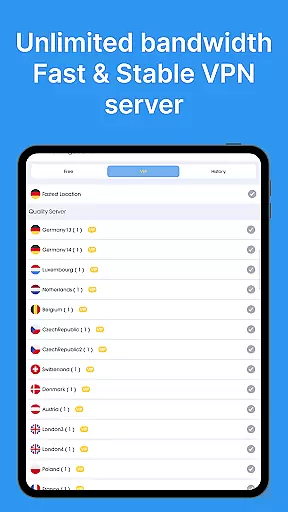
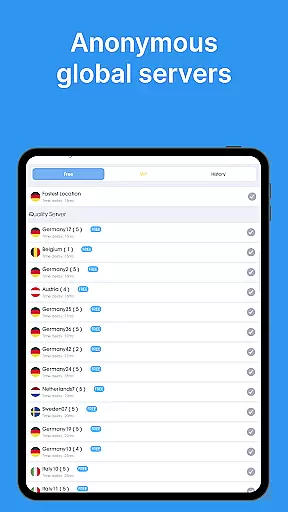
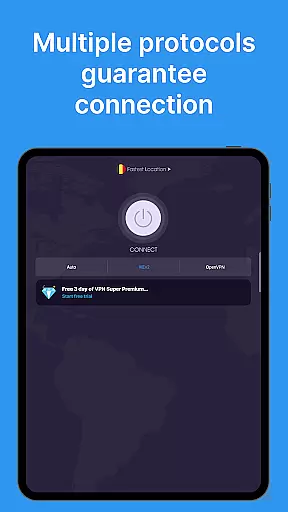
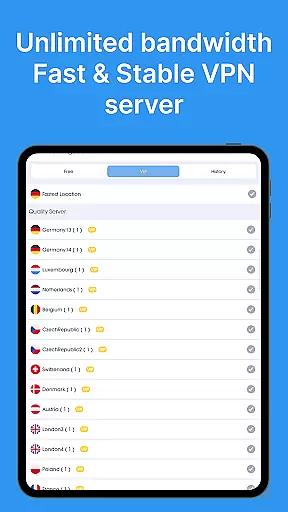
VPN - Super Unlimited Proxy is a robust and user-friendly virtual private network application designed to provide secure internet access for Android users. The app offers unlimited bandwidth, turbo-fast speeds, and connections to over 5,000 servers across 55+ countries without requiring registration or login. With its military-grade encryption and strict no-logs policy, it ensures maximum privacy and security for users.
The app's standout features include smart server selection for optimal performance, support for multiple protocols like OpenVPN and IKEv2, and compatibility with all major network types including Wi-Fi, 5G, and 4G. Whether you're browsing on public Wi-Fi, streaming content, gaming, or accessing geo-restricted platforms, this VPN provides a reliable solution for protecting your online identity while delivering an unrestricted internet experience.
This tool is particularly valuable for users who prioritize privacy and need a versatile solution for both everyday browsing and specialized tasks like accessing messaging apps, social platforms, or streaming services securely. Its ability to bypass regional restrictions while maintaining high-speed connections makes it an essential utility for global connectivity.
VPN - Super Unlimited Proxy stands out with its comprehensive feature set tailored for privacy-conscious users. One of the key highlights is its completely free model, which includes unlimited speed, bandwidth, and usage without ads, time limits, or speed caps. This makes it accessible to a wide audience seeking reliable protection without financial barriers.
The app supports advanced functionalities such as military-grade encryption, a strict no-activity-logs policy, and multi-protocol compatibility (including OpenVPN, IKEv2, and V2Ray). These technical capabilities ensure that user data remains encrypted and private, even on unsecured networks like public Wi-Fi. Additionally, the smart server selection algorithm optimizes connection speeds by automatically choosing the best available server based on real-time performance metrics.
For power users, premium upgrades unlock additional benefits such as ultra-fast 10 Gbps servers, expanded city-level U.S. servers, and simultaneous protection for up to 10 devices under one account. Such flexibility caters to diverse needs, from casual browsing to heavy streaming and gaming, making this tool adaptable across various use cases.
When evaluating a VPN application like this one, core function accuracy and effectiveness are paramount. This app provides military-grade encryption to secure your internet connection, ensuring that your online activities remain private and protected from potential threats. The app's ability to mask your IP address and encrypt data across thousands of servers worldwide demonstrates its commitment to delivering robust security features.
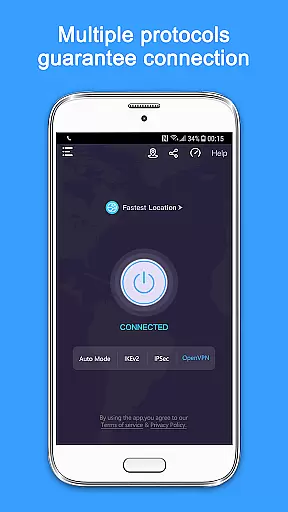
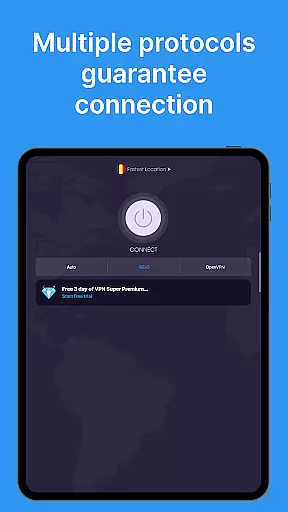
The effectiveness of the VPN is further enhanced by its smart server selection technology, which optimizes performance by connecting you to the best available server based on your location and network conditions. With support for multiple protocols including OpenVPN, IKEv2, and V2Ray, users can select the most suitable option for their specific needs, ensuring both speed and reliability. This adaptability makes it an ideal choice for various use cases such as streaming, gaming, or browsing privately on public Wi-Fi networks.
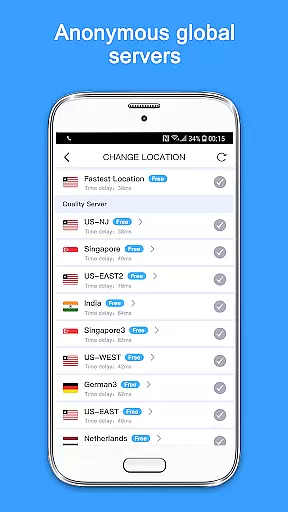
Moreover, the absence of speed caps, time limits, and bandwidth restrictions means that users can enjoy uninterrupted access to content from over 25 server locations without compromising on performance. Whether accessing geo-restricted content or simply looking to enhance online privacy, the app's unlimited bandwidth and turbo-fast speeds make it a reliable tool for maintaining a seamless internet experience.
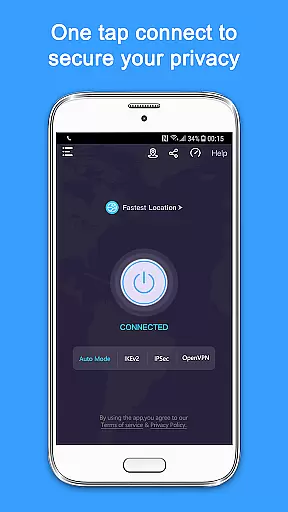
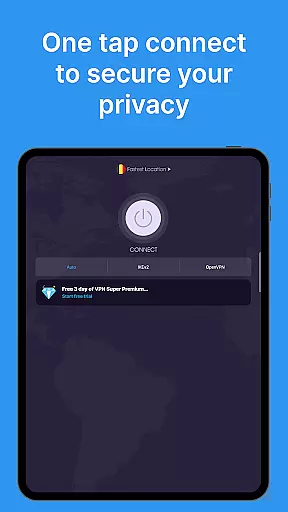
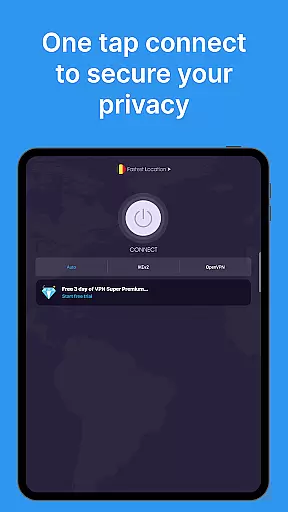
A user-friendly interface is crucial for any tool-based application, and this VPN excels in providing an intuitive experience. Upon launching the app, users are greeted with a clean and straightforward design that emphasizes ease of use. The main screen prominently features a single tap connection button, allowing users to establish a secure VPN connection instantly without navigating through complex menus or settings.
The simplicity extends to the setup process, where no registration or login is required. This approach not only streamlines the initial configuration but also enhances user privacy by minimizing personal data collection. Additionally, the app offers smart server selection, automatically choosing the optimal server based on current network conditions, thus eliminating the need for manual adjustments.
For those seeking more control, advanced settings are neatly organized within the app, providing options to customize protocol preferences and server locations. Despite these sophisticated capabilities, the overall layout remains uncluttered and accessible, ensuring that even novice users can navigate and utilize the appu2019s full range of features with minimal learning curve. This balance between powerful functionality and intuitive design underscores the app's dedication to delivering a seamless user experience.
Free unlimited usage
No activity logs stored
Wide server coverage
Multi-protocol support
User-friendly interface
Limited free protocol options
Premium features costly
Occasional connection drops
Ads in free version
Basic UI design

A powerful, easy-to-use flight computer on your phone or tablet!
 3.80
3.80
Just one-tap to easy translate in any language after calls within seconds.
4.20
HD Video player and downloader for all formats, fast & smooth 4K video playback.
4.60
App that Recover your pictures, videos or files after you delete them.
4.20
Carry a FTP server in your pocket and avoid USB cables for file transfer
4.20
Unleash gamepad precision for ultimate mobile gaming dominance.
3.90
Bedrock Together: Join any bedrock server on Xbox/PS
4.80
Button mapper, mouse toggle, sleep timer and a lot of another features
4.50
Fast VPN USA for any country. Super secure VPN for calls, streaming, games, TV.
4.40
Connect wirelessly to your computer to watch movies, browse the web, play games
5.00
Unit and currency converter with easy and simple UI.
4.80
Excellent scientific calculator with symbolic algebra, integrals, derivatives
4.80
Small and simple app to Verify Root Access and BusyBox Install!
4.70
FV File Manager Pro, Fast and powerful file manager for Android
4.60
Canon PRINT is a companion app for your Canon printer.
4.60
Mirror your screen to Chromecast and Android TV - Super fast and simple
4.60
With videos, electrical calculators, and built-in ebook, Ugly’s has your answer.
4.50
Fun lie-detection pranks for friends and parties.
3.80
Clean the junk files on your device
3.40


User Reviews