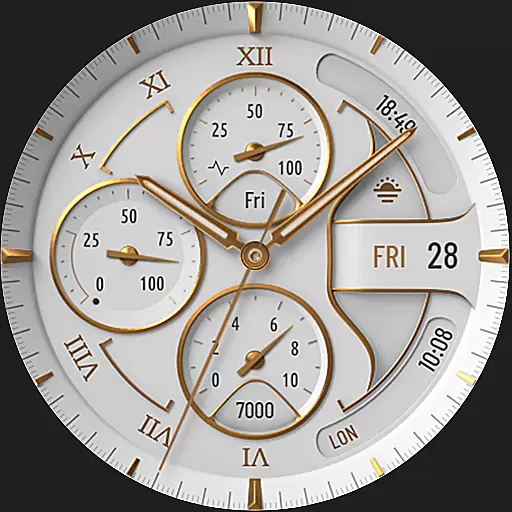
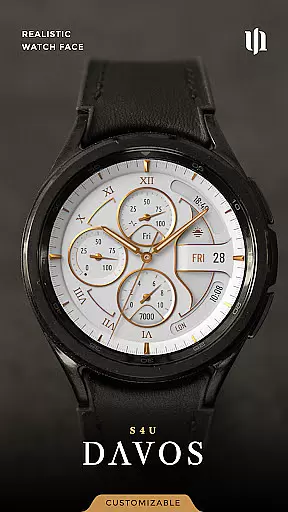
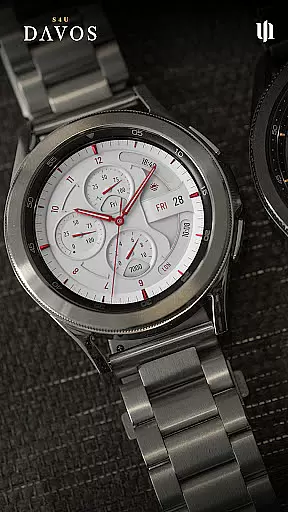
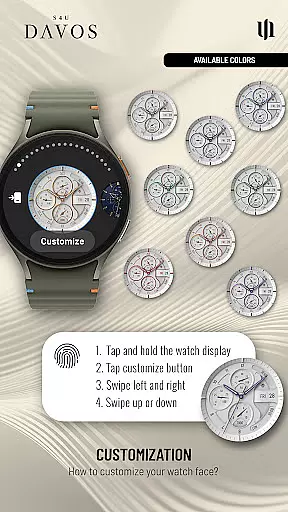
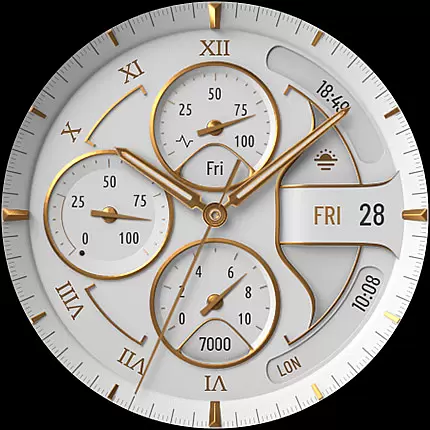
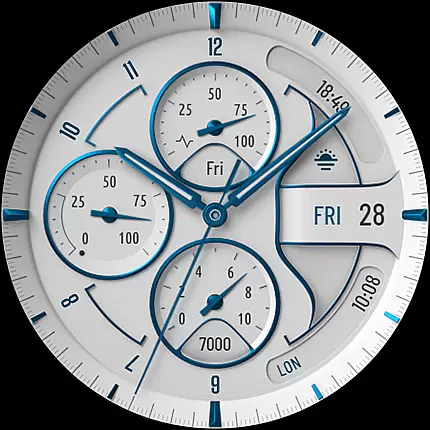
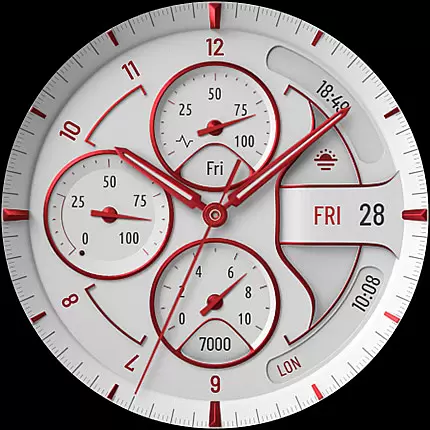
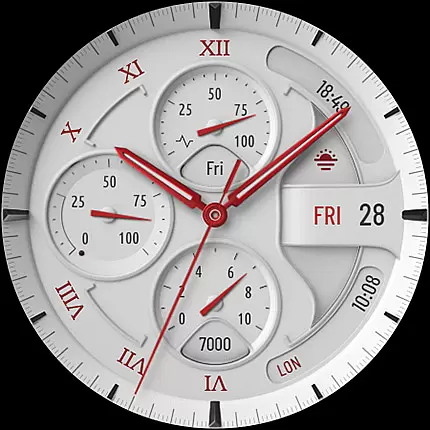
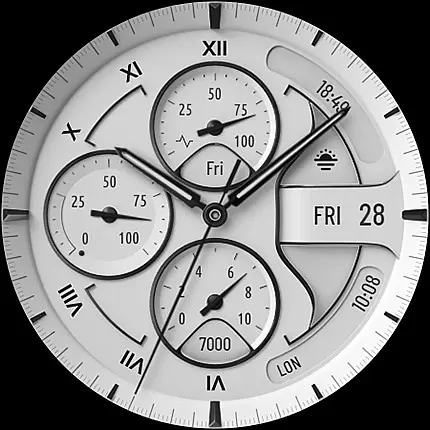
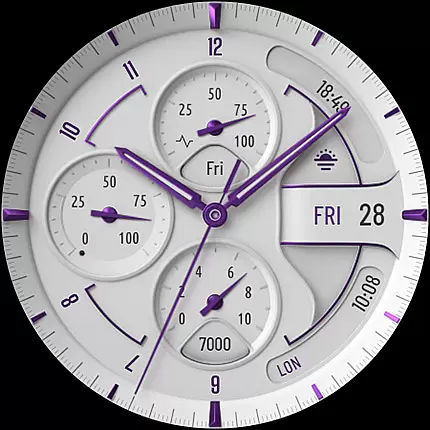
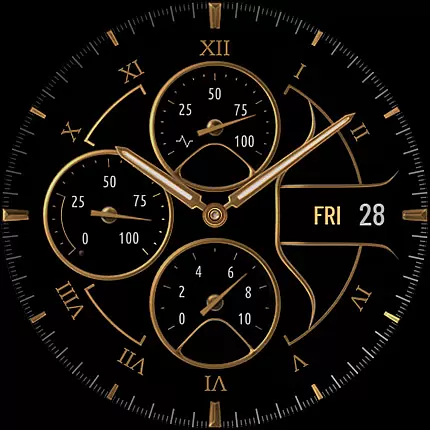
S4U Davos is a premium Wear OS watch face designed for smartwatches running Wear OS 4 or higher. This app combines luxury and functionality, offering users a realistic white analog dial with timeless elegance. Compatible devices include Samsung Galaxy Watches, Google Pixel Watches, and other Wear OS 4+ smartwatches.
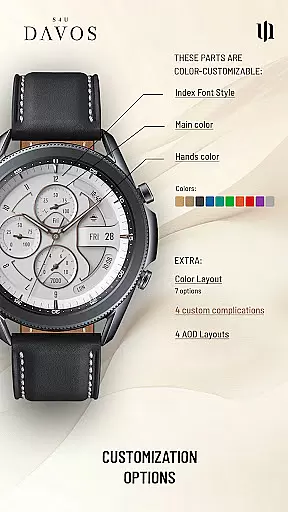
With customizable options such as multiple dial colors, editable complications, and shortcuts, S4U Davos allows users to tailor their watch face to fit personal styles and needs. The Always-On Display (AOD) feature ensures continuous timekeeping with adaptive colors, making it both practical and stylish.
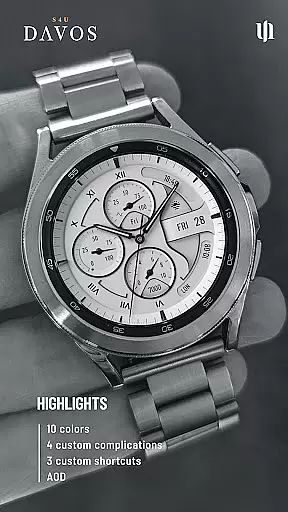
The S4U Davos watch face stands out with its beautifully crafted design and extensive customization capabilities. Users can personalize the main colors, hands colors, secondary colors, color layout, index font style, and AOD layout. With 10 main color options, 10 hands color choices, and 9 secondary colors, the possibilities are vast.
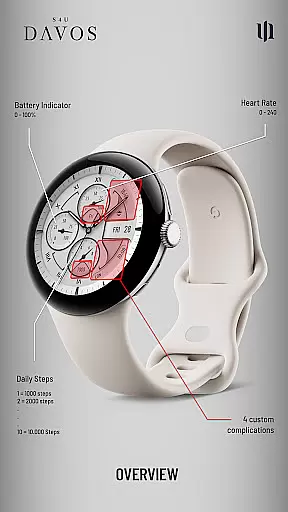
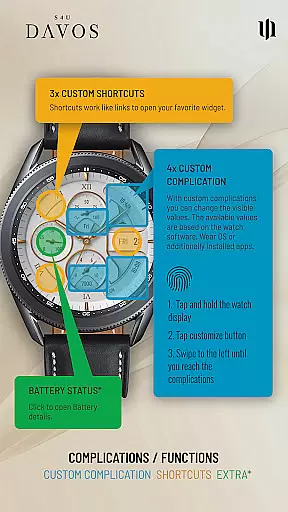
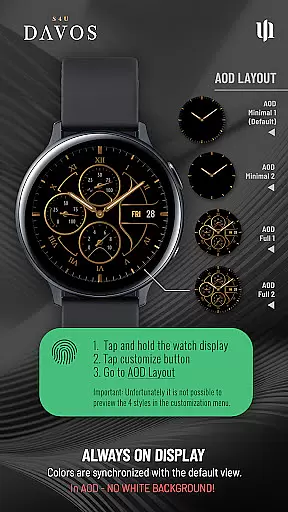
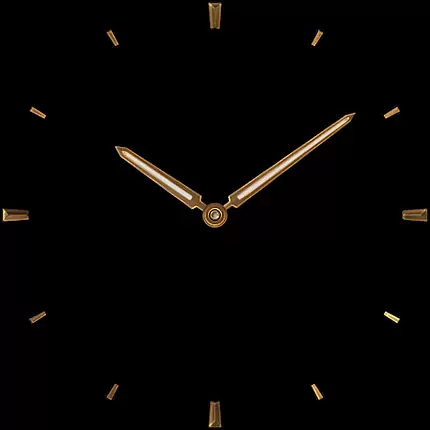
Functionality is enhanced through 4 editable complications and 3 app shortcuts, allowing users to display user-defined data and access favorite widgets quickly. The AOD feature includes 4 layout options, ensuring optimal visibility even in low power mode. These features collectively offer a personalized and efficient user experience.
Companion app integration is crucial for Wear OS applications as it ensures seamless synchronization between the smartwatch and its paired mobile device. S4U Davos excels in this area by providing users with a dedicated companion app that simplifies the installation process and resolves potential issues.
The companion app serves as a support hub, offering clear guidance on installing the watch face and troubleshooting common problems. If users encounter difficulties even with compatible devices, they can rely on the companion app's Install/Issues section for step-by-step solutions.
This integration enhances user experience by allowing quick access to customization options and settings directly from their smartphones. With just a few taps, users can personalize their watch faces, adjust complications, and configure shortcuts effortlessly.
By streamlining these processes, S4U Davos ensures that users can fully leverage the capabilities of their Wear OS smartwatches without unnecessary hassle or confusion.
Device compatibility is a fundamental aspect of any Wear OS application, determining its ability to function correctly across various smartwatch models. S4U Davos is designed to support only the latest Wear OS versions (4 and above) and devices running Wear OS API 33+, ensuring optimal performance and reliability.
This selective compatibility includes popular models such as Samsung Galaxy Watches (4 through 8), Google Pixel Watches (1-3), and other smartwatches meeting the required specifications. By focusing on these advanced devices, S4U Davos guarantees a high-quality user experience with access to cutting-edge features.
Users benefit from consistent functionality and design fidelity, knowing their smartwatch meets the necessary requirements for this sophisticated watch face. The emphasis on modern hardware also allows for innovative functionalities like customizable complications and always-on display options.
With transparent compatibility information provided upfront, S4U Davos empowers users to make informed decisions about their wearable technology investments while enjoying an unparalleled blend of luxury and utility.
Highly customizable
Beautiful design
Wide device compatibility
User-friendly interface
Always-On Display
Wear OS 4+ only
Battery consumption
Complex setup
Limited free options
Occasional bugs

Highly customizable hybrid watch face for Wear OS, perfect for everyday use.
 4.60
4.60
A full-featured Amazon Alexa voice assistant that can show you things.
3.70
Beautiful artistic animated digital watch face, with a customizable layout!
4.40
Elegant animated Christmas tree with multiple customization options
4.20
Stunning modern digital watch face with 7 complications and strong contrast
4.1
Watch face designed for Thanksgiving Day. 7 Background Styles included.
3.20
Kia Access makes getting your vehicle information easier than ever
4.60
Back up your contacts & access them anywhere
4.30
From periods to pregnancy & perimenopause, Flo helps you track it all. Try now.
4.70
Gym Log & Workout Tracker | Fitness Journal, Training & Weight Lifting Planner
4.90
Hybrid watch face for Wear OS with customizable complications by Matteo Dini MD
4.70
Rose gold watch face with festive lights & customizable features.
4.60
A realistic hybrid watch face with many customization options.
4.60
Locate your family members by GPS phone location tracker everywhere and anytime
4.30
Wear Os Watch Face - Animated Snow Effect & Magic Spark - 6 Scenes
4.10
Connect, create, and collaborate with Gmail, part of Google Workspace.
4.10
Hyper-Realistic Airplane Dashboard Watch Face With 10 Skins and Custom AOD
4.00
A watch face that fuses motorsport precision with contemporary smartwatch design
4.0
Funny animated watch face for Thanksgiving
4.5


User Reviews