
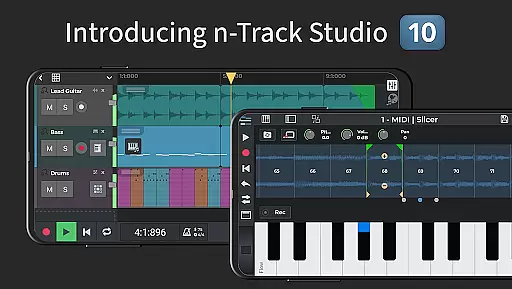
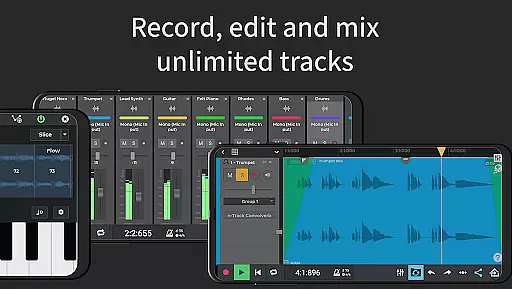
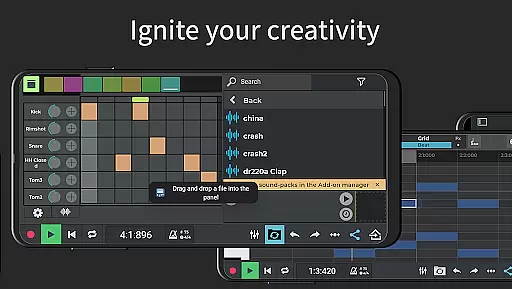
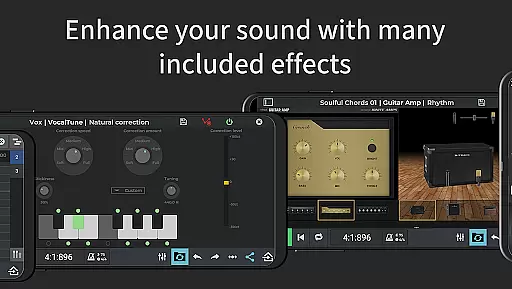
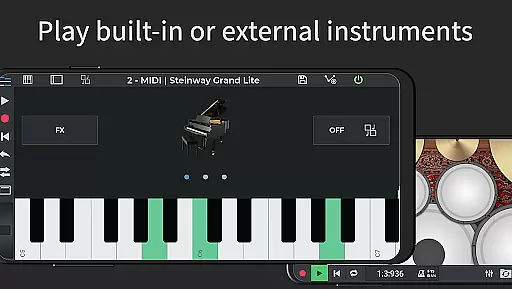
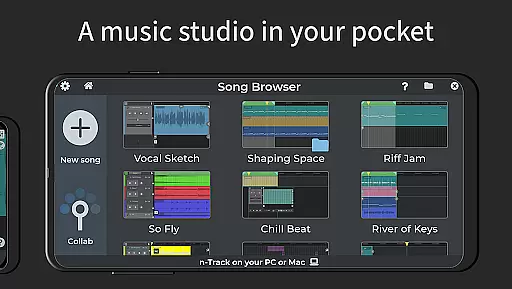
n-Track Studio Pro is a comprehensive music production suite that transforms your Android device into a professional recording studio. The app allows users to record unlimited audio, MIDI, and drum tracks with ease, while offering advanced mixing capabilities and a wide array of effects such as Guitar Amps, VocalTune, and Reverb. Whether you're creating complex compositions or simple beats, n-Track Studio Pro provides all the essential tools for music production.
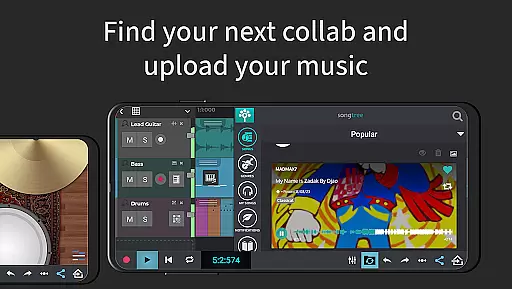
One of the standout features is its compatibility with both internal and external audio interfaces, making it versatile for different types of musicians. Additionally, the app supports real-time collaboration through the Songtree community, enabling artists to work together remotely. This makes it an ideal choice for both amateur musicians and seasoned professionals who need a portable yet powerful solution for music creation.
n-Track Studio Pro stands out with its extensive feature set tailored for music creators. The app includes a Step Sequencer Beat Maker, stereo and mono audio tracks, and MIDI tracks with built-in synthesizers. Users can take advantage of the Loop Browser and in-app sample packs to enhance their projects, while the virtually unlimited number of tracks ensures scalability for any project size.
The mixer provides precise control over levels, pan, EQ, and effects, including advanced options like pitch correction and various audio effects. With support for high-resolution audio up to 192 kHz and a 64-bit double precision floating point audio engine, the app delivers professional-grade sound quality. Furthermore, features like MIDI clock sync, multichannel USB audio interfaces, and input monitoring make it adaptable for complex studio setups.
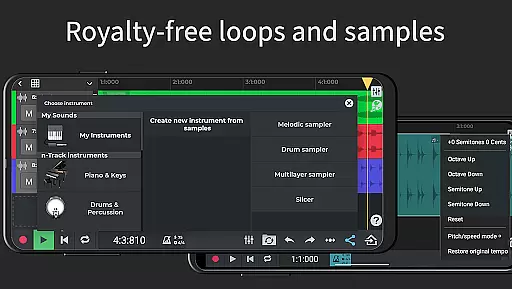
When it comes to music production applications like n-Track Studio Pro, the size and authenticity of the music library are crucial factors. This app offers an extensive collection of royalty-free sample packs and loops that users can incorporate into their projects. The availability of such a vast array of audio resources ensures that creators have the freedom to experiment with different sounds and styles without worrying about copyright infringement.
The app's integration with Songtree, an online community for music collaboration, further expands the potential music library by allowing users to share and import tracks from other artists. This feature not only enriches the library but also fosters a creative environment where musicians can learn from one another and grow their musical skills.
In addition to its own samples, n-Track Studio Pro supports importing existing tracks, which means users can bring in their personal collections or legally acquired music files. This flexibility is essential for producers who wish to use specific sounds or instruments in their compositions while maintaining legal compliance.
Furthermore, the app provides advanced features such as pitch correction and time-stretching, which allow for seamless integration of third-party samples. These tools ensure that regardless of the source material, users can adjust the audio to fit perfectly within their projects, thus maximizing the utility of the entire music library.
Audio quality is paramount in music production, and n-Track Studio Pro excels in providing users with a variety of high-quality audio options. The application boasts a 64-bit double precision floating point audio engine, which delivers pristine sound clarity and dynamic range. This level of audio processing ensures that every nuance of a recording is captured with exceptional detail, making it ideal for professional-grade music production.
Users have the ability to export their creations in various formats, including 16, 24, or 32-bit WAV files, as well as MP3. This flexibility allows musicians to choose the best format for their specific needs, whether it be for online distribution or physical media release. Additionally, setting the sampling frequency up to 192 kHz (with compatible external devices) guarantees that recordings maintain the highest fidelity possible.
The inclusion of advanced effects such as EQ with 2D & 3D spectrum analyzers, compression, and tube amp simulations further enhances the audio quality. These tools enable producers to sculpt their sound precisely, adding depth and character to their mixes. Moreover, the app's support for multichannel USB class-compliant audio interfaces ensures that even the most demanding audio setups can be accommodated.
Finally, the app's capability to handle simultaneous multi-track recording from pro-audio devices like RME Babyface and Focusrite demonstrates its commitment to delivering top-notch audio quality. By supporting multiple audio outputs and input monitoring, n-Track Studio Pro empowers users to achieve the best possible sound in their productions, rivaling that of traditional studio environments.
Unlimited audio & MIDI tracks
Advanced mixing & effects
Real-time collaboration
High-quality audio engine
Versatile connectivity options
Steep learning curve
Requires powerful hardware
Additional in-app purchases
Complex interface for beginners
Limited free features

Tune in to the greatest hits on UK Radio | The home of Capital, Smooth & Heart.
 4.90
4.90
Time Trainer: accurate metronome w tools to help you develop your internal time!
4.20
Listen to live FM radio stations, sports, music and news on global radios online
4.70
More downloads than any other metronome. Includes drum machine & tempo trainer.
4.80
Music Streaming suite for Ampache, Nextcloud Music and compatible backends.
4.5
The best music and audio player, with beautiful UI, music search and equalizer.
4.60
A sleek, no-frills player designed for true music lovers.
4.20
Learn and play 2M+ music tabs & chords on guitar, ukulele, bass, and more
4.30
Be a true music maker: create beats, mix and make music like a real DJ!
4.30
Make songs with AI! Any genre, custom lyric, song generator for music creation!
4.80
Full-featured, High-Quality Groovebox Workstation, perfect for Live Performance!
4.80
Ultimate Sonos Controller
4.70
Bass Booster & Volume Equalizer Pro improves your music and video sound quality
4.60
10-Band Audio Equalizer, Sound / Bass Booster for Spotify Users & Music Players
4.40
A High-Precision Audio Spectrum Analysis App
4.20
The alternative folder based music player.
4.20
Turn your phone into a musical instrument from the future!
3.90
MilkDrop for Android TV
3.00
Make music anywhere. Turn your device into an instrument.
4.0


User Reviews