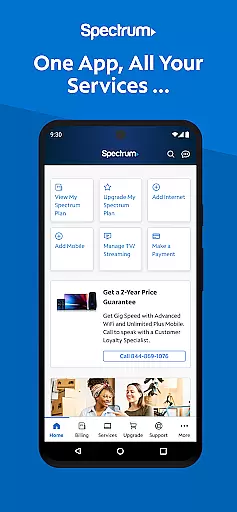
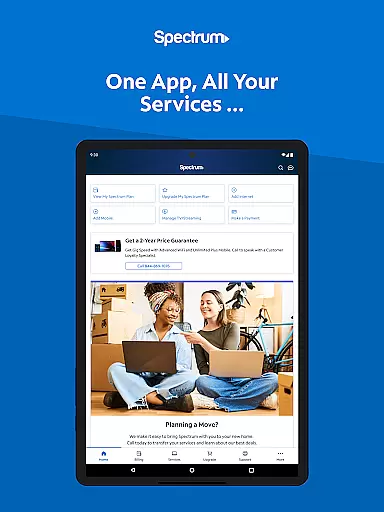
My Spectrum is a comprehensive service management app designed for residential customers of Spectrum. This all-in-one tool allows users to effortlessly manage their Spectrum services, including Mobile, Internet, TV, and Home Phone, directly from their mobile devices. With features like bill payment, data usage tracking, and outage notifications, the app ensures you stay connected and informed at all times.
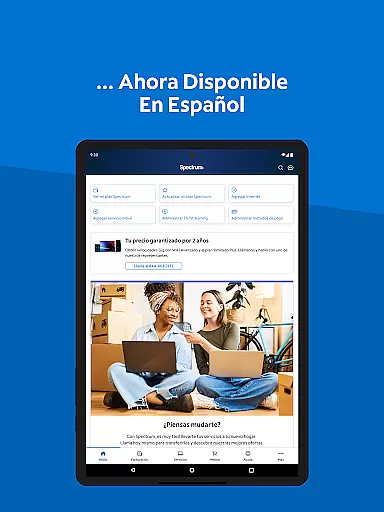
The app also offers advanced functionalities such as dual Speed Test for troubleshooting internet connections, language preferences toggle for English and Spanish, and an intuitive interface for managing streaming subscriptions. Whether you need to schedule one-time payments, activate new mobile lines, or explore premium channel add-ons, My Spectrum provides a seamless experience tailored to your needs.
One of the standout features of My Spectrum is its simplified support system. Users can self-install devices, chat with customer service, and track technicians directly through the app. Additionally, the app encourages user feedback to continuously improve its services, making it an invaluable tool for anyone looking to streamline their Spectrum service management.
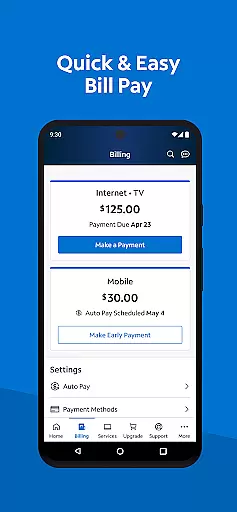
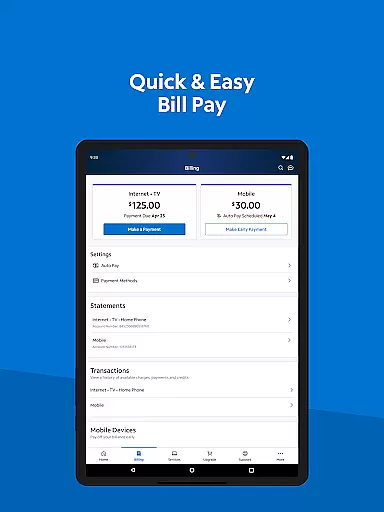
My Spectrum stands out with its extensive range of features designed to enhance user convenience. One of the key functionalities is the ability to pay bills for various Spectrum services, including Mobile, Internet, TV, and Home Phone. Users can enroll in Auto Pay to avoid missing due dates, schedule one-time payments, and sign up for paperless billing, ensuring a hassle-free payment process.
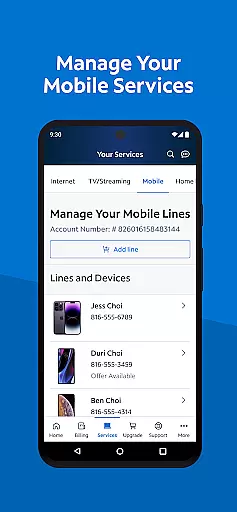
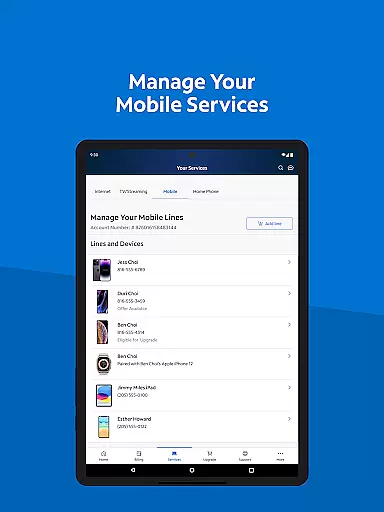
Beyond bill management, the app offers robust tools for monitoring and controlling mobile data usage. Users can check their Spectrum Mobile data usage, manage plans, and even add and activate new mobile lines. The app also provides essential notifications about billing, equipment, activation, and outages, keeping users informed about their service status.
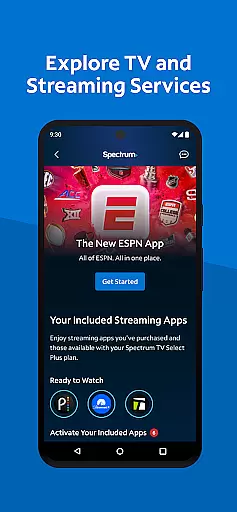
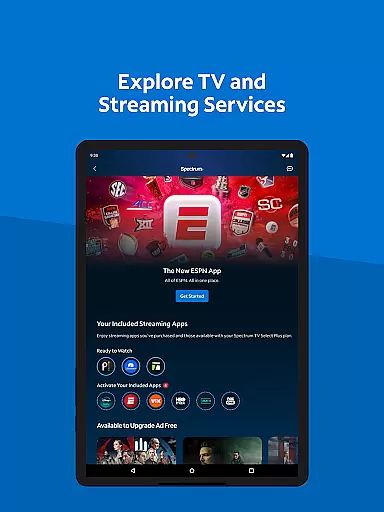
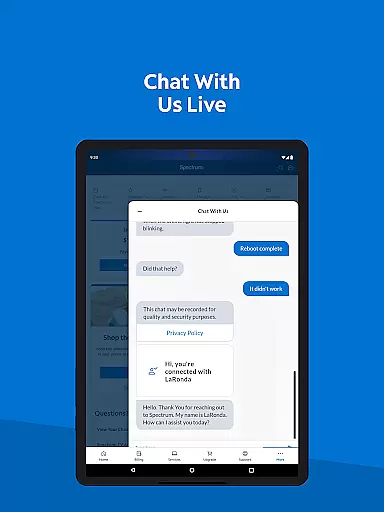
For entertainment enthusiasts, My Spectrum includes options to explore TV and streaming services. Users can view their channel lineup, manage streaming subscriptions, and customize their viewing experience with premium add-ons. The app's support section is newly designed for quick access to answers, and features like in-app chat and technician tracking ensure that help is always within reach.
When it comes to utility applications like My Spectrum, core function accuracy is paramount. This app consolidates various services including bill payments, mobile service management, and TV streaming into one platform. The precision with which it handles these tasks defines its effectiveness.
My Spectrum App allows users to pay bills for multiple services, manage mobile data usage, and handle TV streaming subscriptions seamlessly. By integrating functionalities such as Auto Pay enrollment and paperless billing, the app ensures that each feature operates without a hitch, providing users with reliable service management.
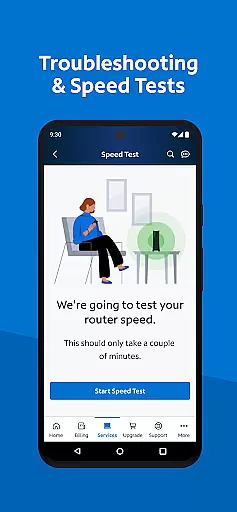
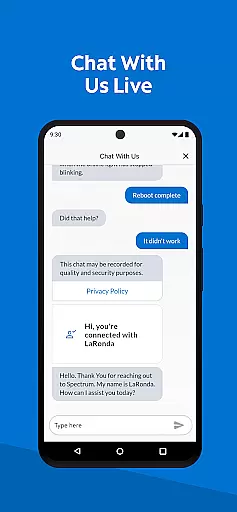
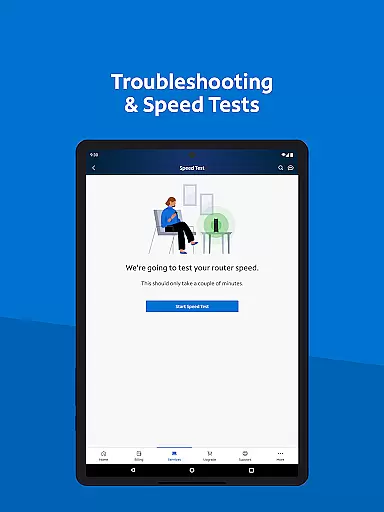
The real value lies in the app's ability to troubleshoot WiFi issues and perform speed tests. These tools are crucial for maintaining an uninterrupted internet connection. Additionally, features like tracking technician visits and live customer support chat enhance user experience by offering timely and efficient solutions.
Ultimately, the accuracy and effectiveness of My Spectrum App's core functions translate into significant user benefits. Customers can effortlessly manage their Spectrum services, stay informed about outages, and customize their entertainment options, all within a single, intuitive interface.
A simple and intuitive interface is essential for any tool-based application, and My Spectrum App excels in this area. The design prioritizes ease of use, ensuring that even those who aren't tech-savvy can navigate the app effortlessly.
Upon opening the app, users are greeted with a clean home screen that provides quick access to vital notifications and services. Whether it's paying a bill, checking mobile data usage, or managing TV subscriptions, each task is streamlined for maximum efficiency. The straightforward layout helps users complete their desired actions without unnecessary complexity.
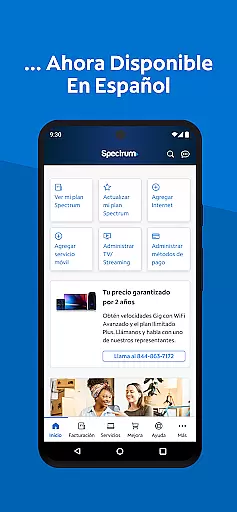
Moreover, the app offers language toggling between English and Spanish, catering to a broader audience. This inclusivity enhances accessibility, making the app more user-friendly for non-English speakers. Such thoughtful touches underscore the app's commitment to intuitive design.
In summary, My Spectrum App's interface stands out due to its simplicity and intuitiveness. Users benefit from a hassle-free experience that lets them manage their Spectrum services efficiently, thus enhancing overall satisfaction and usability.
User-friendly interface
Comprehensive bill management
Advanced support features
Multi-language support
Streamlined service activation
Limited to Spectrum customers
Occasional bugs reported
Requires constant updates
Some features need account linking
Internet connection necessary

Change your GPS location instantly. Simulate routes anywhere in the world.
 4.90
4.90
pdf merge, word to pdf, jpg to pdf, edit pdf, convert to pdf and much more!
4.20
Unit and currency converter with easy and simple UI.
4.80
Head tracking for PC sim games such as MSFS 2024 or Elite:Dangerous. No headset!
4.50
Remote for Roku, Fire TV, Samsung TV, LG TV, Android TV, Chromecast and VIZIO TV
4.20
The one-and-only remote control for PC, Mac, and Linux
4.70
Game Booster, GFX Tool is now compatible with newer game update
4.50
Mobile Security with Scam Protection | Malware & Virus Cleaner | Safe Browser
4.70
Enjoy a smooth mobile reading experience!
3.60
Easily install aab(Android App Bundle) files on your Android device with our app
4.80
Optimize your WiFi network, turn your phone into Wifi Analyzer
4.70
The Ultimate Flex Drivers Utility App - Convenient Tapping & Block Filters
4.70
App to pay for FUTO Keyboard
4.60 4.50
4.50
With videos, electrical calculators, and built-in ebook, Ugly’s has your answer.
4.50
Fluid navigation gestures for all of us!
4.30
A simple app to back up and restore SMS & MMS messages and call logs.
4.10
Family Locator, Share location, StayConnect with your family in real time
3.90
A recovery soft,it features photo recovery, video recovery, file recovery.
3.40


User Reviews