
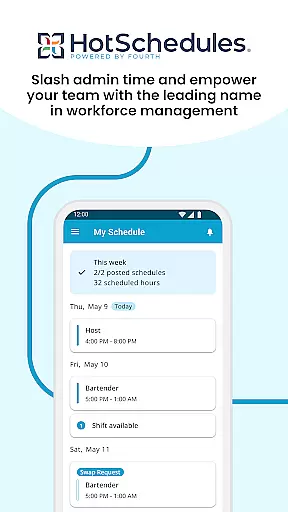
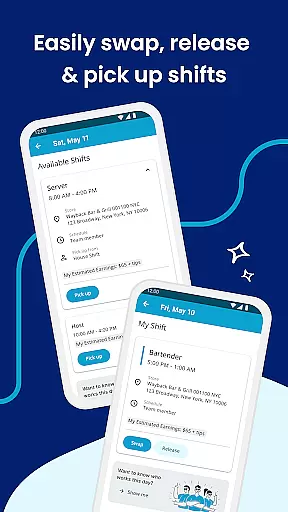
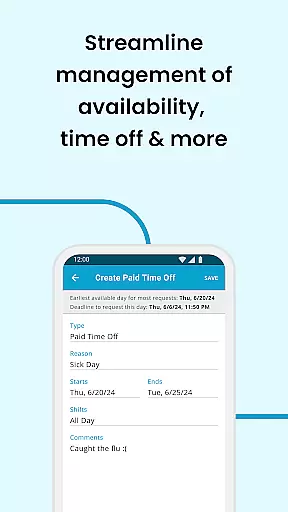
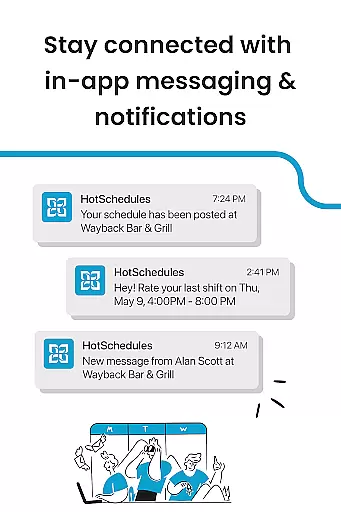
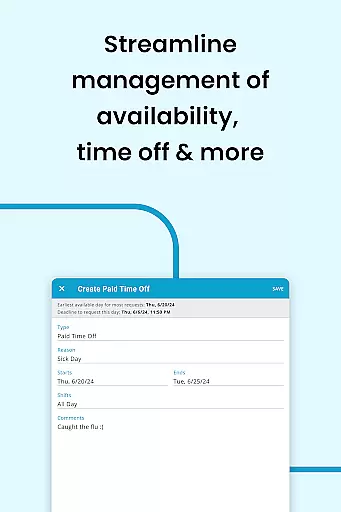
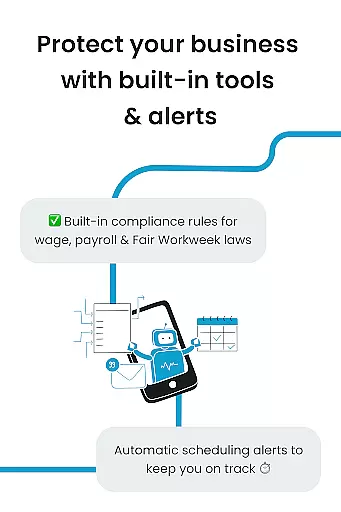
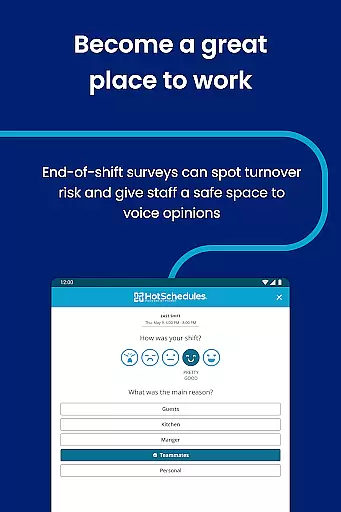
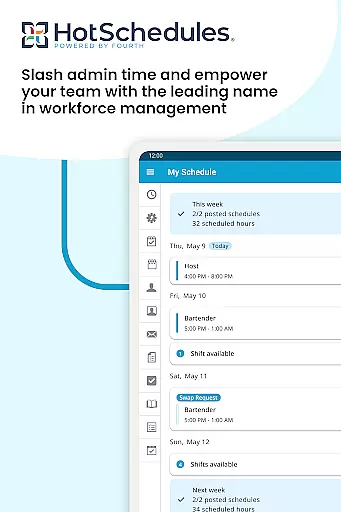
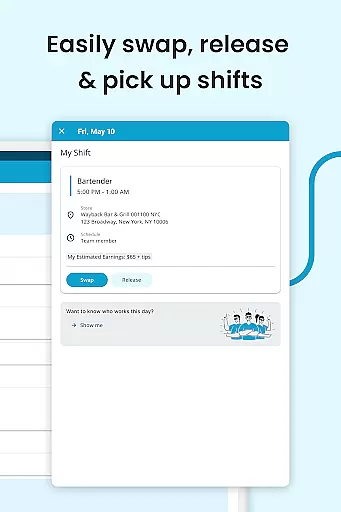
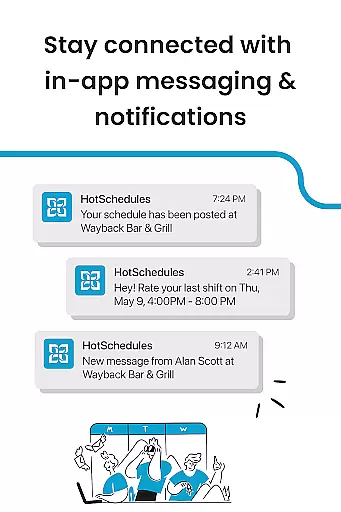
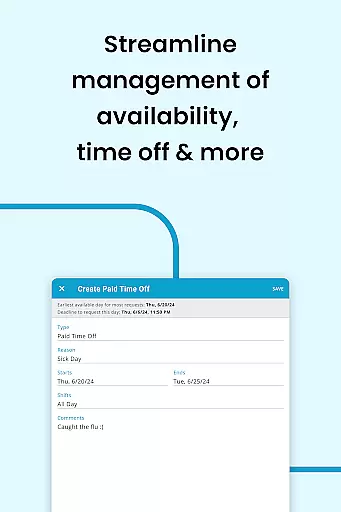
HotSchedules is a leading productivity app designed specifically for workforce management in industries like hospitality and retail. The app's core functionality revolves around employee scheduling, enabling both team members and managers to efficiently manage work shifts. For employees, the app offers one-click shift swapping, automatic shift pickups based on availability, and easy time-off requests. Managers benefit from advanced features such as 75% faster schedule creation, real-time performance monitoring through sales and labor snapshots, and seamless team communication tools.
The app also integrates with calendar systems to keep users updated on schedule changes and provides instant notifications for approved modifications. This makes HotSchedules an invaluable tool for maintaining work-life balance while ensuring operational efficiency. Whether you're part of a large corporation or a small business, this app streamlines scheduling processes and fosters better team collaboration.
HotSchedules stands out due to its comprehensive feature set tailored for both workers and managers. One of its key innovations is the ability to handle complex scheduling tasks with remarkable ease. Employees can use the app to swap shifts, pick up extra hours, or request time off, all with minimal effort. The app's automated system ensures that available shifts are filled quickly based on user preferences, which significantly reduces scheduling conflicts.
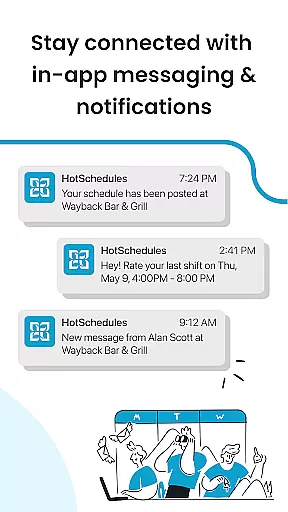
For managers, the app offers powerful tools such as one-click shift change approvals and detailed analytics dashboards. These dashboards provide insights into sales and labor metrics, allowing managers to make informed decisions without being tied to a desk. Additionally, the built-in messaging system supports both broadcast announcements and personalized communication, helping maintain strong team connections. With enterprise-level security and 24/7 customer support, HotSchedules delivers a robust solution for modern workforce management.
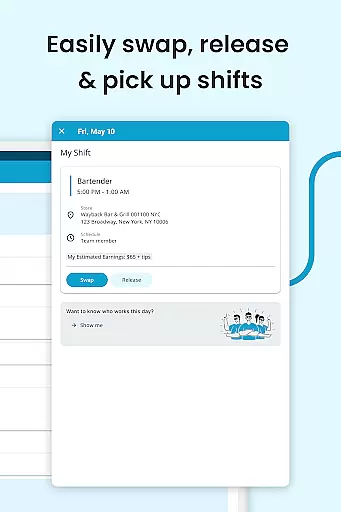
HotSchedules excels in core task management by offering a comprehensive suite of tools designed to streamline scheduling and team communication. The app allows for quick shift swaps, pickups, and releases with just one click, making it effortless for team members to manage their work-life balance.
For managers, the app provides significant time savingsu2014up to 75%u2014when building schedules, along with one-click approvals for shift changes. This efficiency is further enhanced by features that allow monitoring of business performance through sales and labor snapshots from anywhere, reducing the need for managers to be tied to an office.
The automatic sync with calendar notifications ensures that any manager-approved changes are immediately updated on the user's phone, keeping everyone informed and aligned. These capabilities ensure that both employees and managers can focus more on their tasks and less on administrative duties.
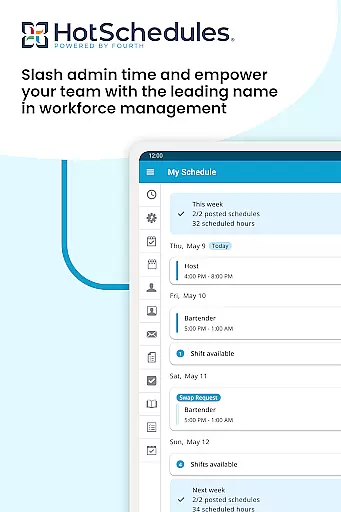
Cross-device synchronization is a standout feature of HotSchedules, ensuring reliable updates across all devices. Whether you're using a smartphone, tablet, or computer, the app keeps your schedule and roster automatically updated with any changes approved by your manager.
This synchronization extends to calendar integration, providing real-time updates and notifications. As shifts are modified, added, or removed, users receive instant alerts, ensuring they never miss important updates. This seamless integration helps maintain an organized and efficient workflow.
Furthermore, the appu2019s ability to sync data reliably means that users can access their schedules anytime, anywhere, without worrying about outdated information. This reliability fosters a more connected and responsive team environment, enhancing overall productivity and satisfaction.
User-friendly interface
Real-time updates
Comprehensive analytics
Seamless communication tools
Time-saving automation
Requires employer account
Limited to specific industries
Dependent on internet connection
No offline functionality
Premium features may incur extra costs

Ads Free App! Editor, Hide File, Copy, Move, Delete and Rename.. all facility av
 1.70
1.70
Mind Map and brainstorm, note taking and idea collection
4.80
Device's storage information in a simple and clear graphical form (infographics)
4.10
Simple and reliable communication between inmates, friends and family
3.20
Cloud storage, automatic phone backup, and more.
4.10
Functional QR scanner and barcode reader that requires little storage space.
4.60
* block pre-roll ads, pop-up and forced redirect ads * Samsung certification app
4.00
Intelligent AI Assistant
4.10
AT&T Internet customers can use this app to personalize their Wi-Fi network.
4.40
Secure, fast, open-source, VNC and SSH Remote Desktop for Windows, Linux and Mac
4.70
Docker, Kubernetes management over Portainer Mobile
4.40
Access, manage and transfer files on Android, PC, Mac, NAS and cloud storages.
4.30
A customizable calendar for your Wear OS watch
4.20
Activate Two Factor Authentication (2FA or Multi OTP), Password manager and more
4.10
Customizable calendar widget for seamless event sync, planning & scheduling.
4.00
Take control of your clipboard with Clipper!
3.90
Make your handwriting beautiful, even more than pen on paper.
3.60
Auto-shutoff Alarm with Sunrise, Sunset & Fixed Options.
3.50
ID.me Authenticator is a simple and free Two Factor Authentication solution
3.50


User Reviews