
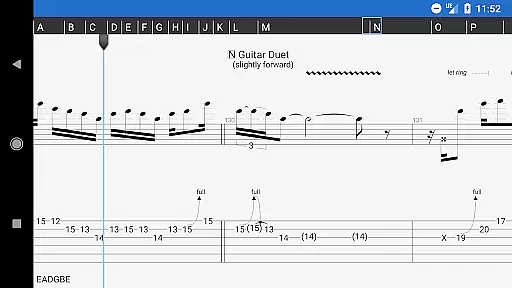
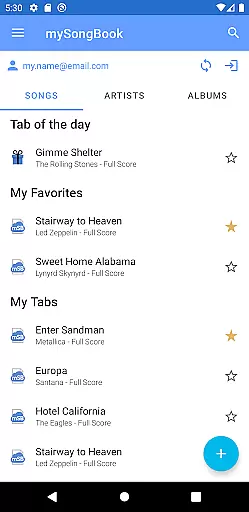
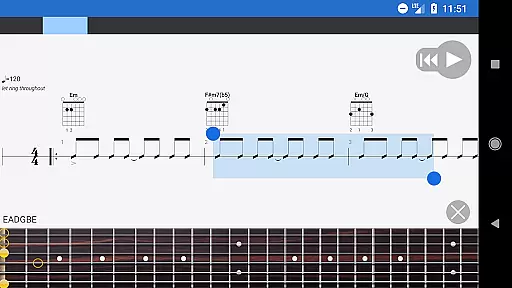
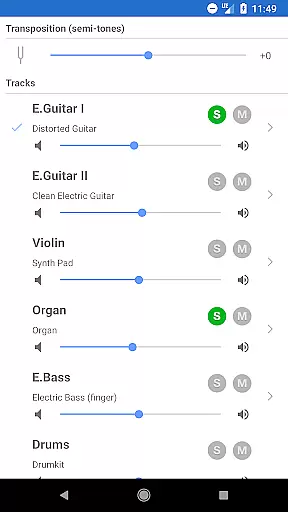
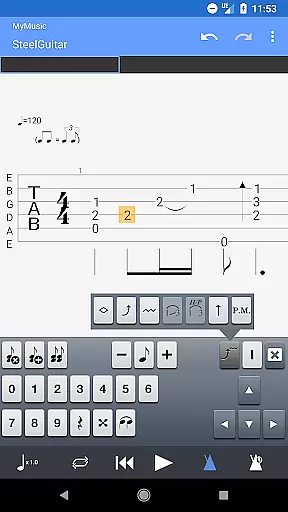
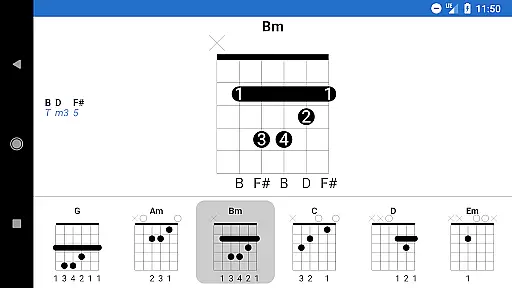
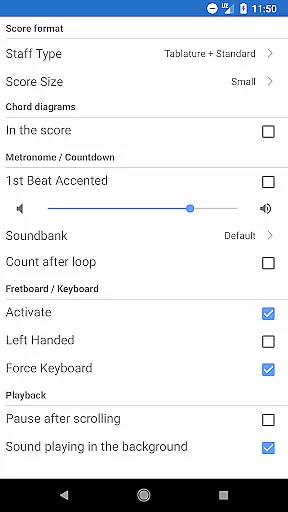
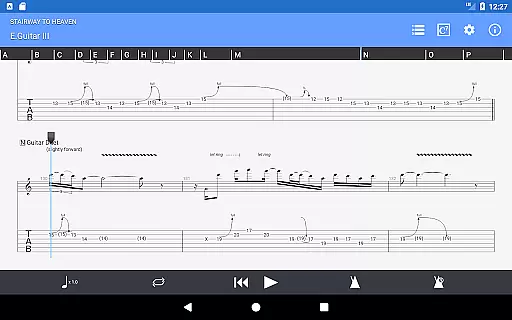
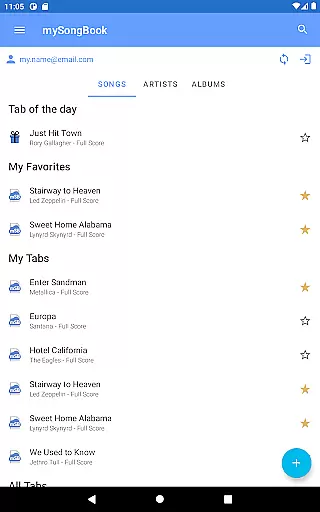
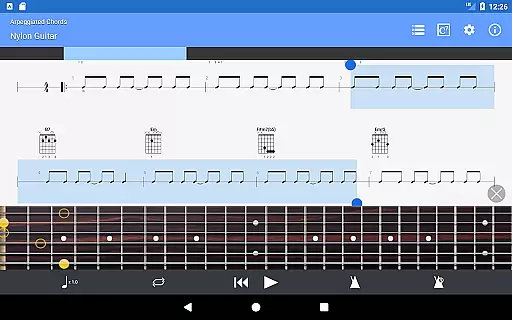
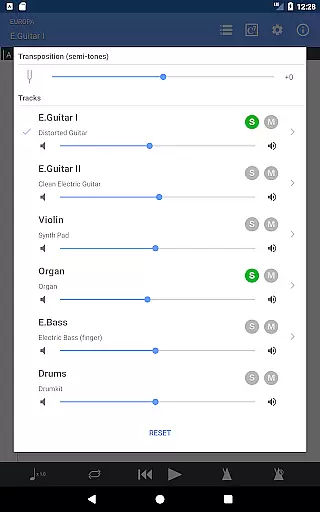
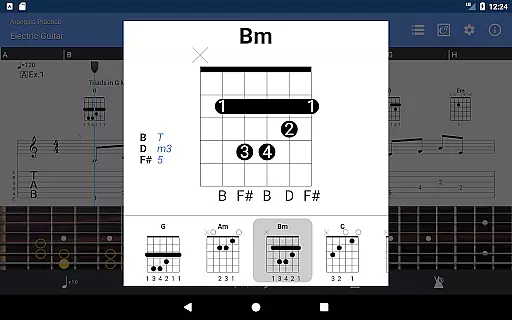
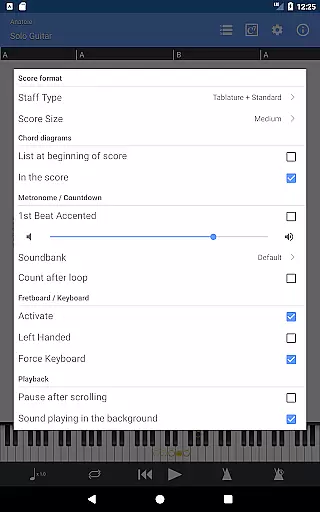
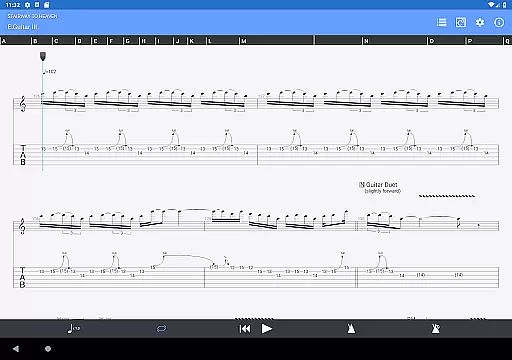
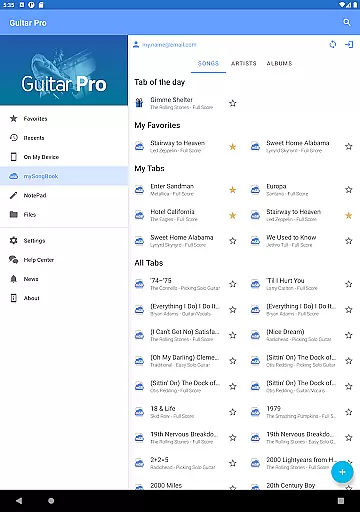
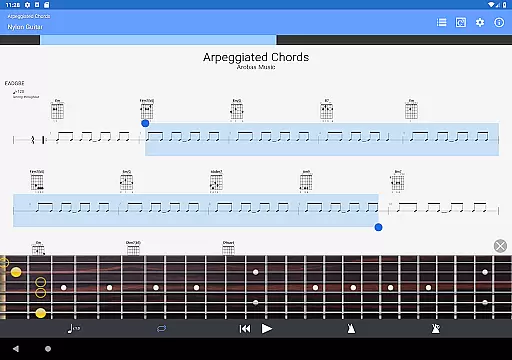
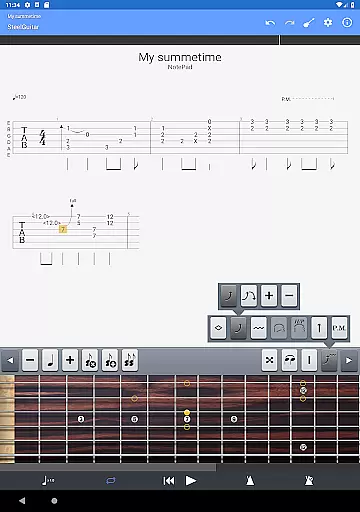
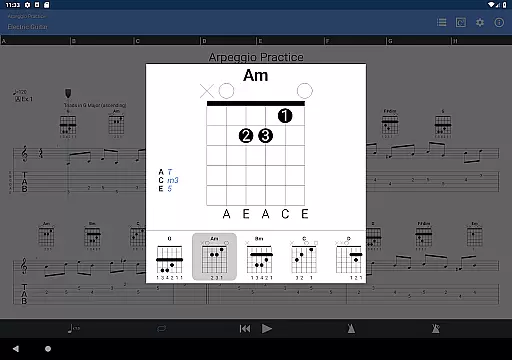
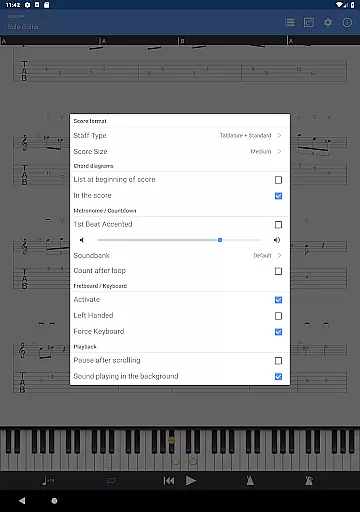
Guitar Pro is a comprehensive mobile application designed for guitarists who want to view, play, and write tablature directly from their devices. This app serves as the perfect companion for musicians on the go, allowing them to practice favorite songs and capture spontaneous musical ideas anytime, anywhere. With its powerful score player, users can enjoy features like GP file support, multitrack playback, and tempo adjustments.
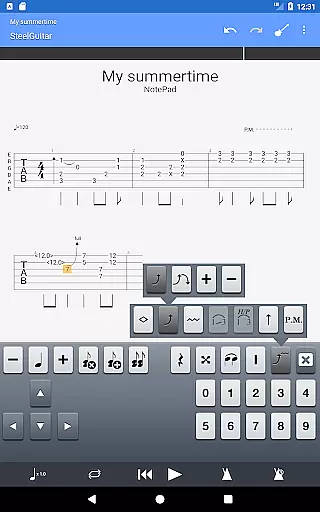
One standout feature is the NotePad tool, which enables users to create single-track tablatures for various stringed instruments such as guitar, bass, banjo, ukulele, and mandolin. The app also supports exporting compositions into Guitar Pro desktop formats, making it easy to continue working on projects across platforms. Whether you're tweaking tunings or experimenting with loops, Guitar Pro ensures that your creative process remains seamless and intuitive.
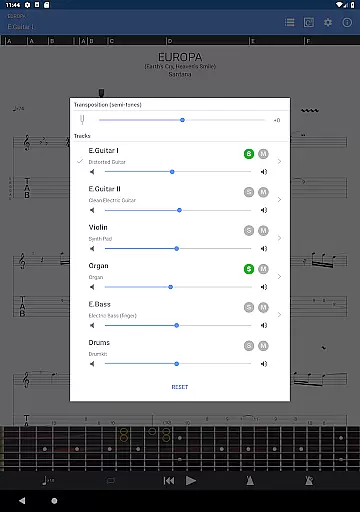
Guitar Pro offers an impressive array of features tailored specifically for musicians. Its robust score player supports multiple GP file formats and provides compatibility with the mySongBook portal, offering access to a vast library of sheet music. Users can load files via WiFi, web browser, or email, while enjoying advanced playback options including volume control, solo-mute functionality, and soundbank customization.
The NotePad tool allows musicians to compose tablatures for 4- to 8-string instruments with customizable tuning and tempo settings. Additionally, the app includes practical tools like a metronome, visual countdown, and fretboard display for both right- and left-handed players. These features collectively enhance the user's ability to learn, create, and share music efficiently.
Guitar Pro offers an extensive music library that supports GP3/4/5/6/7/8 file formats, ensuring compatibility with a wide range of tablature files. This allows musicians to access and play their favorite songs directly from their mobile devices.
The app integrates seamlessly with the mySongBook portal, providing users with additional sheet music options. While monthly subscriptions are excluded, the ability to load files via WiFi, web browser, and email enhances its versatility and ensures users have access to a vast repository of legal and authentic content.
With its powerful score player, Guitar Pro includes features like multitrack playback, metronome support, and on-the-fly tempo changes. These tools not only enrich the user experience but also reinforce the legitimacy and quality of the music library, making it an invaluable resource for guitarists.
Guitar Pro provides high-quality audio output with 19 built-in sounds, catering to various musical preferences. Users can customize tuning and tempo, allowing for personalized and precise sound adjustments that suit their playing style.
The NotePad tool enables musicians to create single-track tablatures for instruments such as guitar, bass, banjo, ukulele, and mandolin. With support for 4- to 8-string instruments, the app ensures detailed and accurate audio representation across different types of stringed instruments.
Additionally, the ability to export compositions into Guitar Pro 6 and 7 formats allows users to further refine their work on desktop versions. This seamless transition between mobile and desktop platforms guarantees consistent audio quality and enhances the overall creative process for musicians.
Comprehensive tablature editing
Supports multiple GP file formats
Integrated sheet-music library
Multitrack player with soundboard
Export to desktop formats
No audio track feature
Limited notation editing
Monthly subscription excluded
Drum track editing unavailable
Requires frequent updates

Time Guru will strengthen your internal sense of musical time via random muting.
 4.30
4.30
Taal player that lets you sing any Indian & Western song with Tabla & Tanpura
4.60
Background pads for your band
3.80
Listen to live FM radio stations, sports, music and news on global radios online
4.70
Save hundreds of dollars for a physical strobe tuner and instead use this app.
4.50
Your song collections with lyrics and chords on Android smartphones and tablets.
4.80
Unleash your creativity! Turn simple prompts into full fledged songs.
4.70
Powerful 10-Band equalizer pro with sound booster improves Android audio quality
4.30
Uninterrupted Tunes, Unmatched Vibes
3.90
Music, News & Sports Radio Tuner App. Tune in Live FM & AM Radio Stations.
4.80
Performance-Synthesizer & Multi-Track-Sequencer, polyphonic + multi timbral!
4.70
Over 100 million tracks available for high quality streaming and download
4.60
Recording studio w/ 10k beats, pro vocal FX and a network of 20M rappers & fans!
4.60
Let your Android device with the sound effects you want
4.50
DJ Music Mixer - DJ Remix: remix songs, make beat music & record mix of DJ.
4.40
Manage your Sonos system directly from your home-screen!
4.40
The only true audiophile music player with Hi-Fi audio rendering and DSP engine
3.90
The ultimate media player for Android devices
3.90
Control your MIDI USB or Bluetooth devices in app and avoid some trampling
3.30


User Reviews