
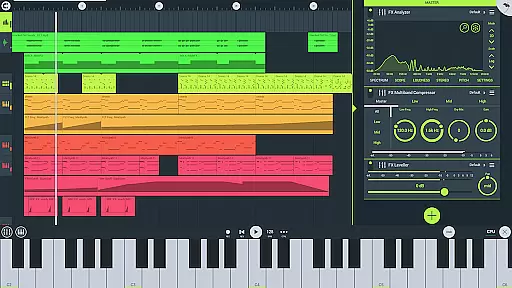
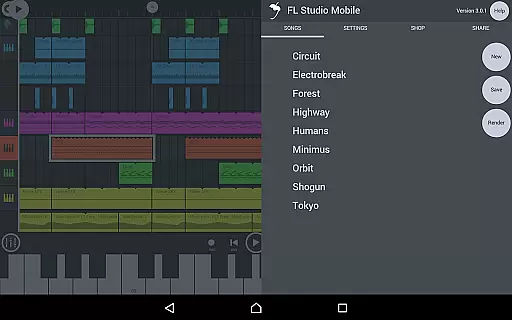
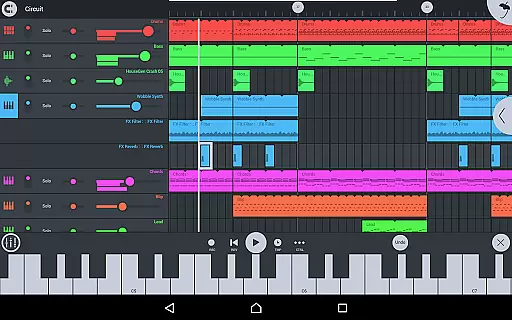
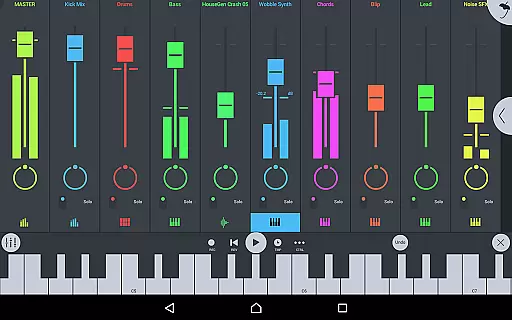
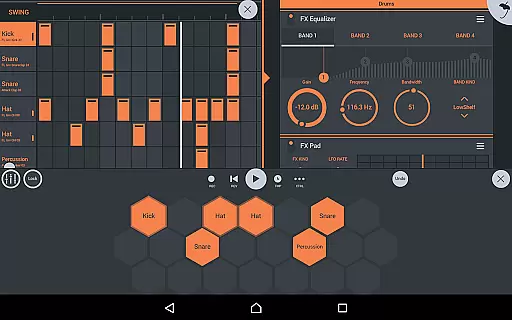
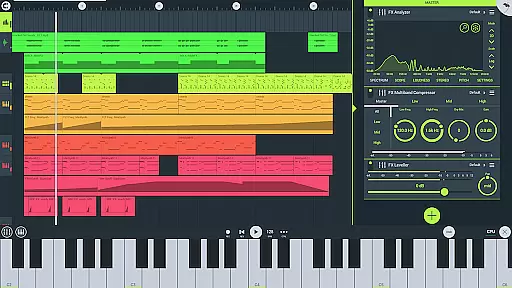
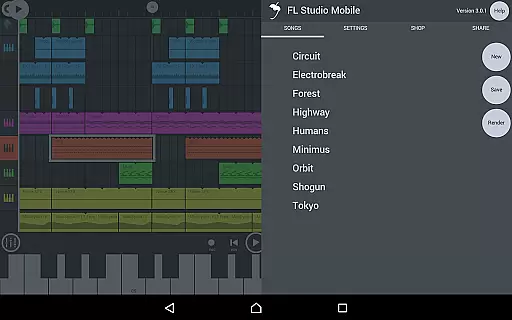
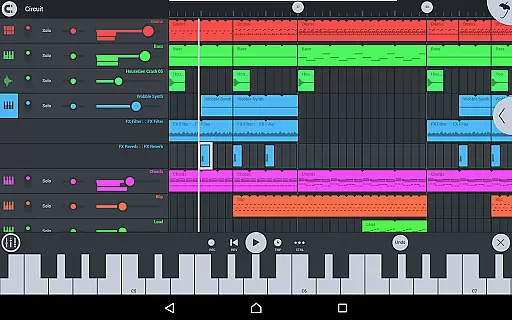
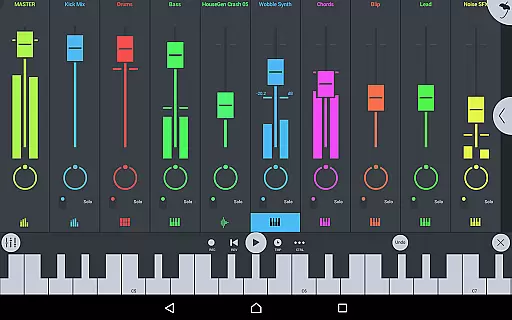
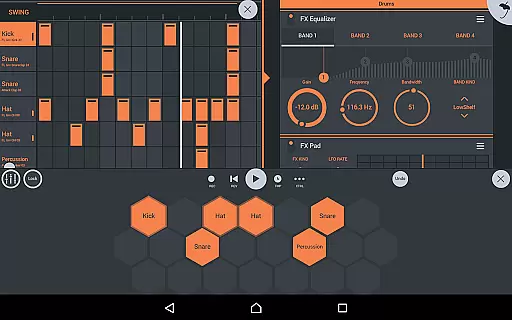
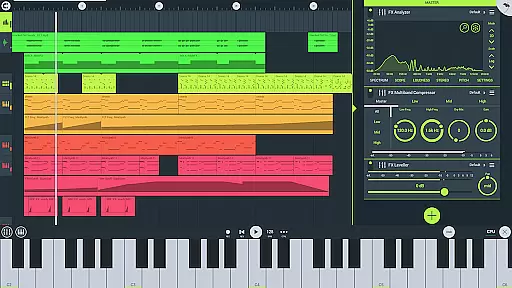
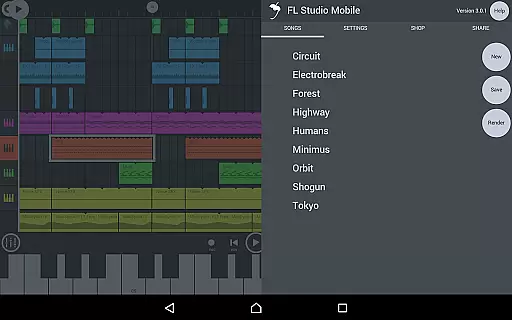
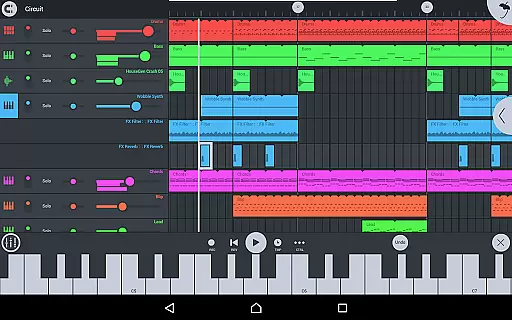
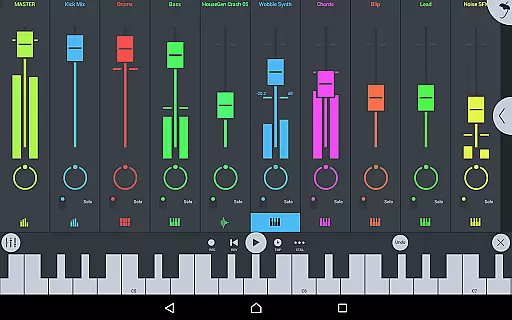
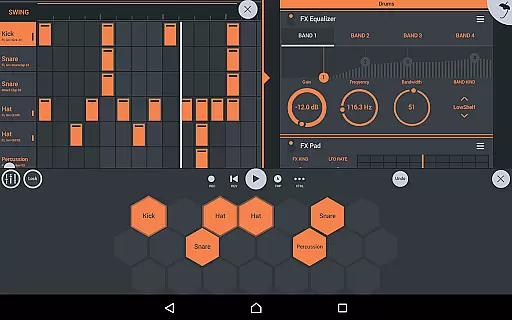
FL STUDIO MOBILE is a comprehensive music production application that allows users to create and save complete multi-track music projects on their mobile devices. With features like audio recording, MIDI support, and high-quality synthesizers, it caters to both amateur and professional music producers. The app supports various platforms including Phone, Tablet, and Chromebook, making it versatile for different user preferences. Its full-screen DeX and Chromebook support enhance the user experience by providing a seamless interface for touch, trackpad, and mouse operations.
One of the standout features of FL STUDIO MOBILE is its ability to handle complex music projects with ease. Users can record, sequence, edit, mix, and render complete songs within the app. It includes a wide array of instrument modules and effect modules, ensuring that users have all the tools they need to produce high-quality music. Whether you are looking to create simple beats or intricate compositions, FL STUDIO MOBILE provides the necessary resources to bring your musical ideas to life.
The app's value extends beyond just music creation; it also offers extensive sharing capabilities. Users can share their songs via Wi-Fi or Cloud to other installations of FL STUDIO MOBILE, facilitating collaboration and distribution. Additionally, the app supports in-app purchases for additional content, such as the DirectWave sample player, which expands the creative possibilities even further. Overall, FL STUDIO MOBILE is an indispensable tool for anyone interested in music production on the go.
FL STUDIO MOBILE boasts a rich set of features designed to enhance the music production process. One of its core functionalities is audio recording, allowing users to capture live performances and import track-length stems or WAV files. This feature is complemented by a robust browsing system that lets users preview samples and presets before incorporating them into their projects. The inclusion of various effects modules, such as Chorus, Compressor, and Reverb, ensures that users can achieve professional-grade sound quality.
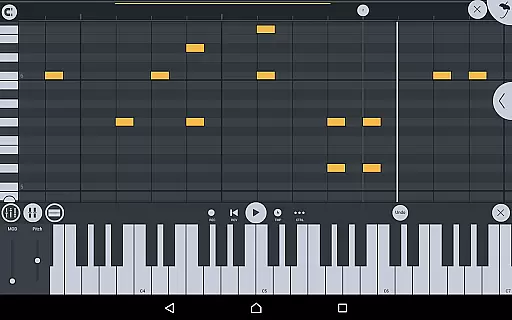
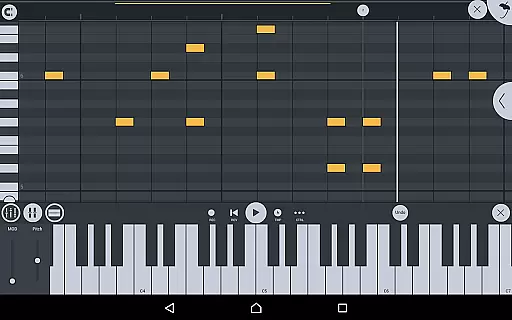
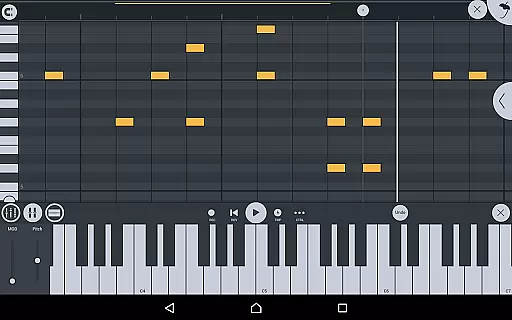
In addition to its audio capabilities, FL STUDIO MOBILE supports MIDI controller integration, enabling users to connect external devices for enhanced control over their music. The app also facilitates MIDI file import and export, making it easy to transfer projects between different platforms. The built-in mixer provides per-track mute, solo, effect bus, pan, and volume adjustment options, giving users precise control over their mixes. Furthermore, the piano roll feature allows for detailed note editing and performance capture, streamlining the music creation process.
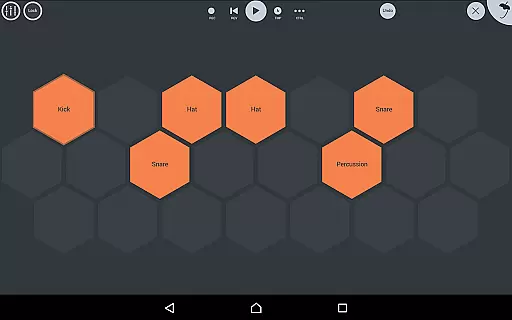
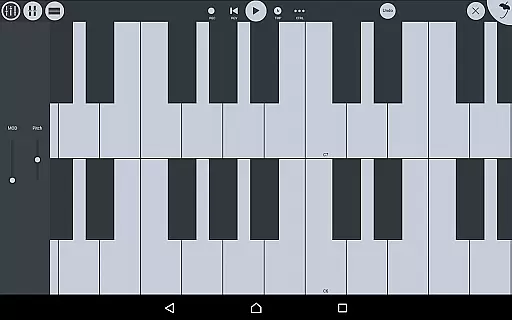
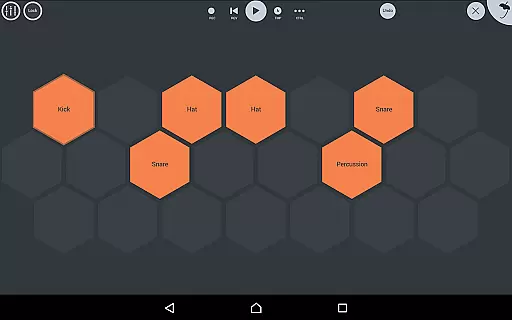
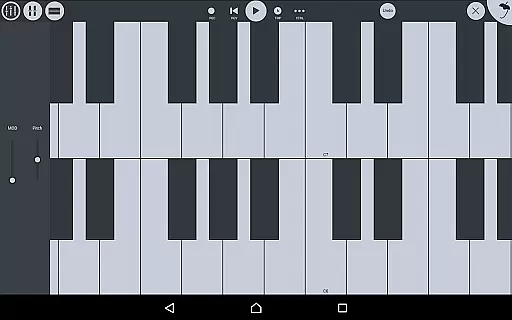
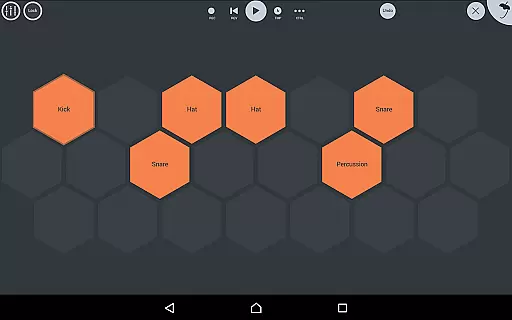
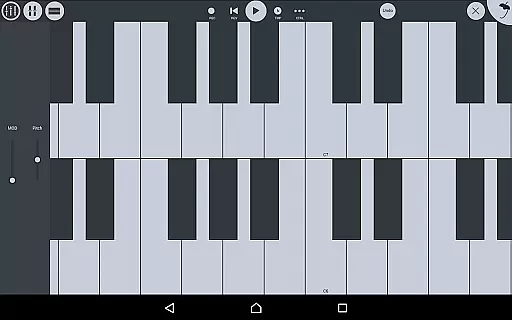
Another significant aspect of FL STUDIO MOBILE is its adaptability to different devices and screen resolutions. The user interface is fully configurable, ensuring optimal performance on Phones, Tablets, and Chromebooks. Virtual piano-keyboards and drumpads offer tactile input methods, while the app's support for high-quality synthesizers, samplers, drum kits, and sliced-loop beats caters to diverse musical styles. These features collectively make FL STUDIO MOBILE a powerful tool for musicians seeking flexibility and functionality in their mobile music production setup.
FL Studio Mobile offers an extensive music library that caters to a wide range of musical genres and styles. The app includes high-quality synthesizers, drum kits, sliced-loop beats, and a variety of instrument modules such as Drum Sampler, DirectWave Sample Player, GMS (Groove Machine Synth), Transistor Bass, MiniSynth, and SuperSaw. These features ensure that users have access to a vast array of sounds and instruments, which are essential for creating complex and rich musical compositions.
In terms of copyright authenticity, FL Studio Mobile provides assurance by including licensed content within its offerings. Users can install their own samples without needing to purchase additional content, thanks to the included DirectWave sample player. This means musicians and producers can confidently use the sounds knowing they are legally cleared for use, thus avoiding potential legal issues related to unauthorized samples or presets.
The inclusion of various effect modules further enhances the creative possibilities within the app. With effects like Analyzer, Auto Ducker, Chorus, Compressor, Limiter, Distortion, Parametric Equalizer, Graphic Equalizer, Flanger, Reverb, Tuner, Filters, Delays, Phaser, and Stereoizer, users can shape their sound with professional-grade tools. These built-in effects eliminate the need for third-party plugins, streamlining the production process while maintaining high standards of audio quality and authenticity.
FL Studio Mobile stands out in the realm of mobile music production due to its commitment to delivering superior audio quality options. The app supports saving and loading files in multiple formats including WAV, MP3, AAC, FLAC, and MIDI. This versatility allows producers to choose the format that best suits their project requirements, whether it's for high-fidelity playback or efficient file sharing across different platforms.
Moreover, the app ensures that all recordings, edits, and mixes maintain pristine audio fidelity throughout the production process. By leveraging advanced encoding technologies and optimizing performance on supported devices, FL Studio Mobile minimizes artifacts and distortion, preserving the integrity of the original recordings. Whether capturing live performances or sequencing intricate arrangements, users can trust that their work will sound clear and dynamic.
Another notable feature is the ability to share songs via Wi-Fi or Cloud to other installations of FL Studio Mobile. This seamless integration facilitates collaboration among artists and enables them to transfer projects between devices without compromising audio quality. Additionally, full-screen DeX and Chromebook support enhance usability, providing a larger workspace for detailed editing tasks. Overall, these capabilities make FL Studio Mobile a robust solution for musicians seeking top-notch audio quality in a portable format.
User-friendly interface
Extensive instrument library
High-quality audio effects
Seamless MIDI integration
Versatile cross-platform support
Requires learning curve
Some features locked behind IAP
Occasional latency issues
Limited free content
Resource-intensive

Fun & Easy Voice Changer – Record, Edit & Add Hilarious Effects!
 4.50
4.50
Time Guru will strengthen your internal sense of musical time via random muting.
4.30
10-Band Audio Equalizer, Sound / Bass Booster for Spotify Users & Music Players
4.40
Your song collections with lyrics and chords on Android smartphones and tablets.
4.80
Make songs with AI! Any genre, custom lyric, song generator for music creation!
4.80
The original SP-1200 experience on your iPad
4.20
Ringtone Maker is free app create ringtone from music files or your recording.
4.40
Reverse your voice & songs instantly! Fun singing challenge with cool effects.
4.60
Get alarms that fit your lifestyle and wake up to the sounds you love.
4.80
24,000 free audio books and no ads!
4.90
Full-featured, High-Quality Groovebox Workstation, perfect for Live Performance!
4.80
JBL PartyBox APP works with 110/310/710/120/320/520/Encore/Encore 2/Encore Ess 2
4.80
Gorgeous UI, Powerful music Search and Equalizer, the great choice for you!
4.70
Unleash your creativity! Turn simple prompts into full fledged songs.
4.70
Guzheng Master supports many playing techniques as an acoustic Guzheng
4.50
DJ Music Mixer Pro is a real DJ controllers and DJ Music Studio to remix DJ.
4.40
A High-Precision Audio Spectrum Analysis App
4.20
The official Sonos app
4.10
Music Streaming suite for Ampache, Nextcloud Music and compatible backends.
4.2


User Reviews