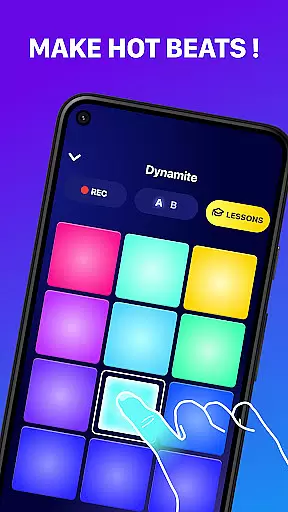
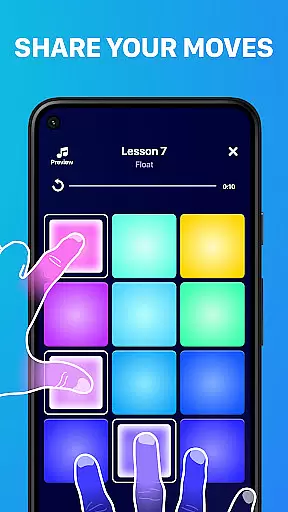
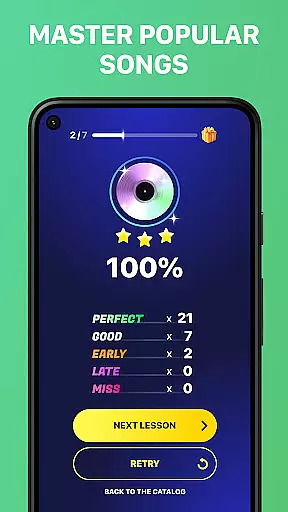
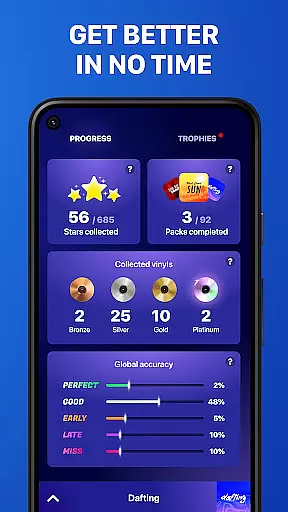
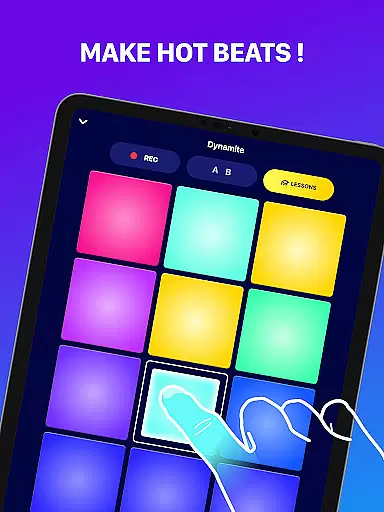
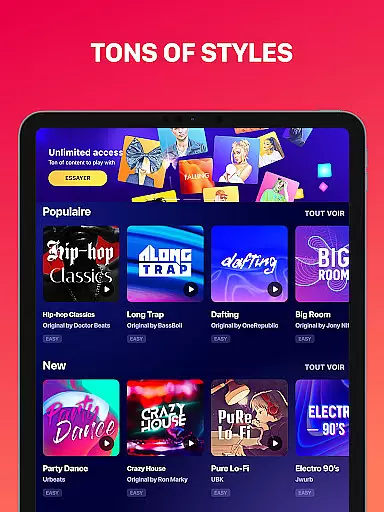
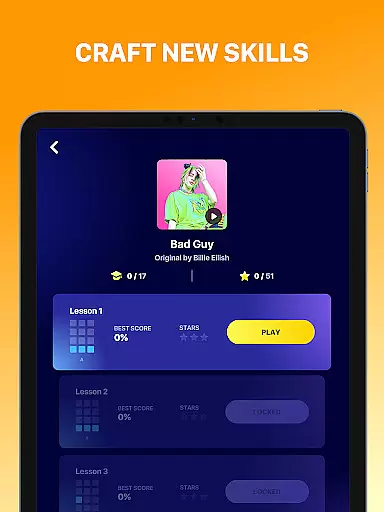
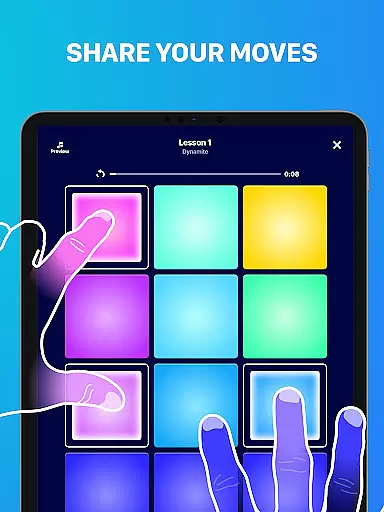
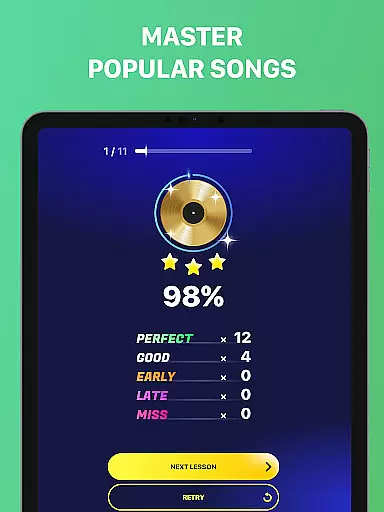
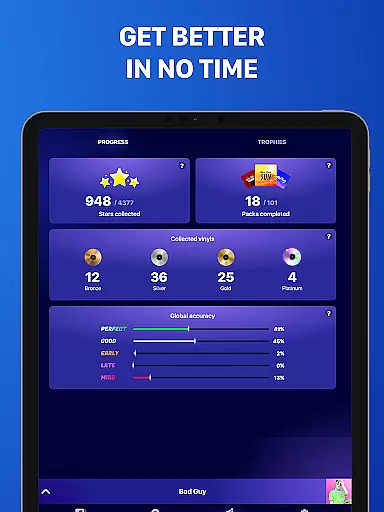
Beat Maker Pro is a premier music creation app that allows users to craft their own beats and melodies with ease. This drum pad machine offers an intuitive interface where users can mix loops, record music, and experiment with various genres such as dubstep, trap, EDM, and hip-hop. Whether you're a beginner or an experienced DJ, the app provides comprehensive tools to explore rhythm and music-making in a creative environment.
The app features a 24-pad design that facilitates dynamic beat production, enabling users to play famous songs and create unique compositions. With Beat Maker Pro, musicians have the opportunity to learn beatboxing and master the art of digital percussion, all within a portable studio that fits in your pocket.
Ideal for aspiring DJs and music producers, this application bridges the gap between complex music production software and accessible mobile apps. Users can practice their skills on the go, remix tracks, and even share their creations with friends, making it an essential tool for modern music enthusiasts.
Beat Maker Pro stands out with its rich feature set tailored for both amateur and professional music creators. The app includes a versatile drum pad with 24 responsive pads, each customizable to trigger different sounds and samples. This allows for intricate beat patterns and the ability to layer multiple audio tracks seamlessly.
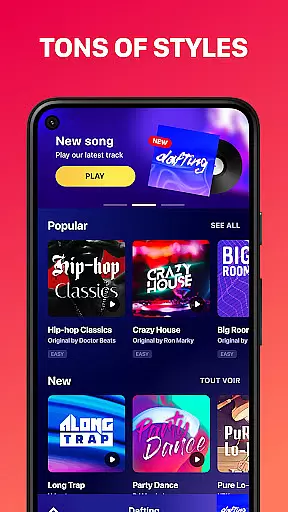
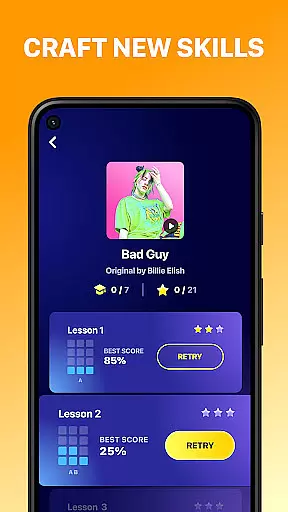
One of the key highlights is the built-in library of high-quality sounds and loops covering numerous musical styles. Users can access these resources to compose original pieces or recreate popular tracks. Additionally, the app offers interactive lessons that guide users through the basics of beat-making and advanced techniques alike.
Another notable feature is the recording functionality, which lets users capture their sessions and refine their work over time. With options to adjust tempo, apply effects, and manage permissions for optimal performance, Beat Maker Pro ensures a personalized and uninterrupted music-making experience.
Beat Maker Pro offers an extensive music library that caters to a wide array of genres including dubstep, trap, EDM, and hip-hop. This vast collection ensures that users have access to a diverse set of sounds and loops, which is crucial for creating unique and engaging beats.
The app guarantees the authenticity of its music library by ensuring all samples and loops are properly licensed. This commitment to copyright compliance provides peace of mind to users, allowing them to focus on their creative process without worrying about legal issues.
With Beat Maker Pro, musicians and DJs can rely on the quality and legality of the content they use in their compositions. This feature not only enhances the creative experience but also supports artists in producing professional-grade music.
Audio quality is paramount when producing music, and Beat Maker Pro excels in delivering pristine sound output. The app supports various audio quality settings, enabling users to choose the best option for their projects, whether they prioritize file size or sound fidelity.
Users can export their creations in high-quality formats, ensuring that their music maintains its richness and depth when played on different devices or platforms. This flexibility empowers producers to meet industry standards and listener expectations.
By providing superior audio quality options, Beat Maker Pro stands out as a tool for both amateur beatmakers and professional DJs who demand excellence in their musical productions. This dedication to audio excellence helps users produce tracks that resonate with audiences worldwide.
User-friendly interface
Extensive sound library
Real-time recording
Customizable drum pads
Comprehensive music lessons
Limited free content
Occasional bugs
Ads in free version
Subscription required
Steep learning curve

Equalizer, Bass Booster and Volume Booster (Eq & Bass) improve sound quality
 4.30
4.30
DJ Music Mixer Pro is a real DJ controllers and DJ Music Studio to remix DJ.
4.40
Network/Cloud Streaming, Visualization, Graphic Equalizer and Sound Effects.
4.20
Visualize the guitar fretboard, master scales & play through changes like a pro!
4.50
The official Sonos app
4.10
Responsive piano with great sounds, graphics, and songs
4.80
Reverse your voice & songs instantly! Fun singing challenge with cool effects.
4.60
Turn Every Moment into Music
3.60
Be a true music maker: create beats, mix and make music like a real DJ!
4.30
Play your hearts out on TouchTunes jukeboxes & connect with fellow music lovers.
4.80
Listen to live FM radio stations, sports, music and news on global radios online
4.70
Walkout Song DJ is the most intuitive app to manage your sports music.
4.70
Over 100 million tracks available for high quality streaming and download
4.60
Help you quickly get started with Shokz headphones
4.40
Your HD audio recorder on the go for music, meetings, ambience, animal sounds…
4.30
Time Trainer: accurate metronome w tools to help you develop your internal time!
4.20
A sleek, no-frills player designed for true music lovers.
4.20
No wifi music app. Mp3 offline. Tuner radio, young radio music. Music downloader
4.20
PowerAudio is a powerful offline music player.
4.20


User Reviews