
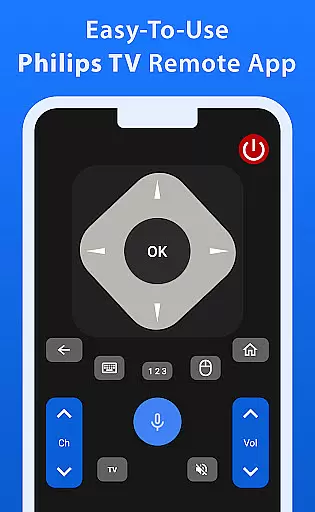
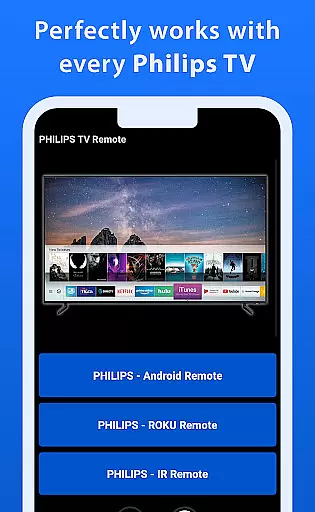
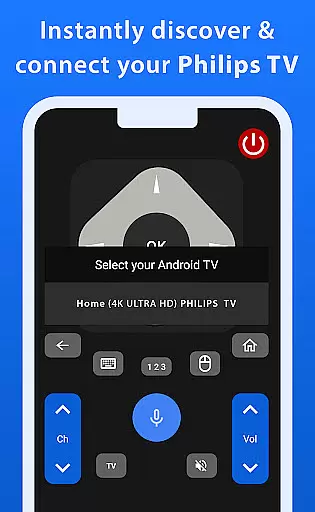
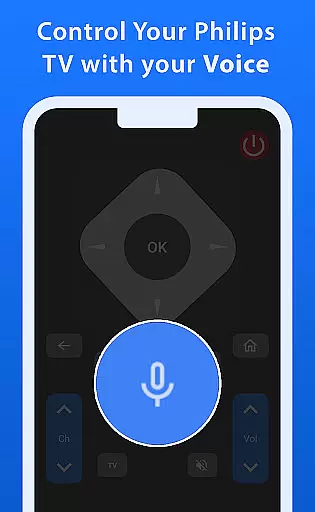
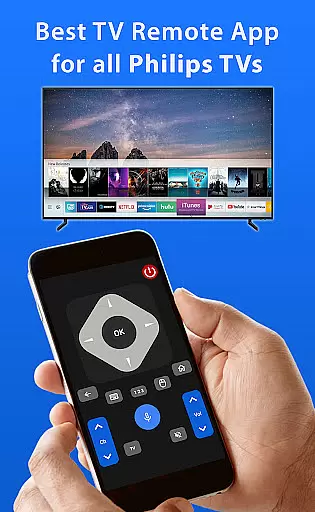
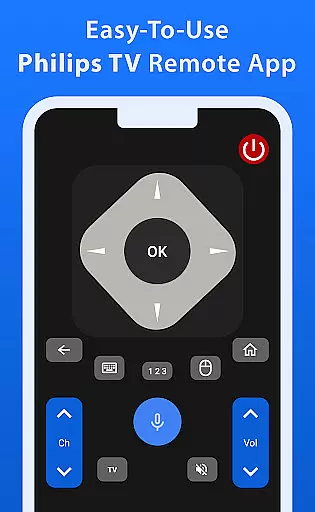
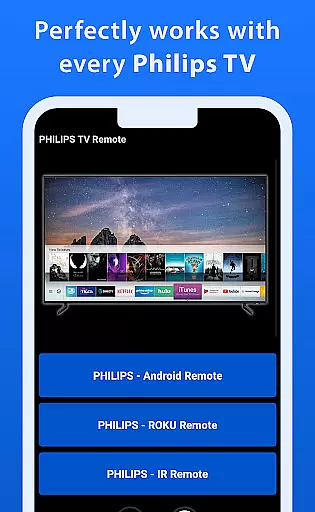
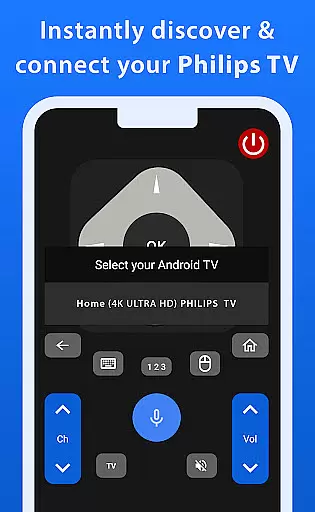
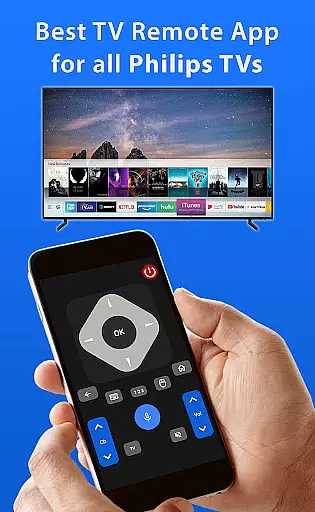
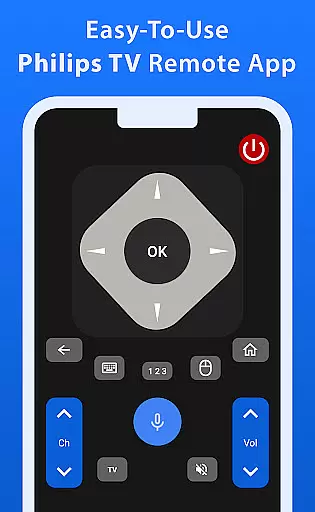
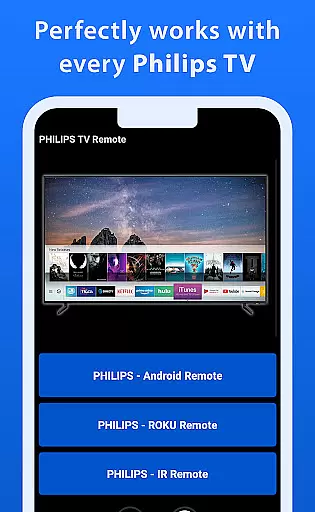
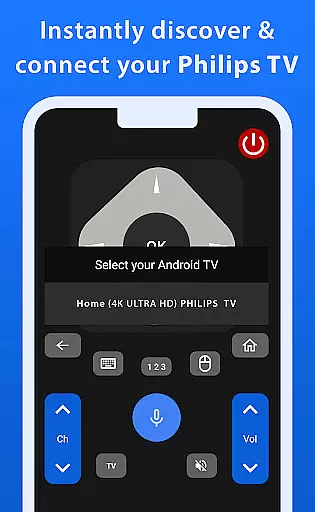
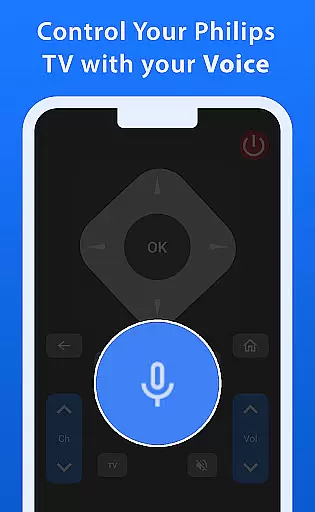

Philips TV Remote is a comprehensive remote control app designed to provide seamless interaction with all Philips TVs, including Android, Roku, and IR-enabled models. The app allows users to perform essential TV operations such as changing channels, adjusting volume, accessing apps, and navigating menus with ease. Its intuitive interface ensures that even first-time users can operate their TVs effortlessly.
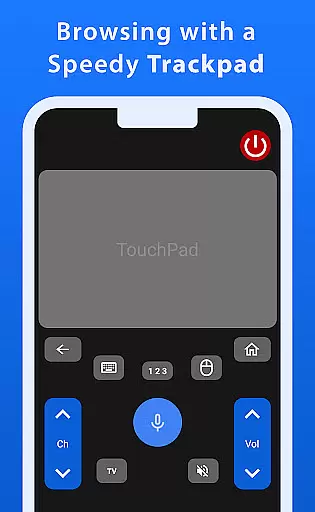
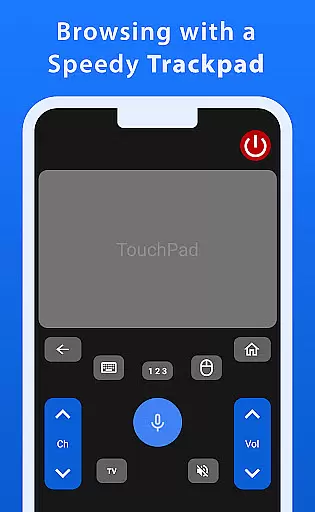
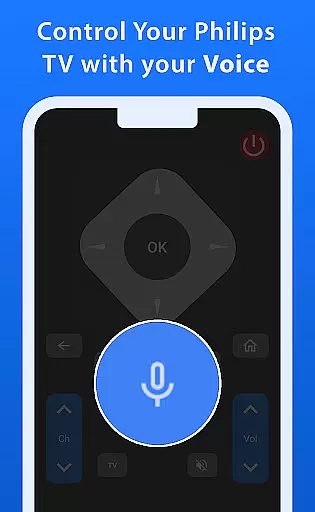
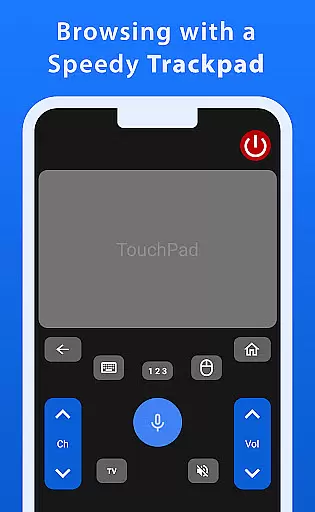
One standout feature of this app is its advanced trackpad functionality, which offers smooth and responsive navigation. Additionally, the powerful voice control function enables users to command their TVs hands-free, making it easier than ever to find shows or adjust settings. Whether for casual viewing or more complex tasks, Philips TV Remote enhances the overall user experience by simplifying TV control.
This app is particularly useful in modern living rooms where smart TVs are prevalent. By turning a mobile phone into a universal remote, it eliminates the need for multiple remotes, streamlining the entertainment setup. For Philips TV owners, this app represents a convenient and innovative solution to traditional remote control limitations.
Philips TV Remote stands out due to its rich array of features tailored specifically for Philips TV users. One of the most notable aspects is the fast and responsive trackpad, which provides smooth navigation through TV menus and apps. This feature significantly enhances the user experience by allowing quick and precise control over the TV interface.
Voice control is another key feature that sets this app apart from other remote control solutions. Users can simply speak commands to search for shows, adjust settings, or open apps, making the interaction with their TV effortless and enjoyable. The app also supports a wide range of Philips TV models, including Android, Roku, and IR-enabled TVs, ensuring compatibility across different devices.
Additionally, the app's user-friendly design makes it accessible to users of all technical skill levels. With clear icons and straightforward navigation paths, even those who are not tech-savvy can easily master the app's functionalities. These features collectively contribute to a superior TV control experience, offering both convenience and innovation.
When it comes to managing your Philips TV, ensuring the authenticity and accuracy of control features is crucial. The Philips TV Remote app guarantees that all functionalities provided are genuine and fully compatible with your Philips TV model, whether it's an Android, Roku, or IR-enabled device.
The app meticulously lists every feature available for users, from basic controls like changing channels and adjusting volume to more advanced options such as voice commands and trackpad navigation. This ensures that users have a reliable tool that accurately represents the capabilities of their TV.
By offering verified and precise control options, the app eliminates any guesswork or potential errors in operation. Users can trust that each function will work seamlessly, providing peace of mind and enhancing the overall TV viewing experience.
Beyond basic remote control functions, the Philips TV Remote app offers a suite of home management features designed to streamline your TV interaction. With its intuitive interface, users can easily navigate menus, access apps, and adjust settings without any hassle.
One standout feature is the advanced trackpad functionality, which allows for smooth and responsive navigation across your TV's interface. Additionally, the powerful voice control option lets you command your TV effortlessly, making it easy to find shows or change settings without lifting a finger.
These innovative home management tools ensure that operating your Philips TV is not only straightforward but also enjoyable. By integrating these features into one app, users benefit from a centralized and efficient way to manage their TV experience.
User-friendly interface
Voice control functionality
Wide compatibility range
Fast and responsive trackpad
Streamlined entertainment setup
Limited to Philips TVs
No official Philips endorsement
Potential connectivity issues
Dependent on device microphone
Requires stable internet connection

Use Home by ShowingTime to easily manage showings, tours, feedback and more
 3.60
3.60
Tailored Care Guides For Houseplants, Indoor Plants, Garden Plants & Flowers.
4.60
AI-powered home design, interior design, home decor, and room design solutions
4.50
Control the scent and ambiance of your home and car, right from your phone.
4.50
View houses and apartments for rent, updated daily.
4.80
Design your dream home with 3D planning app, Visualize your dream home in 3D.
4.20
Real estate app to find homes for sale or rent in the right neighborhood for you
4.70
Control your thermostat, comfort, and home monitoring from your phone
4.30
3D House Design and AI Room Planner - from floor plans to full interior design.
4.40
Connect with reliable pros for maintenance services, plumbing, and home design!
4.80
A Smarter Home in Seconds
4.70
Innovative and budget-friendly housing options
4.60
The Merkury Smart app makes it easy to control your smart devices.
4.50
AI Home Designer & Room Planner: Decorate your interior space with AI
4.40
Make your phone a surveillance camera remote with a home camera app for Android!
4.40
Control your Vivint Smart Home with the next generation Vivint App.
4.30
Technology powering many in-home services for residents across the United States
3.80
PRO Version of GLB AR Viewer
4.4
Calculate baluster spacing with ease and precision.
4.2


User Reviews