
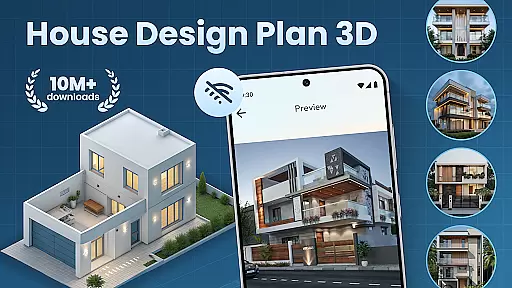
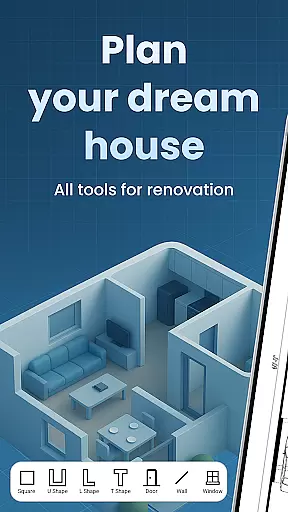
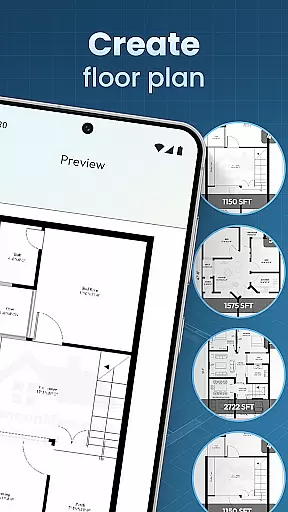
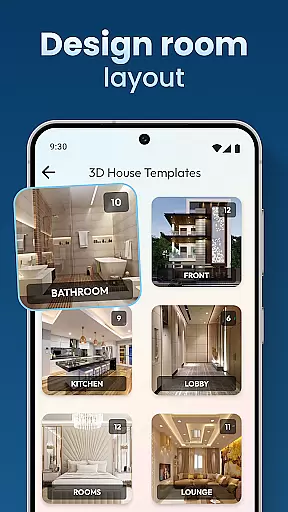
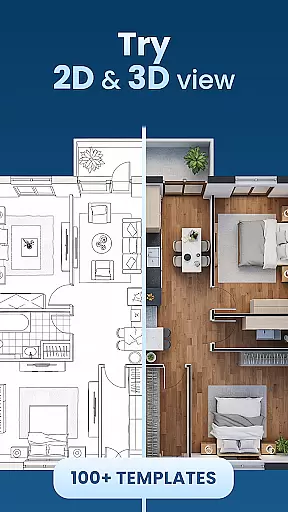
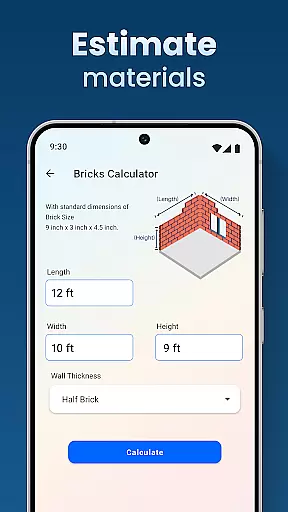
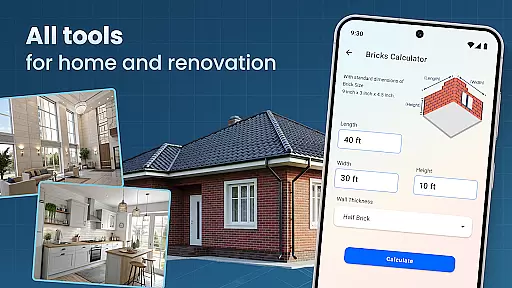
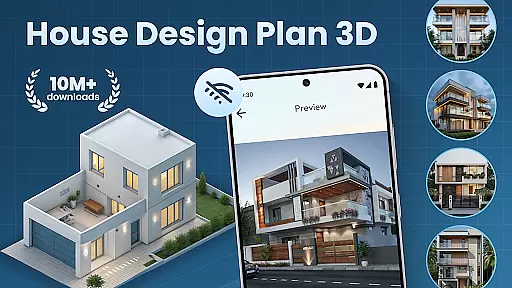
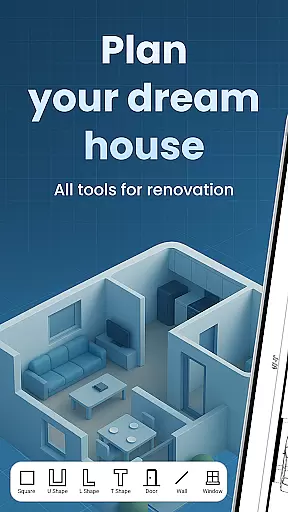
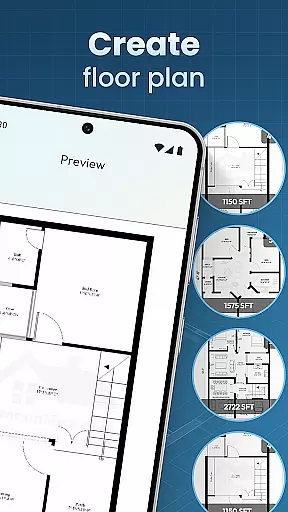
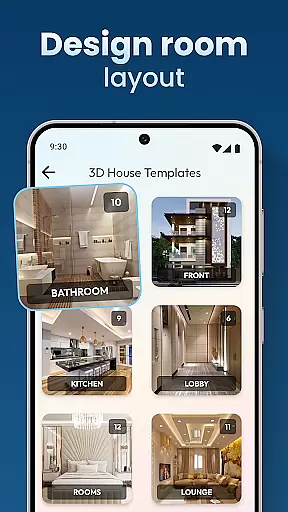
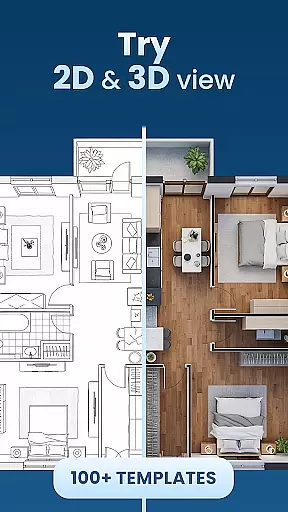
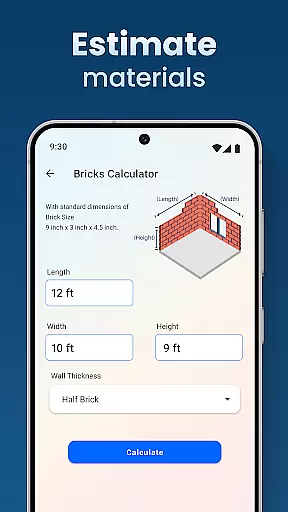
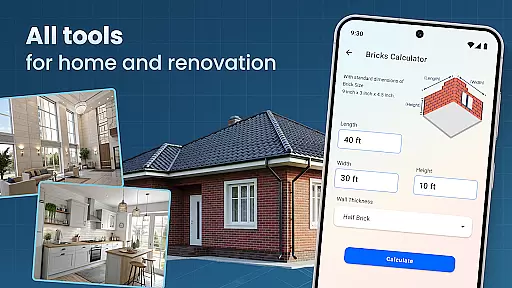
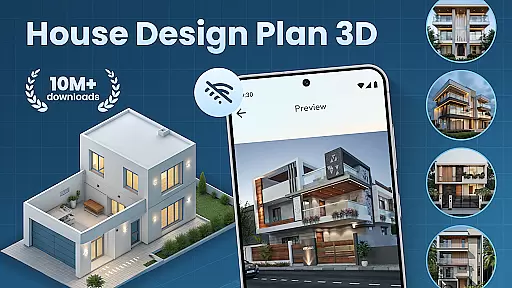
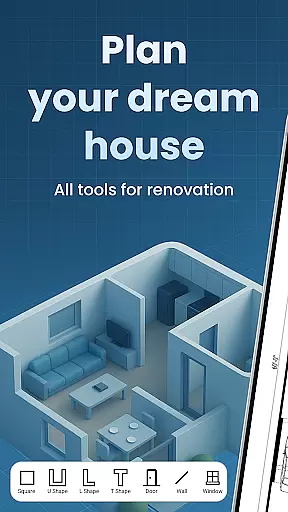
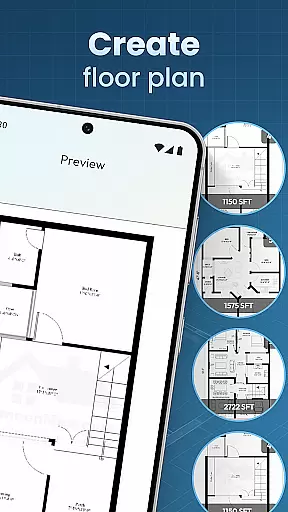
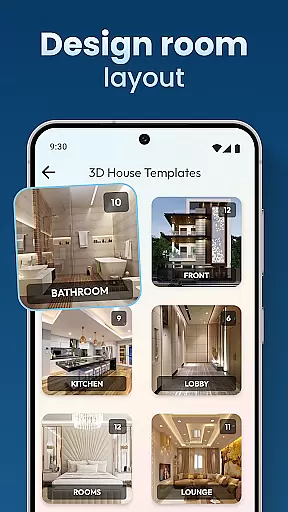
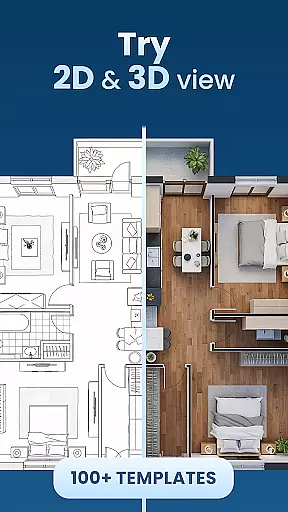
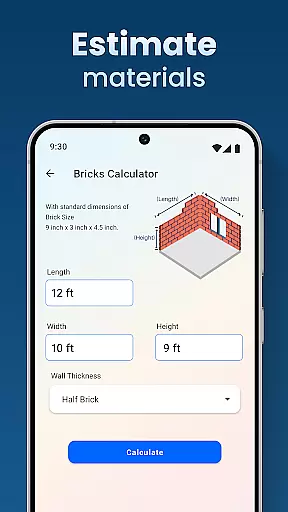
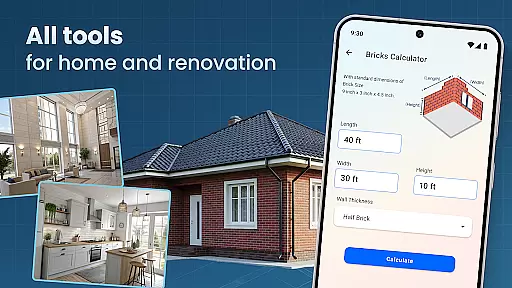
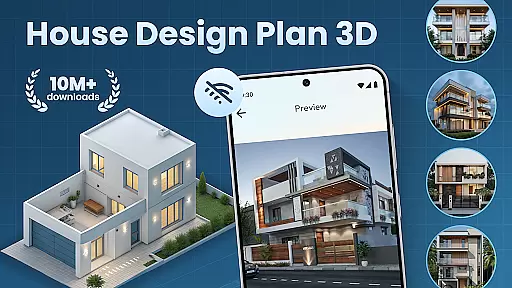
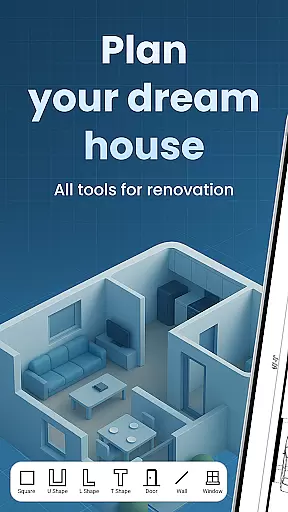
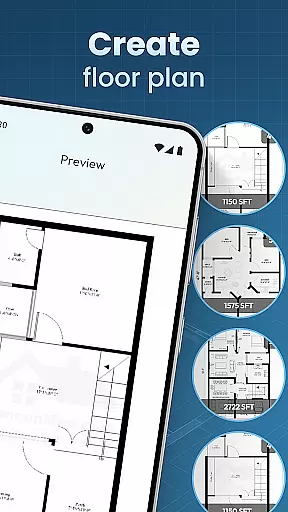
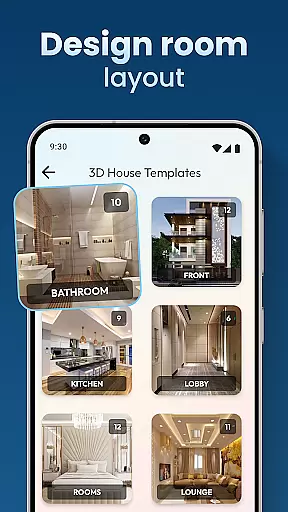
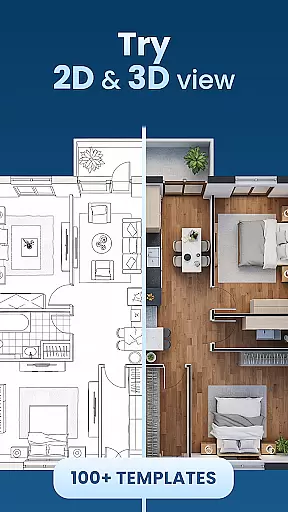
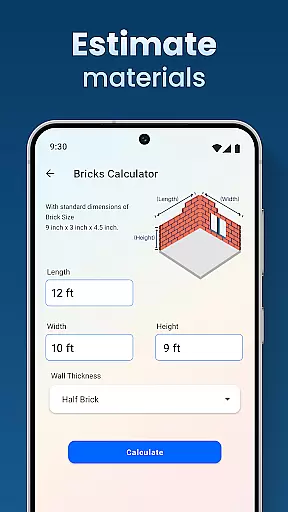
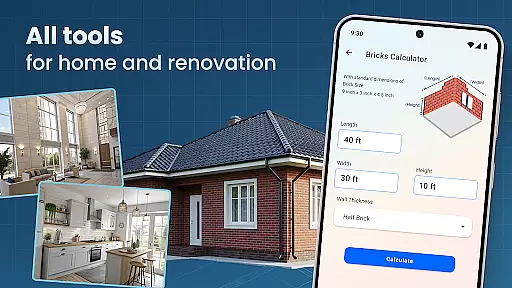
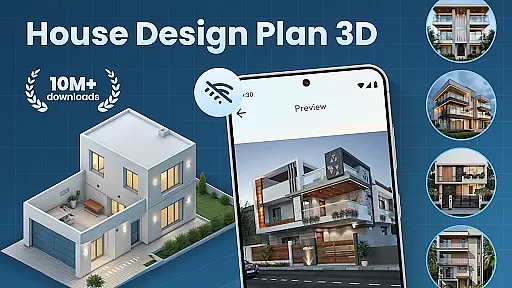
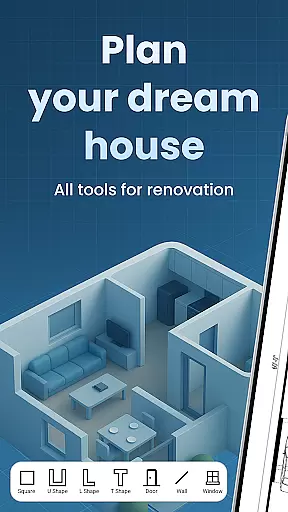
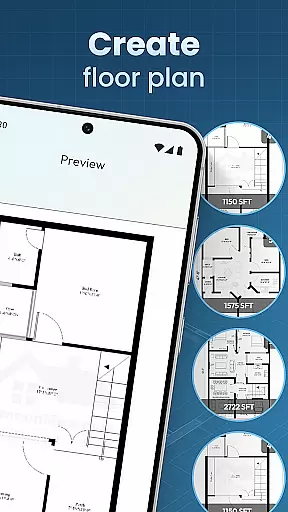
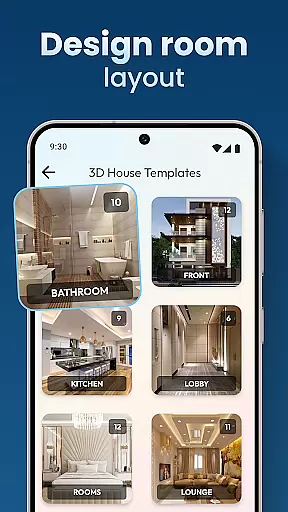
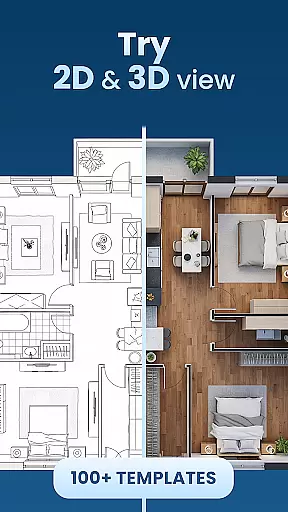
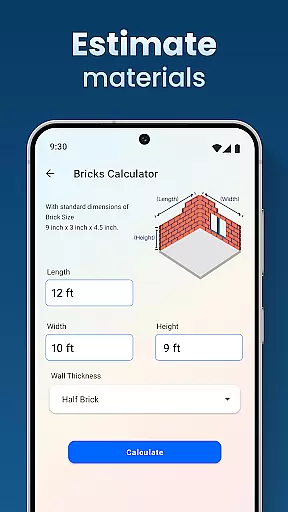
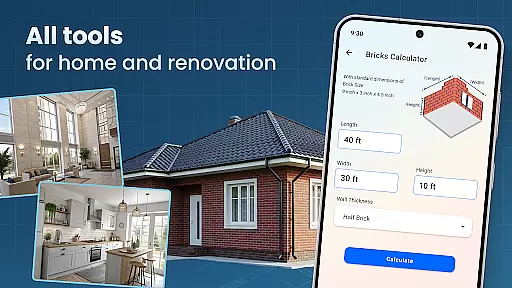
House Design Plan 3D App is a comprehensive home design tool that empowers users to create detailed floor plans and visualize their dream spaces in three dimensions. The app offers intuitive drag-and-drop functionality for laying out rooms, along with real-time 3D rendering capabilities. Whether you're a beginner or an experienced designer, this application provides the tools necessary to craft precise architectural designs.
The app includes features such as guided step-by-step assistance, customizable interior furnishings, and professional design templates. Users can experiment with different furniture arrangements, color schemes, and styles to optimize their home's layout. With its robust set of design tools, House Design Plan 3D App ensures that every project meets high professional standards while allowing creative freedom.
This versatile app is suitable for both personal and professional use, making it easy to bring your ideas to life. From single-room redesigns to multi-level home builds, House Design Plan 3D App supports a wide range of projects. Its seamless integration of design and functionality helps users transform abstract concepts into concrete plans, ensuring a smooth transition from imagination to realization.
House Design Plan 3D App stands out with its powerful feature set designed to cater to all aspects of home planning. One of its key strengths is the ability to create detailed floor plans using simple drag-and-drop actions. This allows users to quickly sketch out room layouts and partition spaces according to their preferences. The real-time 3D view feature enables users to see their designs come to life instantly, providing a realistic preview of the final result.
Customization options are abundant within the app. Users can personalize every detail of their interiors, from selecting specific furniture pieces to adjusting wall textures, flooring, and lighting. The guided help system walks users through each step of the design process, ensuring that even those new to home design can achieve professional-looking results. Additionally, the app offers a variety of design templates that serve as excellent starting points for various types of projects.
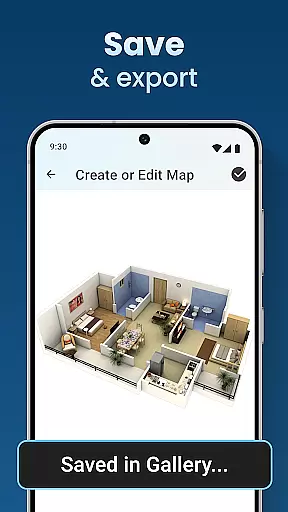
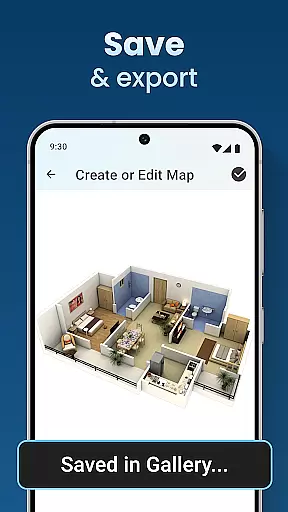
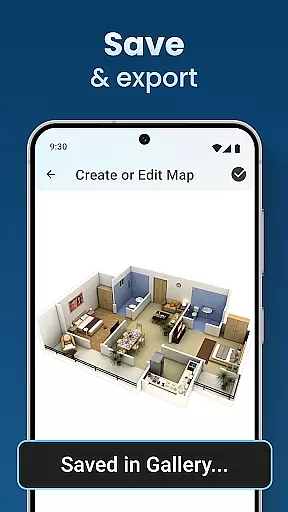
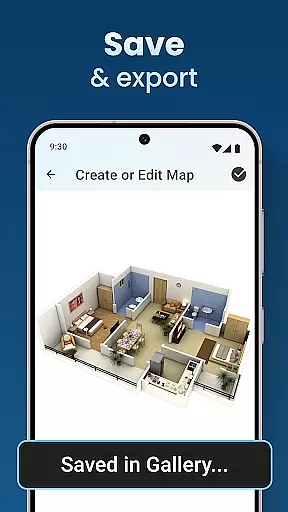
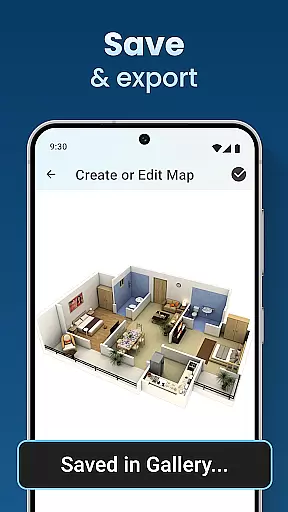
Another notable feature is the project saving and preview capability. This allows designers to save their work at any stage and return to it later, ensuring that no progress is lost. The inclusion of advanced tools for interior design further enhances the user experience, enabling detailed customization and refinement of every aspect of the home. Overall, these features combine to make House Design Plan 3D App an indispensable tool for anyone interested in home design.
In the realm of digital home design, ensuring the authenticity of property listings is paramount. The House Design Plan 3D App addresses this by providing users with tools to create accurate and realistic 3D models of their home plans. This precision in design allows for a trustworthy representation of spaces, which is crucial when planning or modifying living areas.
The app's functionality extends to offering detailed floor plans and structured layouts that reflect true-to-life dimensions and spatial arrangements. With features like drag-and-drop furniture placement and real-time 3D room viewing, users can be confident in the authenticity of their designs. These capabilities ensure that every virtual room created mirrors potential real-world outcomes, thus enhancing the credibility of each property listing crafted within the app.
For users, this means peace of mind knowing that their envisioned home modifications can be reliably translated into actual construction plans. The ability to visualize every detail in fully 3D not only aids in personal decision-making but also serves as an authentic reference point for discussions with architects or builders. Ultimately, the app empowers users to present their property listings with confidence, backed by realistic visualizations that are both compelling and precise.
Beyond just designing homes, effective home management features are essential for overseeing various aspects of household organization and planning. The House Design Plan 3D App excels in this area by integrating comprehensive tools that allow users to manage their home projects efficiently. From creating initial floor plans to finalizing intricate interior details, the app streamlines the entire process through intuitive interfaces and guided assistance.
One standout feature is the ability to save and preview projects using the Home Builder Decoration App functionality. This ensures that users can track progress, make adjustments on-the-fly, and maintain an organized approach to their home management endeavors. Additionally, the inclusion of professional design templates under Architecture Design: House Plans provides a solid foundation for users who seek standardized yet customizable solutions for their home management needs.
By leveraging these sophisticated home management features, users gain more than just aesthetic control over their spaces; they acquire practical tools that enhance project oversight and execution. Whether redesigning a single room or constructing a multi-level residence, the app equips users with everything needed to manage their home improvement projects effectively, ensuring both creativity and operational efficiency are maximized throughout the journey.
User-friendly interface
Real-time 3D rendering
Extensive customization options
Guided step-by-step assistance
Professional design templates
Limited free version features
Occasional performance lags
Steep learning curve for beginners
In-app purchases required for full access
Some tools lack advanced functionalities

Fully control your Philips TV with this all-in-one remote control app.
 4.20
4.20
Your guide to apartments & rental homes. Find your next place to rent with AG.
4.60
Find the perfect paint color with advanced tools to explore and visualize color.
3.80
Find contractors for all home renovation projects. Remodeling, repair, and more.
4.20
Real estate app to find homes for sale or rent in the right neighborhood for you
4.70
Fire & Power Safety
4.50
The Merkury Smart app makes it easy to control your smart devices.
4.50
Make your phone a surveillance camera remote with a home camera app for Android!
4.40
Find homes for sale and apartments for rent in the best neighborhood.
4.70
Find your next home, house, apartment, condo, casa, flat, rental, studio, or bed
4.70
Map-based search app for apartments and homes for rent.
4.60
Tailored Care Guides For Houseplants, Indoor Plants, Garden Plants & Flowers.
4.60
Wobble Fix Tool
4.40
Control your Daikin, Amana & Goodman heating & cooling systems from anywhere
4.40
SmartRent - Opening Doors To A Smarter World
4.40
Security App with HD Video, 2-way Audio, and event detection for Home monitoring
4.40
For all of your Airthings devices
4.30
The official app for Home Assistant. Control your home anywhere in the world.
4.30
This Fire TV Remote control's your Fire TV Device and Insignia Fire TV Remote
3.70


User Reviews