
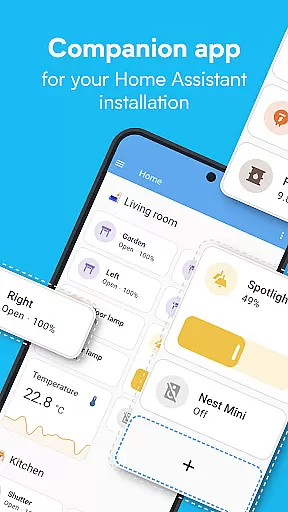
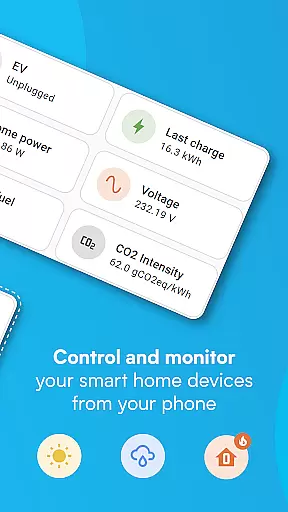
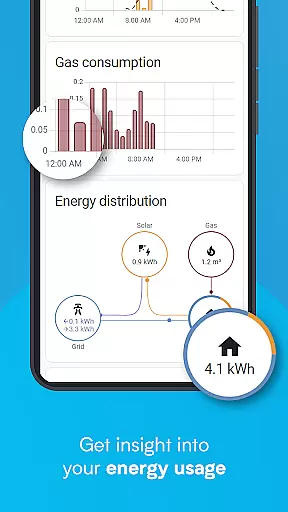
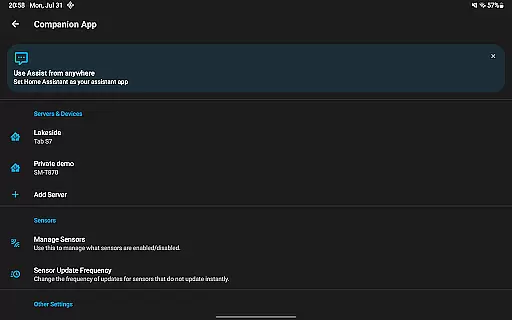
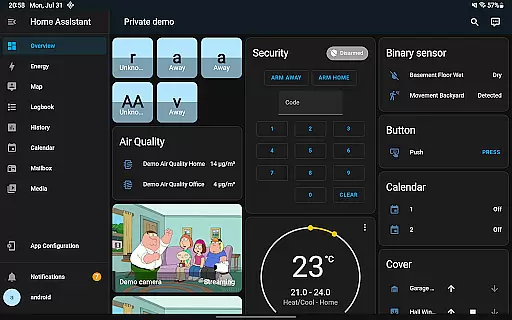
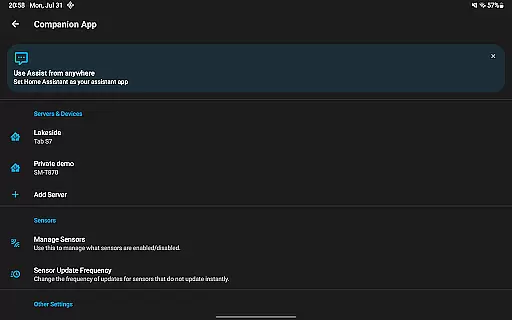

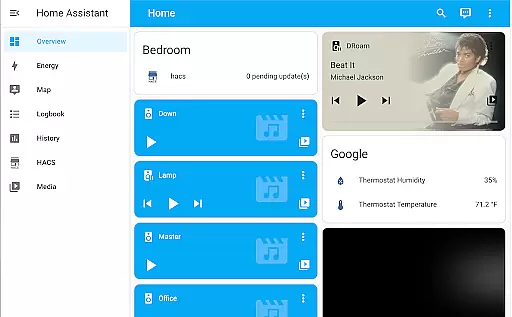
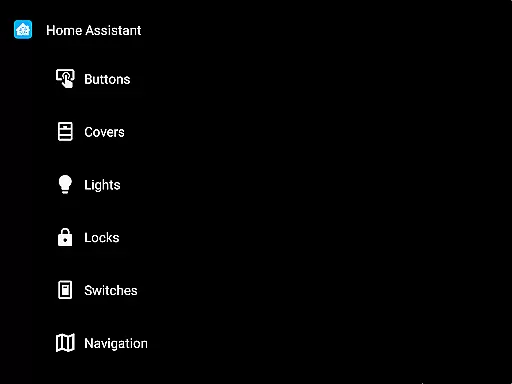
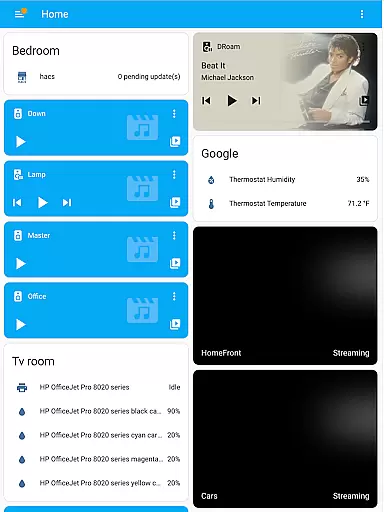
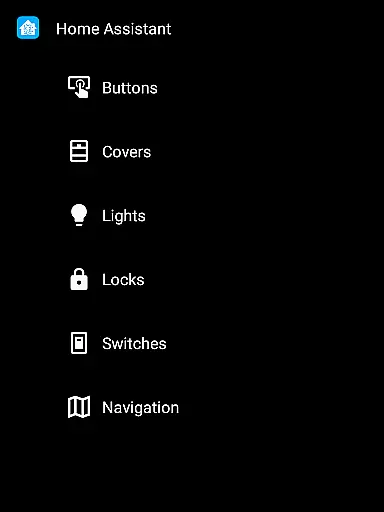
Home Assistant is a comprehensive smart home solution that prioritizes privacy, choice, and sustainability. This app allows you to control your entire smart home ecosystem from your mobile device, ensuring seamless access whether you're at home or on the go. It connects with thousands of devices across the biggest brands in the smart home industry.
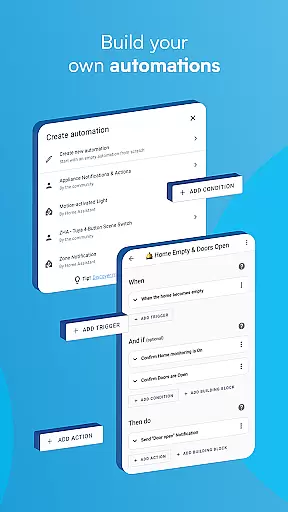
The app's standout feature is its ability to automate various aspects of your home. You can create intricate automation rules that make all your devices work in harmony. For instance, dimming lights when you start watching a movie or turning off the heat when you're away. The app also supports open standards like Z-Wave, Zigbee, Matter, Thread, and Bluetooth, making it versatile and future-proof.
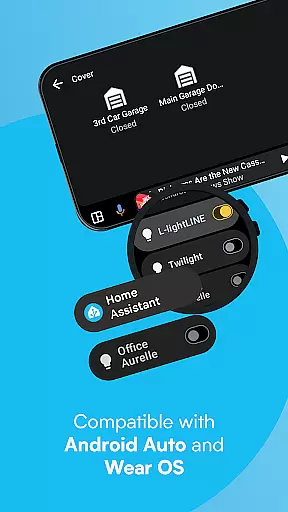
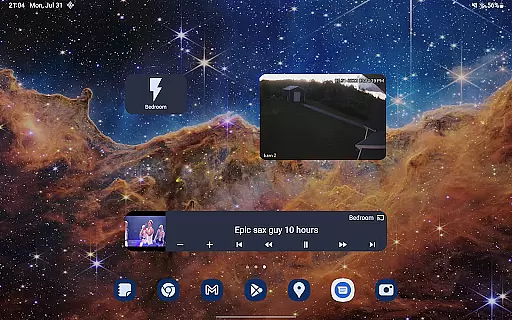
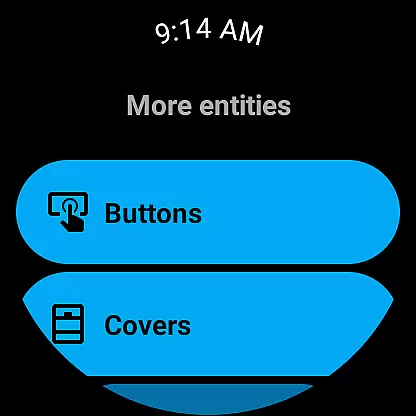
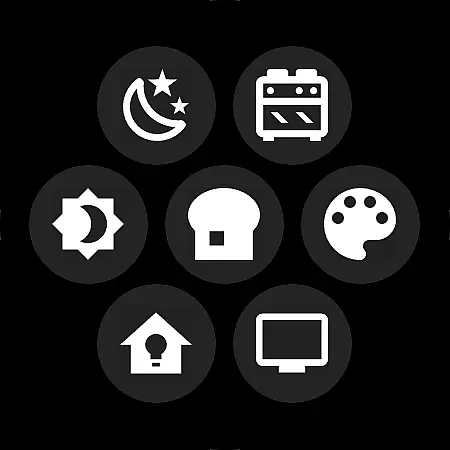
With Home Assistant, you can securely share your location, use your phone's sensors for advanced automations, and receive notifications about your home's status. Android Auto functionality lets you control your home directly from your car's dashboard. The app also offers Wear OS compatibility, voice assistant integration, and customizable widgets, providing a personalized and powerful smart home experience.
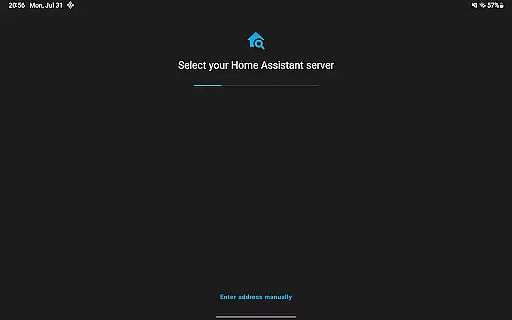
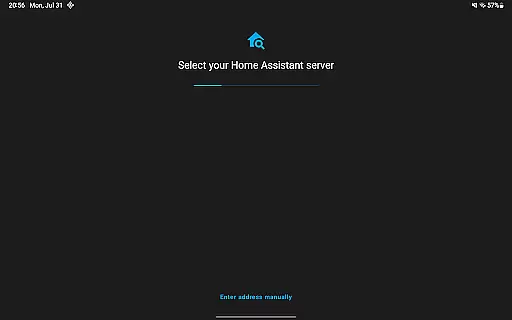
Home Assistant Companion app stands out with its extensive range of features designed to enhance your smart home experience. One of its key features is the ability to automatically discover and quickly configure new devices from major brands like Philips Hue, Google Cast, Sonos, IKEA Tradfri, and Apple HomeKit-compatible devices. This ensures that setting up new devices is quick and hassle-free.
The app excels in automation capabilities. You can automate everything from lighting to security systems, ensuring that all devices in your home work together seamlessly. For example, you can set up rules to adjust the thermostat based on your location or turn off appliances when you leave the house. Additionally, the app provides robust data privacy features, allowing you to keep your home's data securely within your local network.
Another remarkable feature is the integration with smartphone functionalities. You can share your phone's sensors with Home Assistant for automations based on steps taken, battery level, connectivity, and more. The app also supports Android Auto, enabling you to control your home from your car's dashboard. With Wear OS compatibility and customizable widgets, Home Assistant offers a highly personalized and convenient user experience.
When it comes to managing your smart home, ensuring the authenticity and accuracy of connected devices is crucial. Home Assistant excels in this area by providing users with reliable device discovery and configuration features.
The app automatically detects new devices within your network, allowing for quick setup while maintaining accurate device information. Whether it's Philips Hue lights or Sonos speakers, each component is verified and added to your smart home system with precision.
This level of authenticity assurance benefits users by reducing setup errors and ensuring that all listed devices are genuine and fully functional. This means you can trust the data presented in the app, making your smart home management more efficient and reliable.
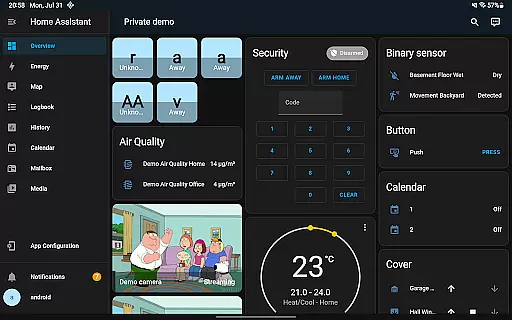
Effective home management is at the core of Home Assistant's functionality. The app offers a comprehensive suite of tools designed to automate and simplify various aspects of home control.
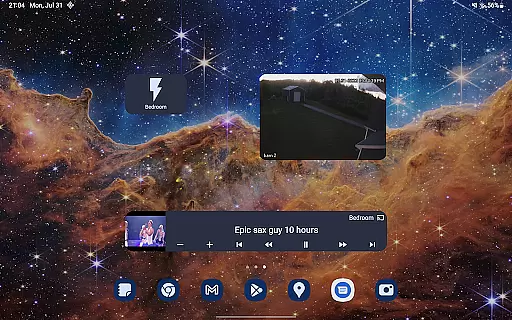
From automating heating systems based on your location to creating complex routines involving multiple devices, Home Assistant provides unparalleled flexibility. You can build custom widgets, receive contextual notifications, and even control your home through Android Auto.
These features not only enhance convenience but also promote energy efficiency and security. By integrating with open standards like Z-Wave and Zigbee, the app ensures seamless communication between different devices, creating a truly interconnected smart home experience.
User-friendly interface
Extensive device compatibility
Strong focus on privacy
Advanced automation options
Regular updates and active community
Steep learning curve
Requires initial setup
Limited customer support
Some features need premium subscription
Occasional bugs in beta versions

Make Renting Easy
 4.40
4.40
Control your Daikin, Amana & Goodman heating & cooling systems from anywhere
4.40
USHUD.com helps you find the best homes for sale in your area
4.00
Floor Plan Creator Home Design with 2D interior design and 3d view.
3.90
Control your Vivint Smart Home with the next generation Vivint App.
4.30
Samsung remote app helps control all Samsung Smartthings TVs. Fast and Stable!
4.10
An easier way to make payments and maintenance requests from anywhere.
3.50
A Smarter Home in Seconds
4.70
Find homes for sale and apartments for rent in the best neighborhood.
4.70
Connect with reliable pros for maintenance services, plumbing, and home design!
4.80
Plan your remodel AI home renovation easily using planner 5D and home decor AI.
4.40
SmartRent - Opening Doors To A Smarter World
4.40
Set up your devices, customize settings, and monitor your home—from anywhere
4.40
Make your phone a surveillance camera remote with a home camera app for Android!
4.40
Smart AI plant care schedules, Real plant experts, support & Thriving community!
4.20
Find contractors for all home renovation projects. Remodeling, repair, and more.
4.20
Design house plans in 2D & 3D, style furniture, and preview renovation layouts
3.70
PRO Version of GLB AR Viewer
4.2
Calculate baluster spacing with ease and precision.
4.4


User Reviews