
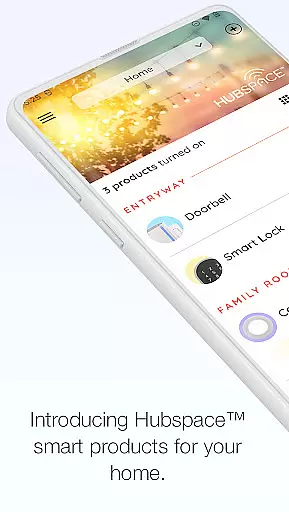
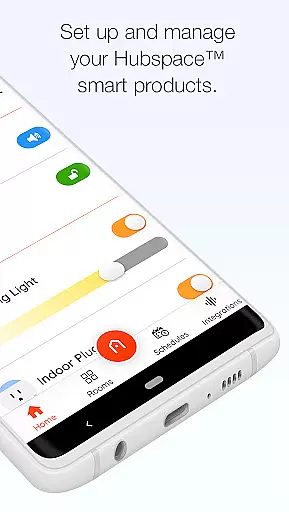
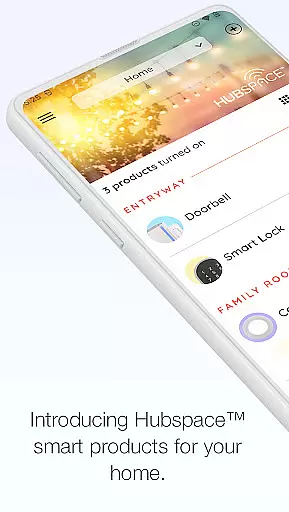
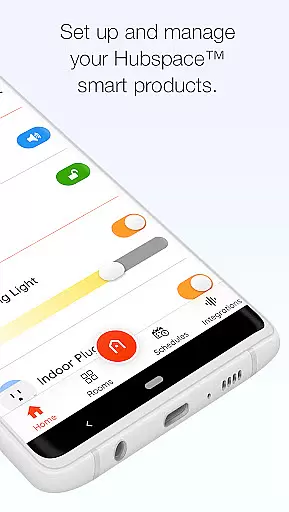
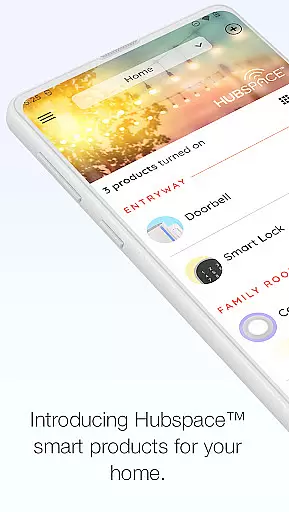
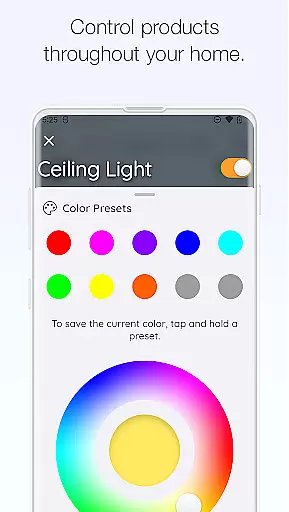
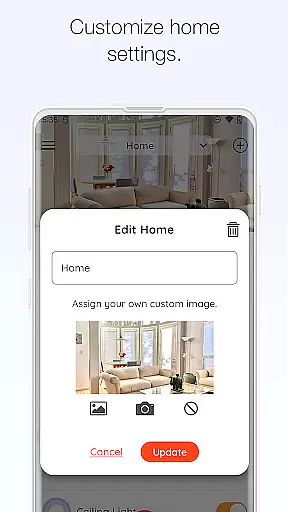
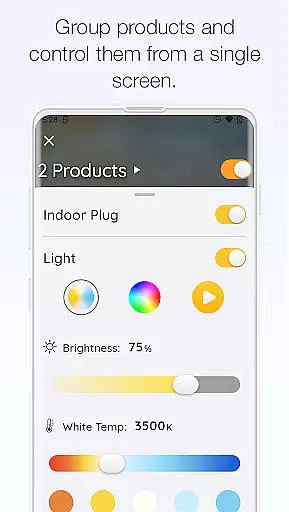
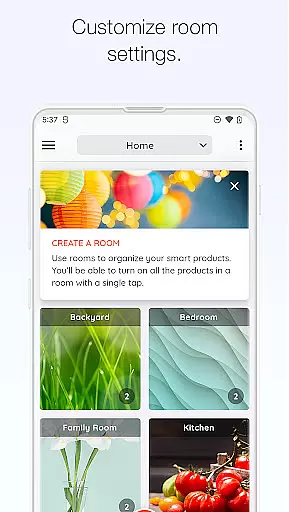
Hubspace is a smart home management application designed to help users set up and control their Hubspace smart products efficiently. With this app, you can organize your smart devices by room and property, making it easy to manage multiple devices across different locations. The app provides essential controls such as on/off switches, light color temperature adjustments, fan speed control, and the ability to group products for synchronized operation. Additionally, Hubspace supports integration with popular voice assistants like Google Assistant and Alexa, enhancing its usability and convenience.
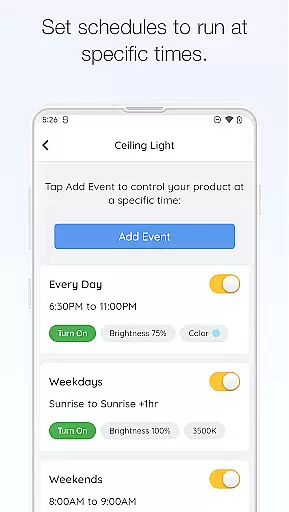
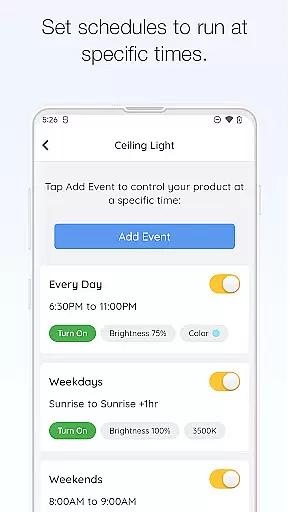
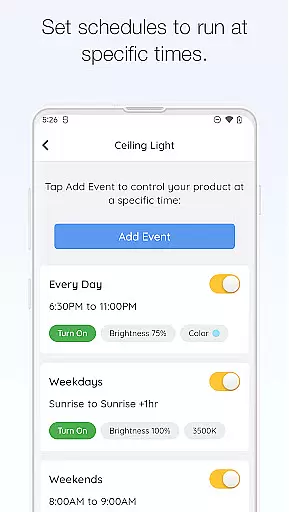
One of the standout features of Hubspace is its scheduling capability, which allows users to automate their smart home routines. Whether you're at home or away, you can monitor and adjust your devices remotely, ensuring your home remains comfortable and energy-efficient. This app is particularly useful for those who want to streamline their smart home experience without dealing with complex configurations. By offering an intuitive interface and robust functionality, Hubspace delivers significant value to users looking to enhance their connected living spaces.
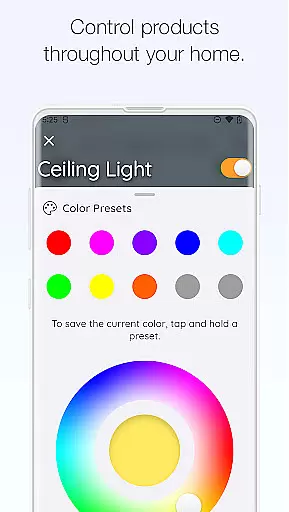
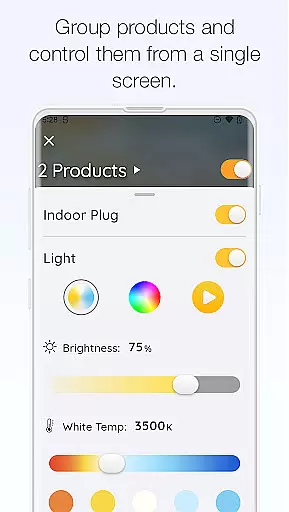
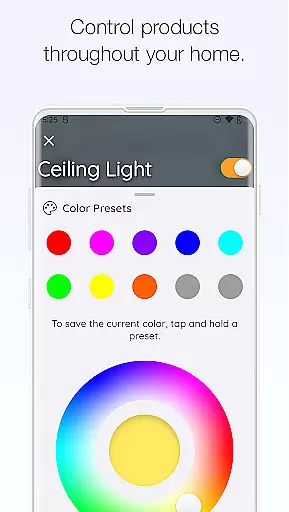
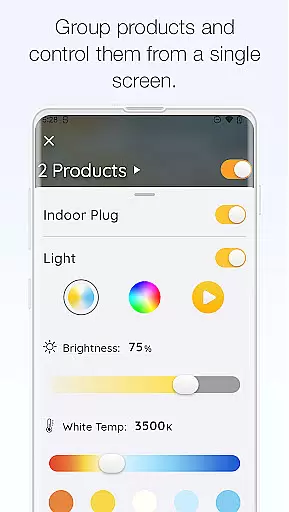
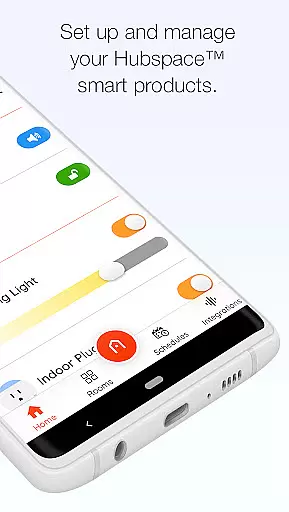
Hubspace offers a comprehensive suite of features that cater to various smart home needs. One of its primary functionalities is the ability to control device settings directly from the app. Users can easily turn devices on or off, adjust light color temperatures, change colors, and control fan speeds. These controls are not only convenient but also contribute to energy savings and personalized comfort. Moreover, the app allows users to group multiple products together, enabling simultaneous control over several devices with a single command.
Scheduling is another key feature of Hubspace, allowing users to automate their smart home routines. You can set specific times for devices to turn on or off, ensuring your home operates efficiently even when you're not there. Integration with Google Assistant and Alexa further enhances the app's capabilities, providing hands-free control through voice commands. This seamless integration makes Hubspace a versatile tool for managing a wide range of smart products. Overall, these features collectively offer a user-friendly and efficient way to maintain a modern, connected home environment.
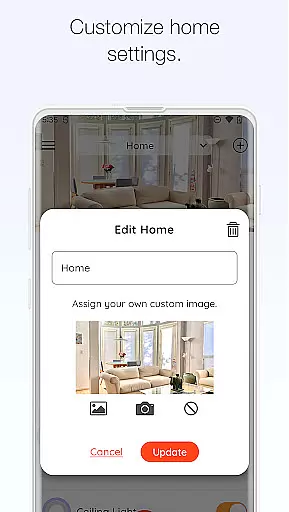
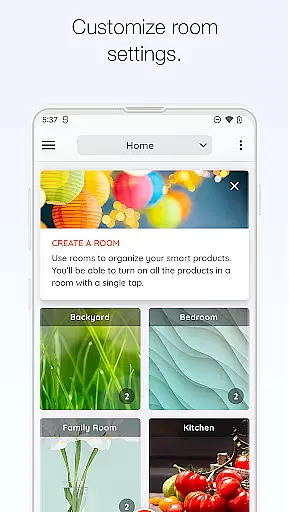
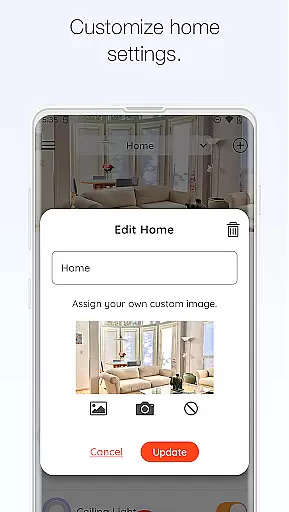
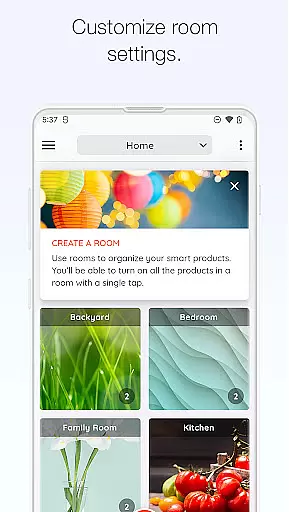
When managing a connected home through the Hubspace app, ensuring the authenticity of your property listings is crucial for seamless integration. The app allows users to organize smart products by room and property, which ensures that each device is accurately represented within its specific context.
This feature provides a verified framework where every smart product's status and settings are transparent and true to their real-world counterparts. By categorizing devices in accordance with their physical location in your home, you're able to maintain an authentic representation of your living space.
The benefit of such organization is twofold; not only does it prevent confusion by maintaining clear distinctions between different areas of the house, but it also enhances user control, allowing for precise management and monitoring. This setup empowers homeowners with reliable data about their properties' smart ecosystems.
Ultimately, Hubspace delivers peace of mind as users can trust that their virtual home layout mirrors their actual environment, making remote home management both effective and efficient.
Hubspace offers comprehensive home management features that allow users to take full control of their smart home products from anywhere. With capabilities ranging from setting schedules to adjusting light color temperatures, the app puts the power of automation and customization into the homeowner's hands.
One key aspect is the ability to group products, enabling simultaneous control over multiple devices. This simplifies complex tasks like creating ambiance lighting or regulating climate control across different rooms. Integration with voice assistants like Google Assistant and Alexa further streamlines this process.
These features provide significant advantages for day-to-day living. Users can automate routine tasks, adjust settings on-the-fly, and even manage properties remotely, all of which contribute to a more convenient lifestyle. Such flexibility ensures that homeowners have personalized and responsive environments tailored to their needs.
In essence, Hubspace stands out by offering sophisticated yet accessible tools that enhance modern living through intelligent home management solutions.
User-friendly interface
Comprehensive device control
Efficient scheduling options
Voice assistant integration
Remote monitoring capabilities
Limited third-party device support
Occasional connectivity issues
Requires stable internet connection
No advanced automation features
Privacy concerns with data collection

Calculate baluster spacing with ease and precision.
 4.4
4.4
AI-powered home design, interior design, home decor, and room design solutions
4.50
USHUD.com helps you find the best homes for sale in your area
4.00
Innovative and budget-friendly housing options
4.60
Night Owl Protect helps you secure, protect, and connect your world!
4.60
Find the perfect paint color with advanced tools to explore and visualize color.
3.80
Real estate app to find homes for sale or rent in the right neighborhood for you
4.70
Apartment finder for apartments for rent. Compare prices, amenities & rentals.
4.50
MLS-powered real estate app to find homes for sale & apartments for rent
4.70
Home Ideas | Renovation Advice | Local Pros. Go From Dream to Home with Houzz.
4.70
Find homes for sale and apartments for rent in the best neighborhood.
4.70
Resident Center, powered by Buildium, is designed with simplicity in mind.
4.50
3D House Design and AI Room Planner - from floor plans to full interior design.
4.40
Fully control your Philips TV with this all-in-one remote control app.
4.20
Design your dream home with 3D planning app, Visualize your dream home in 3D.
4.20
Universal Tv Remote Control for all Tv. Cast for chromecast & all Tv Controller
4.20
Schlage Lock Company LLC
4.00
An easier way to make payments and maintenance requests from anywhere.
3.50
Universal TV Remote for TV, control all Smart TVs with your mobile phone.
4.3


User Reviews