
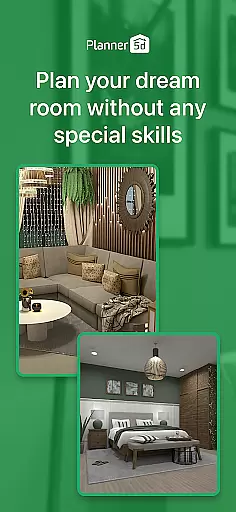
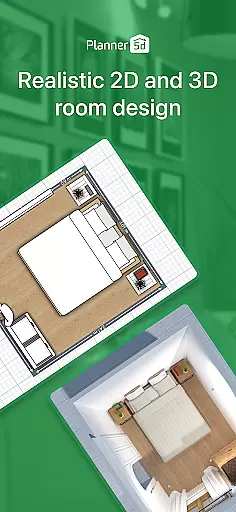
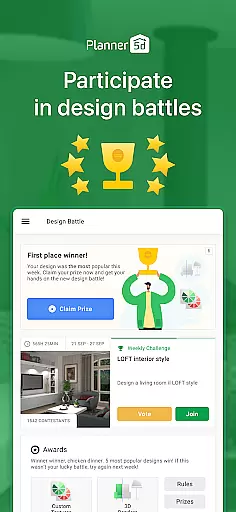
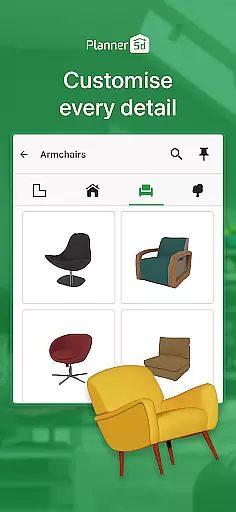
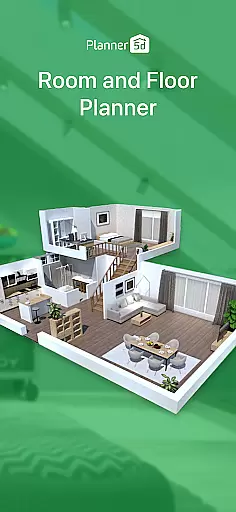
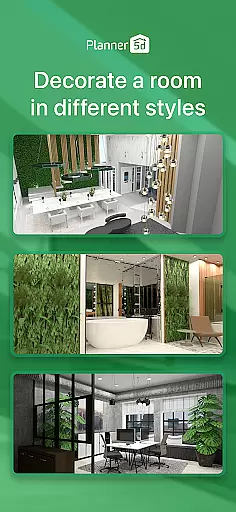

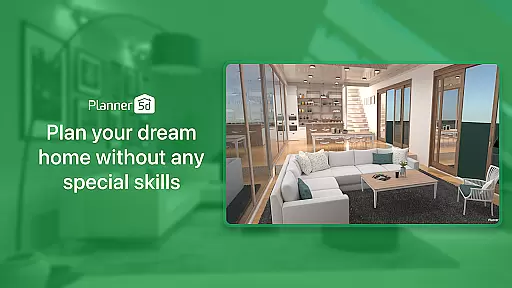
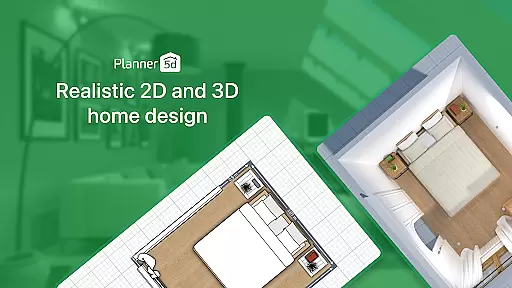
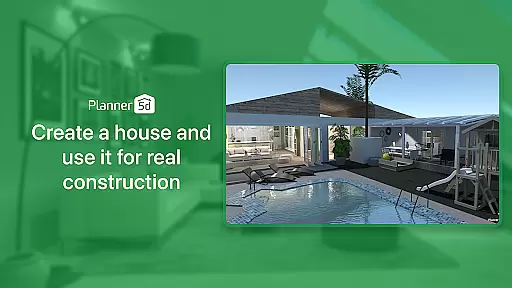
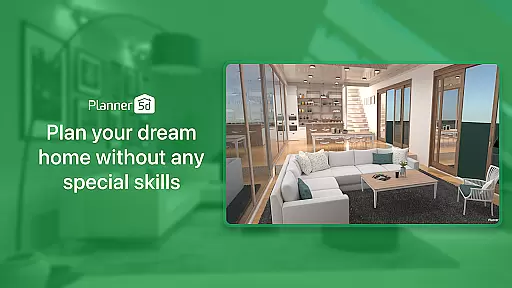
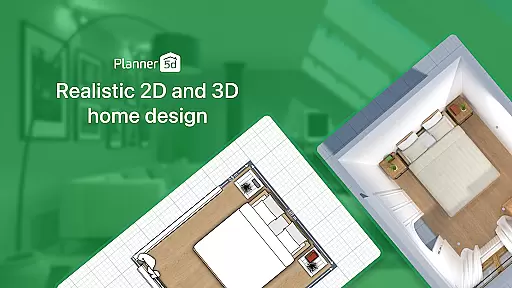
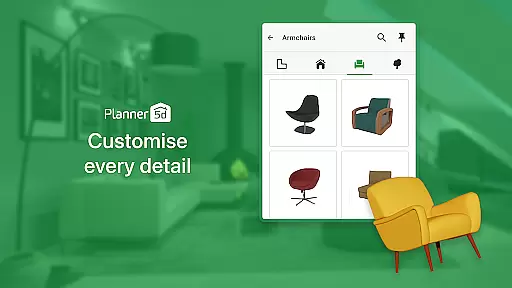
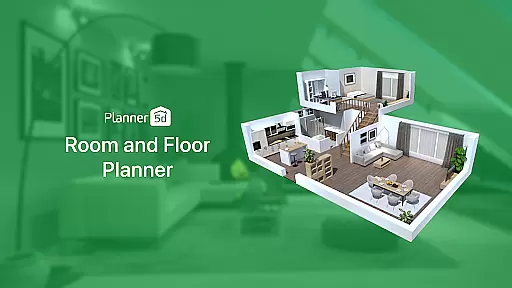
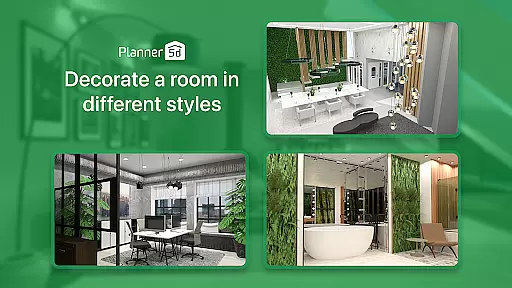
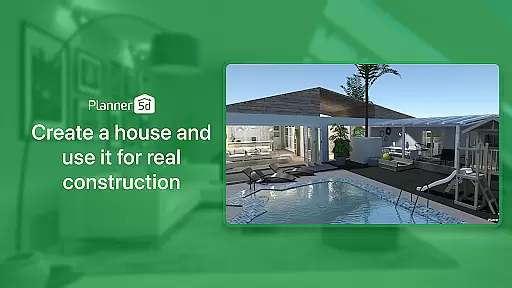
Planner 5D is the leading AI home design and room planner app, empowering users to create detailed floor plans and stunning interior designs with ease. This powerful tool caters to both home enthusiasts and professionals, offering features like 3D visualization, AR room planning, and a vast library of over 10,000 furniture and décor items.
Whether you're redesigning your current space or planning a new dream home from scratch, Planner 5D provides all the tools necessary for architectural drawing, interior decoration, and even exterior landscaping. With cross-platform functionality and realistic HD snapshots, this app bridges the gap between imagination and reality in home design.
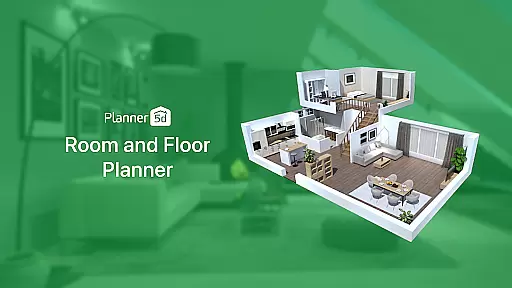
Planner 5D stands out with its comprehensive suite of design tools tailored for every step of the home planning process. The app includes an advanced AR Room Planner that allows users to configure layouts using real room dimensions, ensuring precision and realism in every project. Additionally, the 3D Home Design feature lets users build and explore their spaces from every angle, providing a lifelike preview of their ideas.
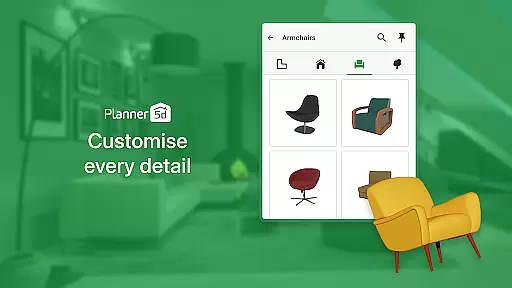
The app also boasts a rich Furniture Catalogue with over 10,000 items, an Exterior/Landscape Design module, and professional-grade Architecture Design (CAD) tools. Users can generate realistic HD snapshots with vibrant colors and accurate lighting, making it easy to visualize final results. With offline mode, Chromecast support, and cross-platform compatibility, Planner 5D ensures flexibility and convenience for all users.
When it comes to designing or renovating a home, having accurate and reliable property information is crucial. Planner 5D ensures the authenticity of its design elements by providing users with over 10,000 items in its furniture catalogue, all of which are realistically modeled to give an accurate representation of real-world objects.
The app's extensive library covers everything from basic structural elements to intricate decor pieces, ensuring that every detail of your virtual home matches what you could expect in reality. This attention to detail extends to dimensions and spatial relations, allowing for precise planning that can be translated into real-world renovations.
Users benefit from this commitment to authenticity as they can confidently plan their spaces knowing that the digital designs will closely resemble the final outcome. Whether sketching out new floor plans or experimenting with different interior styles, the assurance of working with genuine representations streamlines the entire design process.
This dedication to providing authentic listings empowers both homeowners and professionals to visualize and execute their projects with confidence, bridging the gap between imagination and tangible results.
Effective home management involves not just maintaining a living space but optimizing it for functionality and aesthetics. Planner 5D offers robust features that allow users to manage their home environments virtually, providing tools for comprehensive 2D and 3D planning that cater to various aspects of home organization.
With capabilities ranging from creating detailed floor plans to visualizing exteriors and landscapes, the app supports holistic home management. Its AI-driven design tools enable users to experiment with layouts and decor, making it easier to make informed decisions about space utilization and aesthetic enhancements.
The inclusion of advanced architectural design (CAD) tools further enhances these management features, offering precision and control that are essential for professional-grade projects. Users can also generate realistic HD snapshots, which serve as valuable references when implementing changes in their actual homes.
By integrating such comprehensive home management features, Planner 5D becomes more than just a design tool; it transforms into a central hub for overseeing all facets of home renovation and decoration, empowering users to take full control of their domestic spaces.
User-friendly interface
Extensive furniture library
Realistic 3D visualization
Cross-platform support
Active community engagement
Premium features locked
Steep learning curve
Limited free templates
In-app purchases required
Occasional performance lags

Control your Daikin, Amana & Goodman heating & cooling systems from anywhere
 4.40
4.40
Rent on-the-go with TurboTenant’s app made just for renters
4.50
Resident Center, powered by Buildium, is designed with simplicity in mind.
4.50
Plants, Beauty, Collectibles
4.60
Schlage Lock Company LLC
4.00
View houses and apartments for rent, updated daily.
4.80
Apartment finder for apartments for rent. Compare prices, amenities & rentals.
4.50
An easier way to make payments and maintenance requests from anywhere.
3.50
Set up your devices, customize settings, and monitor your home—from anywhere
4.40
B-hyve Pro App for landscape irrigation professionals
4.70
Convert your Phone to HiSense Smart TV Remote Control
4.70
Find homes for sale and apartments for rent in the best neighborhood.
4.70
Wobble Fix Tool
4.40
Security App with HD Video, 2-way Audio, and event detection for Home monitoring
4.40
AI floor creator to design your dream house, plan rooms & style your home
4.00
IP camera view and playback, for your WiFi cam or home security cctv system.
3.70
Draw house plans, floor plans 3d & house design with house plan drawing 3d app
3.60
Draw your floor plan smartly. Make house design blueprint with home planner app
3.60
Control Fire TV & mirror your phone screen instantly over Wi-Fi.
3.30


User Reviews