
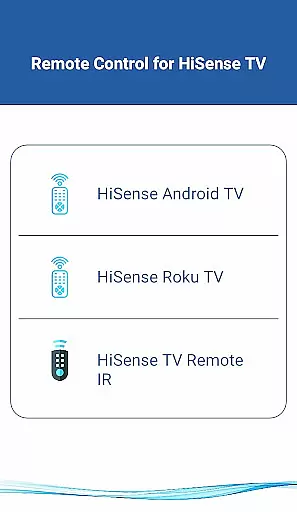
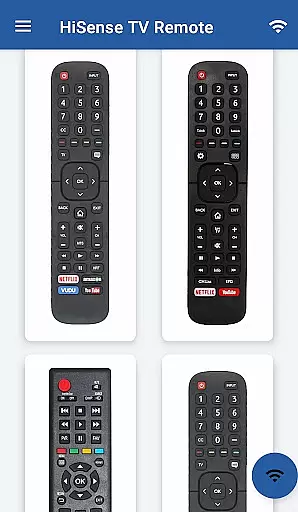
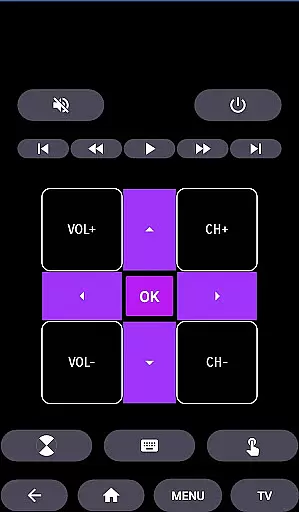
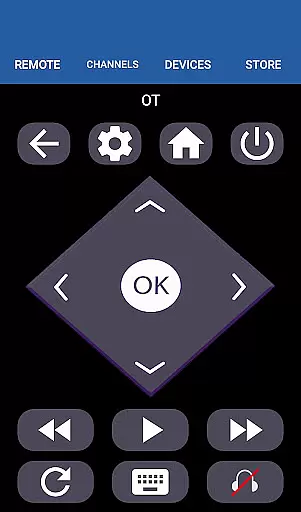
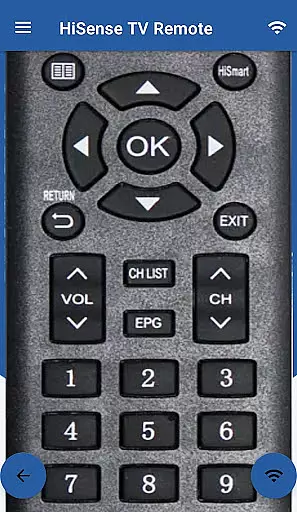
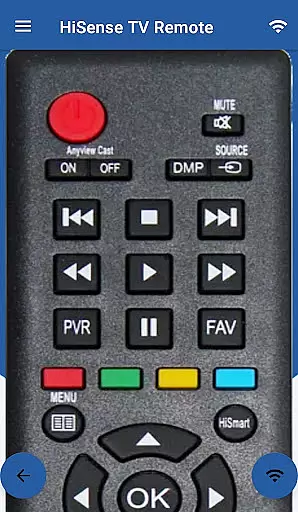
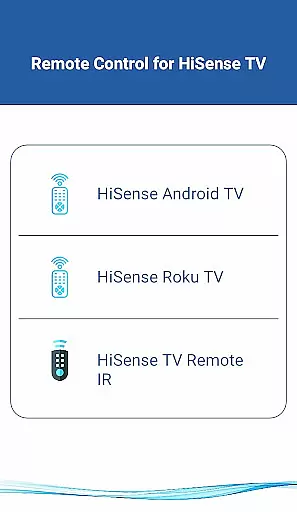
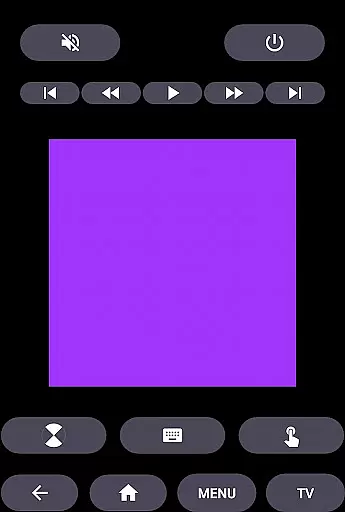
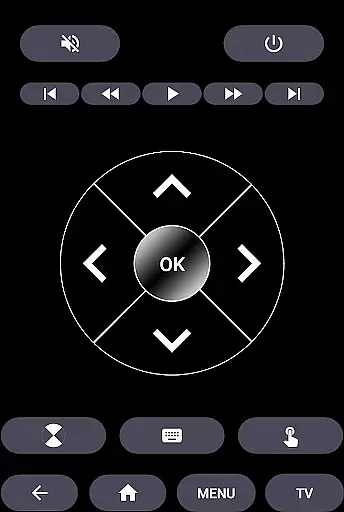
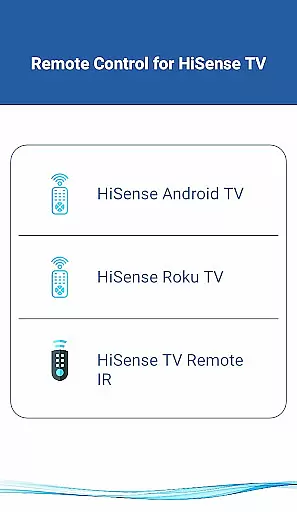
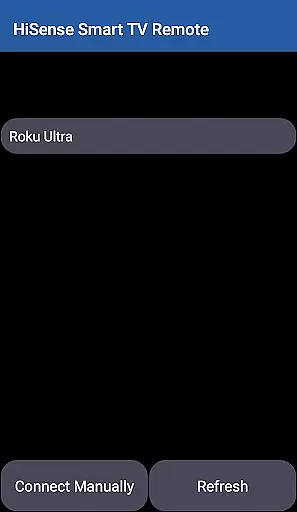
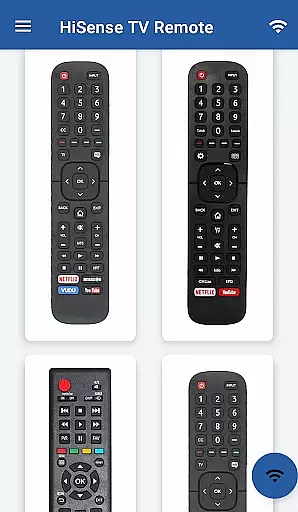
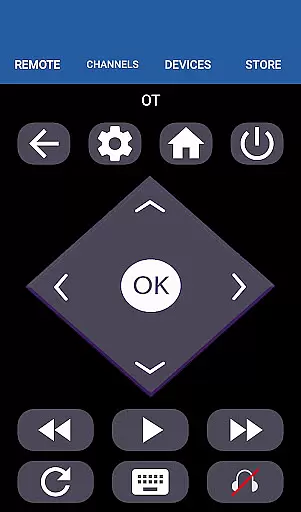
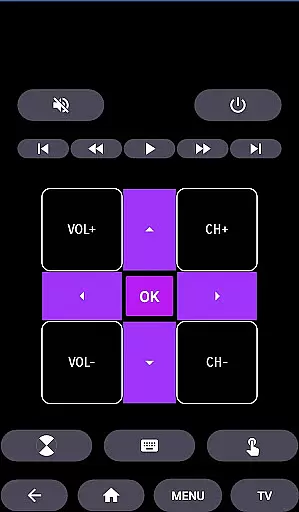
HiSense Smart TV Remote transforms your mobile device into a versatile remote control for HiSense Smart TVs. The app supports Android OS, Roku OS, and traditional IR-based devices, offering comprehensive control options including power management, volume adjustment, channel switching, and multimedia navigation.
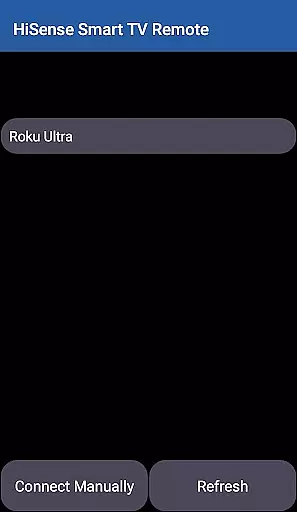
By connecting through the same Wi-Fi network, users can seamlessly control their smart TVs after entering a PIN displayed on the TV screen. For traditional IR devices, the app utilizes the phone's built-in IR blaster. This makes it an all-in-one solution for both modern and older HiSense TV models, enhancing user convenience while eliminating the need for multiple remotes.
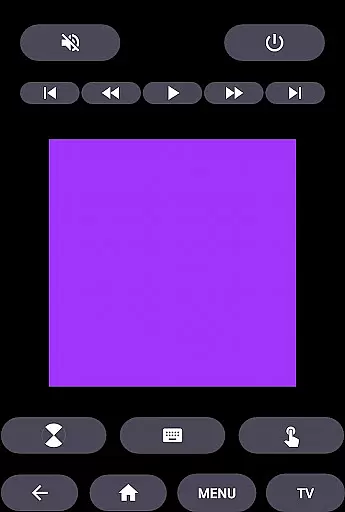
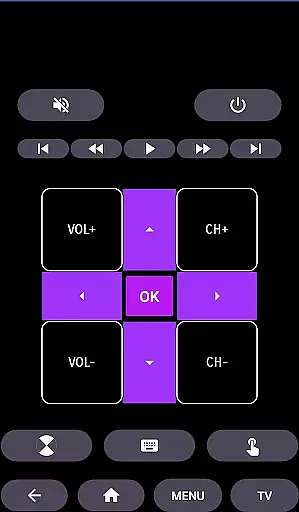
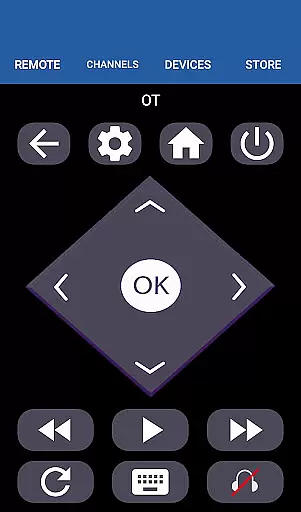
The HiSense Smart TV Remote app provides an extensive feature set designed to maximize user control. Key functionalities include ON/OFF switching, volume and channel controls, mute options, navigation commands, and multimedia management. The app also offers a virtual touchpad and home button for enhanced navigation.
One of the standout features is its compatibility with various operating systems. Users can control Android OS and Roku OS-powered HiSense TVs, as well as Chromecast-enabled devices. The app's support for traditional IR functionality ensures backward compatibility with older TV models. This comprehensive feature set makes the app suitable for diverse household setups and user preferences.
When it comes to managing your smart home devices, ensuring the authenticity and reliability of listings is crucial. The HiSense Smart TV Remote app provides accurate and verified information about compatible devices, ensuring users can trust the app's capabilities.
The app supports a wide range of HiSense Smart TVs, including models with Android OS and Roku OS. This comprehensive compatibility list gives users confidence that they can control their specific TV model effectively. By maintaining up-to-date information on supported devices, the app ensures users aren't misled by outdated or incorrect compatibility claims.
Furthermore, the app clearly states its support for traditional IR devices, provided the user's mobile device has an IR blaster. This transparency about hardware requirements helps users understand whether their equipment will work with the app before they invest time in setup.
The developers also provide clear instructions for network compatibility and emphasize that both the TV and mobile device must be on the same Wi-Fi network. They even offer support through an email contact for connection issues, demonstrating their commitment to authentic and reliable user experiences.
The HiSense Smart TV Remote app offers a robust set of home management features that transform your mobile device into a powerful universal remote control. With functionalities ranging from basic power operations to advanced multimedia controls, the app provides comprehensive management tools for your smart home entertainment system.
Users can enjoy complete control over their HiSense Smart TVs, including volume adjustment, channel switching, mute functions, and navigation controls. The app also supports advanced features like touchpad functionality and multimedia controls, enabling seamless interaction with various content types and smart applications on your TV.
For traditional IR-based HiSense TVs, the app replicates all functions of the original remote control, ensuring no functionality is lost when switching to the mobile application. This comprehensive feature set allows users to manage both modern and older TV models effectively.
Additionally, the app's support for multiple operating systems, including Android TV and Roku OS, demonstrates its versatility in managing different smart home ecosystems. The inclusion of Android Chromecast OS support further expands its utility, making it a valuable tool for users with diverse smart home setups.
User-friendly interface
Wide device compatibility
Comprehensive control options
IR and Wi-Fi support
Regular updates
Requires Wi-Fi for smart features
IR blaster needed for older TVs
Third-party application
No official HiSense support
Occasional connectivity issues

PRO Version of GLB AR Viewer
 4.0
4.0
Technology powering many in-home services for residents across the United States
3.80
B-hyve Pro App for landscape irrigation professionals
4.70
Parcel Pending Resident App
4.50
Find contractors for all home renovation projects. Remodeling, repair, and more.
4.20
Control your Vivint Smart Home with the next generation Vivint App.
4.30
Plan your remodel AI home renovation easily using planner 5D and home decor AI.
4.40
3D House Design and AI Room Planner - from floor plans to full interior design.
4.40
Make your phone a surveillance camera remote with a home camera app for Android!
4.40
MLS-powered real estate app to find homes for sale & apartments for rent
4.70
Find your next home, house, apartment, condo, casa, flat, rental, studio, or bed
4.70
Plants, Beauty, Collectibles
4.60
Set up your devices, customize settings, and monitor your home—from anywhere
4.40
Fully control your Philips TV with this all-in-one remote control app.
4.20
USHUD.com helps you find the best homes for sale in your area
4.00
Floor Plan Creator Home Design with 2D interior design and 3d view.
3.90
Find paints using a Color Muse & ColorSnap® Match
3.60
Unlock AI-based barcode scanning and support the development of Grocy Android
4.0
Universal TV Remote for TV, control all Smart TVs with your mobile phone.
4.5


User Reviews